
Motherboard Price in Bangladesh
Build or upgrade your PC with the latest motherboards at Techland BD. Explore popular brands, compare features and prices, and order the right motherboard for your setup.
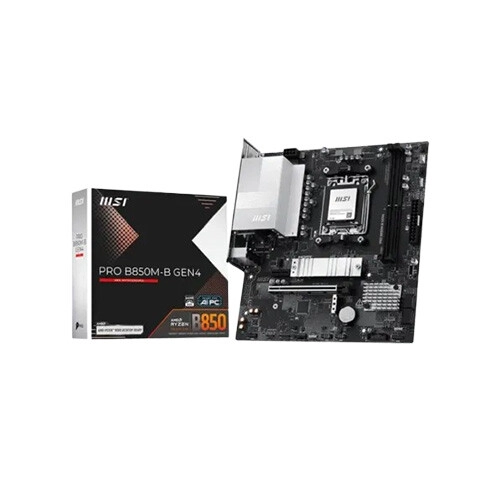
MSI PRO B850M-B GEN4 AM5 mATX Motherboard
- Chipset - AMD B850
- Memory Type - DDR5
- Memory Size - 128GB
- Form Factor - mATX
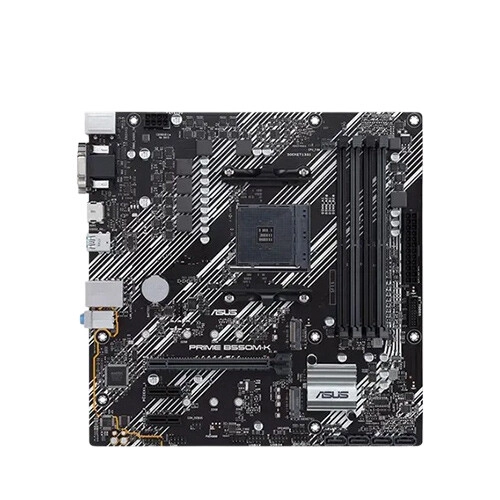
Asus PRIME B550M-K WIFI AMD Ryzen AM4 M-ATX Motherboard
- CPU: B550 Chipset, AM4 Socket, Ryzen 5000/3000/G-Series
- RAM: 2x DIMM, 64GB Max, DDR4
- Storage: 2x M.2 + 4x SATA 6Gb/s
- Feature: AI PC Ready, Heatsink, Aura RGB
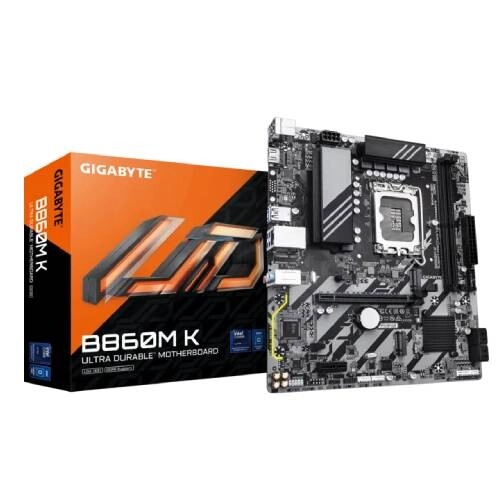
Gigabyte B860M K DDR5 Intel Motherboard
- Chipset: Intel B860 Express Chipset
- Form Factor - Micro-ATX
- Memory Max. - 128GB
- Sockets Supported - LGA1851
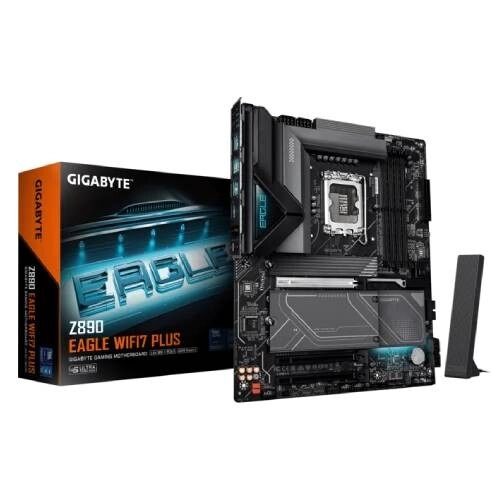
Gigabyte Z890 EAGLE WIFI7 PLUS DDR5 Intel Motherboard
- Chipset: Intel Z890 Express Chipset
- Memory: Support up to DDR5 9466+MT/s (OC)
- Operating System: Support for Windows 11 64-bit
- Form Factor: ATX Form Factor; 30.5cm x 24.4cm
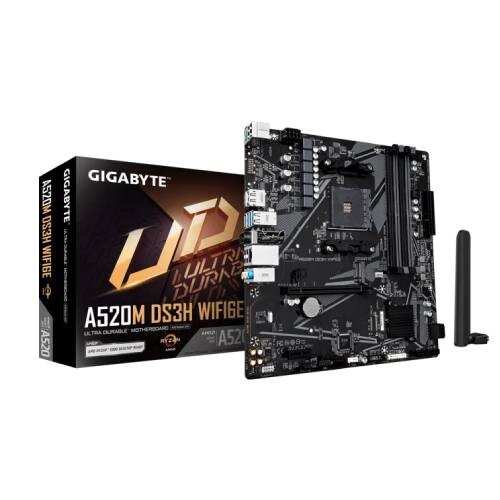
GIGABYTE A520M DS3H WIFI6E AMD Micro-ATX Motherboard
- CPU Support: AMD Ryzen Processors
- Storage: PCIe 3.0 M.2
- Cooling: Smart Fan 6
- Wi-Fi: Fast Wi-Fi 6E
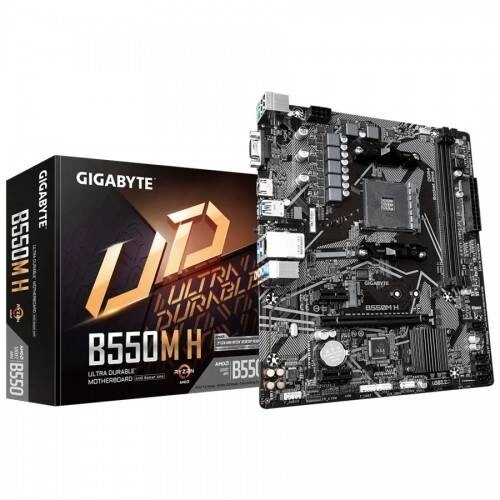
GIGABYTE B550M H AM4 Micro-ATX Motherboard
- CPU Support: AMD Ryzen 5000 & 3rd Gen Ryzen
- LAN: GIGABYTE 8118 Gaming LAN
- Audio: High-Quality Audio Capacitors
- VRM: 4+3 Phase Digital VRM
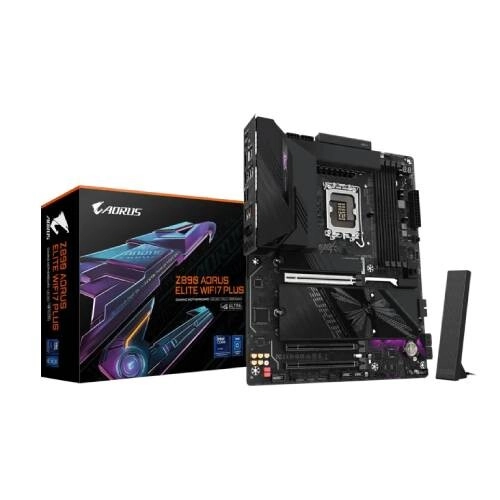
Gigabyte Z890 AORUS ELITE WIFI7 PLUS Motherboard
- Chipset: Intel Z890 Express Chipset
- Memory: Support up to DDR5 9466+MT/s (OC)
- Operating System: Support for Windows 11 64-bit
- Form Factor: ATX Form Factor; 30.5cm x 24.4cm
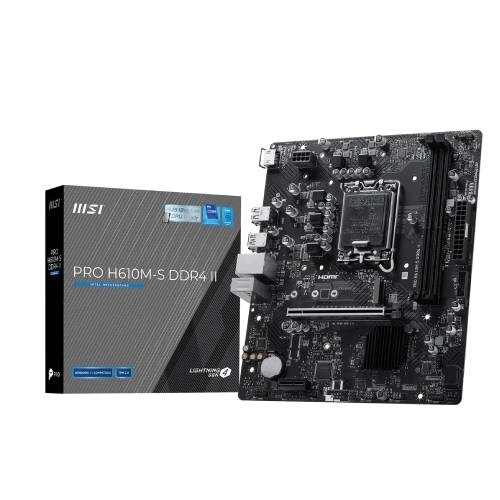
MSI PRO H610M-S DDR4 II mATX Motherboard
- CPU Support: 14th, 13th & 12th Gen Intel
- RAM Support: 2× DDR4 Slots, Up to 64GB, 3200MHz
- Graphics Output: 2× HDMI 2.1, 2× DisplayPort 1.4
- Storage: 1× M.2 Slot
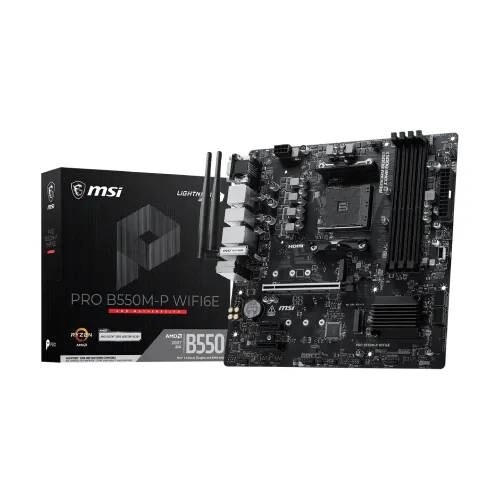
MSI PRO B550M-P WIFI6E AMD mATX Motherboard
- AMD Ryzen 5000/5000G, 4000G, 3000 & 3000G Series
- 4× DDR4 Slots, Up to 128GB, 4400+MHz (OC)
- Graphics Output: HDMI 2.1, DisplayPort 1.4 & VGA
- Storage: 2× M.2 Slots
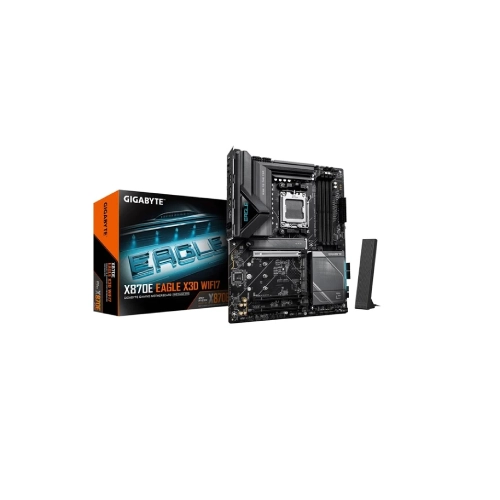
Gigabyte X870E EAGLE X3D WiFi 7 AM5 Gaming Motherboard
- AMD X870E Chipset
- AM5 Socket Support
- DDR5 Memory Technology
- Wi-Fi 7 Connectivity
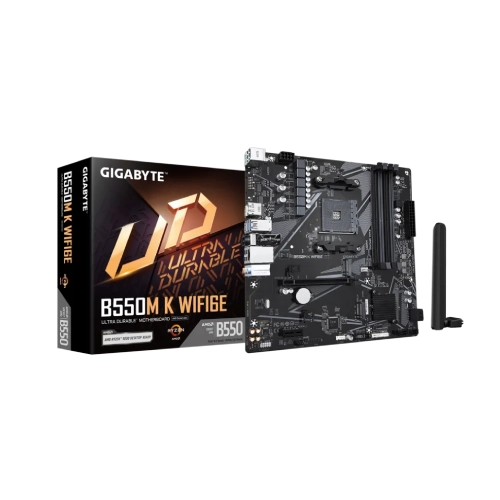
Gigabyte B550M K WIFI6E AM4 WiFi 6E Motherboard
- AMD B550 Chipset
- AM4 Socket Support
- Wi-Fi 6E & Bluetooth 5.3
- 4× DDR4 DIMM Slots
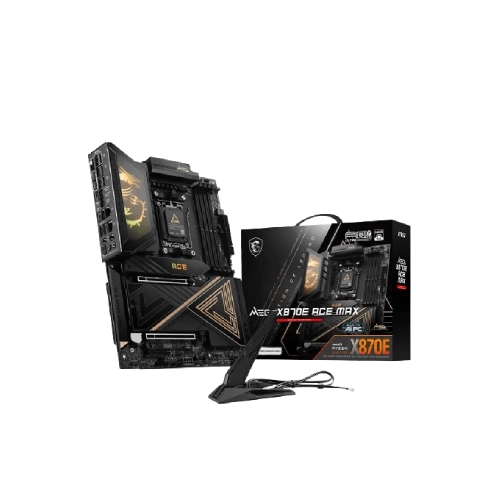
MSI MEG X870E ACE MAX DDR5 AM5 Motherboard
- AMD AM5 Socket
- X870E Chipset
- DDR5 256GB Support
- PCIe 5.0 Ready
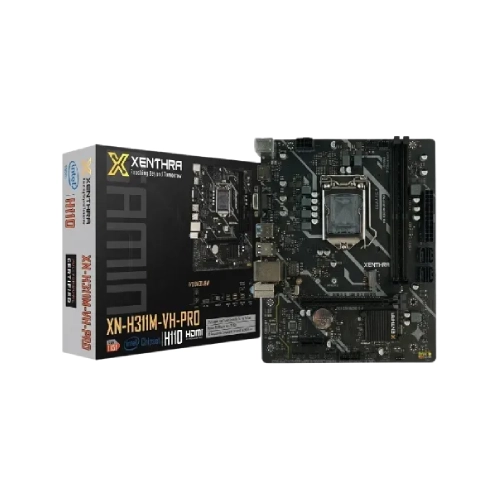
XENTHRA Intel XN-H311M-VH-PRO LGA1151 Motherboard
- Intel H311 Chipset
- LGA1151 Socket
- DDR4 Memory Support
- HDMI & VGA Output
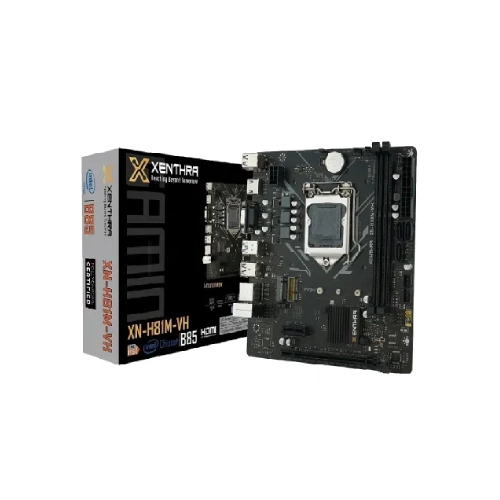
XENTHRA Intel XN-H81M-VH 4th Gen mATX Motherboard
- Intel H81 Chipset
- LGA1150 Socket
- DDR3 Dual Channel
- HDMI & VGA Output
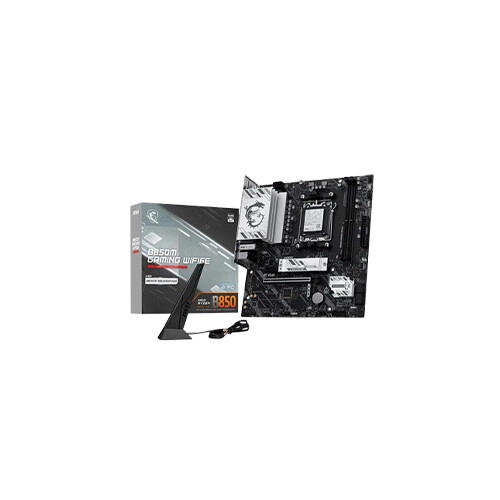
MSI B850M Gaming Wifi6E AMD Gaming Motherboard
- CPU: Ryzen 9000/8000/7000 AM5
- Memory: DDR5 8200+ MT/s, 7+2+1 Power
- Network: WiFi 6E, 2.5G LAN, PCIe 4.0
- Cooling: Gen5 M.2, Frozr Guard, Audio Boost
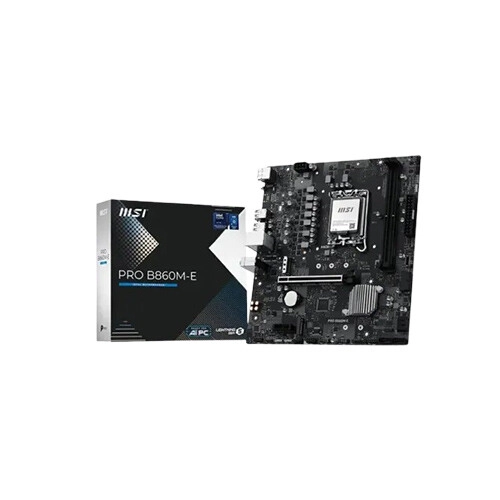
MSI PRO B860M-E LGA 1851 Micro ATX Motherboard
- CPU Support: Intel Core Ultra Series 2, LGA 1851
- Memory: 2 x DDR5 UDIMM, Up to 9066 MT/s OC
- Display: HDMI 2.1 & DisplayPort 1.4
- Features: Dual M.2, 5Gb LAN, 7.1Ch Audio
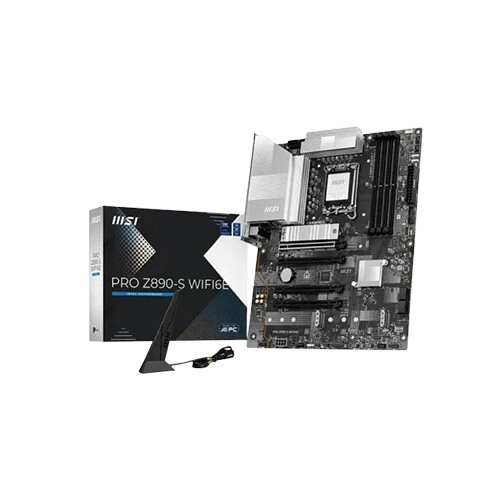
MSI PRO Z890-S LGA 1851 WIFI 6E ATX Motherboard
- CPU Support: Intel Core Ultra Series 2 LGA1851
- DDR5 Memory: 4 Slots Up to 256GB 8800MT/s OC
- Display Output: HDMI 2.1 & DisplayPort 1.4
- Connectivity: 3x M.2 5G LAN WiFi 6E BT 5.3
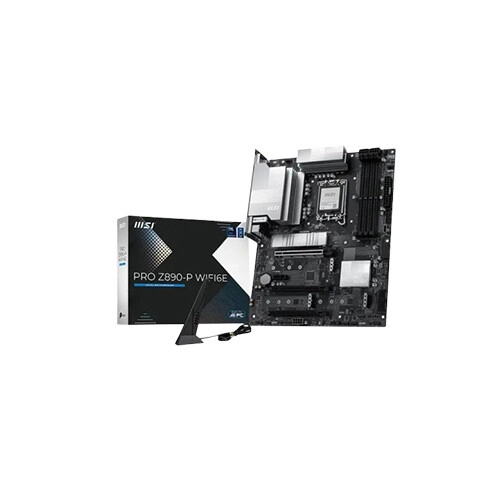
MSI PRO Z890-P LGA 1851 WIFI6E ATX Motherboard
- CPU Support: Intel Core Ultra Series 2 LGA1851
- DDR5 Memory: 4 Slots Up to 256GB 9200MT/s OC
- Display Output: HDMI 2.1 & DisplayPort 1.4
- Connectivity: 4x M.2 5G LAN WiFi 6E BT 5.3
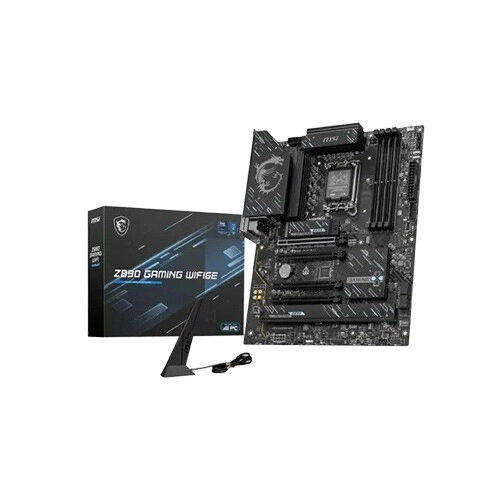
MSI Intel Z890 LGA 1851 WIFI6E ATX GAMING Motherboard
- CPU Support: Intel Core Ultra Series 2 LGA1851
- DDR5 Memory 4 Slots Up to 256GB 8800MT/s OC
- Display HDMI 2.1 & DisplayPort 1.4
- Connectivity: 3x M.2 2.5G LAN WiFi 6E BT 5.3
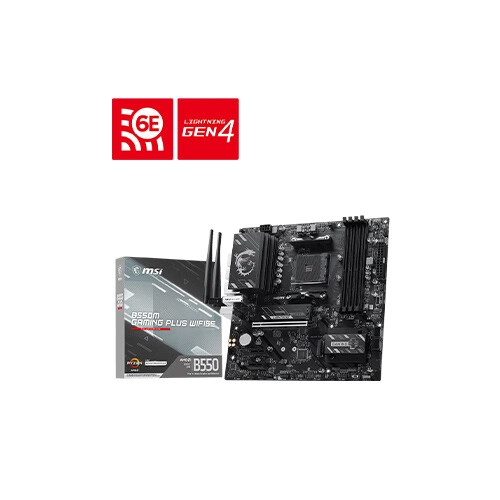
MSI AMD B550M GAMING PLUS WIFI6E AM4 mATX Motherboard
- AMD AM4 Socket – Ryzen 3000/4000G/5000 Ready
- WiFi 6E & BT – Fast Wireless + Gigabit LAN
- PCIe 4.0 & M.2 – DDR4 High-Speed Support
- Gaming Build – Strong VRM, Cooling & USB Connectivity
Showing 20 out of 765 products
Choose the Right Motherboard for Your PC
A motherboard is one of the most important components of a desktop PC. It connects the processor, RAM, storage, graphics card, and other hardware to create a complete computer system. Choosing the right motherboard depends on your processor, memory, storage, expansion requirements, and future upgrade plans.
At Techland BD, you can explore different motherboard models, compare their specifications and features, and choose a suitable option for your PC build and budget.
Popular Motherboard Brands in Bangladesh
Motherboards are available from several well-known brands, with different models designed for various types of PC builds. Popular options include ASUS, MSI, Gigabyte, ASRock, Biostar, and other available brands.
Each brand offers different chipsets, features, connectivity options, and price ranges. Compare the specifications of individual models to find the motherboard that best matches your requirements.
Gaming Motherboards for Performance Builds
A gaming motherboard can be a good choice for users building a gaming or high-performance desktop. Depending on the model, gaming motherboards may offer advanced connectivity, multiple PCIe slots, faster memory support, M.2 storage options, and additional features for demanding workloads.
When choosing a gaming motherboard, consider your processor, graphics card, RAM, storage, and future upgrade requirements.
Intel and AMD Compatible Motherboards
Motherboard compatibility is an important consideration when building a PC. Different motherboards support specific processor sockets and platforms, so make sure the motherboard is compatible with your selected Intel or AMD processor.
Check the CPU socket, chipset, supported RAM type, and other specifications before purchasing to ensure proper compatibility with your PC components.
Motherboard Features to Consider
Before buying a motherboard, consider the CPU socket, chipset, RAM support, PCIe slots, M.2 slots, SATA ports, USB ports, networking, audio, and other connectivity features.
If you plan to upgrade your PC later, look for a motherboard with suitable expansion options and enough connectivity for your future hardware requirements.
How to Choose a Motherboard for Your Budget
The right motherboard depends on your PC configuration, intended use, required features, and budget. A basic office or home PC may not require the advanced features found on premium gaming motherboards.
For gaming, content creation, and performance-focused builds, consider models with suitable RAM support, expansion options, storage connectivity, and compatibility with your selected processor and graphics card.
Why Buy a Motherboard from Techland BD?
Techland BD offers a range of motherboards for different PC configurations and budgets. You can compare available models, check specifications, view current prices, and select a motherboard according to your processor, performance requirements, and upgrade plans.
Checking compatibility and specifications before purchasing can help you choose the right motherboard for a reliable and upgrade-friendly PC build.
Motherboard Price List in Bangladesh 2026
Frequently Asked Questions
How do I choose the right motherboard?
Choose a motherboard based on your processor compatibility, chipset, RAM support, storage requirements, expansion slots, connectivity, and future upgrade plans.
Can I use any motherboard with an Intel or AMD processor?
No. Motherboards support specific processor sockets and platforms. Always check the CPU compatibility, socket, and chipset before purchasing.
Which motherboard is best for gaming?
The best gaming motherboard depends on your processor, graphics card, RAM, storage, budget, and required features. Compare specifications to find a model that matches your gaming PC configuration.
Which brands make motherboards?
Popular motherboard brands include ASUS, MSI, Gigabyte, ASRock, and Biostar. The available models and features vary by brand and product series.
What should I check before buying a motherboard?
Check the CPU socket, chipset, RAM type and capacity support, PCIe slots, M.2 slots, storage connectivity, USB ports, networking, and compatibility with your other PC components.
Where can I buy a motherboard in Bangladesh?
You can explore and compare available motherboard models at Techland BD based on specifications, features, compatibility, and price.
