
Gaming Accessories in Bangladesh
Gaming Accessories in Bangladesh are available at Techland BD for different gaming setups and budgets. Explore gaming keyboards, mice, headsets, controllers, gaming chairs, desks, and other PC gaming accessories from popular brands. Compare features, specifications, and designs to build a gaming setup that matches your playing style and requirements.
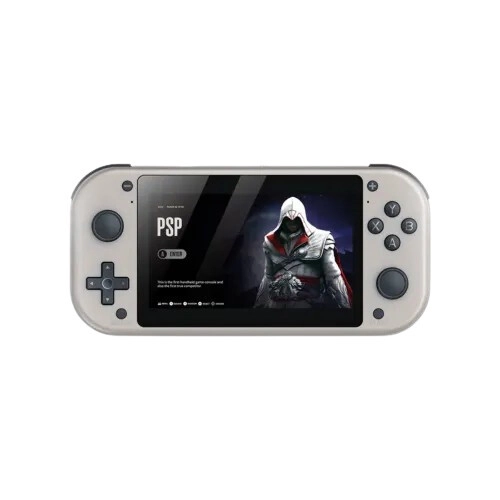
SJGAM M17 4.3 inch IPS Display 1GB RAM Handheld Gaming Console (Grey)
- Display: 4.3" IPS (480×272)
- HW/OS: Quad-Core A7 (1.2GHz) | Dual-Core GPU
- Mem/Store: 1GB DDR4 | 64GB/128GB MicroSD
- Power: 2000mAh (Up to 4h)
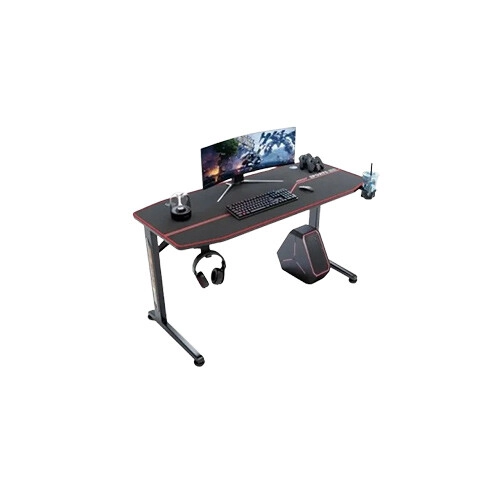
FURGLE Y MODEL GAMING TABLE With cup holder & Headphone Hook
- Carbon fiber wide desktop
- Strong steel frame
- Cable management system
- Cup holder + headphone hook
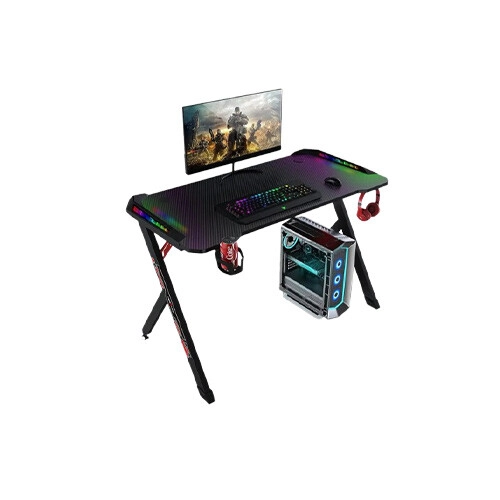
BESMILE Y Shaped Gaming Desk With 2 built-in storage drawers
- 60×110×70 cm (D×W×H)
- Metal Build, Scratch Resistant
- Rectangular Gaming Desk
- Built-in Cable Management System
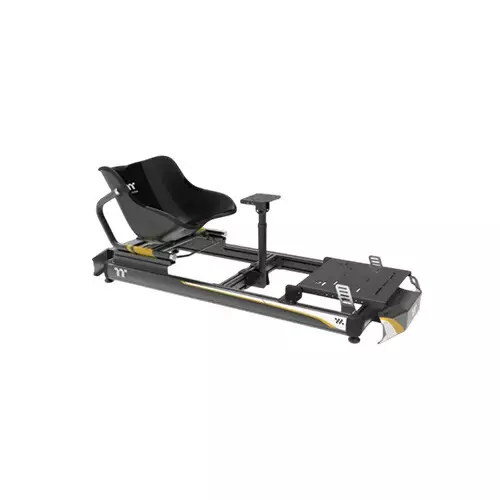
Thermaltake GK500 Go-Kart Simulator Cockpit Gaming Chair
- Colors Black
- MATERIALS Aluminum Alloy
- Dimensions 600x1320x1100mm
- Weight 120kg (264lbs)
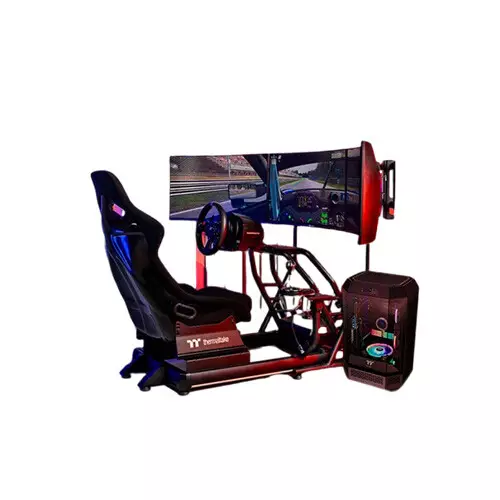
Thermaltake GR500 Racing Simulator Cockpit Gaming Chair
- Dimensions 600x1320x1100mm
- WEIGHT CAPACITY 120kg (264lbs)
- Frame Type Fixed Frame
- Seat Width 460mm (18.1")
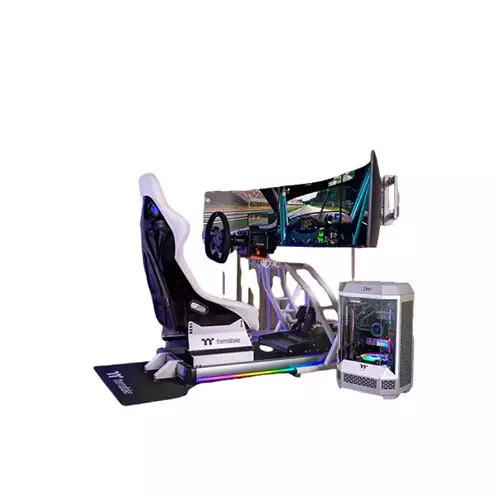
Thermaltake GR500 Racing Simulator Cockpit Snow Gaming Chair
- Dimensions 600x1320x1100mm
- WEIGHT CAPACITY 120kg (264lbs)
- Frame Type Fixed Frame
- Seat Width 460mm (18.1")
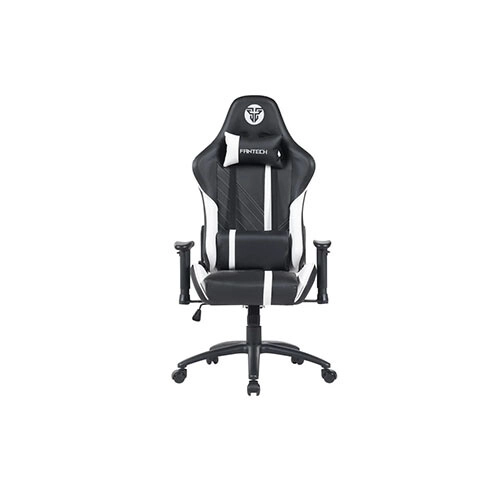
FANTECH GC194 Smooth High-Quality Wheels Ergonomic Gaming Chair (White)
- Max Load:150 kg
- Recline:130 - 180 Degree
- Gas Piston: Class 3
- Mechanism: Butterfly
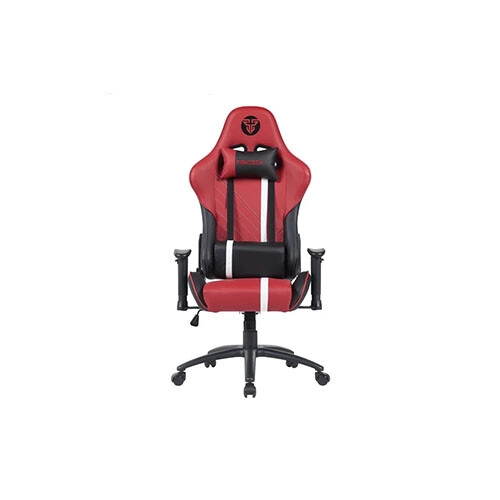
FANTECH GC194 2D Adjustable Armrests Ergonomic Gaming Chair (Red)
- Max Load:150 kg
- Recline:130 - 180 Degree
- Gas Piston: Class 3
- Mechanism: Butterfly
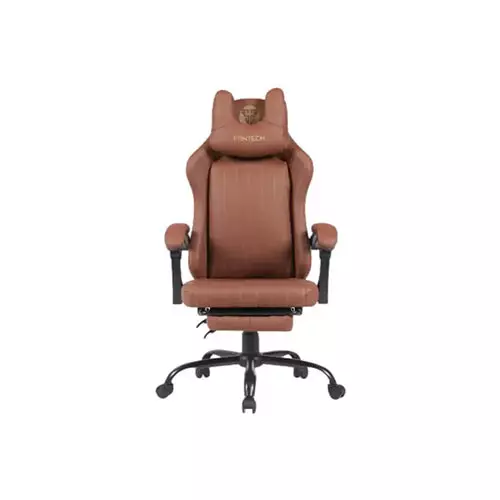
Fantech GC193 Ergonomic Gaming Chair - Brown
- Max Load:130 KG
- Recline: Up to 130°
- Gas Piston: Class 3
- Mechanism: Two-Lever Mechanism
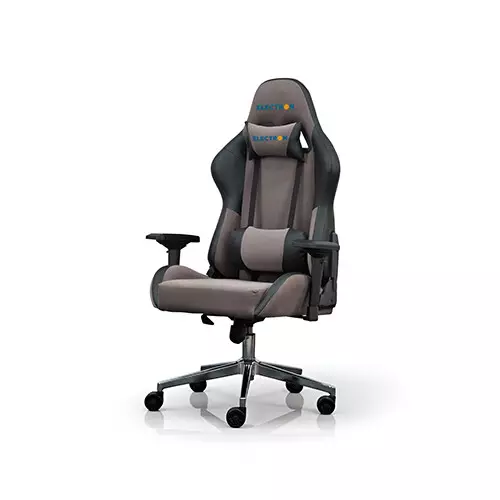
ELECTRON VALIANT Premium Gaming Chair (Chocholate & Black)
- Armrests: 4D adjustable
- loading ability: 140kg
- Gas lift:class3/4, SGS/BIFMA/TÜV approved
- Certified Wheels: 65mm BIFMA
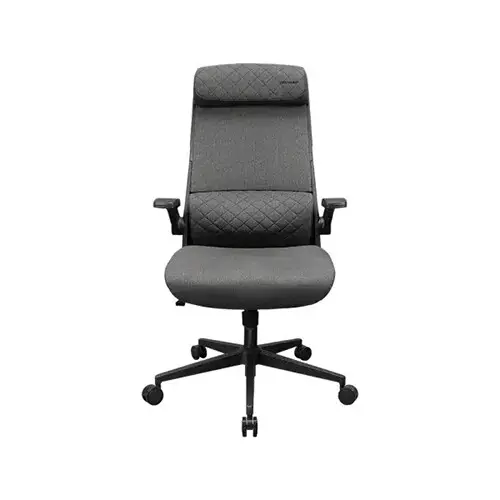
Cougar Stryder Gaming Chair (Grey)
- Multi-density foam seat
- Load Capacity: 120 kg
- Backrest angle: 103-122°
- Headrest, Gas lift class, lumbar support
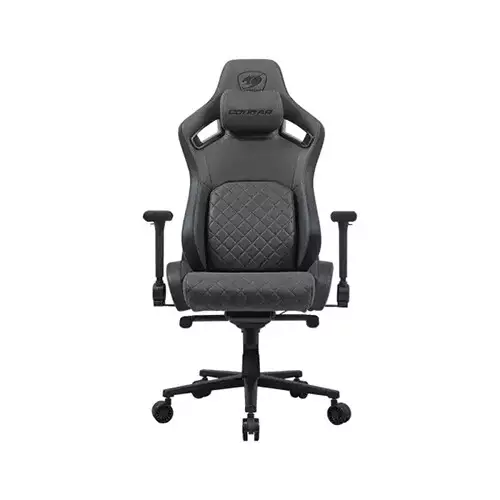
Cougar Defensor S Jet Gray F Gaming Chair
- Frame Construction: Steel
- Adjustable Armrests: 4D Armrest
- Adjustable Back Angle: 90 Degree/155 Degree
- Cover Material: Leather
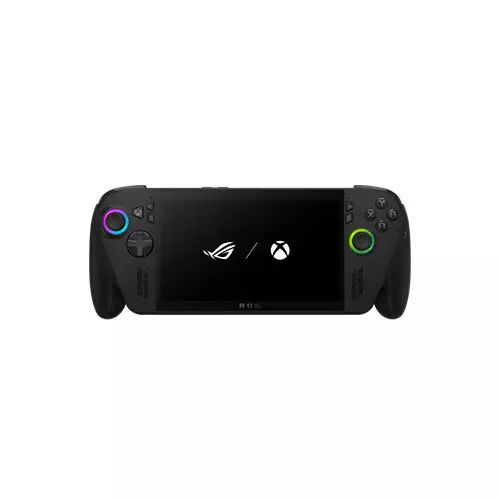
ASUS ROG Xbox Ally X RC73XA-NH013W AMD Ryzen AI Z2 Extreme 24GB RAM 1TB SSD 7 Inch FHD Gaming Console
- AMD Ryzen AI Z2 Extreme Processor
- AMD Radeon Graphics
- 24GB RAM | 1TB SSD
- 7 Inch Full HD IPS Display
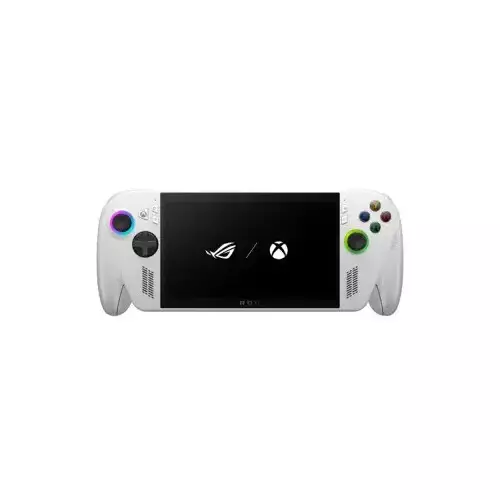
ASUS ROG Xbox Ally RC73YA-NH004W AMD Ryzen Z2 A 16GB RAM 512GB SSD 7 inch FHD Display Gaming Console
- CPU: AMD Ryzen Z2 A Processor 2.8GHz
- GPU: AMD Radeon Graphics
- OS: Windows 11 Home
- Display; 7-inch FHD IPS-level
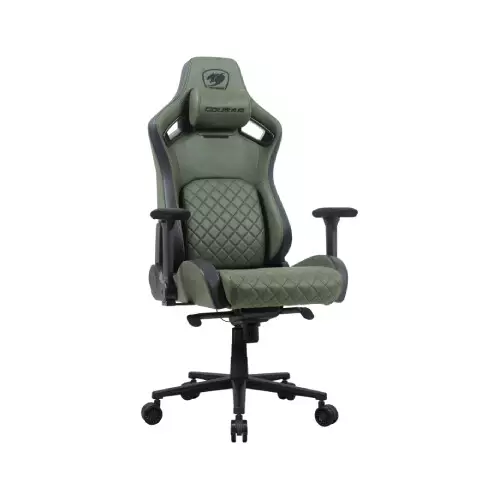
Cougar DEFENSOR S ARMY GREEN F Gaming Chair
- Weight Support: 150 kg (330.7 lb)
- Magnetic Memory Foam Neck Pillow
- 4D Folding Armrests
- Class 4 Gas Lift Cylinder
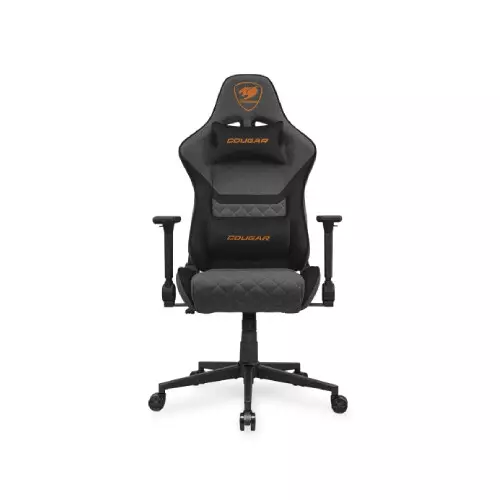
Cougar ARMOR ONE V2 GRAY F Gaming Chair
- Imitation Linen Surface
- 4D Folding Armrests, 155° Reclining
- Piston Lift Height Adjustment
- Up to 120kg Weight Support
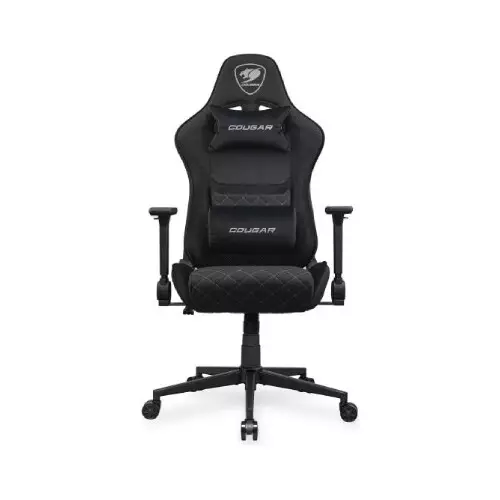
Cougar ARMOR ONE V2 Gaming Chair (Black)
- Imitation Linen Surface
- 4D Folding Armrests, 155° Reclining
- Piston Lift Height Adjustment
- Up to 120kg Weight Support
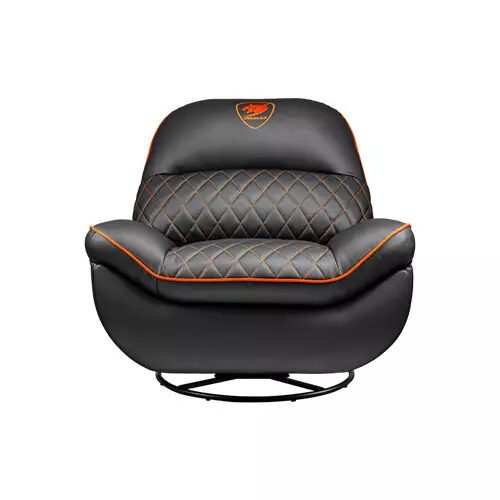
Cougar OVERLORD Sovereign Presence Gaming Sofa
- Chair Type: Gaming Sofa
- Weight Support: 150 kg
- Material: PVC Leather
- Adjustable: Switch-adjustable recline
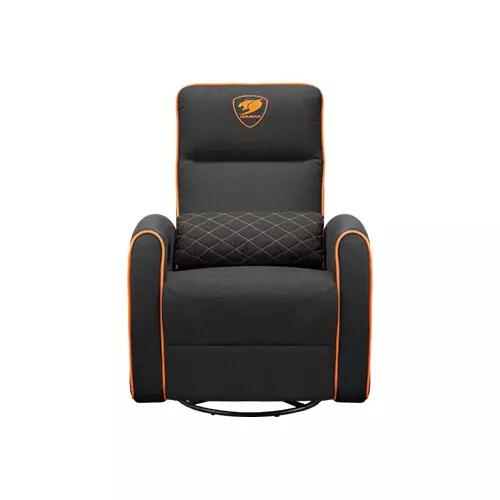
Cougar FIDOM Dynamic Comfort Gaming Sofa
- Weight Support 150 kg
- Switch-adjustable recline
- Side pocket, Lumbar pillow
- Specialized padding
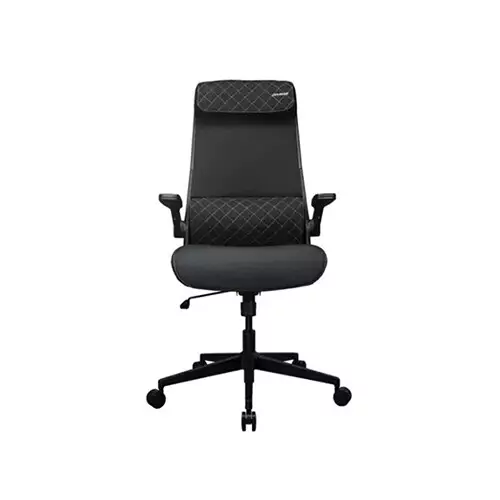
Cougar Stryder Gaming Chair (Black)
- Multi-density foam seat
- Load Capacity: 120 kg
- Backrest angle: 103-122°
- Headrest, Gas lift class, lumbar support
Showing 20 out of 181 products
Explore Gaming Accessories for Every Setup
A good gaming setup depends on more than a powerful PC. The right accessories can improve comfort, control, and the overall gaming experience.
Techland BD offers different gaming accessories for casual players, competitive gamers, streamers, and PC users. Choose each component based on your gaming style, available space, and budget.
Gaming Keyboard and Mouse
A gaming keyboard and mouse are essential parts of a PC gaming setup. Different models offer different switch types, layouts, sensor technologies, DPI options, and connection methods.
When choosing a gaming keyboard, consider the switch type, key layout, response, and additional controls. For a gaming mouse, check the sensor, DPI range, shape, weight, and button configuration.
Gaming Headsets for Immersive Audio
A gaming headset can make it easier to hear game sounds and communicate with teammates. Look for features such as microphone quality, connection type, comfort, and sound performance.
Wireless and wired gaming headsets are both available. Choose the connection type that works best with your gaming device and setup.
Gaming Controllers
A gaming controller can be useful for racing, sports, action, and other controller-friendly games.
Before buying, check compatibility with your PC or gaming platform. Also consider button layout, connection type, ergonomics, and available features.
Gaming Chairs and Desks
Comfort becomes important during longer gaming sessions. A suitable gaming chair can provide better seating support, while a gaming desk can help organize your monitor, PC, keyboard, mouse, and other accessories.
When choosing a gaming chair, consider the seat size, adjustability, back support, and build quality. For a gaming desk, check the size, available space, cable management, and weight capacity.
Build a Complete Gaming Setup
A complete gaming setup can include several components and accessories. You do not need to purchase everything at once.
Start with the accessories that have the biggest impact on your gaming experience. You can gradually upgrade other components as your requirements change.
Common gaming setup essentials include:
- Gaming keyboard
- Gaming mouse
- Gaming headset
- Gaming controller
- Gaming chair
- Gaming desk
- Mouse pad
- Webcam
- Microphone
- PC gaming accessories
What to Consider Before Buying Gaming Accessories
Before choosing a gaming accessory, compare the features with your actual requirements.
Consider:
- Compatibility: Make sure the accessory works with your device.
- Connection: Choose wired or wireless based on your preference.
- Comfort: Important for accessories used for long periods.
- Build quality: Check the materials and overall construction.
- Features: Choose features that are useful for your gaming style.
- Budget: Compare models within your preferred price range.
- Design: Consider whether the size and design fit your gaming setup.
Gaming Accessories Price in Bangladesh
The price of gaming accessories in Bangladesh varies depending on the product type, brand, features, and specifications.
A basic gaming mouse or keyboard may have a different price from a feature-rich mechanical keyboard or high-end gaming headset. Gaming chairs and desks also vary based on size, materials, and adjustment options.
Instead of choosing only by price, compare the features you actually need. This helps you build a better gaming setup within your budget.
Buy Gaming Accessories from Techland BD
Techland BD offers a range of gaming accessories for different types of gaming setups. You can compare products based on features, specifications, compatibility, and design.
Whether you are upgrading an existing setup or building a new one, choose accessories that match your gaming devices and personal requirements.
Gaming Accessories Price List in Bangladesh 2026
Frequently Asked Questions
What are the most important gaming accessories?
Gaming keyboard, mouse, headset, controller, and mouse pad are some of the most common gaming accessories. Your requirements may vary depending on the games you play.
How do I choose the right gaming accessories?
Check compatibility, connection type, comfort, features, build quality, and budget before purchasing. Choose features that are useful for your gaming style.
Are wireless gaming accessories good for gaming?
Modern wireless gaming accessories can provide a convenient gaming experience. However, compare battery life, connection technology, latency, and compatibility before choosing a wireless model.
What gaming accessories do I need for a PC setup?
A basic PC gaming setup can include a gaming keyboard, mouse, headset, and mouse pad. You can add a controller, gaming chair, desk, webcam, or microphone based on your needs.
How much do gaming accessories cost in Bangladesh?
Prices vary depending on the accessory, brand, features, and specifications. Compare available models to find options that fit your budget.
Where can I buy gaming accessories in Bangladesh?
You can explore and compare gaming accessories at Techland BD and choose products based on your gaming setup, requirements, and budget.
