
Computer Accessories Price in Bangladesh
Explore computer accessories at Techland BD for desktops, laptops, gaming setups, and everyday computing needs. Find essential accessories such as keyboards, mice, headphones, webcams, USB hubs, cables, adapters, and other useful peripherals. Compare available products by features, compatibility, connectivity, and specifications to choose the right accessories for your setup.
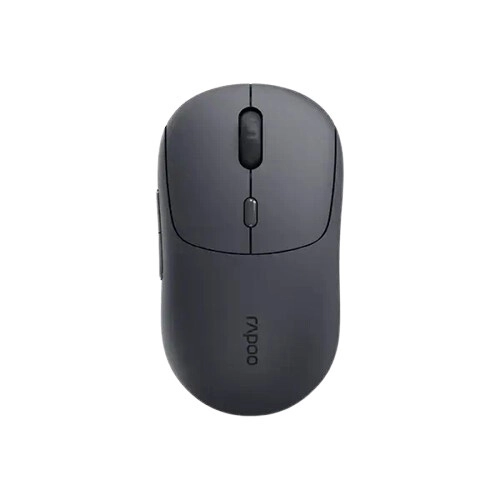
Rapoo M360 Smart Multi-mode Wireless Mouse (Black)
- Connectivity: Dual-Mode Wireless (BT 5.0 / 2.4GHz)
- DPI: 800–4000 DPI (Adjustable)
- Design: Ergonomic Right-Hand, Silent Switches
- Weight: 88g Ultra-Lightweight
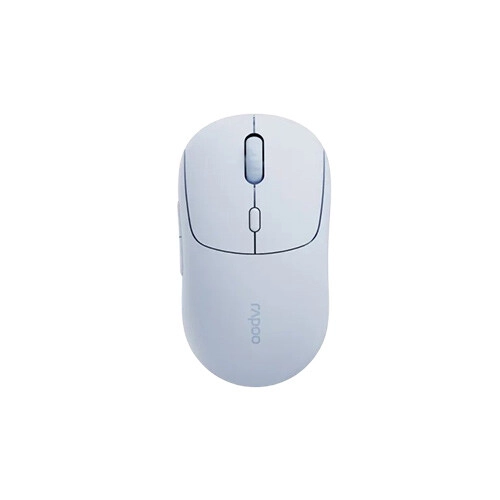
Rapoo M360 Smart Multi-mode Wireless Mouse (Grey)
- Connectivity: Dual-Mode Wireless (BT 5.0 / 2.4GHz)
- DPI: 800–4000 DPI (Adjustable)
- Design: Ergonomic Right-Hand, Silent Switches
- Weight: 88g Ultra-Lightweight
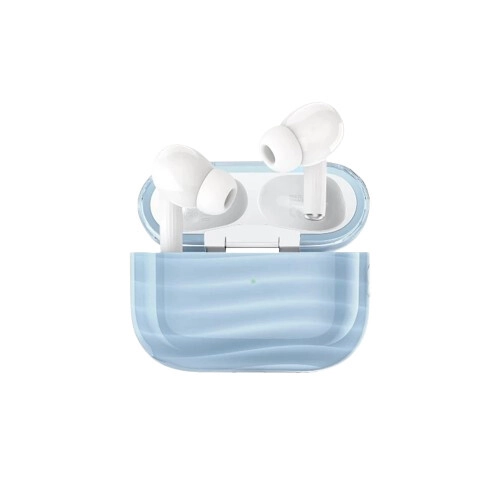
XO G38 In-Ear Dual Colour Moulded Cloud Figure ANC Earbuds (Blue)
- Driver: 13mm Full-Range
- Connectivity: Bluetooth 5.4 (≥10m)
- Battery: 300mAh Case / 35mAh Earbuds
- Playback: 8h Single / 34h Total (IPX4)
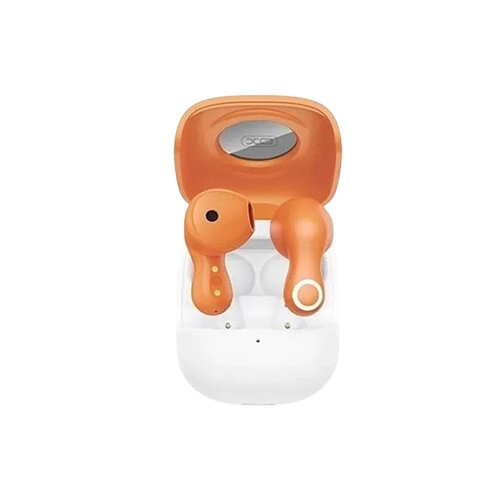
XO G28 FuXiang TWS Earbuds (Orange)
- Driver: 13mm Dynamic
- Connectivity: Bluetooth 5.4
- Battery: 230mAh (Case) / 30mAh (Earbuds)
- Playback: Up to 4 Hours (~80% Vol)
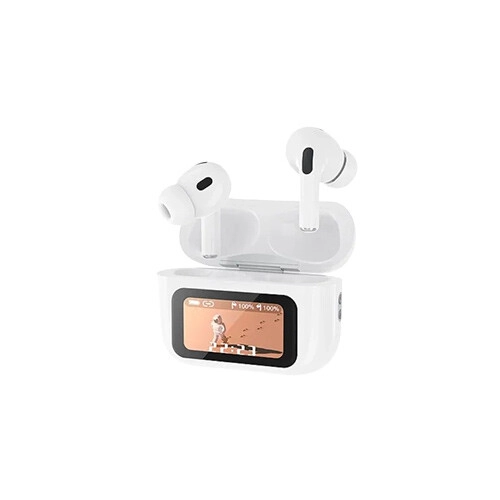
XO X36 Pro Smart Screen ANC TWS (White)
- Driver: 13mm Dynamic
- Connectivity: Bluetooth 5.3
- Battery: 360mAh (Case) / 30mAh (Earbuds)
- Playback: Up to 4 Hours (~80% Vol)
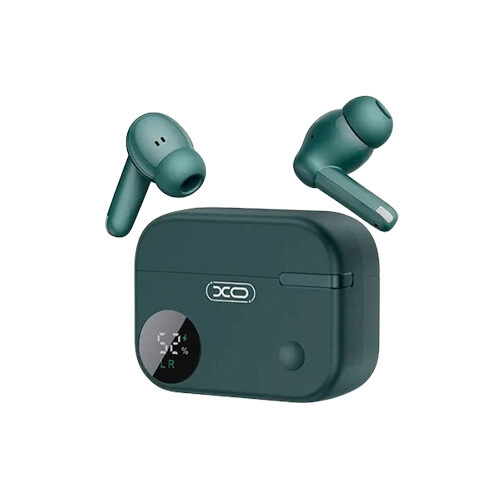
XO G34 ANC Touch Control TWS Earbuds (Green)
- Driver: 13mm Dynamic
- Connectivity: Bluetooth 5.4
- Battery: 300mAh (Case) / 30mAh (Earbuds)
- Playback: Up to 5 Hours
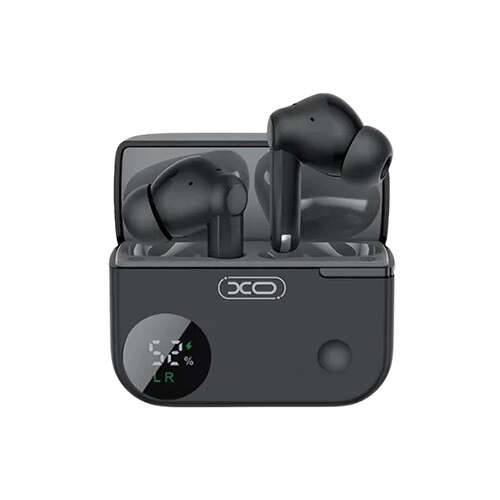
XO G34 ANC Touch Control TWS Earbuds (Black)
- Driver: 13mm Dynamic
- Connectivity: Bluetooth 5.4
- Battery: 300mAh (Case) / 30mAh (Earbuds)
- Playback: Up to 5 Hours
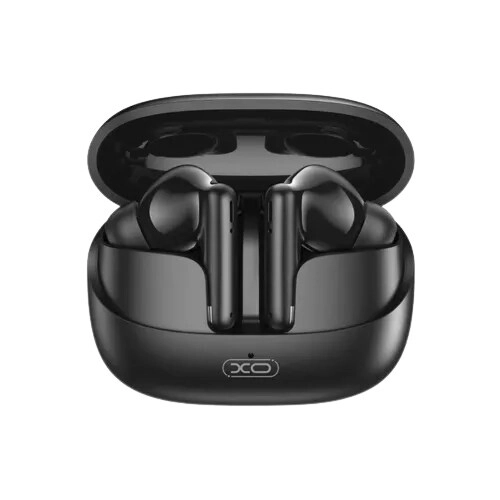
XO X34 BT5.3 Wireless Earbuds (Black)
- Driver: 10mm Dynamic
- Connectivity: Bluetooth 5.3
- Battery: 300mAh (Case) / 40mAh (Earbuds)
- Playback: Up to 5 Hours (~80% Vol)
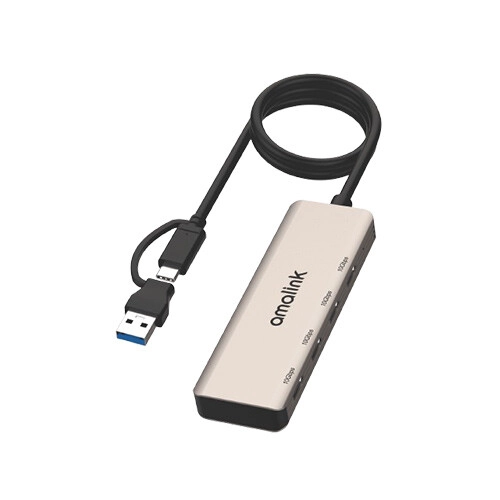
Amalink AL-UCA620 USB 3.2 Gen 2 4-Port 10GB Hub
- Ports: 2x Input, 4x USB-C Output (USB 3.2 Gen2)
- Cable: 0.5m Integrated
- Speed: 10Gbps SuperSpeed
- OS Support: Windows, macOS, Android
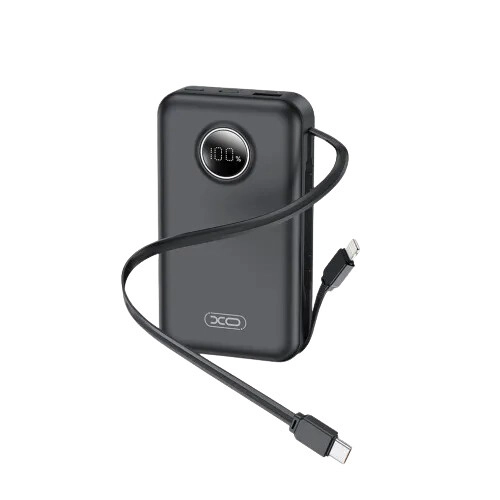
XO PR272C 10000mAh 22.5W Type-C + iP cable Power Bank (Black)
- Capacity: 10,000mAh
- Input Power: Type-C 18W Max (12V/1.5A)
- Output Power: Dual USB 22.5W Max, Built-in Cables (Type-C, Lightning)
- Display: LCD Digital Display
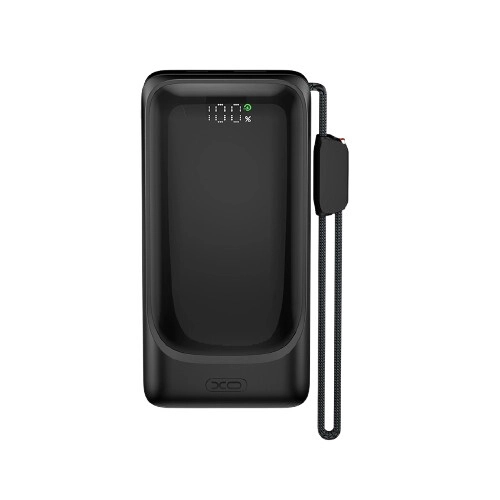
XO PR282 Wall Plug Portable 10000mAh Power Bank
- Capacity: 10,000mAh
- Wall Plug: Foldable AC Input (100-240V)
- Output Power: Built-in Cables + USB-C 22.5W Max
- Build & Display: Fireproof PC, LED Battery Display
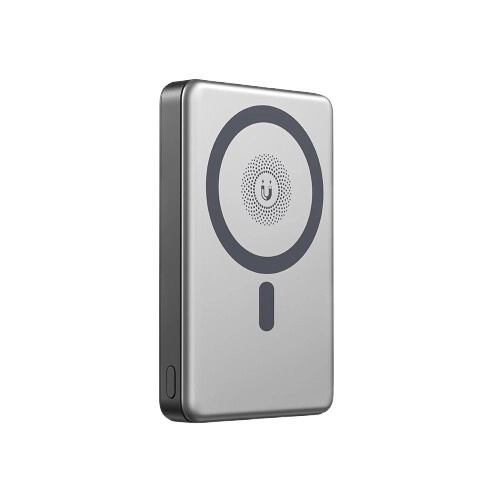
XO PR296 10000 mAh Magnetic Wireless Power bank
- Capacity: 10,000mAh
- Wired Power: USB-C 22.5W Max Output, 20W Max Input
- Wireless Output: 15W Max Magnetic Wireless
- Build & Weight: Aluminum Alloy Cover, 188g
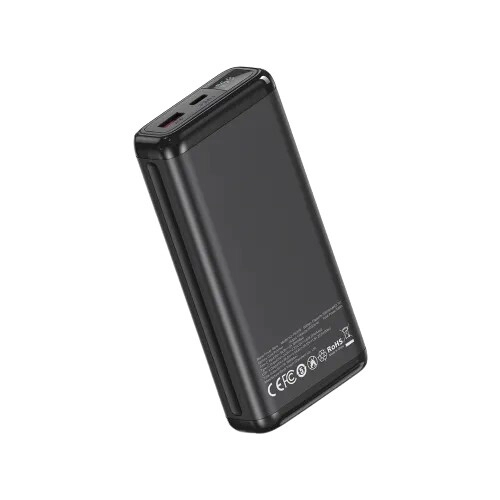
XO PB309 20000mAh 22.5W Fast Charging Power Bank
- Capacity: 20,000mAh
- Input Power: Type-C 18W Max (5V/3A, 9V/2A)
- Output Power: Type-C 20W Max (PD)
- Build & Display: ABS+PC Body, Digital Display
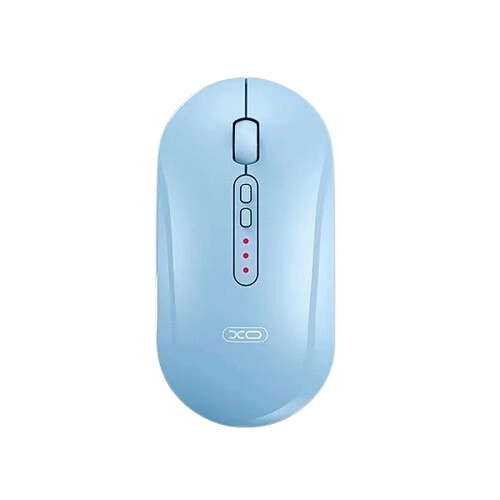
XO M13 Tri-Mode Bluetooth Silent Mouse (Blue)
- Connectivity: Tri-Mode (BT / 2.4GHz / Wired)
- Sensor & DPI: Up to 1600 DPI (3-Stage)
- Battery: 300mAh (Up to 30h)
- Build & Design: ABS+PC, 4 Silent Buttons
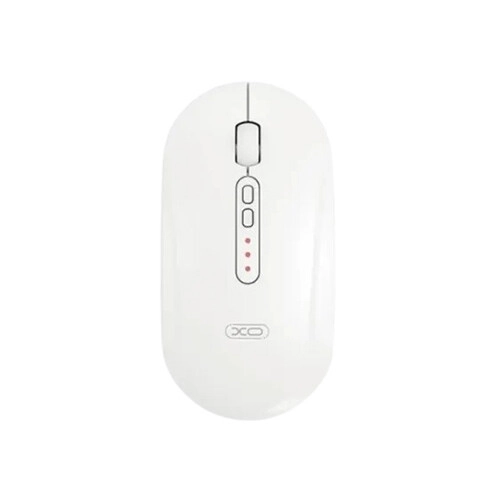
XO M13 Tri-Mode Bluetooth Silent Mouse (White)
- Connectivity: Tri-Mode (BT / 2.4GHz / Wired)
- Sensor & DPI: Up to 1600 DPI (3-Stage)
- Battery: 300mAh (Up to 30h)
- Build & Design: ABS+PC, 4 Silent Buttons
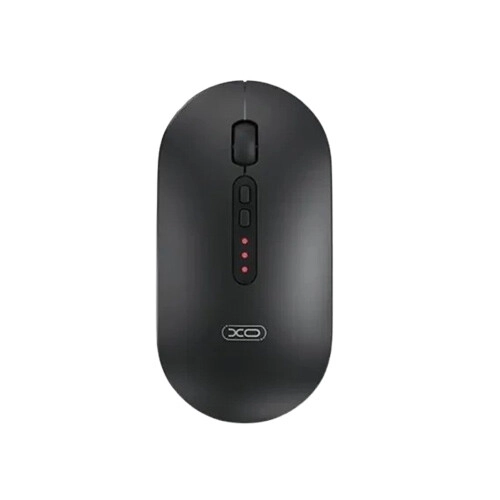
XO M13 Tri-Mode Bluetooth Silent Mouse (Black)
- Connectivity: Tri-Mode (BT / 2.4GHz / Wired)
- Sensor & DPI: Up to 1600 DPI (3-Stage)
- Battery: 300mAh (Up to 30h)
- Build & Design: ABS+PC, 4 Silent Buttons
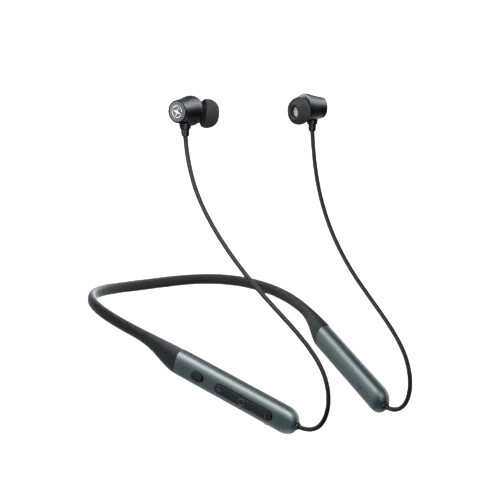
XO BS37 ANC Bluetooth Neckband (Black)
- ANC & Mic: ENC + ANC
- Connectivity: Bluetooth 5.4, Magnetic
- Battery: 300mAh, Type-C Fast Charge
- Playback: Up to 38h (80% Vol)
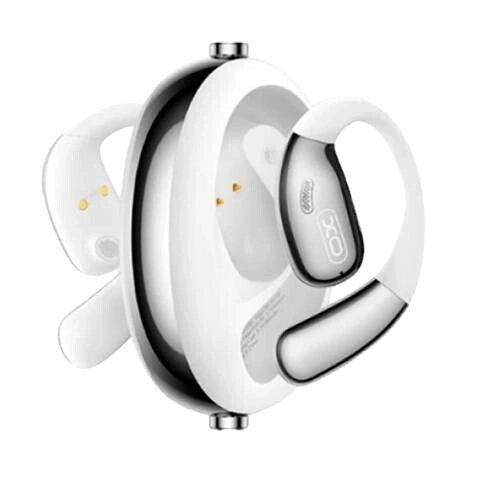
XO G36 ENC 400mAh Battery OWS Earbuds (White)
- Bluetooth 5.4 with ENC & AI Translation
- 14.2mm Driver with 1652 PU Film
- 6–7 Hours Playtime, 50mAh Earbuds
- 400mAh Case, Fast Charging, White OWS Design
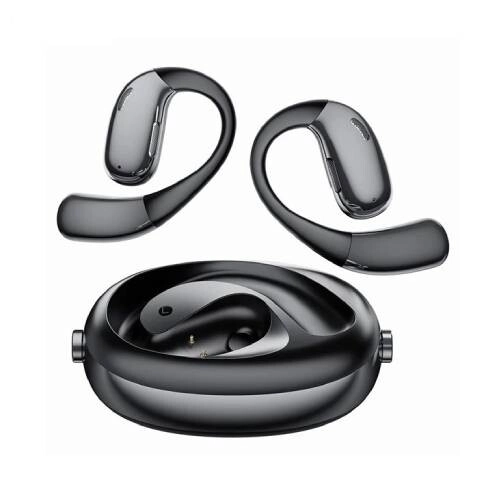
XO G36 ENC 400mAh Battery OWS Earbuds (Black)
- Bluetooth 5.4 with ENC & AI Translation
- 14.2mm Driver with 1652 PU Film
- 6–7 Hours Playtime, 50mAh Earbuds
- 400mAh Case, Fast Charging, Black OWS Design
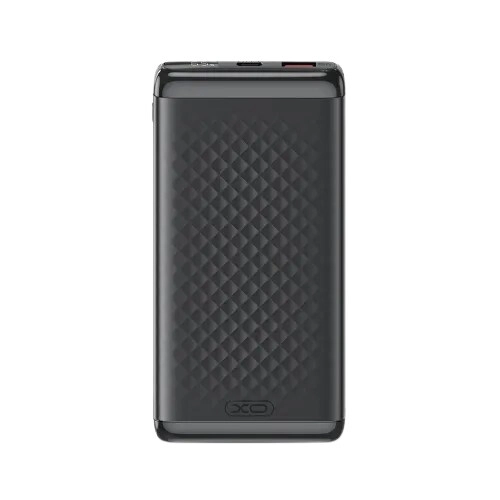
XO PB308 10000mAh 22.5W Fast Charging Power Bank
- Capacity: 10,000mAh
- Input Power: Type-C 18W Max (5V/3A, 9V/2A)
- Output Power: Type-C 20W Max (PD)
- Build & Display: ABS+PC Body, Digital Display
Showing 20 out of 8345 products
Explore Computer Accessories for Everyday Computing
Computer accessories play an important role in improving the usability, comfort, and functionality of desktops and laptops. Whether you use a computer for office work, online classes, gaming, content creation, or everyday browsing, the right accessories can make your setup more convenient and productive.
At Techland BD, you can explore different types of computer accessories for personal, professional, and gaming use. The available collection may include keyboards, mice, headphones, webcams, USB hubs, adapters, cables, mousepads, and other computer peripherals. Compare product specifications, connectivity, compatibility, and features to find accessories that match your requirements.
Keyboard and Mouse for Desktop and Laptop Users
Keyboards and mice are among the most commonly used computer accessories. A suitable keyboard can make typing more comfortable, while a responsive mouse can improve navigation and control.
Depending on your requirements, you can consider standard keyboards, wireless keyboards, mechanical keyboards, gaming keyboards, wired mice, and wireless mice. Gaming users may prefer accessories with additional controls, adjustable sensitivity, or dedicated gaming features, while office users may prioritize comfortable typing and practical design.
Before purchasing, check the connection type, layout, compatibility, size, and other specifications of the selected product.
Gaming Accessories for a Better Gaming Setup
Gaming accessories can help improve control, comfort, and interaction during gameplay. Depending on your setup, useful gaming peripherals may include gaming keyboards, gaming mice, mousepads, headsets, controllers, microphones, and other compatible accessories.
Different games and gaming styles require different equipment. Competitive gamers may prioritize accurate mouse tracking and responsive controls, while casual gamers may prefer comfortable and easy-to-use peripherals. Consider your gaming platform, available ports, connectivity requirements, and preferred features when selecting gaming accessories.
Headphones, Headsets, and Audio Accessories
Audio accessories are useful for communication, entertainment, meetings, online classes, and gaming. Headphones and headsets are available in different designs and connection types, including wired and wireless options.
When comparing audio products, consider sound quality, microphone performance, comfort, connectivity, and compatibility with your computer or laptop. Some headsets are designed for gaming, while others are more suitable for office communication, video calls, and everyday listening.
You can also consider speakers, microphones, and other audio accessories based on your preferred setup.
USB Hubs, Adapters, and Connectivity Accessories
Modern computers and laptops may have limited connectivity options. USB hubs and adapters can help connect additional peripherals and compatible devices. They are useful for users who need to connect keyboards, mice, storage devices, monitors, card readers, and other accessories.
Before choosing a USB hub or adapter, check the supported interface, port types, data transfer capabilities, power requirements, and device compatibility. For display connectivity, confirm that the adapter supports the required output standard and resolution.
Choosing compatible connectivity accessories can help keep your workstation organized and make everyday device connections easier.
Cables, Chargers, and Power Accessories
Cables and power accessories are essential for connecting and powering different computer devices. Depending on your requirements, you may need USB cables, HDMI cables, charging cables, power adapters, extension accessories, or other compatible products.
Check the connector type, supported power rating, cable length, data transfer capability, and device compatibility before purchasing. Using the correct cable or adapter helps ensure that connected devices work according to their supported specifications.
For laptop power accessories, always verify the required voltage, current, connector type, and compatibility with the laptop model.
Webcam and Accessories for Online Meetings
Webcams and related accessories are useful for video conferencing, remote work, online learning, streaming, and communication. A suitable webcam can help improve the video experience during online meetings and content creation.
When choosing a webcam, compare resolution, frame rate, microphone support, connection type, mounting options, and software compatibility. Your lighting conditions and internet connection can also influence the overall video-call experience.
For a complete communication setup, you may also consider a compatible headset, microphone, and other audio accessories.
Laptop and Desktop Computer Accessories
Laptop and desktop users often have different accessory requirements. Laptop users may need cooling pads, laptop stands, adapters, docking stations, external keyboards, mice, and USB hubs. Desktop users may look for keyboards, mice, speakers, webcams, mousepads, cables, and other peripherals.
Consider the available ports, operating system, device dimensions, and intended usage before selecting an accessory. Checking compatibility is especially important when purchasing adapters, docking stations, chargers, and other connected devices.
How to Choose the Right Computer Accessories
Selecting the right accessories depends on your device, usage habits, and budget. Before purchasing, consider the following points:
Purpose: Identify whether the accessory is for office work, gaming, study, entertainment, or professional use.
Compatibility: Check whether the product supports your desktop, laptop, operating system, or gaming platform.
Connectivity: Compare USB, USB-C, Bluetooth, wireless receiver, HDMI, and other supported connection types.
Build quality: Review the materials, construction, and design of the product.
Features: Compare useful functions instead of choosing a product based only on its appearance.
Comfort: Consider ergonomics, size, weight, and ease of use for accessories used regularly.
Specifications: Review the manufacturer's product information to confirm that the accessory meets your requirements.
Comparing these details can help you choose suitable computer accessories for your setup.
Buy Computer Accessories from Techland BD
Techland BD provides an online destination for exploring computer accessories for desktops, laptops, gaming setups, offices, and everyday computing. Browse the Computer Accessories category to discover available products and compare their features, specifications, and compatibility.
Whether you need a keyboard, mouse, headset, webcam, USB hub, cable, adapter, or another computer peripheral, review the individual product details before making a purchase. Check the product page for current pricing, availability, specifications, and other relevant information to select the right accessory for your needs.
Computer Accessories Price List in Bangladesh 2026
Frequently Asked Questions
What are computer accessories?
Computer accessories are additional devices and peripherals used with desktops and laptops. Common examples include keyboards, mice, headphones, webcams, speakers, USB hubs, adapters, cables, and mousepads.
What are the most essential computer accessories?
A keyboard and mouse are common essentials for desktop users. Depending on your requirements, you may also need headphones, a webcam, speakers, a USB hub, a mousepad, or suitable connectivity accessories.
What is the difference between laptop accessories and desktop accessories?
Laptop accessories often focus on portability, additional connectivity, cooling, and external power requirements. Desktop accessories may focus more on workstation setup, gaming peripherals, audio equipment, and external connectivity. Many accessories can work with both types of computers if they are compatible.
Which computer accessories are useful for gaming?
Gaming keyboards, gaming mice, mousepads, headsets, controllers, and microphones are commonly used in gaming setups. The right selection depends on your gaming platform, preferred games, and personal requirements.
Are wireless computer accessories better than wired accessories?
Both options have advantages. Wireless accessories provide more flexibility and reduce cable clutter, while wired accessories do not require separate wireless batteries or receivers in many cases. Choose based on your connectivity needs and usage preferences.
How do I check computer accessory compatibility?
Check the supported operating system, connection type, port requirements, device model, and product specifications. For adapters, docking stations, and power accessories, verify the supported technical requirements carefully.
Can I use laptop accessories with a desktop computer?
Some laptop accessories can also work with desktop computers. However, compatibility depends on the connection type, supported features, and device requirements. Check the product specifications before purchasing.
Where can I find Computer Accessories Price in Bangladesh?
You can browse the Computer Accessories category at Techland BD to explore available products, compare specifications, and check current prices and availability.
