
Cable Price in Bangladesh
Cables are essential accessories for connecting, charging, transferring data, and transmitting audio or video between compatible devices. Different types include USB cables, HDMI cables, audio cables, network cables, charging cables, power cables, and other connection solutions. At Techland BD, you can compare available cables by connector type, cable length, compatibility, transmission standard, and intended use to choose the right cable for your device.
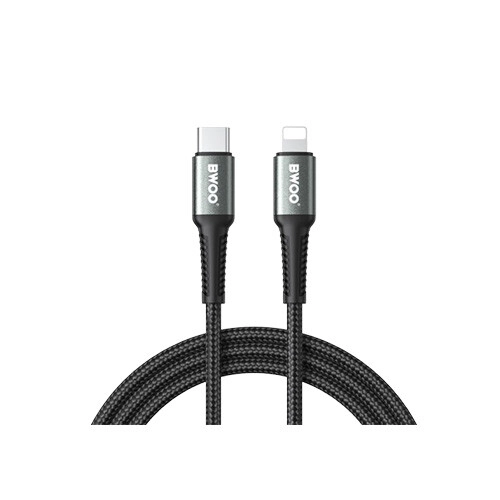
BWOO BO-X288C-L 2M PD 27W USB-C to Lightning Fast Charging Cable
- Fast Charge: PD 27W
- Data Speed: Fast Transfer
- Chipset: Smart & Safe
- Certifications: CE, FCC, RoHS
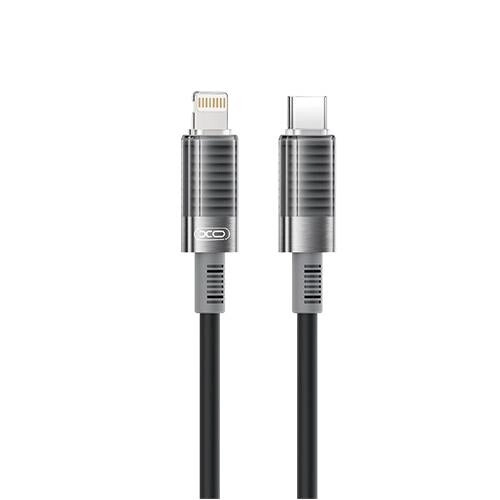
XO Type C to Lightning 30W fast charging Data Cable (Q282A)
- Type-C to Lightning, 30W PD Charging
- Up to 2.4A, USB 2.0 480Mbps Data
- 1M Flexible, Tangle-Resistant Silicone
- Supports iPhone, iPad, iPod & Lightning Devices
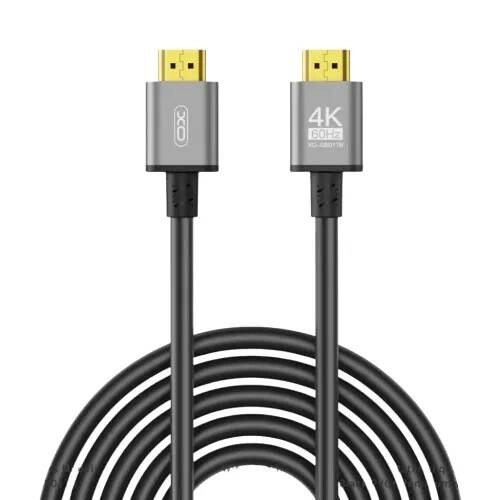
XO GB017B 5M 4K HDMI Cable
- 4K@60Hz Resolution
- Gold-Plated Connector
- 5-Meter Cable Length
- Black PVC + Gray Aluminum Shielding
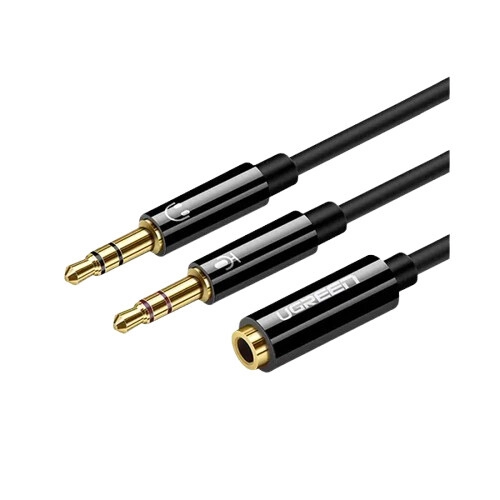
UGREEN AV140 3.5mm to 2 Audio Cable (Black)
- Interface: Aux 3.5mm Splitter
- Connectors: Gold-Plated
- Build: ABS Case
- Features: Plug & Play
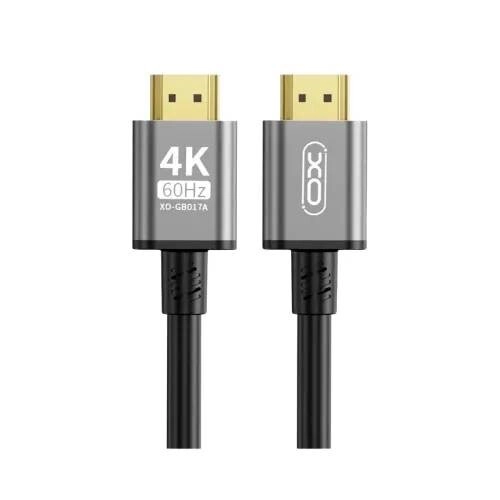
XO GB017A 3M 4K HDMI Cable
- 4K@60Hz Resolution
- Gold-Plated Connector
- 3-Meter Cable Length
- Black PVC + Gray Aluminum Shielding
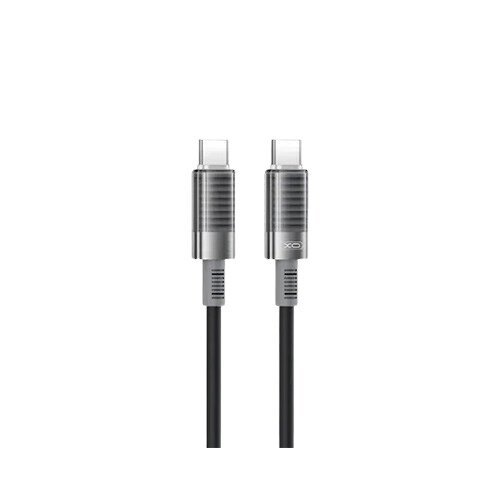
XO NB-Q282B 1M Type-C to Type-C Cable
- Interface: Type-C to Type-C
- Power & Length: PD 60W Max | 1m Cable
- Material: Brushed Silicone
- Type: Fast Charging Cable
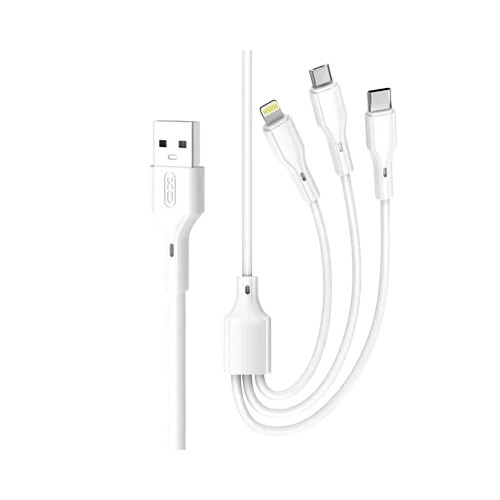
XO NB230 3 in 1 Fast Charging Cable (White)
- Interface: USB-C | Lightning | Micro-USB
- Charging: 2.4A Max Output | 1m Cable
- Material: Durable Tangle-Resistant Round PVC
- Type: 3-in-1 Charging Cable
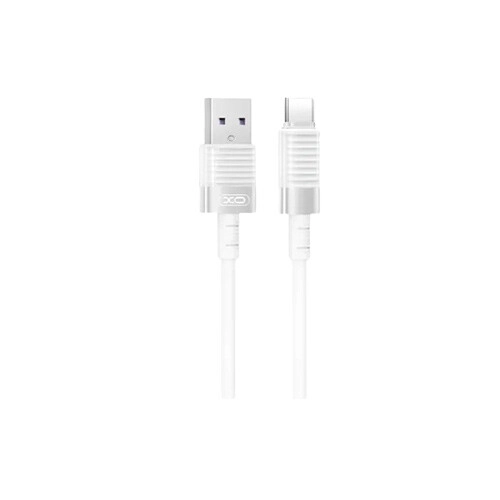
XO NB282 USB to Type-C Cable 1 Meter
- Interface: USB to Type-C
- Specs: 6A Max Output | 1m Cable
- Material: Brushed Silicone
- Type: Fast Charging Cable
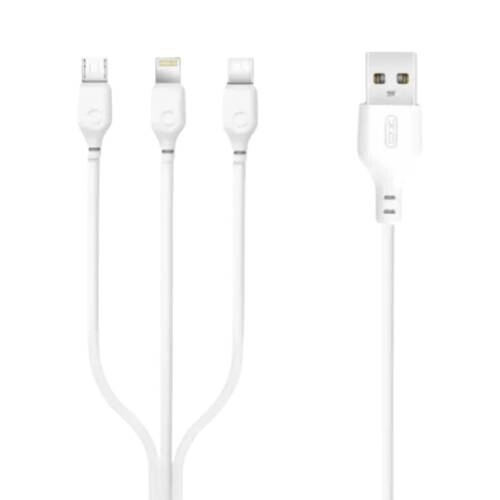
XO NB103 3 in 1 Fast Charging Cable
- USB-C, Lightning & Micro-USB Interface
- 1 Meter Cable Length
- Up to 2.1A Charging
- Flexible & Durable Cable Material
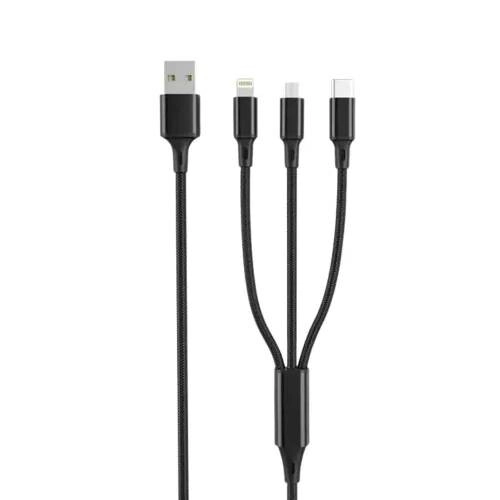
XO NB173 3 in 1 Fast Charging Cable
- USB-C, Lightning & Micro-USB Interface
- 1 Meter Cable Length
- Up to 2.4A Charging
- Nylon Braided + Aluminum + TPE Build
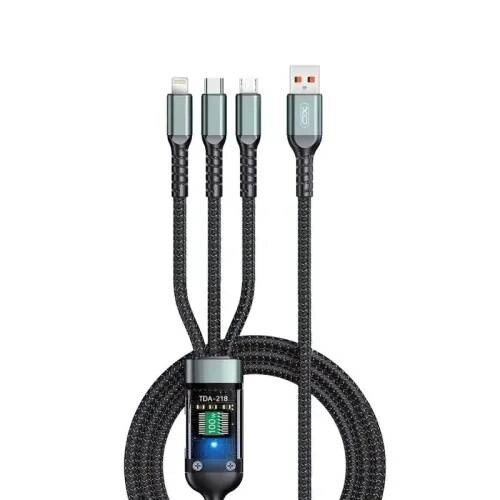
XO NB297 3 in 1 Fast Charging Cable
- USB-C, Lightning & Micro-USB Interface
- 1 Meter Cable Length
- Up to 60W USB-C Charging
- Durable TPE Cable Material
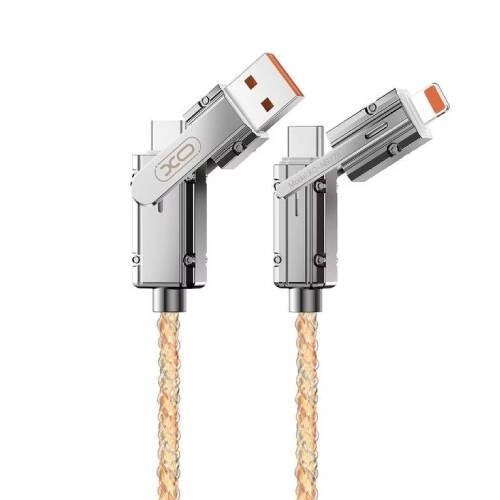
XO NB276 4-in-1 USB-C Lightning 60W 1m Gray Cable
- 4-in-1 USB-C/Lightning + USB/USB-C
- Supports 60W Fast Charging
- 1.0m Cable Length
- Gray Color, Durable Design
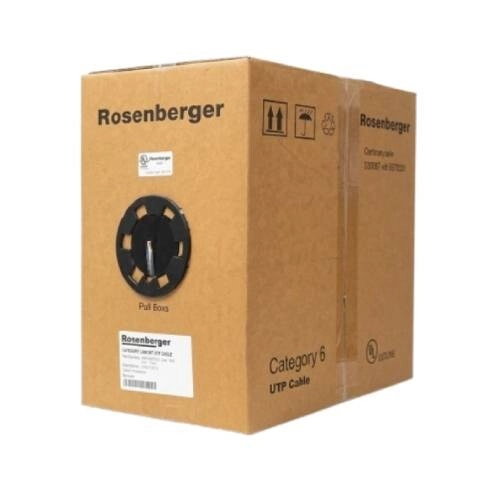
Rosenberger CP11-141-12 305M CAT.6 UTP Cable (Original)
- ATM Speed: 155/622 Mbps, 1.2 Gbps
- TP-PMD Speed: 100 Mbps
- TR-16: Active & Passive
- Connection: High-Speed Data Transmission
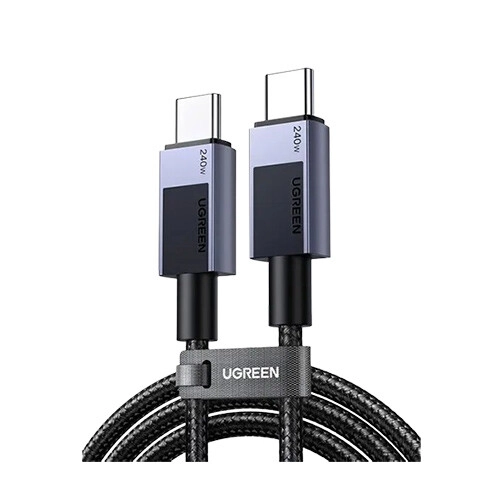
Ugreen L513 USB-C to USB-C Fast Charging Cable (1M)
- Power: 240W Max Power Delivery (PD)
- Speed: 480 Mbps Data Transfer
- Build: USB-C Male to Male
- Compat: Universal / Wide Compatibility
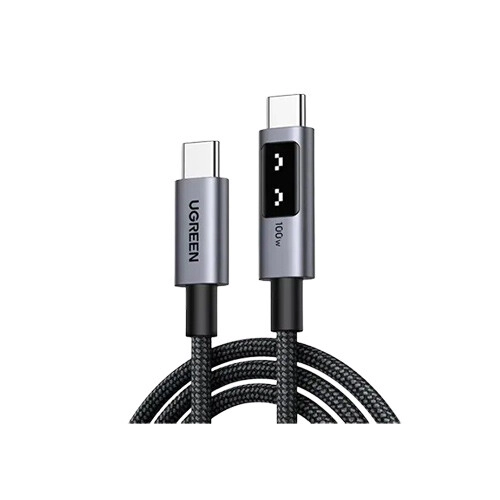
UGREEN L509 Uno USB-C to USB-C PD Fast Charging Cable (1M)
- Power: 100W PD (20V / 5A) | E-Marker Chip
- Build: Braided & Shielded Design
- Durability: Heavy-Duty / Long-Lasting
- Type: High-Speed Charging Cable
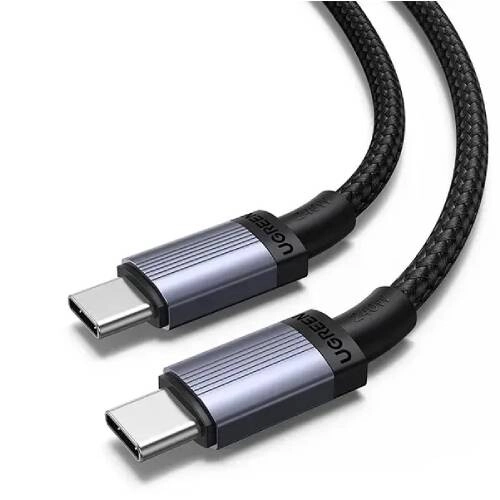
UGREEN L532 (65907) 240W 1M USB-C PD Fast Charging Cable
- 240W Fast Charging
- Durable Nylon Braided Design
- Safe & Stable Power Delivery
- Wide Device Compatibility
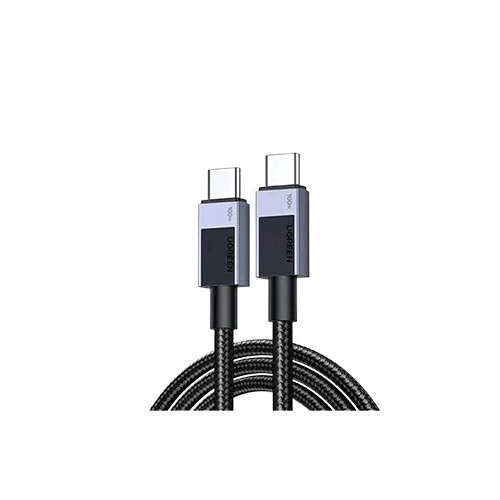
Ugreen L512 (45063) USB-C to USB-C Fast Charging Cable - 1M
- Power: 5A Max Fast Charge
- Speed: 480Mbps Data Transfer
- Interface: USB-C to USB-C Male
- Compatibility: Universal USB-C Devices
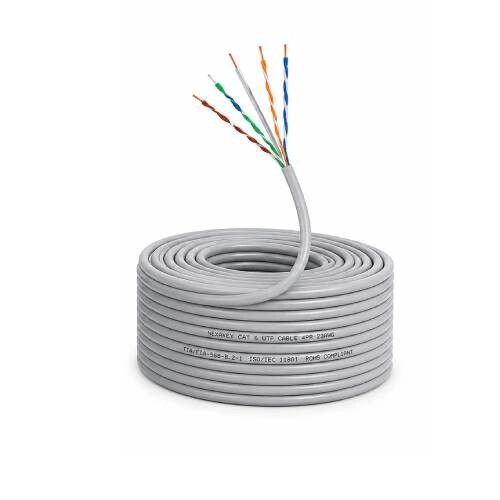
Nexakey NX-SL48C6 305 Meter CCA UTP Cable
- Bandwidth: Cat6, up to 250MHz
- Conductor: 23 AWG CCA
- Insulation: HDPE
- Jacket: Riser-Rated PVC (CMR)
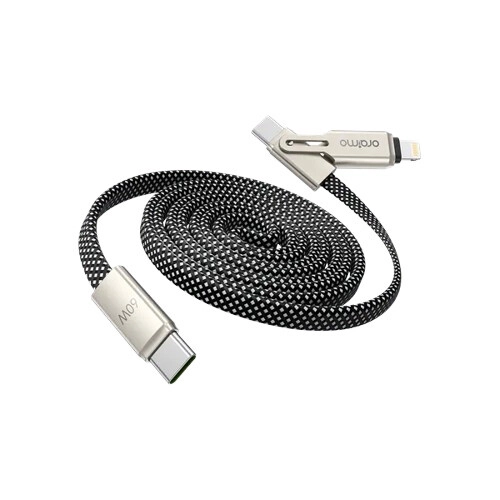
Oraimo OCD-176 SpeedLine 4 2-IN-1 60W Magnetic Fast Charge Cable
- Interface: Type-C to Type-C/Lightning
- Power: 60W Max, 3A Fast Charge
- Data: 480Mbps Transfer Speed
- Build: 1m Magnetic Braided Cable
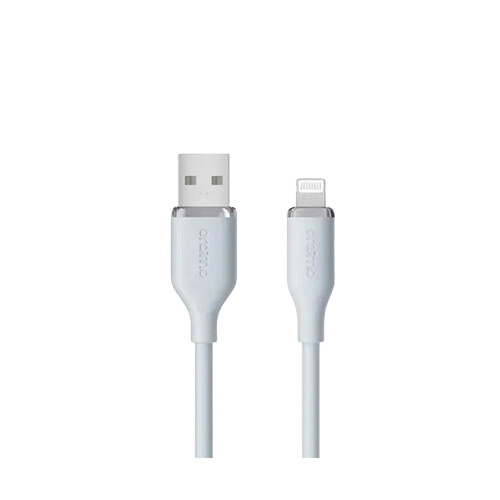
Oraimo OCD-115L v2 SilkLine 1M Lightning Cable
- Interface: USB to Lightning
- Power: 2.4A Fast Charge
- Length: 1 Meter
- Build: Durable Design
Showing 20 out of 981 products
Cables for Everyday Device Connections
Cables are used for charging, data transfer, networking, audio, video, and connecting different electronic devices. The right cable depends on the ports available on your devices and the type of connection you need.
Different cables support different connectors, lengths, transmission standards, and power requirements. Checking these specifications before buying can help avoid compatibility problems.
Choosing the Right Cable
Start by checking the connector type on both devices. USB-A, USB-C, Micro USB, HDMI, Ethernet, and audio connectors are designed for different purposes.
You should also consider the required cable length and the type of connection. A cable that fits physically may not always support the required charging speed, data transfer rate, or video resolution.
USB and Charging Cables
USB cables are commonly used for charging and data transfer between smartphones, tablets, computers, storage devices, and other compatible products.
USB-C cables are increasingly used with modern devices. However, USB-C cables can have different power and data capabilities. Check the cable specifications if you need fast charging, high-speed data transfer, or video support.
HDMI and Video Cables
HDMI cables are used to transmit digital audio and video between compatible devices. They can be used with TVs, monitors, laptops, gaming consoles, media players, and other display equipment.
If you need a cable for high-resolution video, check the supported HDMI standard, resolution, refresh rate, and other requirements of your devices before purchasing.
Audio Cables
Audio cables are used to connect speakers, headphones, microphones, computers, smartphones, and other audio equipment. Different cables use different connectors depending on the device.
Before choosing an audio cable, check the connector type and the input or output port of your equipment. Cable length can also be important when connecting devices that are placed farther apart.
Network and Ethernet Cables
Network cables are used to connect computers, routers, switches, access points, and other networking devices. Ethernet cables are available in different categories and can support different network speeds and transmission requirements.
For a wired network, check the cable category, connector type, required length, and supported network speed. Choosing a suitable cable can help ensure that the cable does not become a limitation in your network setup.
Cable Length and Build Quality
Cable length should match the distance between the devices. A cable that is too short may be difficult to use, while an unnecessarily long cable can create clutter.
Build quality is also important for cables used frequently. Look at the connector design, cable construction, flexibility, and intended usage when choosing a cable for regular use.
Cable Compatibility
Compatibility should be checked before purchasing any cable. Confirm the ports on both devices and make sure the cable supports the required function.
For example, a USB-C cable may support charging but not necessarily the same data or video features as another USB-C cable. Similarly, different HDMI cables can have different supported specifications.
Cables for Home, Office, and Computer Use
Cables are useful in homes, offices, computer setups, entertainment systems, and networking environments. You may need different cable types for monitors, computers, smartphones, routers, printers, speakers, TVs, and other devices.
For a new setup, it can be useful to check all device ports first and select cables based on the required connection rather than buying only by connector appearance.
Buy Cables from Techland BD
Techland BD offers cables for different charging, data transfer, networking, audio, video, and connectivity requirements. You can compare available cables by connector type, length, compatibility, transmission standard, and intended use.
Before purchasing, check the ports and technical requirements of the devices you want to connect. This helps you select a cable that supports the connection you actually need.
Cable Price List in Bangladesh 2026
Frequently Asked Questions
What types of cables are available?
Common types include USB cables, HDMI cables, audio cables, network cables, charging cables, power cables, and other cables for computer and electronic devices.
How do I choose the right cable?
Check the connector type, device compatibility, required length, charging or data requirements, and supported transmission standard before purchasing.
Are all USB-C cables the same?
No. USB-C describes the connector shape, but cables can support different charging power, data speeds, and video capabilities. Check the specifications of the cable before buying.
Which cable is used for connecting a computer to a monitor?
The required cable depends on the ports available on the computer and monitor. HDMI, DisplayPort, USB-C, and other interfaces may be used depending on the devices.
Which cable is suitable for a wired internet connection?
Ethernet or network cables are commonly used for wired internet connections. The appropriate cable category depends on the required network speed and setup.
Does cable length affect performance?
Cable performance can depend on the cable type, standard, length, and signal being transmitted. Choose a suitable length and specification for the intended application.
Where can I buy cables in Bangladesh?
You can compare and buy different types of cables from Techland BD by checking their connector type, compatibility, length, and technical specifications.
