
USB Hub Price in Bangladesh
Explore USB hubs at Techland BD. Compare available models, ports, connectivity options, and specifications to find the right USB hub for your laptop, desktop, and other devices.
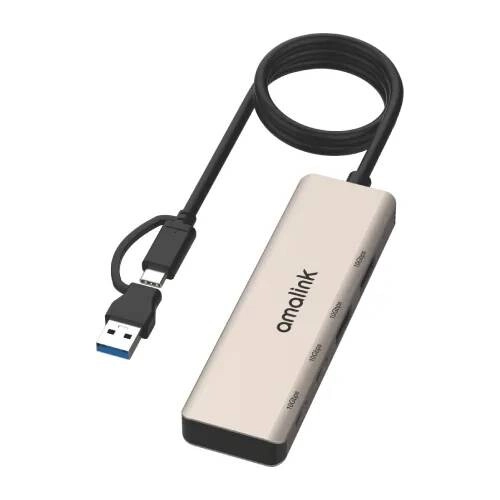
Amalink AL-UCA622 2-in-2 USB Hub
- Input: 1 x USB, 1 x Type-C
- Output: 2 x USB 3.2 Gen2, 2 x Type-C 3.2 Gen2
- Compatible with Windows, macOS, HarmonyOS & Android
- Cable Length: 0.5M
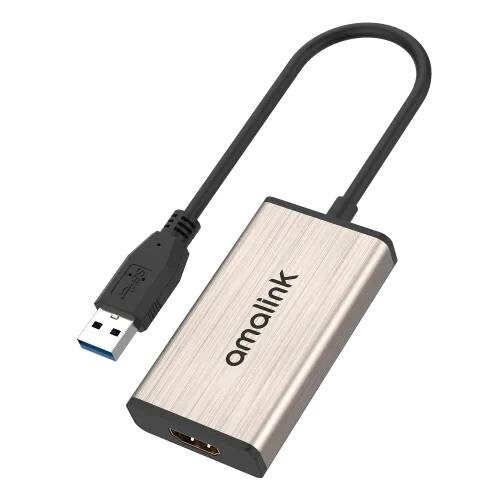
Amalink AL-5202 USB to HDMI Converter
- USB-A 3.0 Input Interface
- HDMI Output: 1080P @ 60Hz
- Compatible with Windows, Mac & Linux
- 0.2M Cable Length
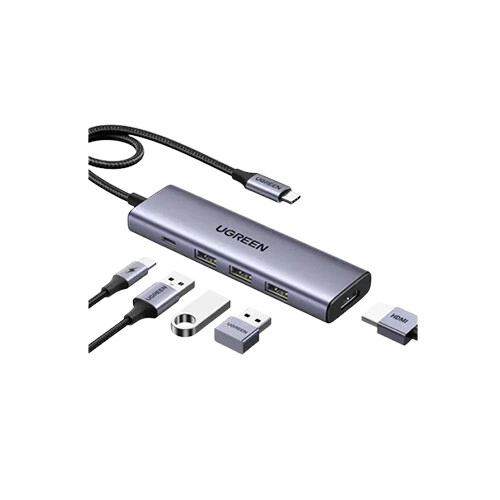
UGREEN CM511 Type-C Male to HDMI & USB Multiport Converter (Gray)
- Power & Video: 100W PD Charging, 4K HD Display
- Ports & Speed: 5-in-1 Hub, High-Speed Data
- Design: Compact Multi-Port Design
- Compatibility: Universal Support
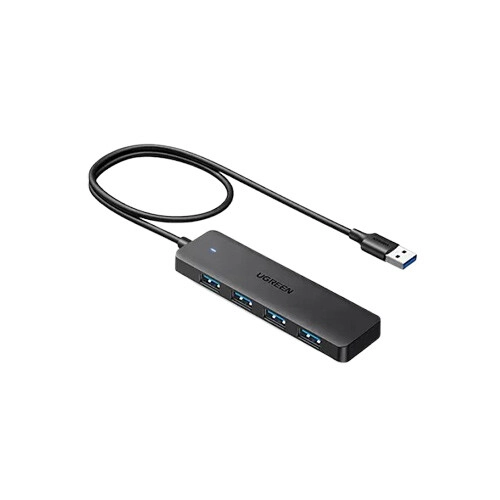
UGREEN CM219 (25946) USB Male to Quad USB Female USB HUB (Black)
- Ports & Speed: 4x USB 3.0 (5Gbps)
- Compatibility: Plug & Play (Win, Mac, Linux)
- Safety: Short-Circuit & Overcurrent Protection
- Power: Low Power, Bus-Powered
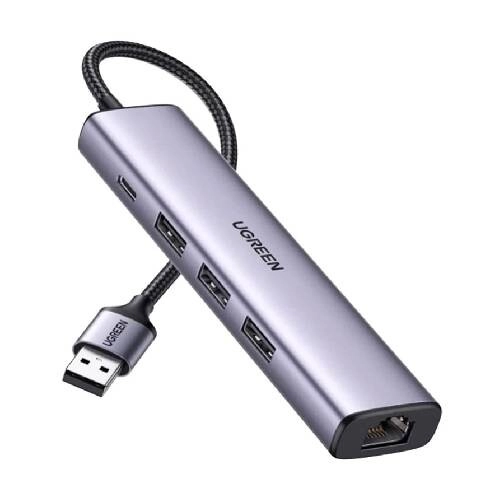
UGREEN CM475 (60554) 5 in 1 Ethernet Adapter Hub
- USB-A Male Input Connector
- 4-in-1 USB 3.0, Type-C & LAN Ports
- Aluminum Shell with Braided Cable
- Gray Color, 0m Length
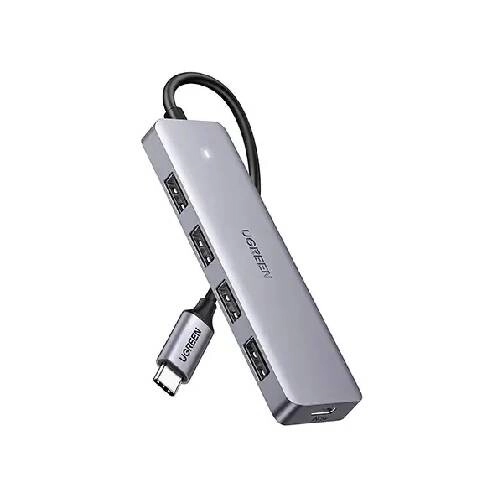
UGREEN CM219 (70336) 4 Port USB Type-C HUB
- Type-C Male to 4x USB Female
- Up to 5Gbps Data Transfer Speed
- Plug-and-Play Convenience
- Wide Device Compatibility
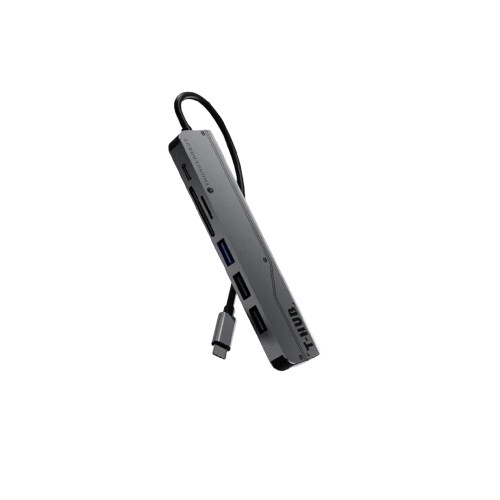
Thunderbot T-Hub 7 in 1 Dock Station Accessories (Silver)
- Power: USB-C PD 100W Fast Charging
- Ports: 1x USB-A 3.0 (5Gbps), 2x USB-A 2.0
- IO: 4K HDMI, SD / MicroSD Card Readers
- Type: Universal USB-C Hub
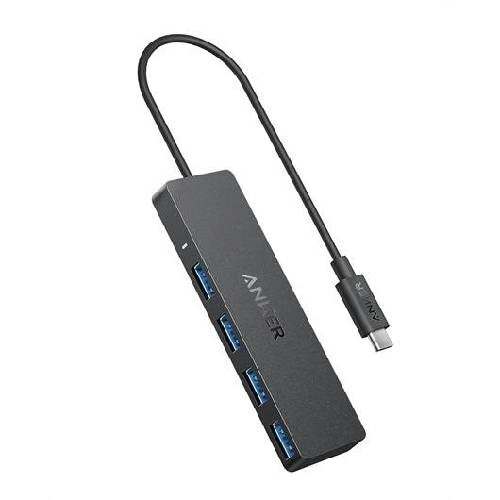
Anker A8309 Series 3 Type C to USB-C 4 in 1 Black Data Hub
- 4-Port USB-C Hub with USB-A 3.0
- Up to 5Gbps Data Transfer Speed
- Plug & Play, No Setup Required
- Compatible with USB-C Laptops & PCs
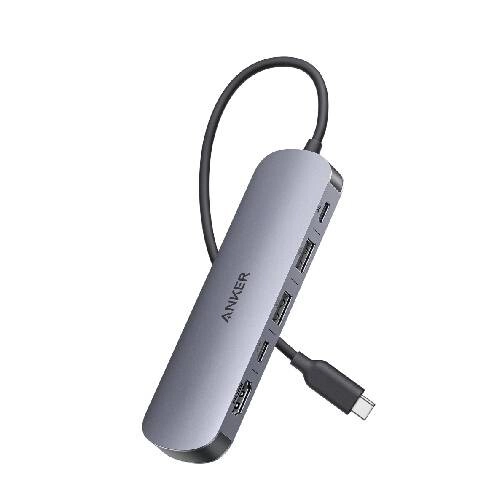
Anker Nano USB-C 7-in-1 4K HDMI Grey Hub
- 4K HDMI Output at 60Hz
- 5Gbps High-Speed Data Transfer
- USB-C Port for Connectivity
- USB-A Port for Peripheral Devices
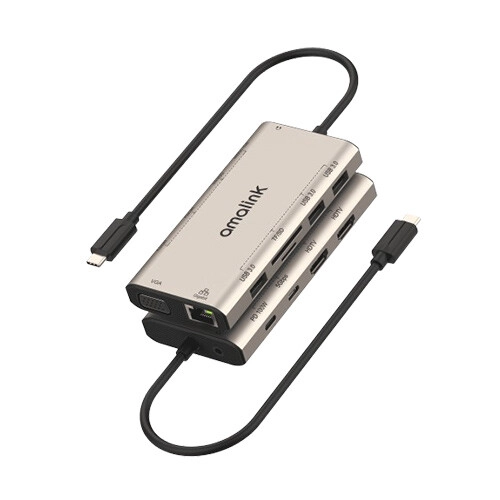
Amalink AL-UC601 12-in-1 Type-C Hub
- I/O: Type-C In (0.16m) | 3x USB | 1x Type-C | SD/TF
- Media: 2x HDMI (4K 30Hz) | 1x VGA | 3.5mm Audio
- Net/Power: RJ45 | 100W PD
- Design: Multi-Port Hub
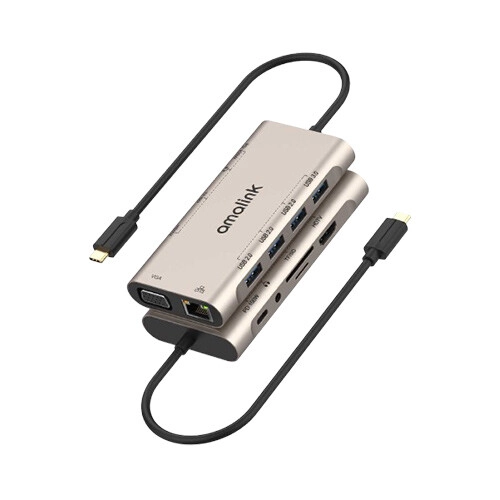
Amalink AL-9591A 11-in-1 USB-C HUB
- I/O: Type-C In (0.16m) | 4x USB | 1x Type-C | SD/TF
- Media: 1x HDMI (4K 30Hz) | 1x VGA | 3.5mm Audio
- Net/Power: RJ45 | PD Fast Charging
- Design: Multi-Port Hub
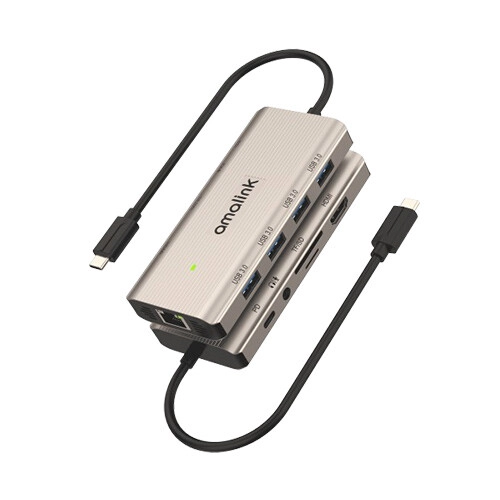
Amalink AL-UC962 10-in-1 USB-C Multi-function Hub
- I/O: Type-C In (0.16m) | 4x USB 3.0 | 1x Type-C | SD/TF
- Media: 1x HDMI (4K 30Hz) | 3.5mm Audio
- Net/Power: RJ45 | 100W PD
- Design: Multi-Port Hub
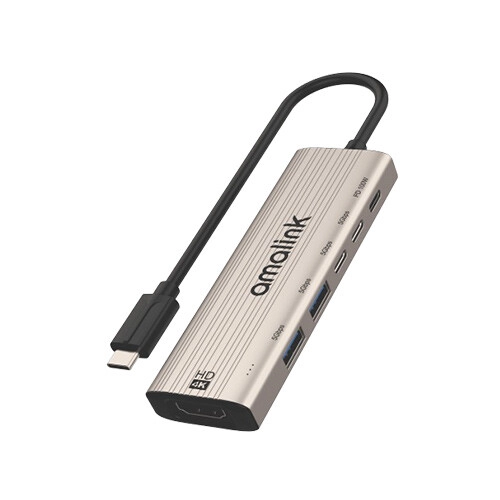
Amalink AL-UC128 6 in 1 USB-C to HDMI, USB Type C HUB
- I/O: Type-C In (0.16m) | 2x USB 3.0 + 3x Type-C Out
- Video: 1x HDMI (Up to 4K 30Hz)
- Power: 100W PD Fast Charging
- Design: Compact Multi-Port Hub
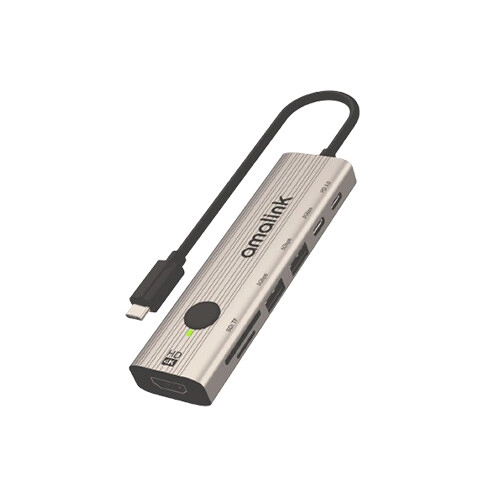
Amalink AL-UC127+ USB-C to HDMI HUB with Instant Screen-Off
- I/O: Type-C In (0.16m) | 2x USB 3.0 + 2x Type-C Out + SD/TF
- Video: 1x HDMI (Up to 4K 30Hz)
- Power: PD 3.0 Charging
- Design: Compact Multi-Port Hub
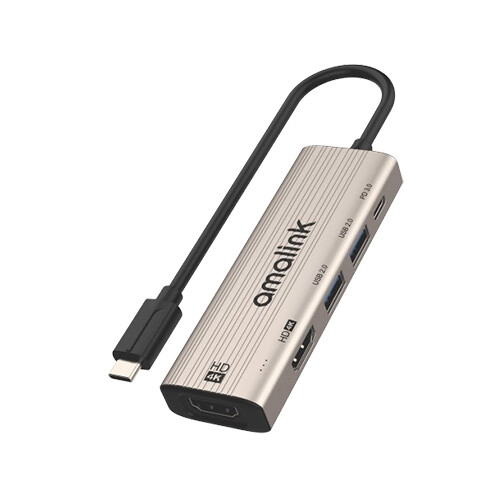
Amalink AL-UC126 5-in-1 Type-C Multi-function dock station
- I/O: Type-C In (0.16m) | 2x USB 2.0 + 1x Type-C Out
- Video: Dual HDMI (Up to 4K 60Hz)
- Power: PD 3.0 Pass-Through
- Design: Compact Dual-Display Hub
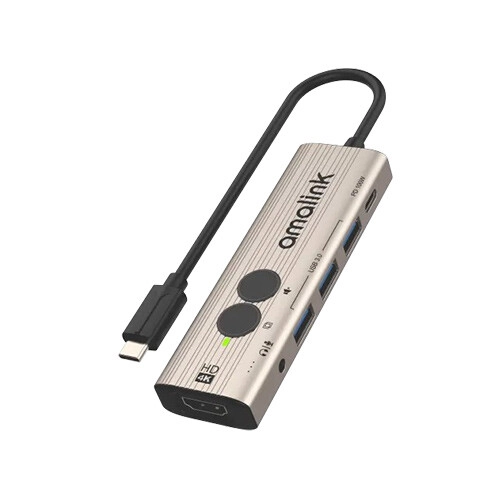
Amalink AL-UC123+ USB-C to HDMI Hub with Instant Screen-Off & One-Click mute
- I/O: Type-C In (0.16m) | 3x USB 3.0 + 1x Type-C Out
- Video: 1x HDMI (Up to 4K@30Hz)
- Audio: 1x 3.5mm Audio Jack
- Design: Compact Portable Hub
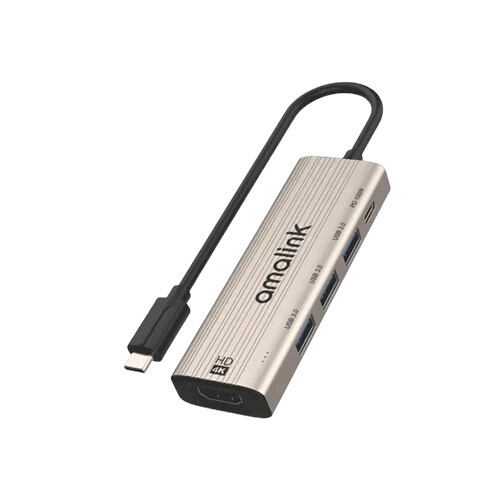
Amalink AL-UC123S 5 in 1 USB-C to HDMI Hub
- I/O: Type-C In (0.16m) | 3x USB 3.0 + 1x Type-C Out
- Video: 1x HDMI (Up to 4K@30Hz)
- Function: Multi-Port Data & Display Expansion
- Design: Compact Portable Hub
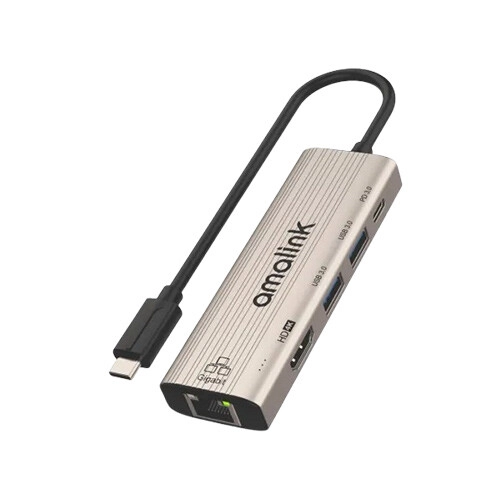
Amalink AL-UC125S 5 in 1 USB-C to HDMI Adapter with 1000M Network Card
- I/O: Type-C In (0.16m) | 2x USB 3.0 + Type-C Out
- Display/Net: 1x HDMI (4K@30Hz) | 1x RJ45
- Power: 100W PD Pass-Through
- Design: Compact Multi-Port Hub
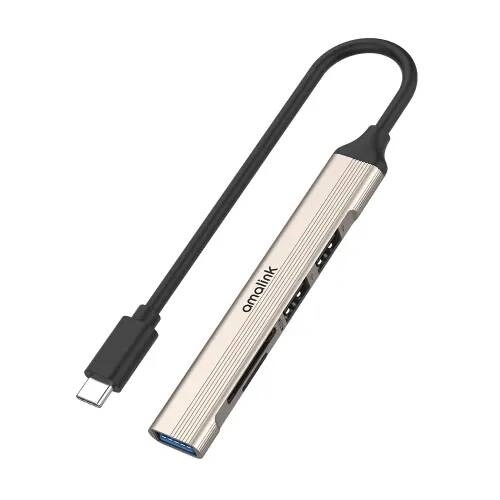
Amalink AL-9705D USB-C 2.0 Card Reader with 3-Port HUB
- Input: 1× Type-C
- Output: USB 3.0, 2× USB 2.0, SD & TF
- Cable Length: 0.16M
- Compatibility: Windows, macOS & Android
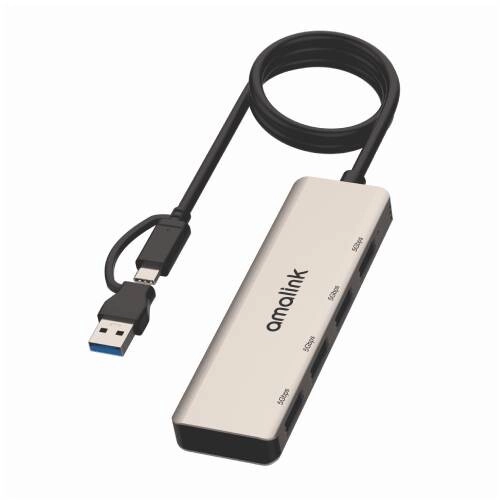
Amalink AL-UCA621 USB 3.2 Gen 1 4-Port 5G Hub
- 1x USB + 1x Type-C Input
- 4x USB 3.2 Gen1 Output
- Supports Windows/macOS/Android/HarmonyOS
- 0.5M Cable Length
Showing 20 out of 480 products
Explore USB Hubs for Laptops, Desktops and More
A USB hub is a useful accessory for connecting multiple devices to a laptop or desktop when the available USB ports are limited. It can allow users to connect peripherals such as keyboards, mice, USB drives, card readers, printers, and other compatible devices through a single hub.
USB hubs are available with different numbers and types of ports. Some models provide standard USB-A ports, while others include USB-C, HDMI, Ethernet, memory card slots, or other connectivity options. Choosing the right hub depends on the devices you need to connect and the ports supported by your computer.
At Techland BD, you can explore the latest USB Hub price in Bangladesh, compare available models and specifications, and choose a suitable USB hub for your laptop, desktop, or other compatible devices.
USB Hub Features and Connectivity Options
USB hubs come in different configurations to meet different connectivity needs. Basic models may provide several USB-A ports, while more advanced hubs can include USB-C, HDMI, Ethernet, SD card, and other useful connections.
When choosing a USB hub, check the type and number of ports you need. Also consider the USB version and supported data transfer speeds if you regularly transfer large files between your computer and external storage devices.
How to Choose the Right USB Hub
The right USB hub depends on your computer, connected devices, and daily requirements. First, check which ports are available on your laptop or desktop and make sure the hub uses a compatible connection.
If you only need additional USB ports for a keyboard, mouse, or flash drive, a basic hub may be sufficient. If you need HDMI, Ethernet, memory card support, or USB-C connectivity, consider a multi-port hub with the features you require.
USB-C Hubs for Modern Laptops
Many modern laptops have fewer traditional ports and rely more heavily on USB-C connectivity. A USB-C hub can expand the available connections and allow users to connect additional peripherals and displays where supported.
Before buying a USB-C hub, check the capabilities of your laptop's USB-C port. Not every USB-C port supports the same features, such as video output, charging, or high-speed data transfer.
USB Hubs for Everyday Computer Use
A USB hub can make everyday computer use more convenient by providing additional ports for commonly used peripherals. It can be useful for connecting a keyboard, mouse, USB storage device, printer, webcam, or other compatible accessories.
For office and home users, a compact hub can also help keep cables and peripherals organized around a laptop or desktop workstation.
What to Check Before Buying a USB Hub
Before purchasing a USB hub, check the connector type, number of ports, USB version, data transfer speed, power requirements, and compatibility with your computer. If you need to connect displays, Ethernet, or memory cards, make sure the selected model supports those functions.
Also consider the size and build of the hub if you plan to carry it with a laptop. Comparing the available models and USB Hub prices can help you choose an option that provides the features you actually need.
Why Buy a USB Hub from Techland BD?
Techland BD offers USB hubs for users who need additional connectivity for laptops, desktops, and other compatible devices. You can compare available models, check specifications, and choose a hub based on the number of ports, connectivity options, and your budget.
Whether you need a simple USB hub for everyday peripherals or a multi-port USB-C hub for a modern laptop, you can explore suitable options at Techland BD.
USB Hub Price List in Bangladesh 2026
Frequently Asked Questions
What is a USB hub?
A USB hub is a device that expands the number of available USB connections on a computer, allowing multiple compatible devices to be connected through a single port.
What is the latest USB Hub price in Bangladesh?
The price depends on the number of ports, USB version, connectivity options, features, and brand. Check the available USB hubs at Techland BD for current prices.
Which USB hub is best for a laptop?
The best USB hub depends on the ports and devices you need. Check your laptop's available connections and choose a hub that provides the required USB, USB-C, HDMI, Ethernet, or other ports.
Is a USB-C hub compatible with every USB-C port?
Not necessarily. USB-C ports can support different functions depending on the device. Check whether your laptop's USB-C port supports the features required by the hub before purchasing.
Can a USB hub connect multiple devices at once?
Yes. A USB hub can connect multiple compatible devices at the same time, although the available power and data bandwidth may depend on the hub and connected devices.
Where can I buy a USB hub in Bangladesh?
You can explore USB hubs at Techland BD, compare available models and specifications, and choose one according to your connectivity requirements and budget.
