
Processor Price in Bangladesh
Processor price in BD starts from BDT 4400 and goes up to BDT 74999, depending on model, performance and Generation. At Techland BD, explore processors suitable for gaming, creative tasks, and general performance computing with official warranty and trusted support.
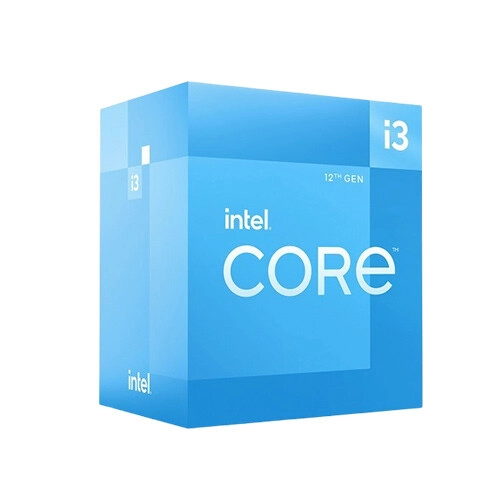
Intel Core i3 12100T 12th Gen Alder Lake LGA 1700 Processor
- CPU Speed/Cache: 2.20–4.10 GHz | 12MB Cache
- Socket/Cores: LGA 1700 | 4C / 8T
- Integrated GPU: UHD Graphics 730
- System Type: Socketable Desktop Processor
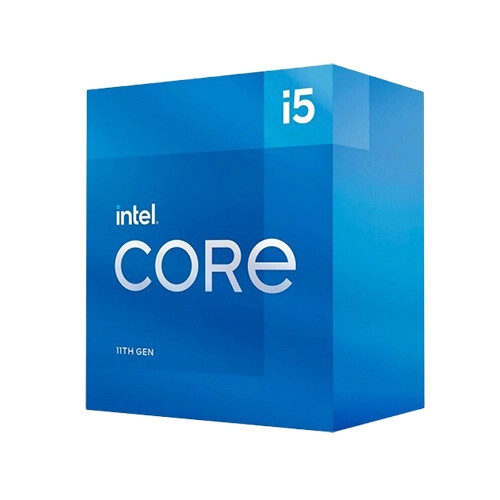
Intel Core i5-11500T 11th Gen LGA1200 Processor
- CPU Speed/Cache: 1.50–3.90 GHz | 12MB Cache
- Socket/Cores: LGA1200 | 6C / 12T
- Integrated GPU: UHD Graphics 750
- System Type: Socketable Desktop Processor
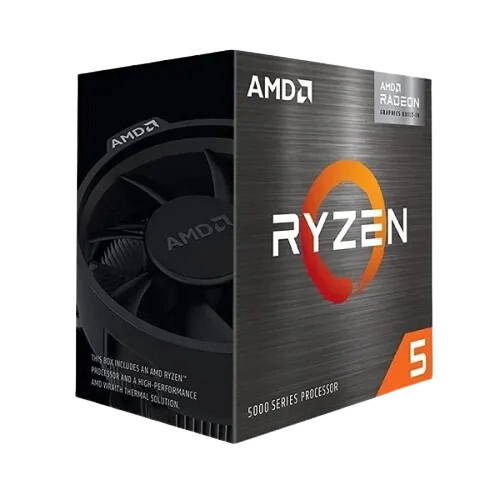
AMD Ryzen 5 PRO 5650GE 4.4GHz Processor with Radeon Graphics
- Clocks: 3.4–4.4 GHz
- Cache: L2: 3MB | L3: 16MB
- Cores: 6 Cores | 12 Threads
- Socket: AM4
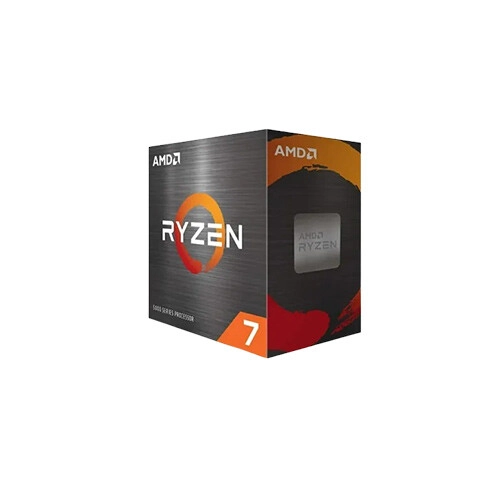
AMD Ryzen 7 PRO 5755G 3.8GHz Processor with Radeon Graphics
- 3.8GHz Base, 4.6GHz Boost
- 4MB L2, 16MB L3 Cache
- 8 Cores, 16 Threads
- AM4 Socket, 65W TDP
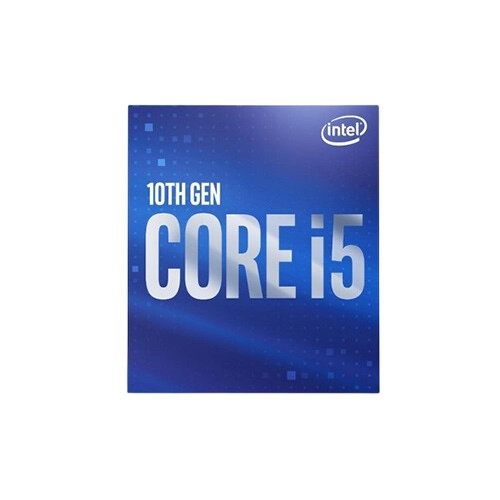
Intel Core i5-10500 10th Gen Cores-6 Threads-12 Processor
- Base Frequency - 3.10 GHz
- Cores - 6
- Threads - 12
- Default TDP - 65 W
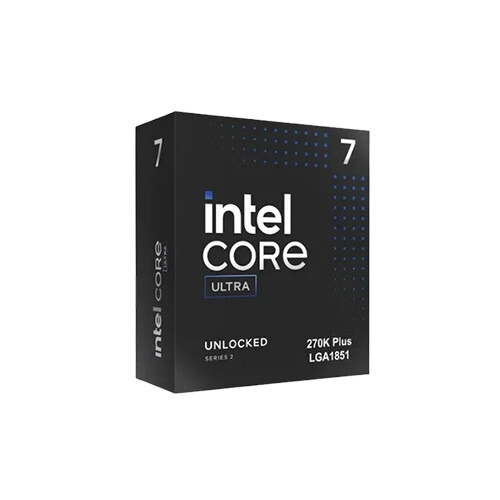
Intel Core Ultra 7 270K Plus 24-Core Processor
- Total Cores - 24 (8P + 16E)
- Max Turbo Frequency - 5.5 GHz
- Total Threads - 24
- Total L2 Cache - 40 MB
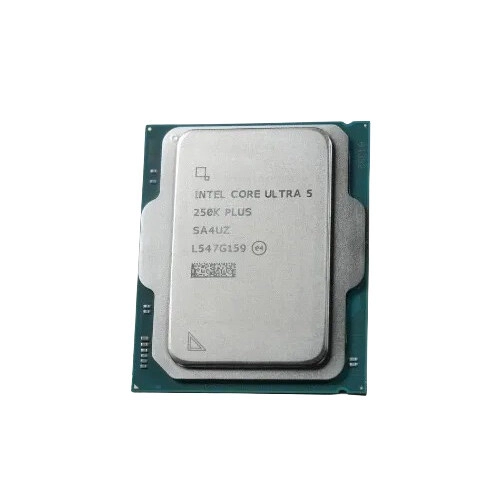
Intel Core Ultra 5 250K Plus 18 Core Processor
- Max Memory Size - 256 GB
- Memory Type - DDR5 7200 MT/s
- Total Cores - 18 (6P + 12E)
- Total Threads - 18 Threads
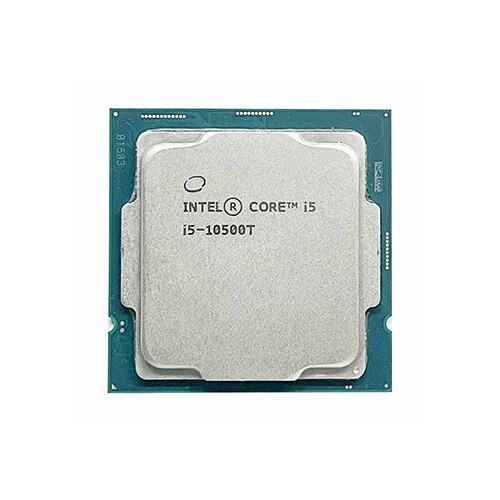
Intel Core i5 10500T 10th Gen Comet Lake Processor
- Generation - 10th
- Memory Max. - 128GB
- Processor Type. - Core i5
- Turbo Frequency Max. - 3.80GHz
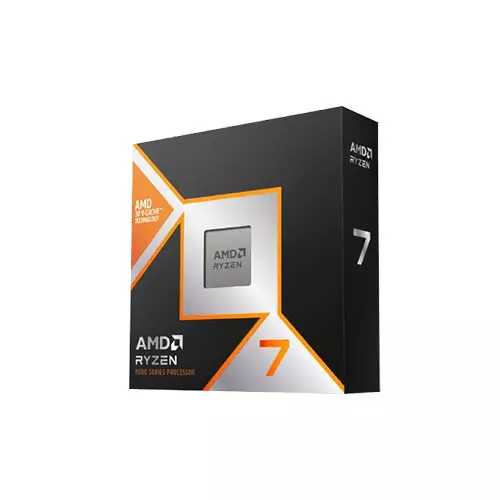
AMD Ryzen 7 9850X3D 8 Core 16 Thread Desktop Processor
- Max. Boost Clock: Up to 5.6 GHz
- Base Clock:4.7 GHz
- Number of Cores:8
- Number of Threads:16
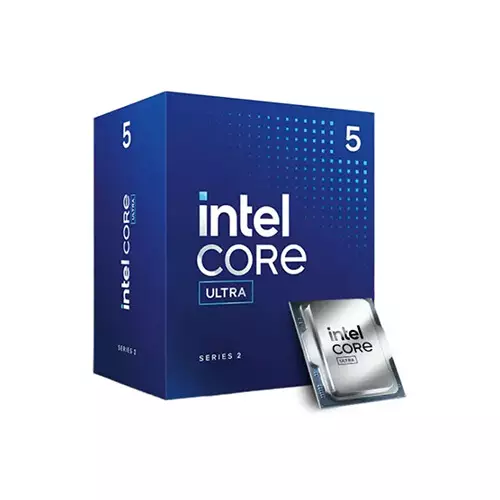
Intel Core Ultra 5 225 10 Core 10 Threads Arrow Lake Processor
- Clock Speed: 3.3 GHz up to 4.9 GHz
- Cache: 20 MB, Socket: LGA1851
- 10 Cores | 10 Threads
- NPU: Intel AI Boost
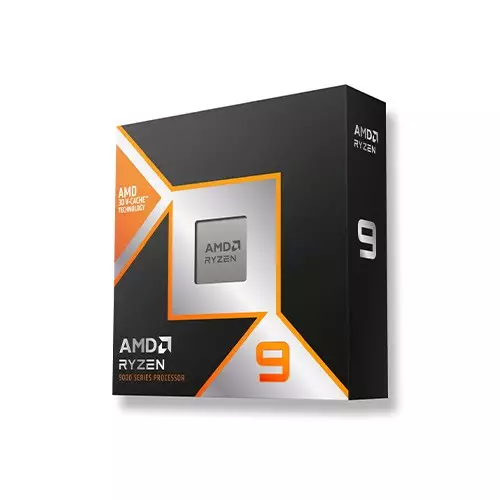
AMD Ryzen 9 9900X3D 12 Core 24 Thread AM5 Gaming Processor
- Base Frequency: 4.4 GHz
- Max Turbo Frequency: Up to 5.5 GHz
- Number of Cores: 12
- Number of Threads: 24
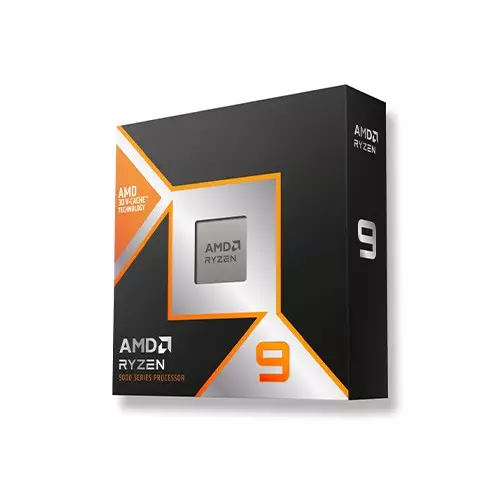
AMD Ryzen 9 9950X3D 16 Core 32 Thread AM5 Gaming Processor
- Base Frequency: 4.3 GHz
- Max Turbo Frequency: Up to 5.7 GHz
- Number of Cores: 16
- Number of Threads: 32
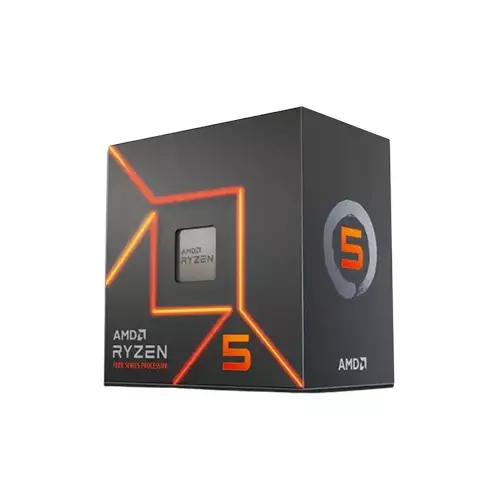
AMD Ryzen 5 7400F 3.7GHz 6 Core AM5 Socket Processor
- Clock Speed: 3.7GHz up to 4.7 GHz
- Cores: 6, Threads: 12
- Socket: AM5
- L2 Cache: 6MB, L3 Cache: 32MB
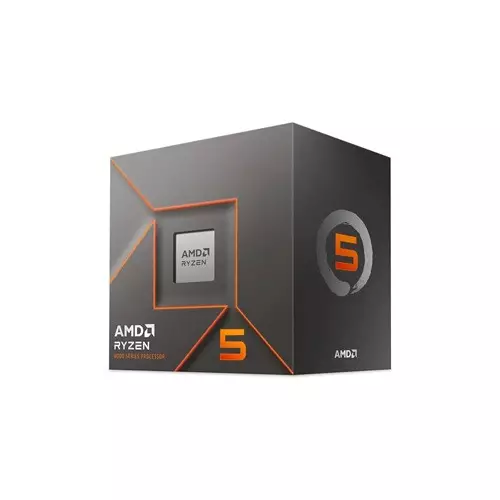
AMD Ryzen 5 8400F Cores 6 Threads 12 Processor
- Cores 6
- Threads 12
- Turbo Frequency Up to 4.7GHz
- Base Frequency 4.2GHz
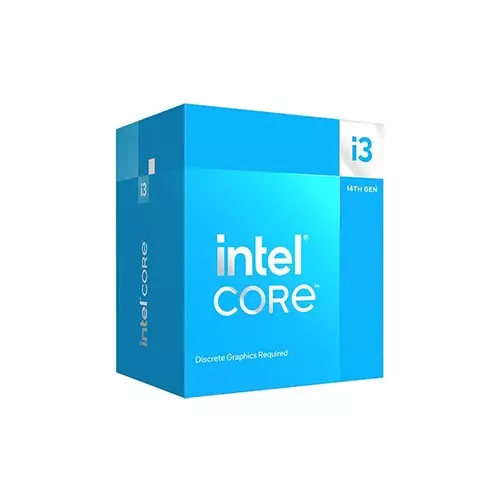
Intel Core i3 14100 14th Gen Raptor Lake Processor
- Clock Speed: 3.5 GHz up to 4.7 GHz
- Cache: 12 MB, Socket: LGA1700
- CPU Cores: 4; CPU Threads: 8
- Graphics: Intel UHD Graphics 730
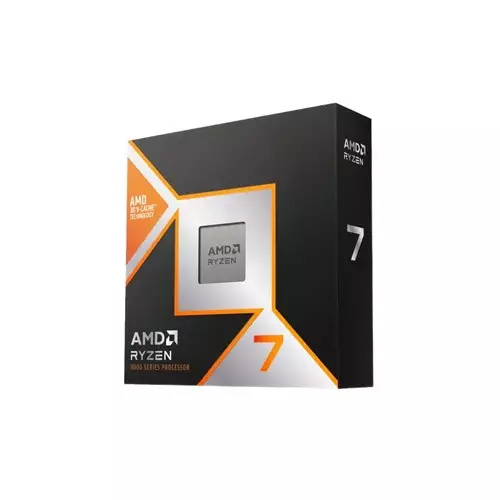
AMD Ryzen 7 9800X3D 8 Cores 16 Threads Gaming Processor
- Base Frequency 4.7 GHz
- Max Turbo Frequency Up to 5.2 GHz
- Number of Cores 8
- Number of Threads 16
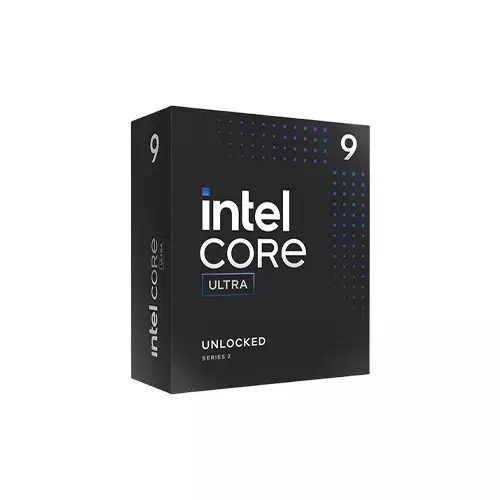
Intel Core Ultra 9-285K Arrow Lake Processor
- Generation - Ultra
- Processor Type. - Core Ultra 9
- Turbo Frequency Max. - 5.70GHz
- Core - 24 Threads - 24
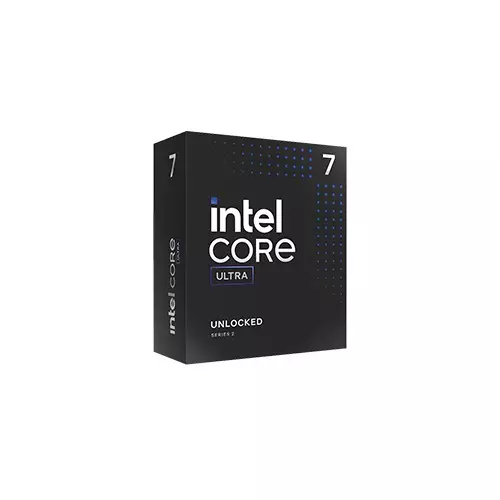
Intel Core Ultra 7-265K Cores 20 Threads 20 Desktop Processor
- Total Cores 20
- Total Threads 20
- Max Turbo Frequency 5.5 GHz
- 30 MB Intel Smart Cache
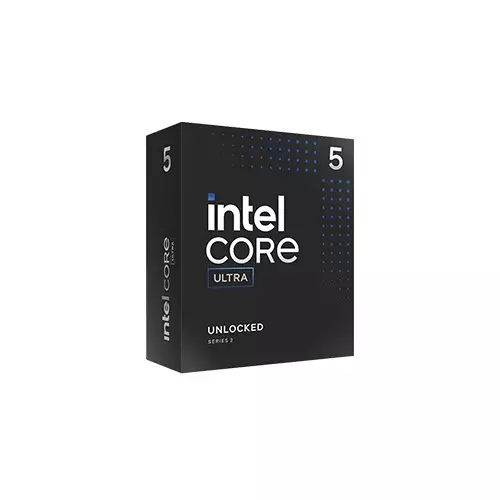
Intel Core Ultra 5-245K 14 Cores 14 Threads Desktop Processor
- Total Cores 14
- Total Threads 14
- Max Turbo Frequency 5.2 GHz
- 24 MB Intel Smart Cache
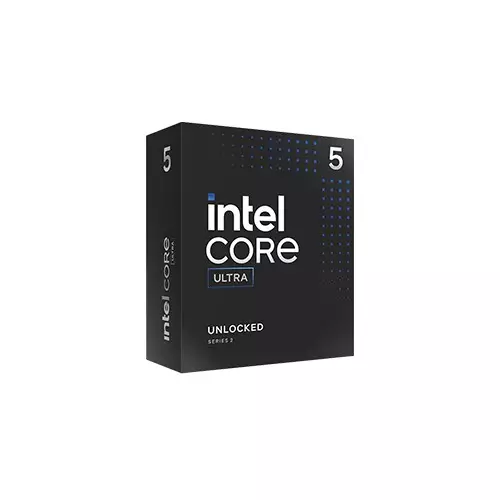
Intel Core Ultra 5-245KF Core 14 Threads 14 Desktop Processor
- Total Cores 14
- Total Threads 14
- Max Turbo Frequency 5.2 GHz
- 24 MB Intel Smart Cache
Showing 20 out of 119 products
Affordable Processor at Best Price in Bangladesh
A processor, or CPU, is one of the most important parts of any computer. It reads instructions, runs software, and helps decide how fast your PC feels in daily use. Whether you are building a new desktop, upgrading an old system, or choosing parts for an office setup, checking the latest processor price in Bangladesh helps you make a smarter buying decision.
Based on current desktop PC sales trends in Bangladesh, Intel Core i5 and AMD Ryzen 5 series processors remain among the most popular choices for office users, students, and gamers because of their balance of performance and price. At Tech Land BD, customers can find Intel Core, Intel Core Ultra, and AMD Ryzen processors at different price ranges, including budget, mid-range, and high-end models. This makes it easier to compare performance, warranty, motherboard support, and price before buying.
Key Components of a Processor
A processor contains several internal components that work together to execute instructions efficiently. The Arithmetic Logic Unit (ALU) handles mathematical calculations and logical operations, while the Control Unit (CU) manages the flow of data and instructions throughout the system. Registers provide high-speed temporary storage for data and instructions currently being processed, and cache memory stores frequently accessed information to reduce retrieval time from the main memory, helping improve overall system performance.
CPU Generations
CPU generation refers to the technology series a processor belongs to. A newer generation usually brings better speed, improved power efficiency, stronger integrated graphics, and support for newer features. However, the newest processor is not always the best choice for every buyer. Consider your budget, motherboard compatibility, RAM support, and intended use before choosing a processor.
Intel now offers both traditional Core processors and newer Intel Core Ultra models. Core Ultra processors are designed for modern computing needs, including better power efficiency and AI-related tasks in supported systems. Popular tiers include Intel Core Ultra 5, Core Ultra 7, and Core Ultra 9.
AMD’s latest desktop lineup includes Ryzen 9000 series processors based on the Zen 5 architecture. Models such as Ryzen 5 9600X, Ryzen 7 9700X, Ryzen 9 9900X, and Ryzen 9 9950X are built for different users, from gamers to creators and workstation users.
CPU Socket Compatibility
Socket compatibility is very important when buying a processor. The CPU must match the motherboard socket. If the socket does not match, the processor will not fit or work.
Intel 12th-, 13th-, and 14th-generation desktop processors commonly use the LGA1700 socket. Newer Intel Core Ultra desktop platforms use the LGA1851 socket, which requires a compatible motherboard. AMD Ryzen 7000 and Ryzen 9000 series processors use the AM5 socket. AM5 motherboards usually support DDR5 RAM and, on selected models, newer connectivity features such as PCIe 5.0.
Before purchasing, buyers should check the CPU socket, motherboard chipset, BIOS support, RAM type, and cooler compatibility. This simple step can prevent costly mistakes during a PC build.
Processor Use Cases
Different users need different levels of CPU performance. For office work, online classes, browsing, accounting software, and video meetings, an entry-level or mid-range processor is usually enough. A processor with integrated graphics can also reduce the total build cost because it does not require a separate graphics card for basic use.
Gamers should focus on strong single-core performance, good cache size, and proper GPU pairing. A powerful CPU helps reduce bottlenecks and keeps gameplay smooth, especially in esports titles and high-refresh-rate gaming.
Content creators, video editors, 3D designers, and streamers usually benefit from more cores and threads. For these users, higher-end Intel Core i7, Core i9, Core Ultra 7, Core Ultra 9, Ryzen 7, and Ryzen 9 processors are better choices.
Intel Processor
Intel processors are widely used in desktops, laptops, and workstations. Intel offers several processor families, including Core i3, Core i5, Core i7, Core i9, Core Ultra, Xeon, Pentium, and Celeron. For most desktop users in Bangladesh, Intel Core i3, i5, i7, and i9 processors are the most common choices.
In our experience, Intel Core i5 and Core i7 processors are frequently selected by gamers and professional users who need strong single-core performance and compatibility with a wide range of motherboards available in Bangladesh. Many Intel processors also include useful technologies such as Turbo Boost, hybrid Performance-core and Efficient-core designs, and integrated graphics on selected models. These features make Intel a good choice for gaming, office work, productivity, and professional software.
Ultra Processor
Intel Core Ultra processors are designed for modern PCs that need strong performance, better efficiency, and support for newer workloads. These processors focus on smooth multitasking, improved power management, and AI-assisted computing in supported applications. Depending on the model, Core Ultra CPUs may include advanced integrated graphics, dedicated AI acceleration, and updated platform features. They are suitable for users who want a future-ready processor for productivity, creative work, gaming, and daily computing.
AMD Processor
AMD, or Advanced Micro Devices, is a major processor brand known for strong multi-core performance and good value. AMD Ryzen processors are popular among gamers, students, office users, freelancers, and creators in Bangladesh. Many AMD Ryzen CPUs offer excellent performance for the price, especially in multi-threaded tasks.
AMD product lines include Ryzen for regular desktop and gaming users, Ryzen Thread ripper for high-end workstation use, EPYC for servers, and Athlon for entry-level systems. Some Ryzen processors, such as the G-series models, include integrated Radeon graphics. These are useful for budget PCs where users do not want to buy a dedicated graphics card.
Intel vs AMD Processor Comparison
Among budget gaming PC builds in Bangladesh, AMD Ryzen 5 5600 and Intel Core i5-12400F remain two of the most commonly recommended processors because they deliver strong gaming performance without significantly increasing the total build cost.. Intel processors often perform very well in single-core tasks, gaming, and software that depends on high clock speed. Intel also has strong availability in the Bangladeshi PC market, which makes motherboard and service options easier for many buyers.
AMD processors are often praised for strong multi-core performance, good power efficiency, and competitive pricing. Ryzen X3D processors with 3D V-Cache are especially popular among gamers because the larger cache can improve FPS in many games.
For a budget office PC, both Intel Core i3 and Ryzen 5 G-series processors can be practical choices. For gaming, Intel Core i5/i7 and AMD Ryzen 5/Ryzen 7 models are popular. For professional workloads, Ryzen 9, Intel Core i9, and Core Ultra 9 processors are better suited.
Best Processor for Office / Budget PC
For office work, study, browsing, data entry, online meetings, and light multitasking, users do not need an expensive CPU. A reliable processor with integrated graphics is often the best value option. Popular choices include Intel Core i3 models and AMD Ryzen G-series processors.
For office PCs sold in Bangladesh, Intel Core i3-12100 and AMD Ryzen 5 4600G are widely used because they can comfortably handle office applications, web browsing, video conferencing, and day-to-day productivity tasks. They can handle Microsoft Office, Google Chrome, Zoom, accounting software, email, and light photo editing. Since these CPUs include integrated graphics, users can build a full PC without buying a separate graphics card.
For smoother multitasking, small-business use, or light creative work, buyers can consider the Intel Core i5-13400 or the AMD Ryzen 5 5600G. In many cases, pairing the CPU with 16GB of RAM and an SSD delivers a larger real-world speed improvement than buying a costly processor alone.
Best Processor for Gaming PC
A gaming processor should match the graphics card, monitor refresh rate, and the type of games you play. For entry-level gaming, AMD Ryzen 5 5600 and Intel Core i5-12400F are popular choices. These CPUs offer strong gaming performance at a reasonable price and work well with mid-range graphics cards.
For mid-range and high-refresh-rate gaming, AMD Ryzen 7 7800X3D and Intel Core i7-14700K are strong options. The Ryzen 7 7800X3D is well known for gaming because of its 3D V-Cache technology. Intel Core i7 models are also good for users who want both gaming and productivity performance in a single system.
For premium gaming, streaming, and content creation, high-end processors such as AMD Ryzen 9 7950X3D and Intel Core i9-14900K offer powerful performance. However, most gamers do not need the most expensive CPU. A balanced build with a good graphics card, enough RAM, an SSD, and proper cooling usually gives the best gaming experience.
Best Processor Price list in BD 2026
Core i5 Processor
Intel Core i5 processors are popular because they offer a good balance of price and performance. They are suitable for office work, online classes, gaming, streaming, light editing, and everyday multitasking. Many Core i5 processors feature strong single-core performance, multiple cores, and Turbo Boost support, which helps the CPU boost performance when extra performance is needed.
For most users in Bangladesh, a Core i5 processor is a safe mid-range choice. It is powerful enough for modern software but usually more affordable than Core i7 or Core i9 models.
Expert Buying Advice
For most users in Bangladesh, an Intel Core i5 or AMD Ryzen 5 processor offers the best balance of performance and price. Gamers should prioritize a balanced CPU and GPU combination, while professional creators may benefit from higher-core-count Ryzen 7, Ryzen 9, Core i7, or Core i9 processors.
What is the Latest Processor Price in Bangladesh?
The latest processor prices in Bangladesh vary by brand, model, generation, core count, warranty, stock, and market demand. Budget processors are usually less expensive and suitable for office or student use. Mid-range processors are better for gaming and multitasking. High-end processors are designed for creators, streamers, engineers, and professional users.
Tech Land BD offers a range of Intel and AMD processors for different budgets. Buyers can compare specifications, prices, availability, and warranty details before placing an order. For the best value, always choose a processor based on your real workload, not only the highest model number.
What does a processor do in a computer?
A processor runs the instructions needed to operate your computer. It helps open programs, load files, run the operating system, process data, and manage different tasks. A faster and more capable processor can make the system feel smoother, especially during multitasking or heavy workloads.
What is the difference between single-core and multi-core processors?
A single-core processor has a single processing unit, so it can handle fewer tasks at a time. A multi-core processor has two or more cores, which allows it to manage more tasks at once. Modern software, games, browsers, and editing tools usually perform better on multi-core processors.
How does processor speed affect performance?
Higher GHz speeds can improve performance, but core count, architecture, cache, RAM, and cooling also affect overall system speed.
What is the difference between Intel and AMD processors?
Intel and AMD lead the desktop CPU market. Intel delivers strong single-core performance and gaming capability, while AMD Ryzen offers excellent multi-core performance, efficiency, and value. Choose the processor that best matches your budget and computing needs.
