
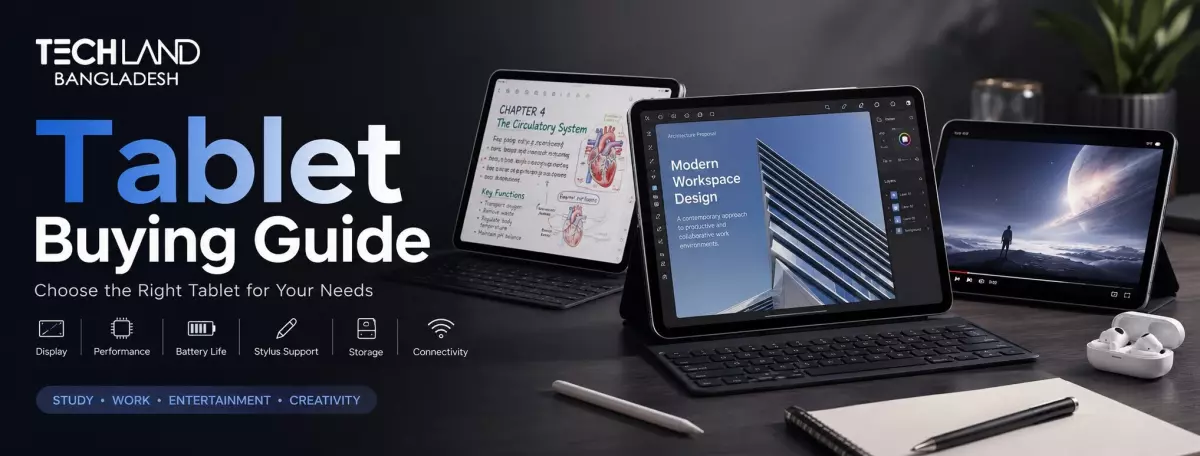
Tablet Buying Guide: How to Choose the Right Tablet
A tablet is sort of in between a phone and a laptop. It's a bit bigger than a phone for reading and watching, but lighter and easier to use for everyday work than a laptop. Before we compare specs, it’s useful to know why you actually need one. This one answer will determine almost all of the other decisions in this guide.
Why You Need a Tablet
Imagine how you would use a tablet in your daily life. Is it mostly for entertainment, like reading and streaming video? Note-taking? Light work? Or maybe you want something more like a laptop replacement for drawing, studying, or productivity?
A person who wants a tablet for streaming shows on the couch is very different from a student who takes notes and reads textbooks. Digital art? You need a stylus and a powerful processor. Just browsing the internet? You need a good screen and decent battery life. Once you have an idea of what you want a tablet for in the first place, the rest of this guide is much easier to work through, whether that is a simple everyday gadget or something more like a full laptop.
Choosing the Right Operating System
The operating system is the first real decision, as it determines which apps and accessories you can use, but you also want to think about your main use case. iPadOS is proprietary to Apple’s iPads and delivers good performance, excellent tablet apps, and great support for accessories like the Apple Pencil and keyboard cases. It costs more. And it only works in Apple’s ecosystem.
Android tablets are available across a much wider price range, from budget to premium, with performance on par with Android smartphones. They give you more flexibility in how you manage files and where you get your apps, although tablet-optimized apps in the Android app store are less consistent than on iPadOS. Windows tablets run full desktop software, and are the closest thing to a laptop replacement, useful if you need specific desktop programs that don’t have a tablet version.
Screen Size and Display Quality
After you’ve decided on an operating system, the next major consideration is screen size, which will affect portability and comfort for the primary use case. The smaller tablets, 8 to 9 inches, are light and easy to hold for reading and browsing, more like a large smartphone. Larger tablets 11 inches and up offer more room for productivity, drawing and split-screen multitasking, but they’re harder to hold for long reading sessions.
Size matters, but so does quality of display. If you’re going to be using the tablet outside or near a window a lot, you want a sharp resolution, good brightness, and all that. Some tablets also have a higher-refresh-rate screen, something more typical of gaming laptops and monitors, which makes scrolling and drawing feel much smoother.
Processor and Performance
The screen size is set, so how smoothly the tablet handles your daily tasks depends on the processor's performance. For browsing, video, and light note taking a mid-range processor handles everything just fine with no lag at all. If you want to run demanding apps, edit photos or video, or multitask heavily between several apps, look for a tablet with a stronger processor, more in the range of what you’d expect from an entry-level laptop rather than a basic gadget.
In most cases, you cannot upgrade a tablet's processor later (unlike with some laptops or desktop PCs, where you can replace parts). Buy a bit more performance than you think you need now, and this will help keep the tablet useful for longer.
Storage and RAM
After performance, storage and RAM are the next in line as both affect how a tablet handles apps and files over time. 64GB is ok for light use focused mostly on streaming and browsing, but it fills up fast if you download apps, games, or offline media regularly, just like storage fills up fast on an entry-level PC. 128GB or more provides comfortable room for most users, especially if the tablet doesn’t support expandable storage.
RAM impacts multitasking. 4GB is good for basic use, but 6GB or more is useful if you switch between multiple apps frequently or use more demanding software, such as design tools.
Battery Life for All-Day Use
Once you’ve picked your storage and RAM, you really need to think about battery life, since tablets are often used away from a charger for hours at a time. The vast majority of today's tablets can run for 8 to 10 hours on a single charge under normal conditions. However, demanding tasks such as gaming or video calling will drain the battery much more quickly than reading or browsing, just as a gaming laptop will burn through its battery much faster than a regular laptop under heavy load.
These numbers are often tested under ideal, light conditions that aren’t representative of everyday use. Check real-world battery reviews, rather than relying solely on the manufacturer’s number.
Connectivity: Wi-Fi Only or Cellular
Then, decide whether you need cellular connectivity or just Wi-Fi. The Wi-Fi-only tablet is cheaper and works fine if you primarily use it at home, in the office, or wherever you can find a decent internet connection. It costs more, but a cellular model uses a SIM card for internet access anywhere, even when Wi-Fi is unavailable. If you travel a lot or need internet access on the go without relying on a smartphone’s hotspot, this is useful.
Stylus and Keyboard Accessory Support
If your main use case is note-taking, drawing, or productivity work, look for stylus and keyboard support before you buy. Not all tablets support a stylus, and among those that do, pressure sensitivity and responsiveness vary widely from model to model. If you’re going to use your tablet as a laptop replacement for typing, see if there’s a keyboard case available, and how well it works for long typing sessions. A good keyboard accessory can make a tablet feel a whole lot more like using a real laptop.
Camera Quality
You don't need as good a camera on a tablet as you do on a phone, but it's still worth checking out if you're planning to use it for video calls, scanning documents, or taking the occasional picture. For regular video calls, the most important thing is a good front camera, while the rear camera is mostly for scanning documents or taking quick photos, not for serious photography.
Choosing the Right Tablet for Your Budget
After you’ve decided on your operating system, screen size, performance and storage, the last piece is your budget. You can get cheap basic tablets all the way up to premium tablets for creative or productivity work that often hit entry-level laptop prices at the top end. A higher price usually means better display, better performance, and better accessory support, but a mid-range tablet still covers most daily needs comfortably. Don't just go out and buy the most expensive device you can find. Align your budget with the priorities you set in this guide.
TechLand BD has tablets of all operating systems, sizes, and budgets, making it easier to find one that truly fits how you plan to use it.
FAQ
Is a tablet a good replacement for a laptop?
It depends on your work. A tablet handles browsing, note-taking, and light productivity well, especially with a keyboard case. But for heavier software or serious multitasking, a laptop or desktop PC still offers more flexibility.
How much storage do I need on a tablet?
64GB works for light use focused on streaming and browsing. If you regularly download apps, games, or offline content, 128GB or more offers much more storage capacity over time.
Where can I buy a good quality tablet in Bangladesh?
TechLand BD carries tablets across different operating systems, screen sizes, and budgets, with genuine products and proper warranty support. Their team can help you find one suited to your main use case.
Does TechLand BD offer warranty support on tablets?
Yes, tablets purchased through TechLand BD come with proper warranty support, which is worth checking no matter which seller you're buying from.
Discussion
0Leave a Comment
No comments yet
Be the first to share your thoughts
