
USB Hub Price in Bangladesh
Explore USB hubs at Techland BD. Compare available models, ports, connectivity options, and specifications to find the right USB hub for your laptop, desktop, and other devices.
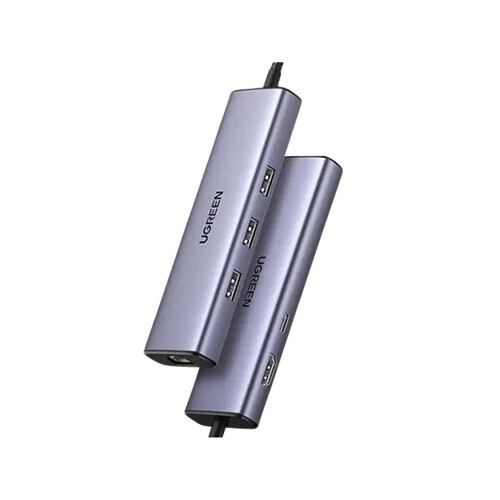
UGREEN Revodok 1061 CM512 6-in-1 USB-C Docking Station
- Display: 4K @ 30Hz Output
- Data/Ports: 6-Port Expansion | 5 Gbps Transfer
- Compat: Universal / Wide Compatibility
- Type: USB-C Multi-Port Hub
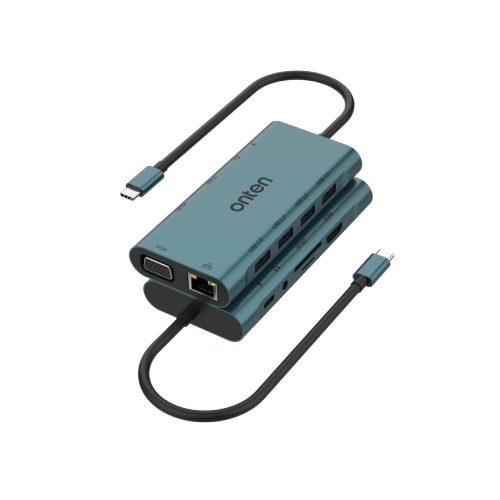
ONTEN OTN-9591A USB-C Docking Station
- USB-C 3.1 Interface
- Up to 10Gbps USB Speed
- 1× USB 3.0
- 3× USB 2.0
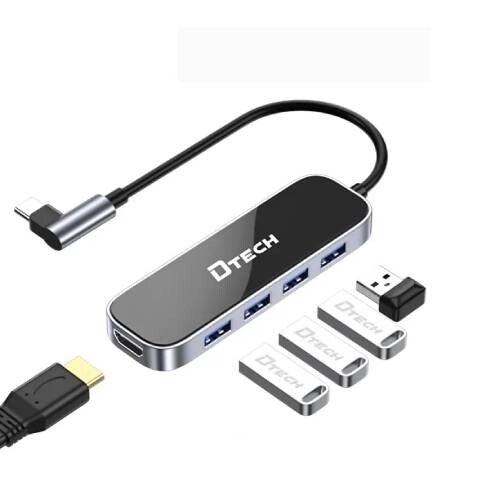
Dtech DT-T0039 USB-C 6-in-1 Docking Station
- Input: USB-C
- Outputs: 4× USB-A, 1× USB-C, 1× HDMI
- Charging: Up to 100W PD
- Resolution: Up to 4K
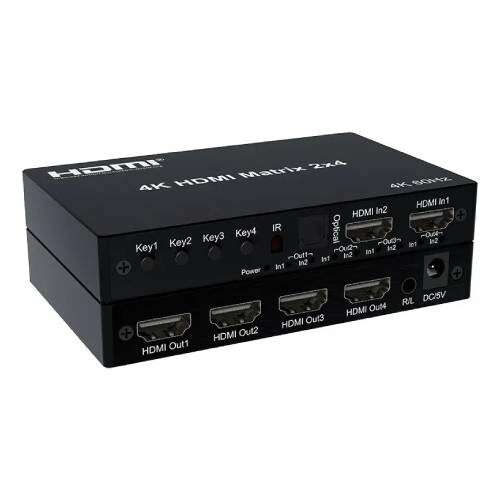
DTECH DT-7224W V2.0 2×4 4K HDMI Matrix Switch
- Input: 2× HDMI
- Output: 4× HDMI
- Resolution: Up to 4K@60Hz
- Features: HDMI 2.0, HDCP 2.2, Remote Control
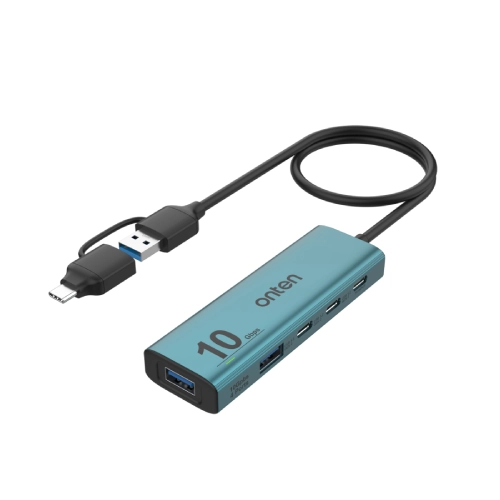
ONTEN 5-in-2 USB 3.2 Gen 2 4-Port 10G Hub with Power Supply
- USB 3.2 Gen 2
- Up to 10Gbps Data Transfer
- 2× USB-A Data Ports
- 2× USB-C Data Ports
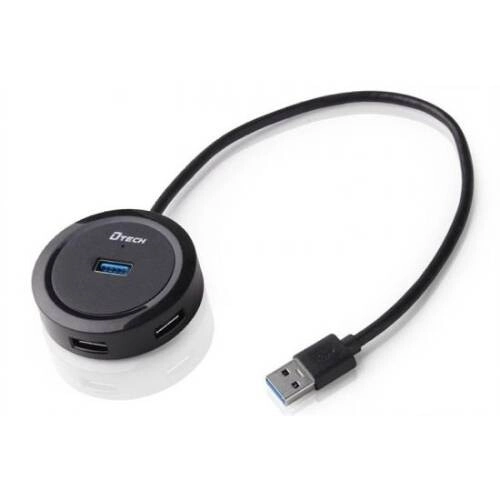
Dtech DT-3309 4 Port USB HUB
- Input: USB-A Male
- Output: 4 × USB-A Female
- Speed: Up to 480Mbps
- Cable Length: 1.2m
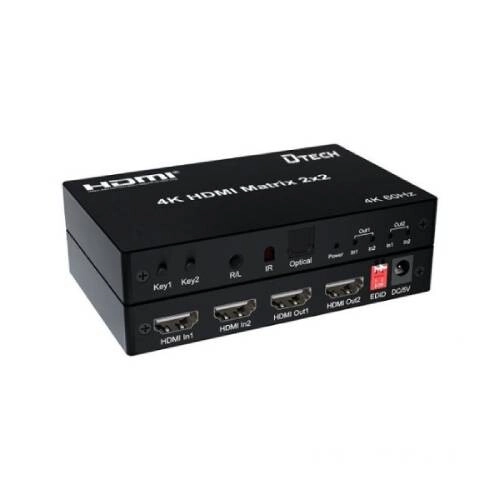
Dtech DT-7222W 2 in 2 4K HDMI Matrix Switch
- Inputs: 2 × HDMI
- Outputs: 2 × HDMI
- Audio: 2 × 3.5mm
- Resolution: 4K @ 60Hz
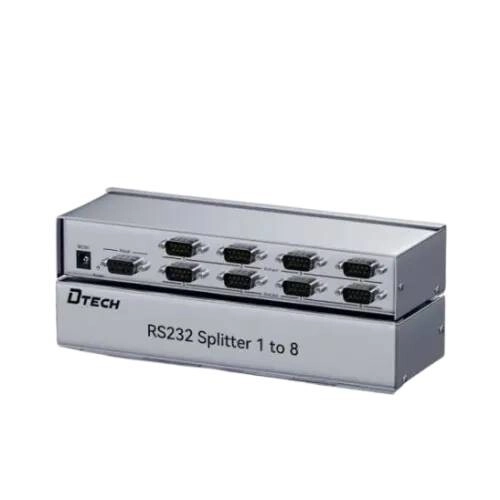
DTECH DT-5048 RS232 8:1 Splitter
- Interface: RS232
- Compatibility: Modems, Printers & POS Terminals
- Cable: Shielded with Molded Connectors
- Connector: DB9 Male to Dual DB9 Female
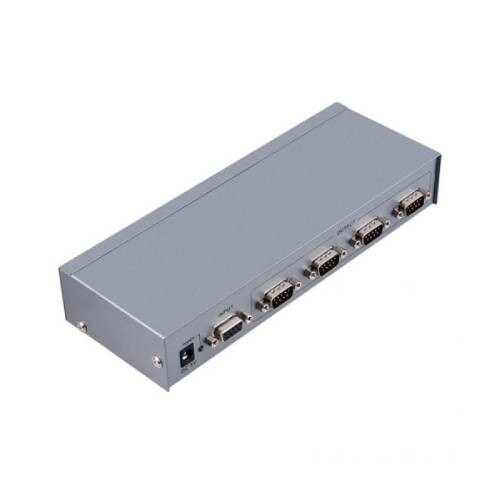
DTECH DT-5044 4:1 RS232 Splitter
- Interface: RS232
- Application: Modem, Printer & POS
- Cable: Shielded with Molded Connectors
- Connector: Dual-Port DB9
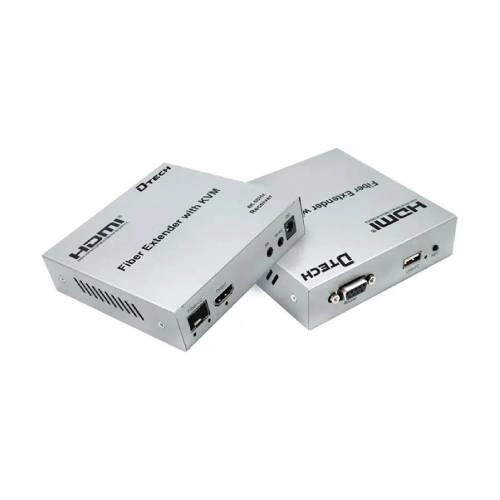
Dtech DT-7460 HDMI RS232 Fiber KVM Extender 20KM with IR
- Type: HDMI Fiber KVM Extender
- Interfaces: HDMI, USB, RJ45
- Dimensions: 106 × 106 × 17mm
- Weight & Warranty: TX 272.1g / RX 273.1g, 1 Year Warranty
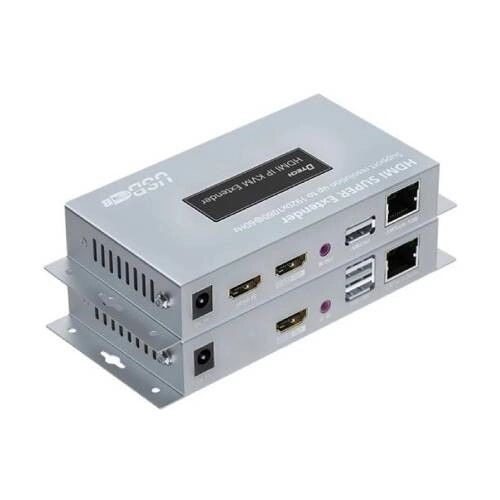
DTECH DT-7050(AM) 150 Meters HDMI IP KVM Extender
- Type: HDMI KVM Extender
- Interfaces: HDMI, USB, RJ45
- Output: HDMI
- Color & Warranty: Gray, 1 Year Warranty
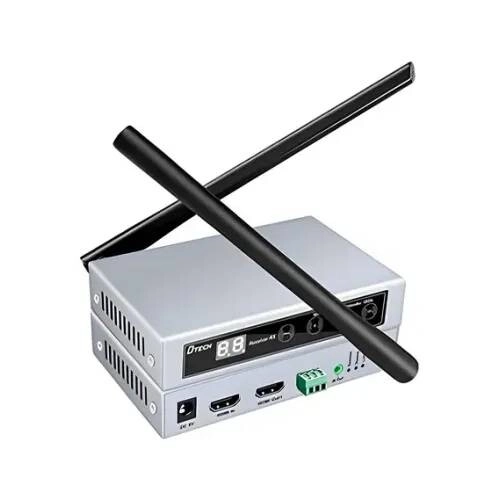
Dtech DT-7068S 100 Meter HDMI Sender Extender
- Interface: HDMI, Wireless Wi-Fi
- Transmission: Up to 100m
- Resolution: 1920 × 1080 @ 60Hz
- IR Function: IR Return Function
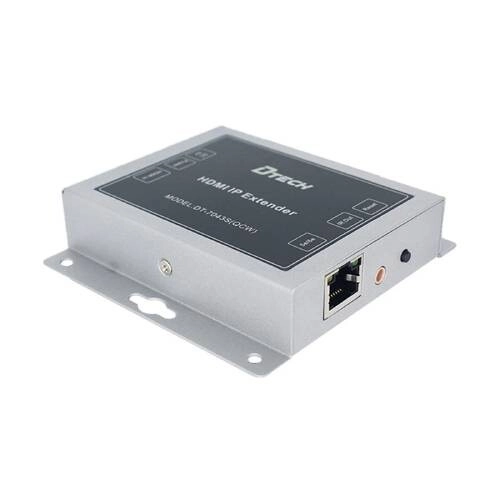
Dtech DT-7043S 120M HDMI IP Extender Sender
- Interface: HDMI Female, LAN Female
- Transmission: Up to 120m
- Feature: Multi-Cascade Transmission
- Certification: CE, FCC, RoHS
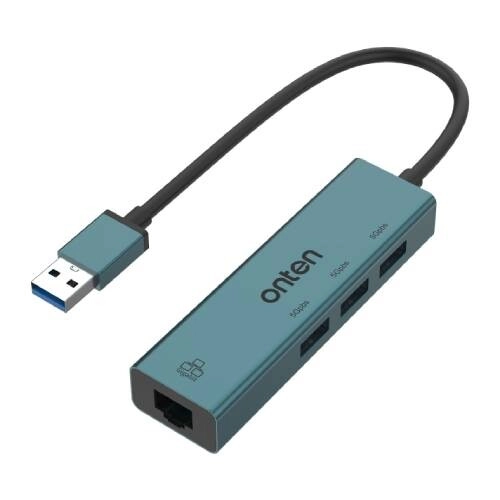
Onten OTN-5220 4-in-1 USB Hub with LAN Adapter
- Input: 1× USB Type-A
- Output: 3× USB 3.0, 1× RJ45
- LAN Speed: 10/100/1000Mbps
- USB Speed: Up to 5Gbps
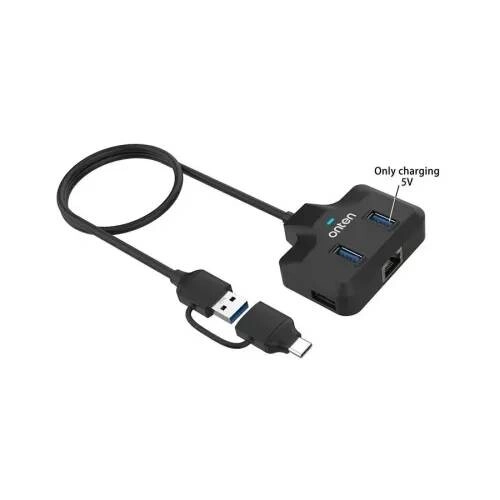
Onten OTN-UCA5311 5-in-2 USB Hub with LAN Adapter
- Input: USB & Type-C
- Output: 3× USB, 1× RJ45 LAN
- Compatibility: Windows, macOS & Linux
- Cable Length: 0.5m
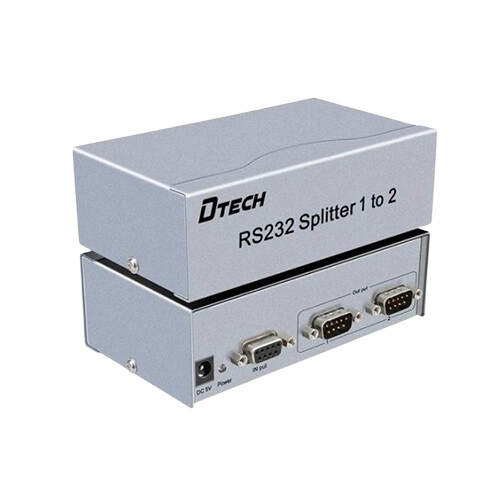
DTECH DT-5047 RS232 2:1 Splitter
- Interface: RS232 dual-port ready
- Suitable for modems, printers, POS terminals
- Molded connectors, shielded cable durable build
- Connector type: Dual-Port DB9 secure link
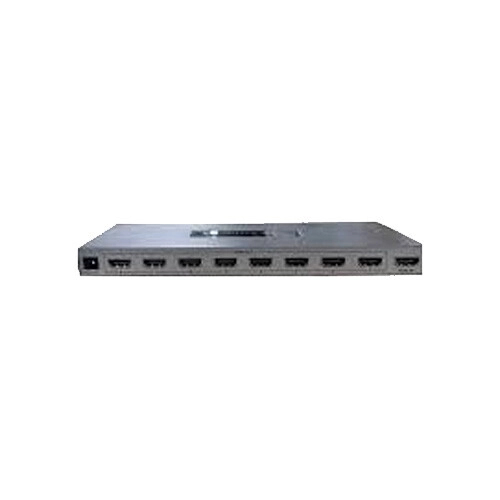
DTECH DT-7218 HDMI 1:1 Female to Female Splitter
- 1 In 8 Out HDMI
- 4K@60Hz support
- HDMI 2.0 / HDCP 2.2
- 18 Gbps bandwidth
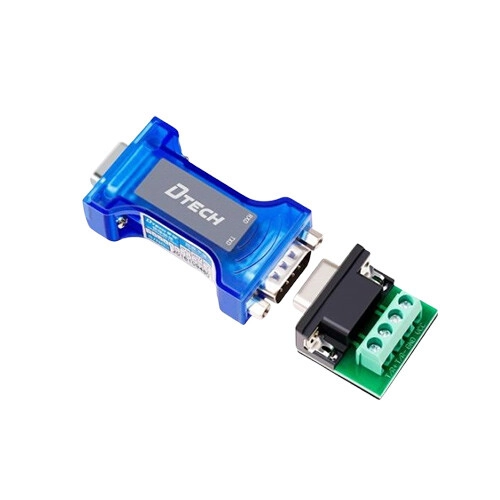
Dtech DT-9004 Industrial Passive RS232 to RS485 VGA Converter
- RS232 to RS485 interface
- 300bps–115.2Kbps rate
- Up to 1200m distance
- TIA/EIA standard
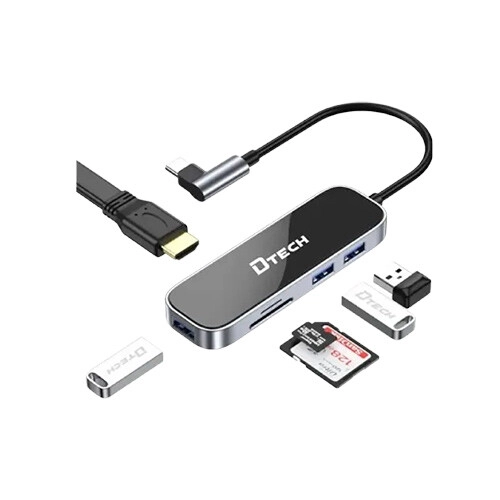
DTECH DT-T0040 USB-C 7 in 1 multi-function docking station With 100WPD fast charging
- USB-C Input
- 3× USB 3.0 + Type-C + HDMI + SD/TF
- 100W PD Charging
- 4K Resolution
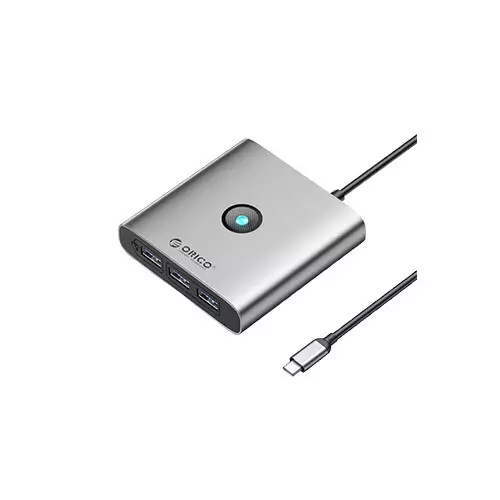
ORICO FAX3-5P Type-C Docking Station
- 5-Port: USB-A, dual USB 2.0, PD 60W, HDMI 4K
- 6-Port: Triple USB-A, USB-C, PD 100W, HDMI 4K
- 8-Port: USB-A, PD 100W
- Size: 79 × 79 × 19.3mm
Showing 20 out of 454 products
Explore USB Hubs for Laptops, Desktops and More
A USB hub is a useful accessory for connecting multiple devices to a laptop or desktop when the available USB ports are limited. It can allow users to connect peripherals such as keyboards, mice, USB drives, card readers, printers, and other compatible devices through a single hub.
USB hubs are available with different numbers and types of ports. Some models provide standard USB-A ports, while others include USB-C, HDMI, Ethernet, memory card slots, or other connectivity options. Choosing the right hub depends on the devices you need to connect and the ports supported by your computer.
At Techland BD, you can explore the latest USB Hub price in Bangladesh, compare available models and specifications, and choose a suitable USB hub for your laptop, desktop, or other compatible devices.
USB Hub Features and Connectivity Options
USB hubs come in different configurations to meet different connectivity needs. Basic models may provide several USB-A ports, while more advanced hubs can include USB-C, HDMI, Ethernet, SD card, and other useful connections.
When choosing a USB hub, check the type and number of ports you need. Also consider the USB version and supported data transfer speeds if you regularly transfer large files between your computer and external storage devices.
How to Choose the Right USB Hub
The right USB hub depends on your computer, connected devices, and daily requirements. First, check which ports are available on your laptop or desktop and make sure the hub uses a compatible connection.
If you only need additional USB ports for a keyboard, mouse, or flash drive, a basic hub may be sufficient. If you need HDMI, Ethernet, memory card support, or USB-C connectivity, consider a multi-port hub with the features you require.
USB-C Hubs for Modern Laptops
Many modern laptops have fewer traditional ports and rely more heavily on USB-C connectivity. A USB-C hub can expand the available connections and allow users to connect additional peripherals and displays where supported.
Before buying a USB-C hub, check the capabilities of your laptop's USB-C port. Not every USB-C port supports the same features, such as video output, charging, or high-speed data transfer.
USB Hubs for Everyday Computer Use
A USB hub can make everyday computer use more convenient by providing additional ports for commonly used peripherals. It can be useful for connecting a keyboard, mouse, USB storage device, printer, webcam, or other compatible accessories.
For office and home users, a compact hub can also help keep cables and peripherals organized around a laptop or desktop workstation.
What to Check Before Buying a USB Hub
Before purchasing a USB hub, check the connector type, number of ports, USB version, data transfer speed, power requirements, and compatibility with your computer. If you need to connect displays, Ethernet, or memory cards, make sure the selected model supports those functions.
Also consider the size and build of the hub if you plan to carry it with a laptop. Comparing the available models and USB Hub prices can help you choose an option that provides the features you actually need.
Why Buy a USB Hub from Techland BD?
Techland BD offers USB hubs for users who need additional connectivity for laptops, desktops, and other compatible devices. You can compare available models, check specifications, and choose a hub based on the number of ports, connectivity options, and your budget.
Whether you need a simple USB hub for everyday peripherals or a multi-port USB-C hub for a modern laptop, you can explore suitable options at Techland BD.
USB Hub Price List in Bangladesh 2026
Frequently Asked Questions
What is a USB hub?
A USB hub is a device that expands the number of available USB connections on a computer, allowing multiple compatible devices to be connected through a single port.
What is the latest USB Hub price in Bangladesh?
The price depends on the number of ports, USB version, connectivity options, features, and brand. Check the available USB hubs at Techland BD for current prices.
Which USB hub is best for a laptop?
The best USB hub depends on the ports and devices you need. Check your laptop's available connections and choose a hub that provides the required USB, USB-C, HDMI, Ethernet, or other ports.
Is a USB-C hub compatible with every USB-C port?
Not necessarily. USB-C ports can support different functions depending on the device. Check whether your laptop's USB-C port supports the features required by the hub before purchasing.
Can a USB hub connect multiple devices at once?
Yes. A USB hub can connect multiple compatible devices at the same time, although the available power and data bandwidth may depend on the hub and connected devices.
Where can I buy a USB hub in Bangladesh?
You can explore USB hubs at Techland BD, compare available models and specifications, and choose one according to your connectivity requirements and budget.
