
Graphics Tablet Price in Bangladesh
Graphics Tablet Price in Bangladesh varies depending on tablet size, active area, pressure sensitivity, stylus features, connectivity, and overall specifications. Explore graphics tablets at Techland BD for digital drawing, graphic design, illustration, photo editing, animation, and creative work. Compare available models by active area, pen pressure levels, stylus technology, shortcut keys, compatibility, and connectivity to find the right graphics tablet for your creative workflow.
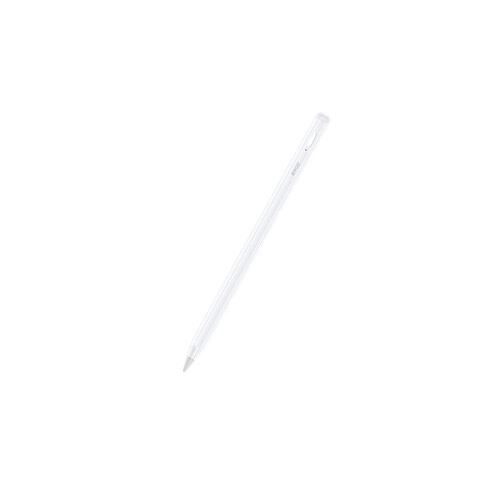
BWOO BO-CK02 BWOO Stylus Pen for Android Device
- Battery Status LED
- Magnetic Connection
- Low-Latency Writing
- Changeable POM Tip
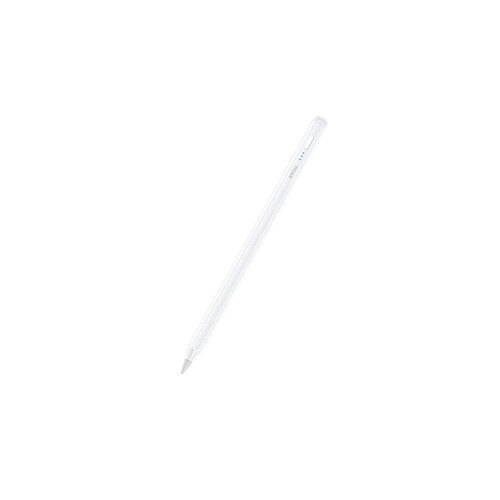
BWOO BO-CK01 BWOO Stylus Pen for iPad (2018)
- Angle Control: Auto Brush Size
- Palm Rejection: Smooth Touch
- Attachment: Magnetic Hold
- Charging: Fast Charge + Battery Display
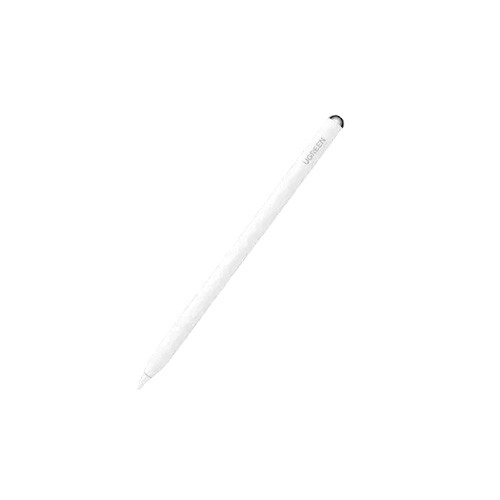
UGREEN LP707 Smart Stylus Pen for iPad
- Battery Type - Lithium-ion battery
- Charging Time - About 0.4 hours
- Operating Time - 11-12 hours
- Bluetooth Version - 5.0
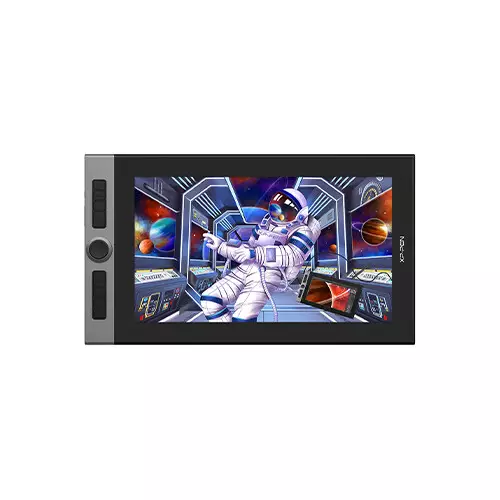
XP-Pen Artist Pro 16 15.4 Inch FHD Drawing Graphics Tablet
- Display Size: 15.4 Inch
- Display Resolution: 1920 x 1080
- Contrast: 1000:1
- Viewing Angle: 78°
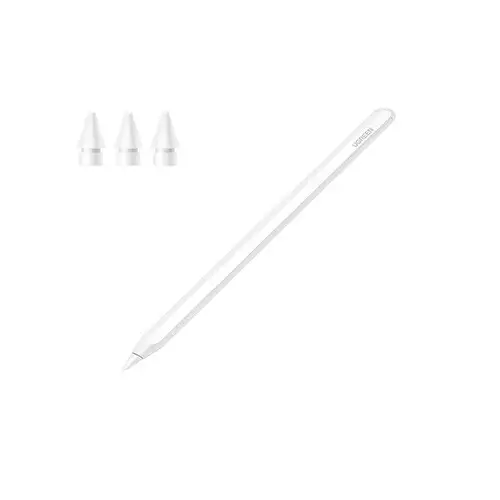
UGREEN LP653 Smart Stylus Pen for iPad-15910
- Compatible with a wide range of iPads
- Palm rejection
- Smart Chip & Copper Core Tip
- Magnetic wireless charging
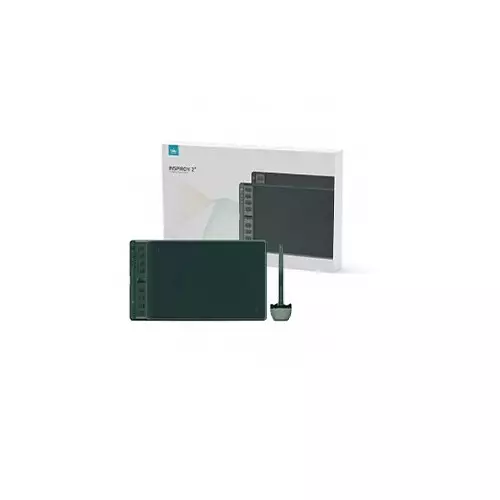
Huion Inspiroy 2 M H951P Graphics Drawing Tablet
- Pen Technology - Battery-free EMR
- Press Keys - 8 Programmable
- Function Keys - 1 Scroller
- Pen Resolution - 5080 LPI
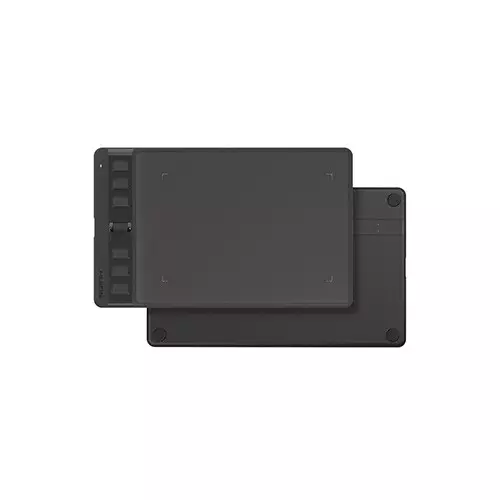
Huion Inspiroy 2 S H641P Android Drawing Graphics Tablet
- Type - Drawing Graphics Tablet
- Connectivity Mode - USB-C
- Pen Resolution - 5080 lpi
- Pen Battery - Battery-free
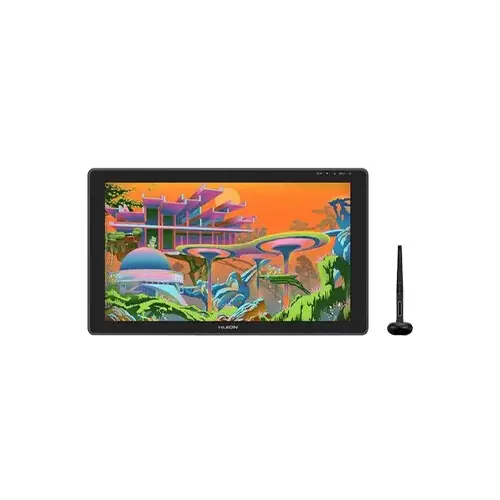
Huion GS2202 Kamvas 22 Plus 21.5 inch FHD Graphics Drawing Tablet
- Working Area - 476.64 x 268.11mm
- Sensitivity - 8192Levels
- Tilt - ±60°
- Interface - USB-C
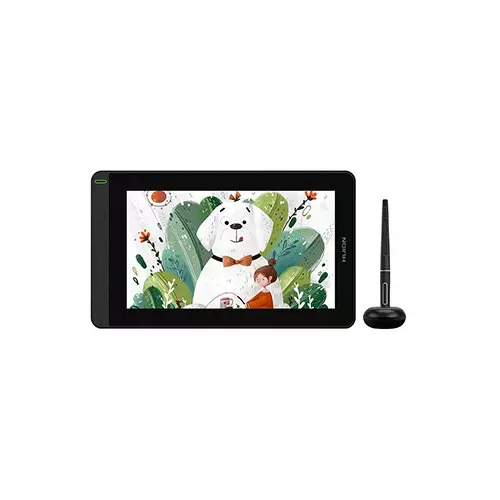
Huion GS1161 Kamvas 12 11.6 Inch Creative Pen Display Android Graphics Tablet
- Type - Display Graphics Tablet
- Connectivity Mode - USB
- Pen Resolution - 5080 LPI
- Display Size (Inch) - 11.6
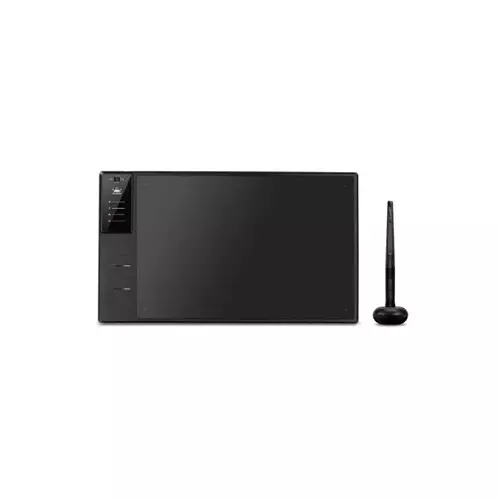
Huion Inspiroy WH1409 V2 13.8 Inch Wireless Graphic Tablet
- Interface - Micro USB
- Reading Height - 10mm
- Tilt Support - ±60°
- Working Area - 350 x 218 mm
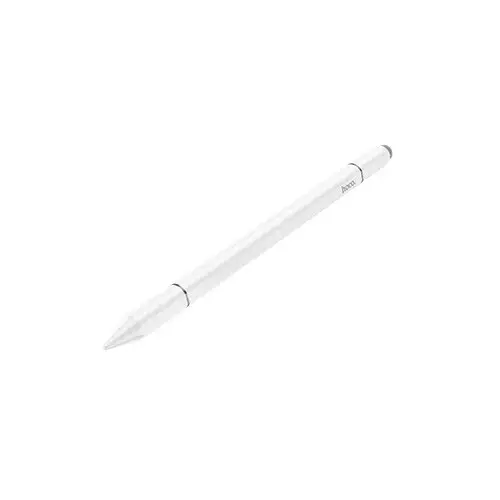
Hoco GM111 Cool Dynamic Series 3 in 1 Passive Universal Capacitive Stylus Pen (White)
- 3-in-1 Design
- Works as Stylus,
- Ballpoint Pen Screen Cleanin Brush
- Durable material Design
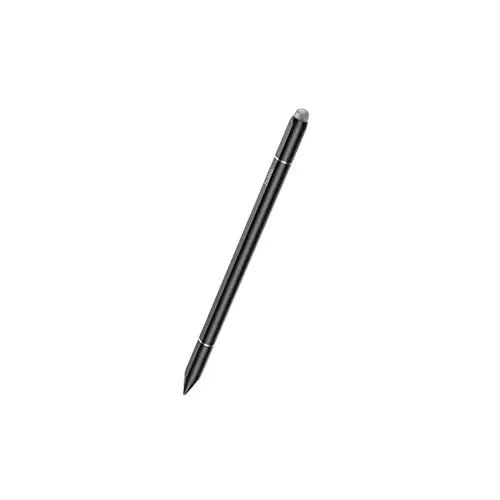
Hoco GM111 Cool Dynamic Series 3 in 1 Passive Universal Capacitive Stylus Pen (Black)
- 3-in-1 Design
- Works as Stylus,
- Ballpoint Pen Screen Cleanin Brush
- Durable material Design
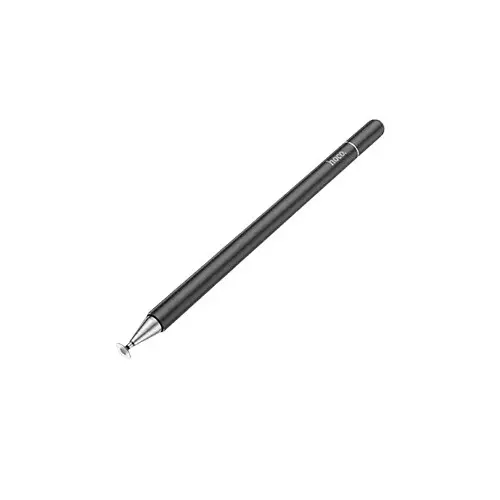
Hoco GM103 Fluent Series Universal Capacitive Smart Stylus Pen (Black)
- Material Metal (Copper + Aluminum)
- Brush Head: Replaceable silicone round head
- Functionality: Passive capacitive pen
- Pen Head: Magnetic suction type
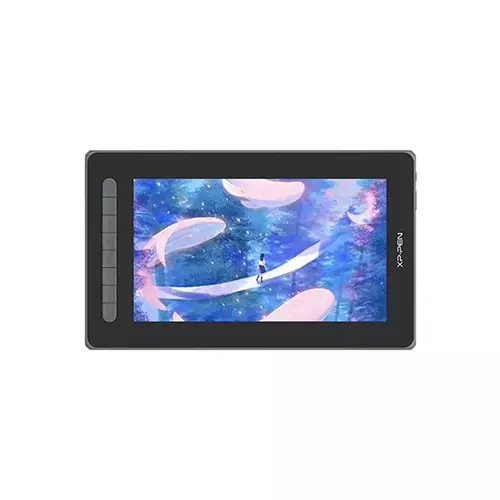
XP-Pen Artist 12 2nd Gen 12-Inch FHD Drawing Graphics Tablet
- Active Area: 263.23 x 148.07 mm
- Display Resolution: 1920x1080 pixels
- Color Gamut: 90% NTSC, 127% sRGB ,94% Adobe RGB
- Pressure Levels: 8192; Resolution: 5080 LPI
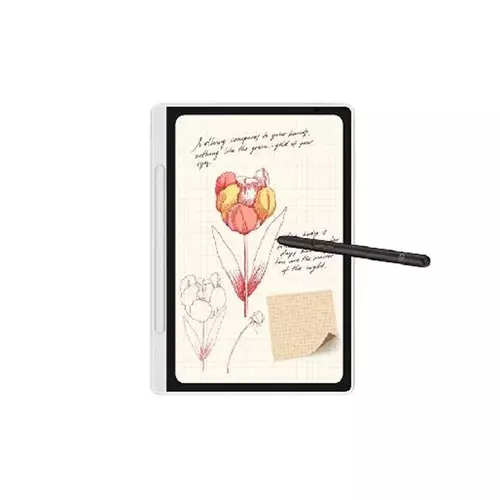
XP-Pen Magic Note Pad Writing 10.95-inch Graphics Tablet
- Screen Size: 10.95-inch
- Resolution: 1920 x 1200 Pixels
- CPU: MT8781, 8-core processor
- RAM/ROM: 6GB | 128GB
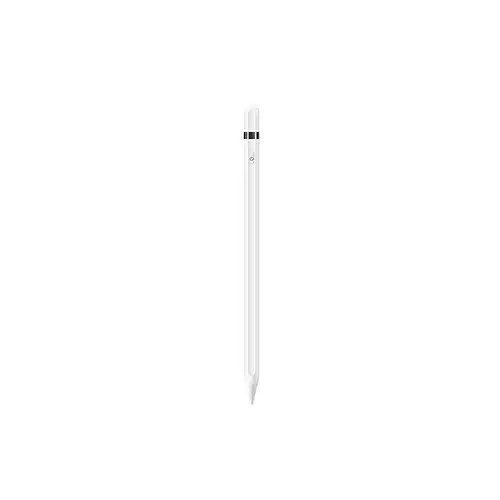
Wiwu Pencil L White Universal Stylus Pen
- Connectivity: Wireless
- Battery capacity:140mAh
- Charging time: 45 minutes
- Working time: 6–8 hours
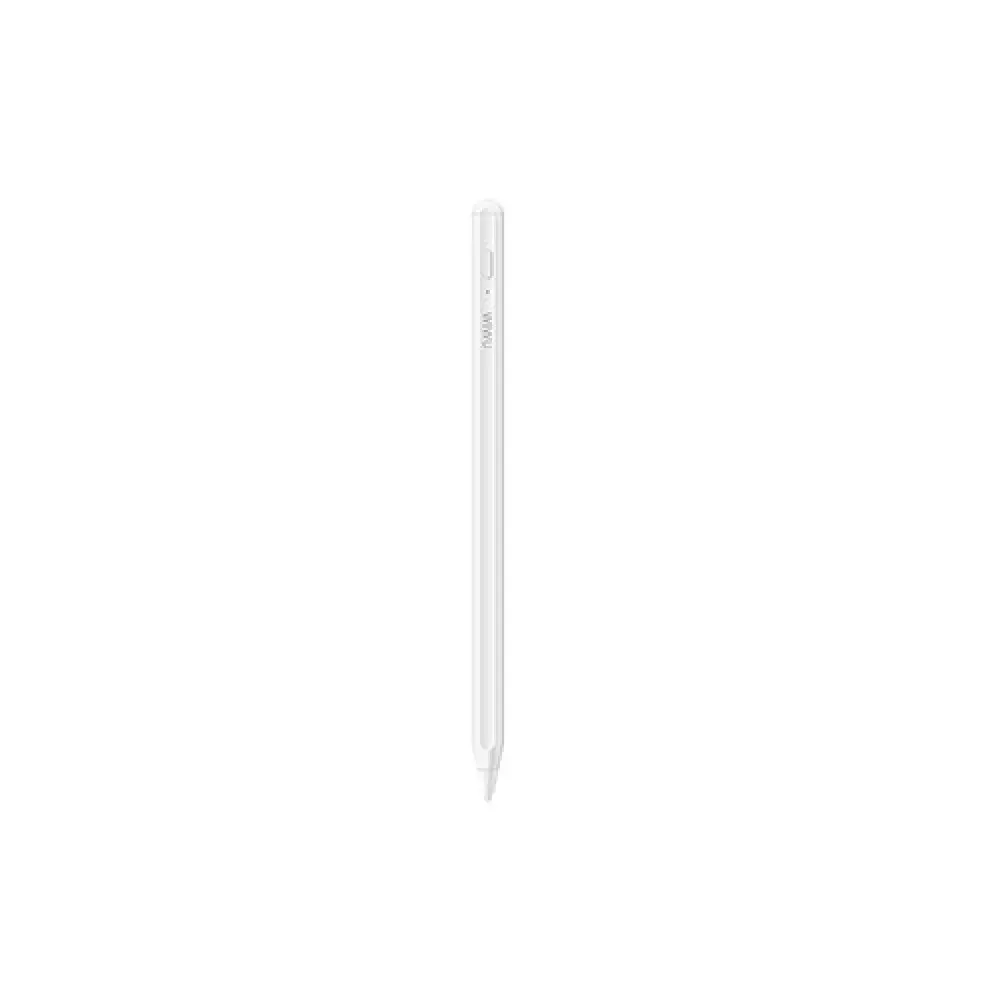
WiWU Pencil W Stylus Pen
- Material: Aluminum Alloy
- Working Time: 10 hours
- Battery: 140mAh
- Charging: Wireless Charging
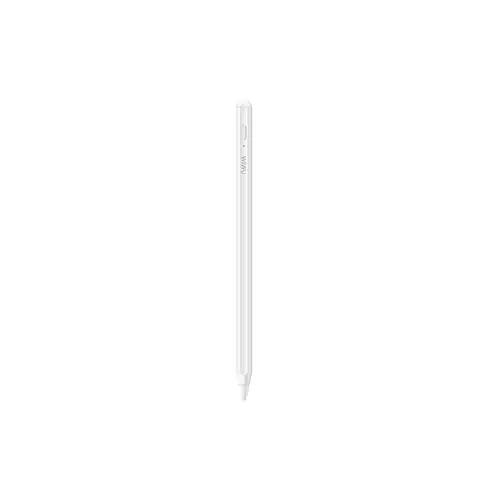
WiWU Pencil D Stylus Pen
- Battery: 130mAh
- Charging Port: Type-C
- Working time: 8 hours
- Universal pencil for iPad, iPhone, & Android
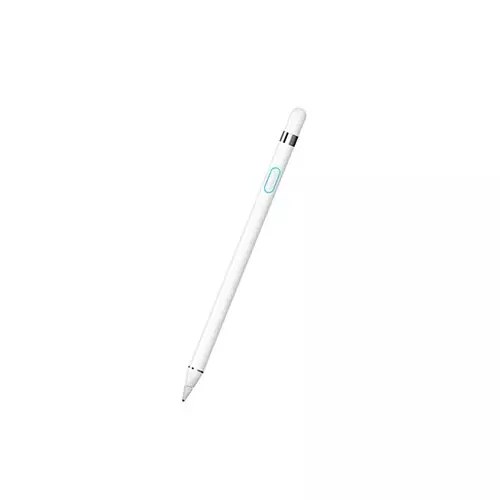
WiWU Picasso P339 Active Stylus Pencil (White)
- Aluminum alloy Material
- Built-in battery
- Charging by USB port
- Charging Port Micro USB
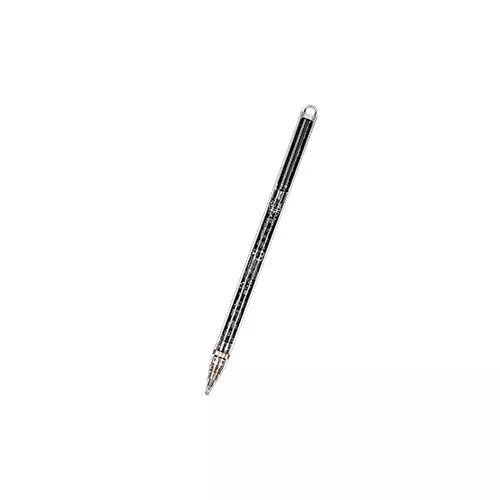
WIWU Pencil W Pro Transparent Stylus Pen
- Battery:100mAh
- Length|Diameter: 166mm| 9.0mm
- Charging ways: Magnetic charge
- Connectivity: Bluetooth
Showing 20 out of 125 products
Choose the Right Graphics Tablet
A graphics tablet provides a digital workspace for drawing, illustration, photo editing, animation, graphic design, and other creative tasks. Instead of drawing directly with a mouse, users can use a pressure-sensitive stylus to create more natural strokes and precise movements.
Graphics tablets are available in different sizes and configurations, from compact models for beginners and students to larger professional tablets designed for detailed creative workflows. When choosing a model, consider the active drawing area, pressure sensitivity, stylus features, shortcut keys, connectivity, compatibility, and overall size.
Graphics Tablet for Digital Drawing and Design
A graphics tablet can make digital drawing and creative editing more precise and comfortable. Artists, illustrators, designers, photographers, and students can use a compatible tablet with supported creative software for sketching, painting, retouching, and other digital work.
The right tablet depends on your workflow. Beginners may prefer a compact and easy-to-use model, while professional users working on detailed illustrations or large projects may benefit from a larger active area and advanced stylus features.
Pressure Sensitivity and Stylus Features
Pressure sensitivity is an important feature for digital artists because it allows the stylus to respond to different levels of pressure. Depending on the tablet and software, changing pressure can affect stroke thickness, opacity, or other drawing characteristics.
When comparing graphics tablets, also check the stylus technology, pressure levels, pen accuracy, tilt support where available, and whether the pen requires batteries or charging. These features can influence drawing control and overall usability.
Graphics Tablet Size and Active Area
The active area is the portion of the tablet where you can draw with the stylus. A larger active area can provide more room for detailed artwork and may be more comfortable for users working on large monitors or complex designs.
Compact graphics tablets are easier to carry and can be suitable for students, beginners, and users with limited desk space. Larger models may be preferable for professional illustration, photo editing, animation, and detailed design work.
Graphics Tablet Compatibility and Connectivity
Before purchasing a graphics tablet, check whether it is compatible with your computer and preferred operating system. Compatibility with commonly used creative applications is also important for a smooth workflow.
Graphics tablets may use USB or other supported connection methods, while some models may offer wireless connectivity. Check the available ports, connection type, driver support, and system requirements before choosing a model.
How to Choose a Graphics Tablet
Start by considering what you will use the tablet for. A beginner learning digital drawing may not need the same features as a professional illustrator or graphic designer. For basic drawing and editing, a compact tablet with a responsive stylus can be sufficient.
For professional work, compare the active area, pressure sensitivity, pen accuracy, tilt support, shortcut controls, connectivity, compatibility, and build quality. It is also important to choose a comfortable tablet size for your desk setup and working style.
Buy Graphics Tablet from Techland BD
Techland BD offers graphics tablets for different creative and professional requirements. You can compare available models by tablet size, active area, stylus features, pressure sensitivity, shortcut keys, connectivity, compatibility, specifications, and price.
Whether you are a student learning digital art, a designer working on illustrations, or a professional handling creative projects, comparing the available features can help you select a graphics tablet that suits your workflow and budget.
Graphics Tablet Price List in Bangladesh 2026
Frequently Asked Questions
What is a graphics tablet used for?
A graphics tablet is primarily used for digital drawing, illustration, graphic design, photo editing, animation, sketching, and other creative applications. It allows users to control a digital stylus more naturally than a traditional mouse.
What is pressure sensitivity in a graphics tablet?
Pressure sensitivity allows the tablet to detect how firmly you press the stylus. Depending on the software, this can be used to control stroke thickness, opacity, or other drawing effects.
Is a graphics tablet suitable for beginners?
Yes. Beginners can start with a compact and easy-to-use graphics tablet. A basic model with a responsive stylus and suitable active area can be enough for learning digital drawing and design.
What size graphics tablet should I buy?
The right size depends on your workspace, monitor size, and workflow. Compact models are easier to carry and suitable for smaller desks, while larger active areas can be more comfortable for detailed artwork and professional creative work.
Can I use a graphics tablet for Photoshop?
Yes. Compatible graphics tablets can be used with Photoshop and other supported creative applications for drawing, photo editing, retouching, and design work. Check the tablet's software and operating-system compatibility before purchasing.
Does a graphics tablet need a computer?
Most traditional pen tablets connect to a computer and work through compatible software. Some advanced display tablets can provide a screen for drawing directly on the device, so the exact requirements depend on the type of graphics tablet.
Where can I buy a graphics tablet in Bangladesh?
You can compare graphics tablets, specifications, stylus features, active area, connectivity, and prices at Techland BD to find a suitable model for your creative needs.
