
HUION Graphics Tablet Price in Bangladesh
Explore HUION graphics tablets at Techland BD for digital drawing, illustration, handwriting, and creative work. Compare available models by drawing area, pen features, pressure sensitivity, connectivity, and compatibility with your computer and preferred software. Check current prices, product specifications, and availability before ordering.
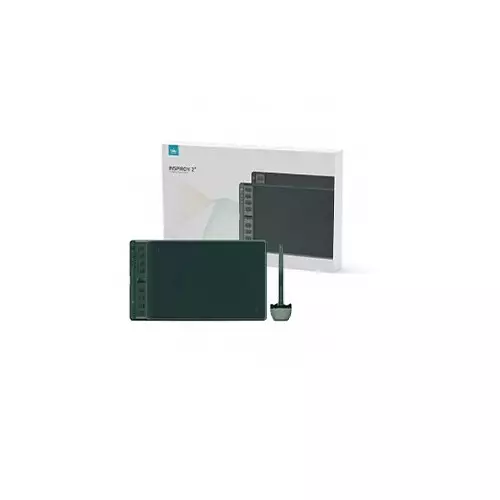
Huion Inspiroy 2 M H951P Graphics Drawing Tablet
- Pen Technology - Battery-free EMR
- Press Keys - 8 Programmable
- Function Keys - 1 Scroller
- Pen Resolution - 5080 LPI
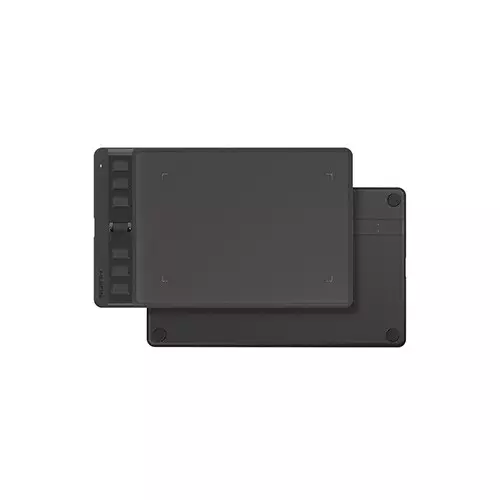
Huion Inspiroy 2 S H641P Android Drawing Graphics Tablet
- Type - Drawing Graphics Tablet
- Connectivity Mode - USB-C
- Pen Resolution - 5080 lpi
- Pen Battery - Battery-free
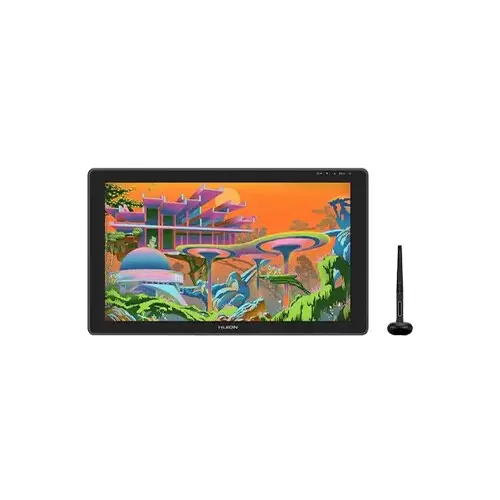
Huion GS2202 Kamvas 22 Plus 21.5 inch FHD Graphics Drawing Tablet
- Working Area - 476.64 x 268.11mm
- Sensitivity - 8192Levels
- Tilt - ±60°
- Interface - USB-C

Huion Kamvas Slate 10 10.1-Inch FHD+ Android Drawing Graphics Tablet
- Display - 10.1" FHD
- CPU - Unisoc T616,
- Graphics - Mali-G57
- RAM - 8GB LPDDR4x
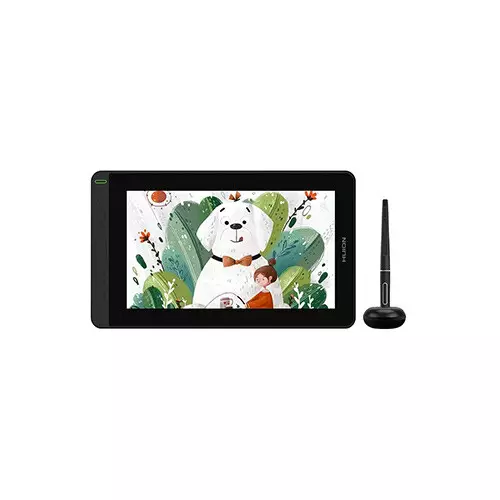
Huion GS1161 Kamvas 12 11.6 Inch Creative Pen Display Android Graphics Tablet
- Type - Display Graphics Tablet
- Connectivity Mode - USB
- Pen Resolution - 5080 LPI
- Display Size (Inch) - 11.6
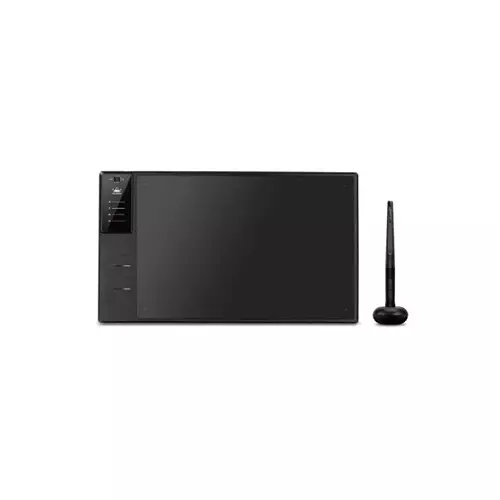
Huion Inspiroy WH1409 V2 13.8 Inch Wireless Graphic Tablet
- Interface - Micro USB
- Reading Height - 10mm
- Tilt Support - ±60°
- Working Area - 350 x 218 mm

HUION KAMVAS 16 PEN DISPLAY GRAPHICS TABLET
- Brand: Huion
- Type: Display Graphics Tablet
- Screen Size:15.6inch
- Warranty: 1 Year

HUION KAMVAS PRO 20 19.5-INCH FHD GRAPHICS DRAWING TABLET
- 16 customized express keys & 2 front touch bars
- Screen equipped with anti-glare glass
- 8192 levels high pen pressure
- 5080 LPI pen resolution

HUION KAMVAS PRO 22 21.5-INCH FHD GRAPHICS DRAWING TABLET
- Working Area: 476.64 x 268.11mm
- 20 customized express keys and 2 front touch bars
- 8192 levels of high pen pressure
- 5080 LPI pen resolution

HUION INSPIROY RTE-100 GRAPHICS DRAWING PEN TABLET
- 6.3mm Thickness-lightweight & easy-to-carry.
- Full Covered Panel-stylish design & natural writing experience.
- 300PPS Report Rate-no latency
- 8192 Levels of Pressure Sensitivity-better performance in drawing.

HUION INSPIROY KEYDIAL KD200 GRAPHICS TABLET
- Inbuilt Bluetooth 5.0 to boost productivity
- Battery Capacity: 1100mAh
- Charge Time: 1.2 - 3hours
- Standby Time:6months

HUION NOTE X10 SMART DIGITAL NOTEBOOK
- ±60° Tilt Support
- 8192 Levels Pressure Sensor
- 5080 LPI Pen Resolution
- Battery Free

HUION INSPIROY RTP-700 GRAPHICS DRAWING TABLET
- Interface: USB-C
- Reading Height: 10mm
- Tilt Support: ±60°
- Working Area: 279.4 x 174.6mm

HUION INSPIROY RTM-500 GRAPHICS DRAWING TABLET
- Interface: USB-C
- Reading Height: 10mm
- Tilt Support: ±60°
- Working Area: 221 x 138mm

HUION INSPIROY RTS-300 GRAPHICS DRAWING TABLET
- Interface: USB-C
- Reading Height: 10mm
- Tilt Support: ±60°
- Working Area: 160 x 100mm

HUION INSPIROY H1060P GRAPHICS TABLET
- Color: Black
- Pressure Levels: 8192 Levels
- Pen Resolution: 5080 LPI
- Report Rate: >220PPS

HUION INSPIROY H610X GRAPHICS TABLET
- Interface: USB-C
- Reading Height: 10mm
- Tilt Support: ±60°
- Working Area: 254 x 158.8mm

Huion Inspiroy H580X Graphic Tablet
- Color: Black
- Pressure Levels: 8192 Levels
- Pen Resolution: 5080 LPI
- Interface: USB-C

Huion Kamvas 13 Graphic Drawing Tablet
- Fast Connection
- Vibrant and Rich Colors
- Battery-free Digital Pen
- 266PPS Report Rate

Huion H950P Graphics Tablet
- Main Features: Stylus Pen YesActive area (PC Mode) 221 x 138 mm (8.7 x 5.4 inch)(Android Mode) 86.3 x 138...
- Display: Resolution 5080 LPI Pen Resolution.Report Rate 233 PPSPressure Sensitivity 8192 Levels
Showing 20 out of 36 products
Digital Drawing and Creative Work
Digital drawing tools help artists, designers, and students create illustrations, edit images, and write digital notes. A suitable tablet can make creative work more convenient, whether you are learning digital art or working on design projects.
HUION graphics tablets are worth comparing based on drawing area, pen pressure sensitivity, connectivity, and compatibility with your computer. Available features vary by model, so review the product specifications before choosing a device.
Features to Consider Before Buying
When selecting a drawing tablet, consider the active drawing area, pen functionality, shortcut keys, and connection options. A larger drawing surface may suit detailed illustrations, while a compact model may be more convenient for a smaller workspace.
Device and Software Compatibility
Before purchasing, check whether the tablet supports your computer's operating system and preferred creative software. Some models may require driver installation or specific connection methods. Confirm these requirements to avoid compatibility issues.
Pen Tablets and Display Tablets
Some graphics tablets use a separate computer monitor, while display tablets allow users to draw directly on the screen. The right option depends on your preferred workflow, workspace, and budget. Check each product listing to confirm whether it includes a built-in display.
HUION Graphics Tablet Price List in Bangladesh 2026
Frequently Asked Questions
1. What can you do with a graphics tablet?
You can use it for digital drawing, illustration, photo editing, sketching, and handwritten notes with compatible software.
2. Are graphics tablets compatible with laptops?
Compatibility depends on the model, operating system, connection method, and software requirements.
3. What specifications should you compare?
Consider drawing area, pen pressure sensitivity, connectivity, display type, and software compatibility.
4. Do all graphics tablets have a screen?
No. Some models require a separate monitor, while others include a built-in display.
5. How can you choose a suitable model?
Compare the available specifications with your intended use, computer setup, and budget before purchasing.
