
Team SSD Price in Bangladesh
Team SSD Price in BD starts from ৳1475 BDT and goes up to ৳78000 BDT, depending on storage capacity, interface, and performance type. Explore the latest TeamGroup SSD price in Bangladesh including SATA and NVMe models for gaming PCs, laptops, and professional setups. Find original Team SSD with official warranty and the best deals in BD at Techland.
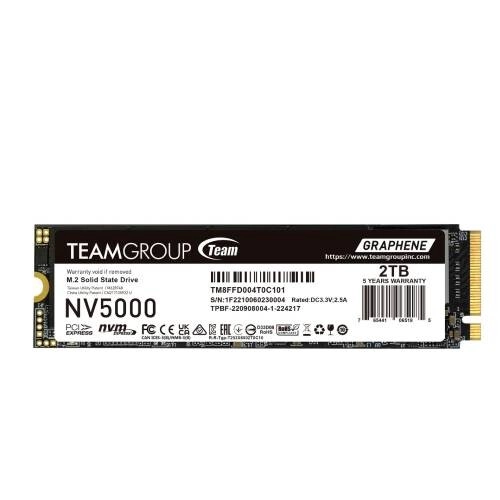
Team NV5000 M.2 2280 2TB NVMe SSD (TM8FGM002T0C101)
- 2TB M.2 2280 SSD
- PCIe 4.0 NVMe Interface
- Up to 5000 MB/s Read Speed
- Built-in Heatsink
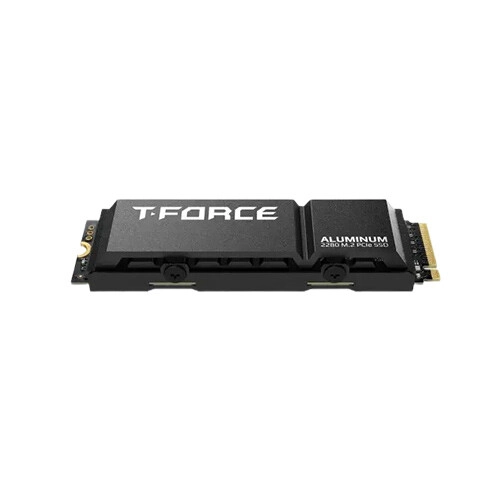
Team T-FORCE G70 PRO M.2 PCIe Gen4x4 4TB NVMe SSD With DRAM Cache & Aluminum Heatsink
- 4TB Capacity
- PCIe Gen4x4 NVMe Interface
- 7400/6600 MB/s Read/Write
- NVMe 1.4 Standard
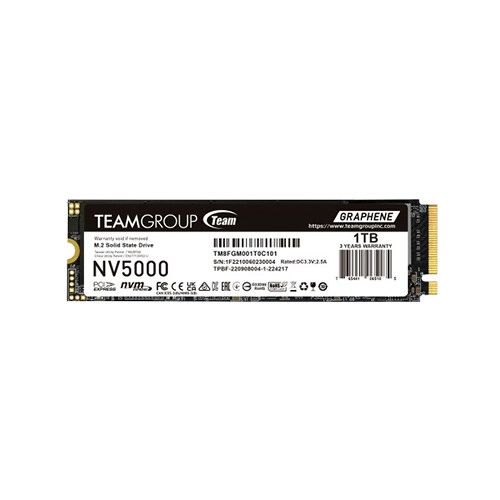
Team NV5000 1TB M.2 PCIe Gen4 NVMe SSD
- 1TB Capacity · Graphene Cooling
- PCIe Gen4 x4 NVMe Interface
- 4,500 MB/s Sequential Read
- 1,900 MB/s Sequential Write
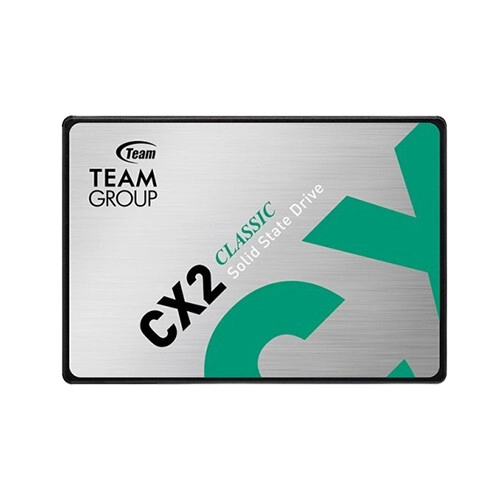
TEAM CX2 2.5 Inch SATA 2TB SSD
- 2TB Capacity · SATA III 6Gb/s
- 540 MB/s Sequential Read
- 490 MB/s Sequential Write
- SLC Caching Technology
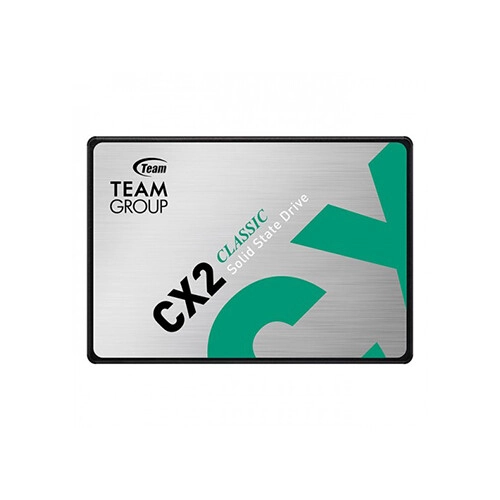
TEAM CX2 1TB 2.5 Inch SATA SSD
- Capacity: 1TB
- Read Speed: Up to 540 MB/s
- Write Read Speed: Up to 490 MB/s
- Interface: SATA III 6Gb/s
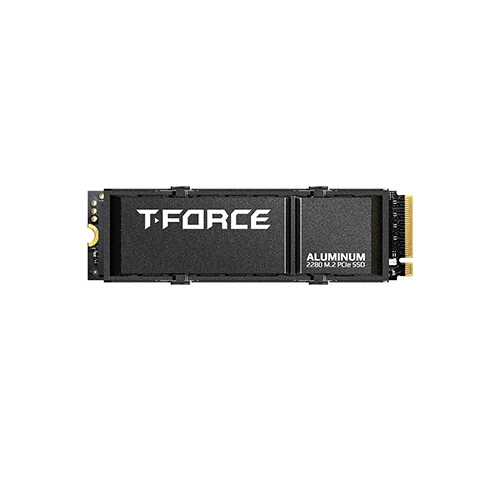
Team T-FORCE G70 PRO 2TB M.2 PCIe NVMe SSD with DRAM Cache & Aluminum Heatsink
- Capacity: 2TB
- Read Speed: Up to 7400 MB/s
- Write Speed: Up to 6800 MB/s
- Interface: PCIe Gen4x4 with NVMe
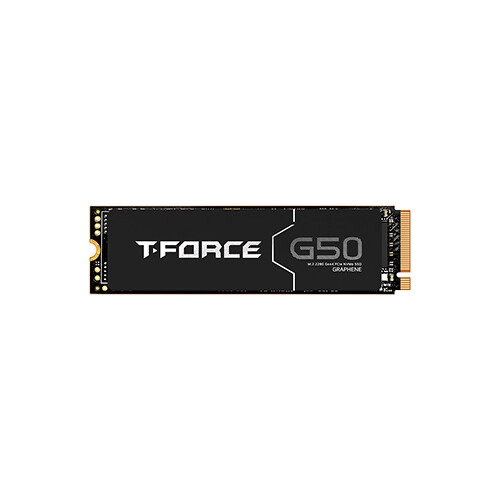
Team G50 1TB M.2 PCIe Gen 4x4 NVMe SSD
- Capacity: 1TB
- Read Speed: 5000 MB/s
- Write Speed: 4800 MB/s
- Interface: PCIe Gen4x4 with NVMe
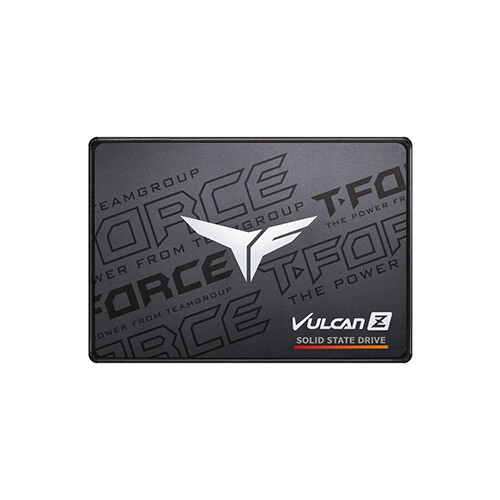
TEAM T-FORCE VULCAN Z 1TB 2.5 Inch SATA III SSD
- Capacity: 1TB
- Read Speed: 550MB/s
- Write Speed: 500MB/s
- Interface: SATA III 6Gb/s
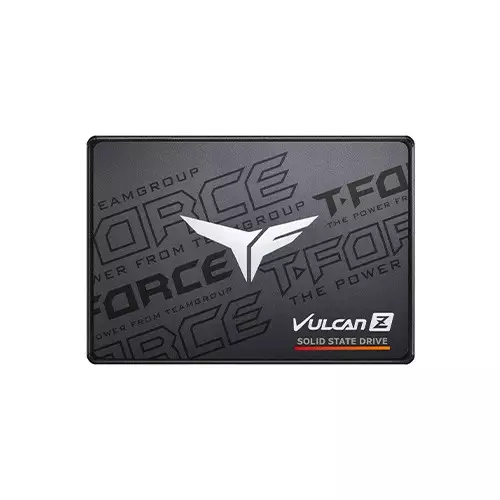
TEAM T-FORCE VULCAN Z 256GB 2.5-inch SATA SSD
- Capacity : 256GB
- Read: Up to 520MB/s Max
- Write: Up to 450MB/s
- Interface: SATA III 6Gb/s
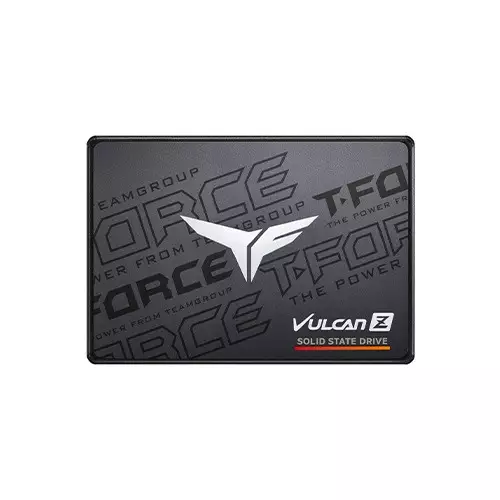
TEAM T-FORCE VULCAN Z 512GB 2.5-inch SATA SSD
- Capacity : 512GB
- Read: Up to 540MB/s Max
- Write: Up to 470MB/s
- Interface: SATA III 6Gb/s
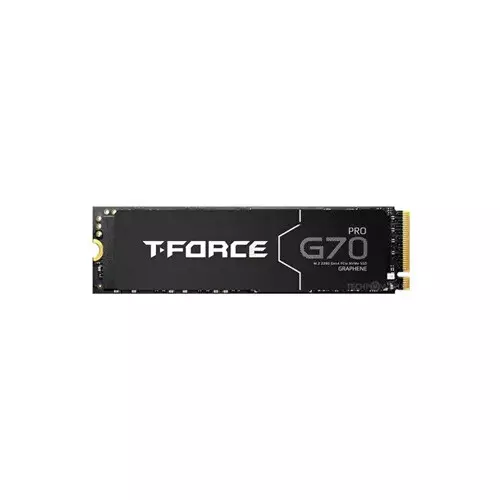
TEAM T-FORCE G70 PRO 1TB M.2 PCIe Gen4x4 SSD WITH DRAM
- PCIe Gen4x4 interface
- Vibration resistance up to 20G
- 1TB Capacity
- Compatible with Intel, AMD, Windows, MAC, and Linux
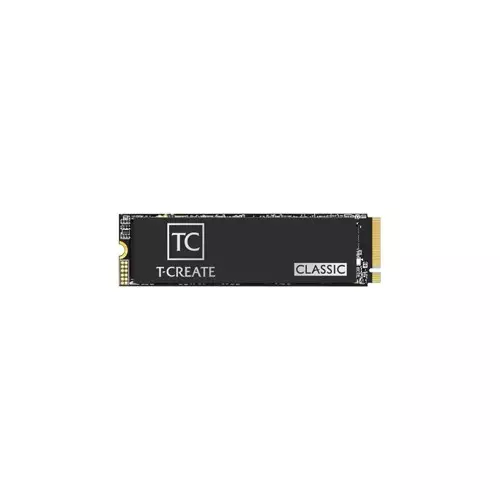
Team CLASSIC C47 1TB 2280 PCIe Gen4x4 NVMe M.2 SSD
- Capacity 1TB
- Form Factor M.2 2280
- 3D Nand Flash Memory
- TBW: 1000TBW
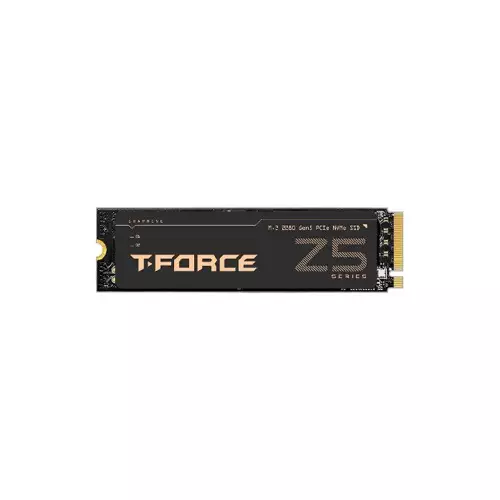
TEAM T-FORCE Z540 1TB M.2 Gen5x4 NVMe Gaming SSD WITH DRAM
- Capacity 1TB
- Interface PCIe Gen5x4
- Read Up To 11,700 MB/s
- Write up to 9,500 MB/s
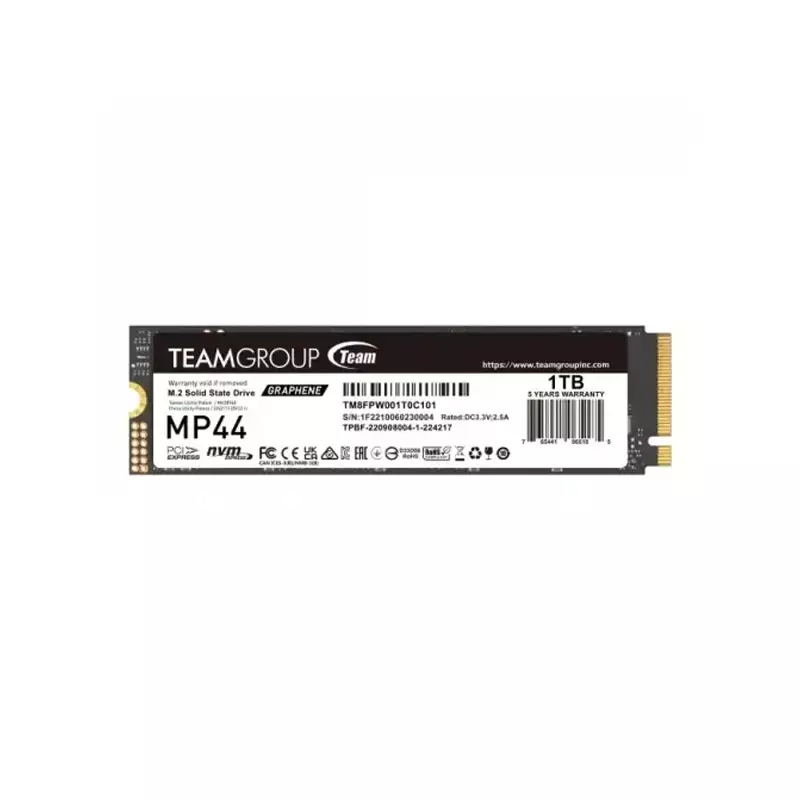
TEAM MP44 1TB M.2 PCIE GEN4 NVME INTERNAL SSD
- Interface: PCI Express 4.0 x4
- Form Factor: M.2 2280
- Read: up to 7,400 MB/s
- Write: up to 6,500 MB/s
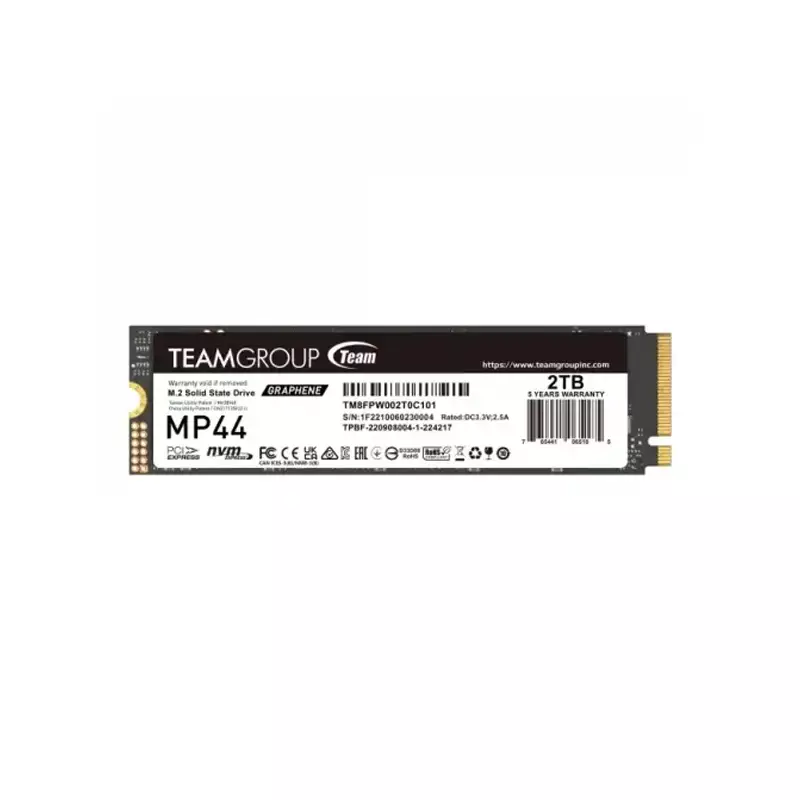
TEAM MP44 2TB M.2 PCIE GEN4 NVME INTERNAL SSD
- Interface: PCI Express 4.0 x4
- Form Factor: M.2 2280
- Read: up to 7,400 MB/s
- Write: up to 7,000 MB/s
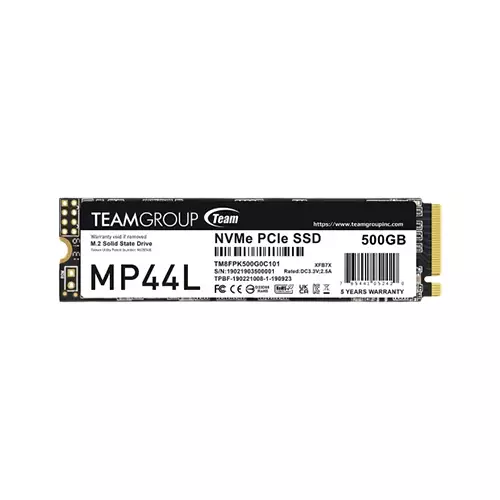
TEAM MP44L 500GB M.2 PCIE GEN4 NVME SSD
- Capacity: 500GB
- Interface: PCIe Gen4 x4
- Voltage: DC +3.3V
- Sequential Read/Write: up to 5,000 / 2,500MB/s
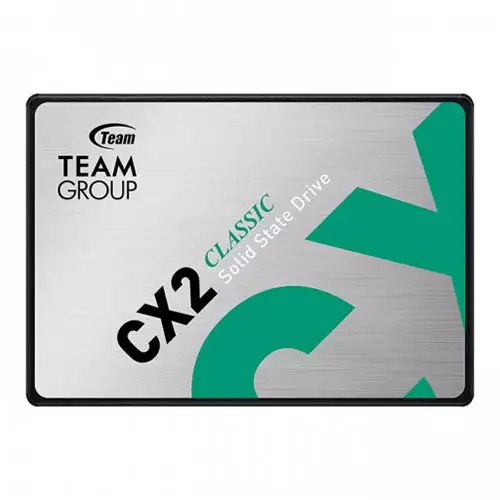
Team Group CX2 1TB SATA III 2.5" 3D NAND Internal SSD
- Interface: SATA III 6Gb/s
- Capacity: 1TB
- Write: Write: 490MB/s
- Shock resistance: 1,500G
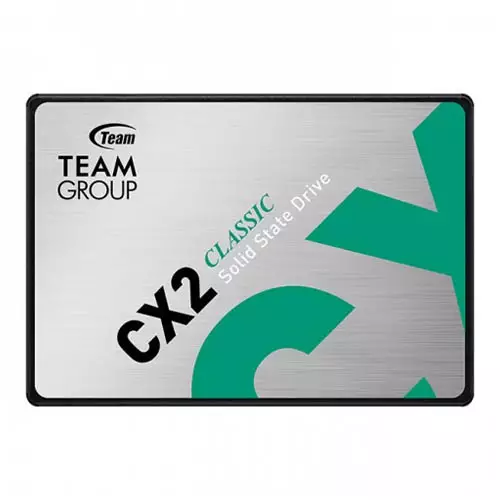
Team Group CX2 512GB SATA III 2.5" 3D NAND Internal SSD
- Interface: SATA III 6Gb/s
- Capacity 512GB
- Write: 470MB/s
- Temperature 0°C ~ 70°C
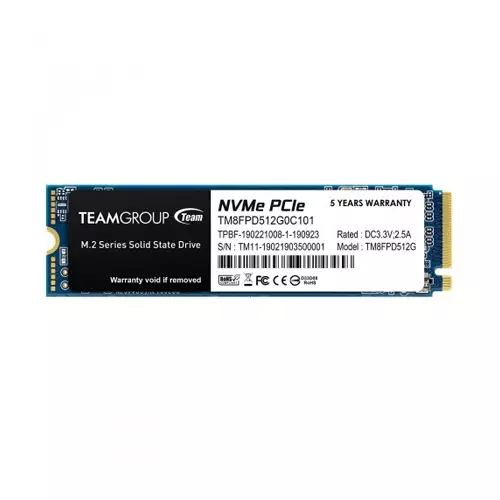
Team MP33 PRO 2TB M.2 PCIe Gen3 NVMe SSD
- Interface: PCIe 3.0 x4 with NVMe 1.3
- Capacity: 2TB , Voltage: DC +3.3V
- Read/ Write speed: 3500 MB/s / 3000 MB/s
- Voltage: DC +3.3V, Form factor: M.2 (2280)
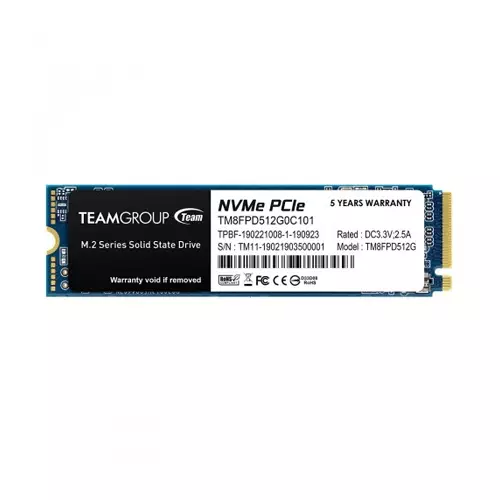
Team MP33 PRO 1TB M.2 PCIe Gen3 NVMe SSD
- Interface: PCIe 3.0 x4 with NVMe 1.3
- Capacity: 1TB , Voltage: DC +3.3V
- Read/ Write speed: 3400 MB/s / 2600 MB/s
- Voltage: DC +3.3V, Form factor: M.2 (2280)
Showing 20 out of 40 products
Team SSD at the Best Price in Bangladesh
Looking for an affordable SSD to make your computer faster and more responsive? Team SSD can be a practical choice for upgrading a desktop or laptop, especially if you are moving from a traditional hard drive to solid-state storage. TeamGroup offers SSDs in various capacities and form factors, making it easier to choose a drive that suits your system and storage needs.
When considering Team SSD Prices in Bangladesh, prices vary depending on storage capacity, SSD type, interface, read and write speeds, and intended use. A 256GB or 512GB SSD may be enough for everyday computing, but those working with larger files, games, or multiple applications may want a higher-capacity drive.
Upgrade Your PC with Team SSD
One of the biggest advantages of an SSD is the noticeable improvement in everyday computer use. Compared with a traditional HDD, an SSD can significantly reduce boot times and make applications, files, and the operating system load more quickly.
A Team SSD upgrade can be a good way to speed up an older desktop or laptop that is slow to boot or perform routine tasks. It can also be a good choice when building a new PC, and you want faster storage for your operating system and frequently used applications.
Choose the Right Team SSD for Your System
Before purchasing a Team SSD, be sure to check which storage interface types your computer supports. Depending on the model, TeamGroup offers different SSD formats, including 2.5-inch SATA drives and M.2 SSDs.
If you have a desktop or older laptop that supports SATA storage, the upgrade is as simple as a 2.5-inch SATA SSD. M.2 SSDs are smaller and can also offer higher speeds if the computer supports the right interface and protocol.
Make sure to check your motherboard or laptop specifications before buying. Just because a drive is compatible with an M.2 slot doesn't mean it will perform as well as another drive that is also compatible with an M.2 slot, so doing a little research can save you from buying the wrong drive.
Storage Capacity That Fits Your Needs
Before purchasing a Team SSD, be sure to check which storage interface types your computer supports. Depending on the model, TeamGroup offers different SSD formats, including 2.5-inch SATA drives and M.2 SSDs.
If you have a desktop or older laptop that supports SATA storage, the upgrade is as simple as a 2.5-inch SATA SSD. M.2 SSDs are smaller and can also offer higher speeds if the computer supports the right interface and protocol.
Make sure to check your motherboard or laptop specifications before buying. Just because a drive is compatible with an M.2 slot doesn't mean it will perform as well as another drive that is also compatible with an M.2 slot, so doing a little research can save you from buying the wrong drive.
SATA or M.2 SSD – Which One Should You Choose?
The choice between SATA and M.2 depends primarily on your system and performance requirements. SATA SSDs are widely compatible and can provide a noticeable improvement over traditional hard drives.
M.2 SSDs can offer higher performance when using a supported NVMe interface. They are particularly useful for users who regularly work with large files, demanding applications, gaming, or other tasks where faster storage can make a difference. However, there is no need to buy the fastest SSD available. A compatible SATA SSD may provide all the performance you actually need for a basic office PC or older laptop.
Team SSD for Gaming, Work & Everyday Computing
Many computing needs can be met with Team SSD. Gamers can use an SSD to install their operating system and games, helping reduce loading times compared to a traditional hard drive.
An SSD will feel much more responsive to office users when performing everyday tasks such as booting Windows, opening apps, accessing documents, and switching between programs. Students and home users can also enjoy faster boot-up and application loading without a costly storage upgrade. If you are a content creator or a professional who handles large files, you might want to opt for a higher-capacity, faster SSD for better storage performance.
Check Speed, Endurance and Specifications
SSD speed is an important specification, but it should not be the only thing you consider. Read and write speeds can give you an idea of how quickly the drive can handle data, but actual performance also depends on your computer, workload, interface, and other components.
Endurance is another specification worth checking if the SSD will be used for heavy workloads. Features such as warranty coverage and manufacturer specifications can also help when comparing different models. Before purchasing, compare the SSD's capacity, interface, form factor, rated speed, endurance, and warranty with your actual requirements.
Buy Team SSD in Bangladesh from Techland BD
Techland BD offers Team SSD options for users looking to upgrade their laptops, desktops, or custom-built PCs. You can compare available models by capacity, form factor, interface, performance, and other specifications before choosing the right storage drive.
If you are also considering other SSD brands, you can explore the complete SSD collection at Techland BD to compare different models and find one that fits your system and budget.
Whether you're looking for a basic SSD for everyday computing, a faster M.2 NVMe drive for gaming, or higher-capacity storage for professional work, selecting the right model based on compatibility and actual usage can help you get better value from your upgrade.
Team SSD Price List in BD
Frequently Asked Questions
What is the Team SSD Price in Bangladesh?
The price of a Team SSD depends on its capacity, form factor, interface, performance, and model. Compare the available specifications to find an SSD that matches your system and budget.
Is Team SSD good for a laptop?
Yes, a compatible Team SSD can be a useful upgrade for a laptop, particularly if it currently uses a traditional hard drive. Always check whether your laptop supports a 2.5-inch SATA or M.2 SSD before purchasing.
Is Team SSD suitable for gaming?
Yes. A suitable Team SSD is well-suited for gaming and can help reduce game and system loading times compared with a traditional HDD. For the best performance, check whether your motherboard supports an NVMe M.2 SSD.
Which Team SSD capacity should I buy?
For basic use, a smaller capacity may be sufficient. A 512GB SSD is a popular middle-ground option for everyday computing, while 1TB or larger drives are better suited to users who need more space for games, applications, videos, and large files.
Does Team SSD come with a warranty?
Warranty coverage depends on the specific Team SSD model and applicable local warranty terms. Check the individual product listing for the current warranty information before purchasing.
