Related Products
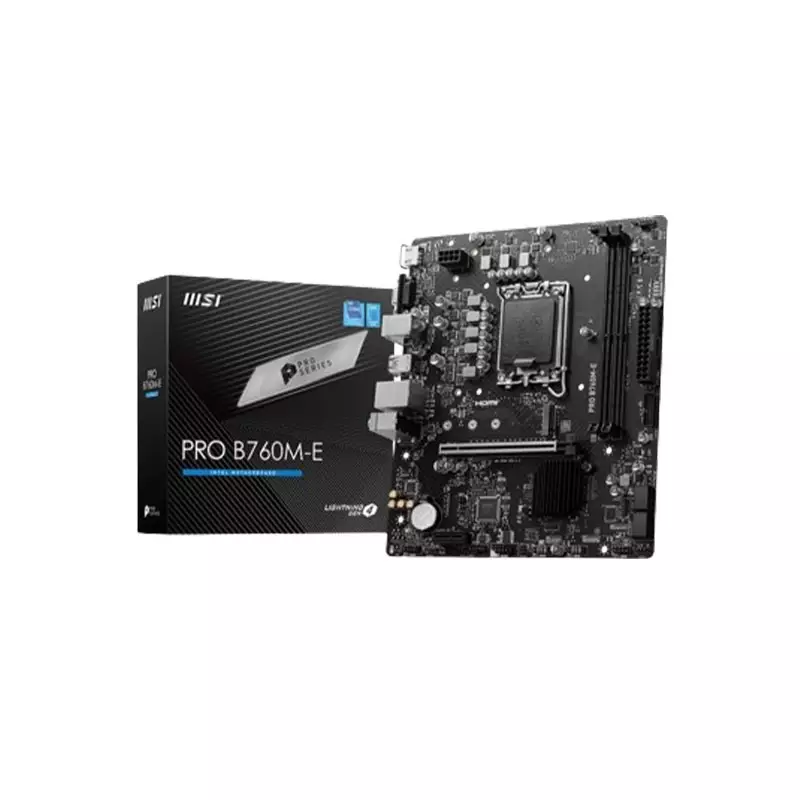
MSI PRO B760M-E DDR5 14TH GEN Motherboard
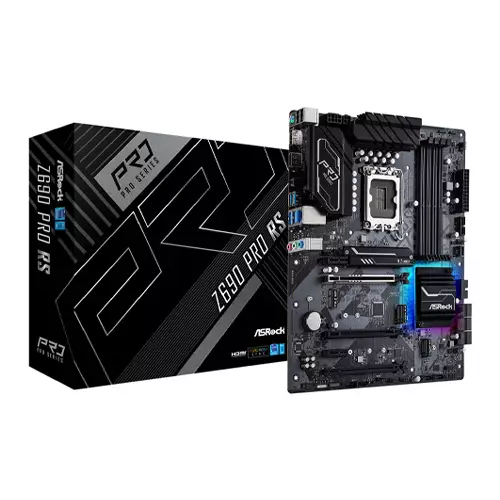
ASROCK Z690 PRO RS ATX 12TH GEN INTEL MOTHERBOARD
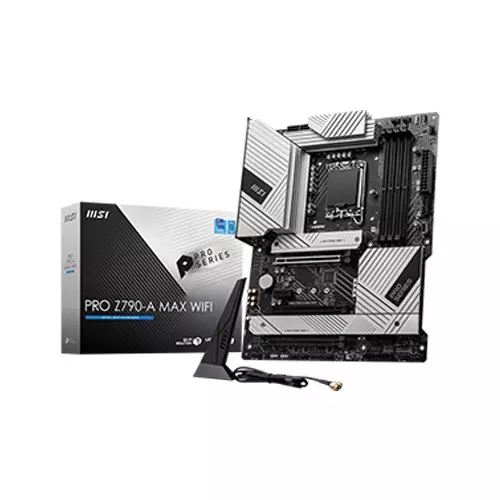
MSI PRO Z790-A MAX WIFI DDR5 12th/13th/14th GEN MOTHERBOARD
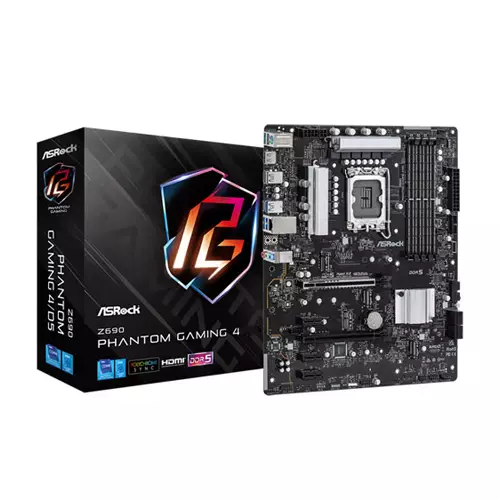
ASROCK Z690 PHANTOM GAMING 4 DDR5 ATX 12TH GEN INTEL MOTHERBOARD
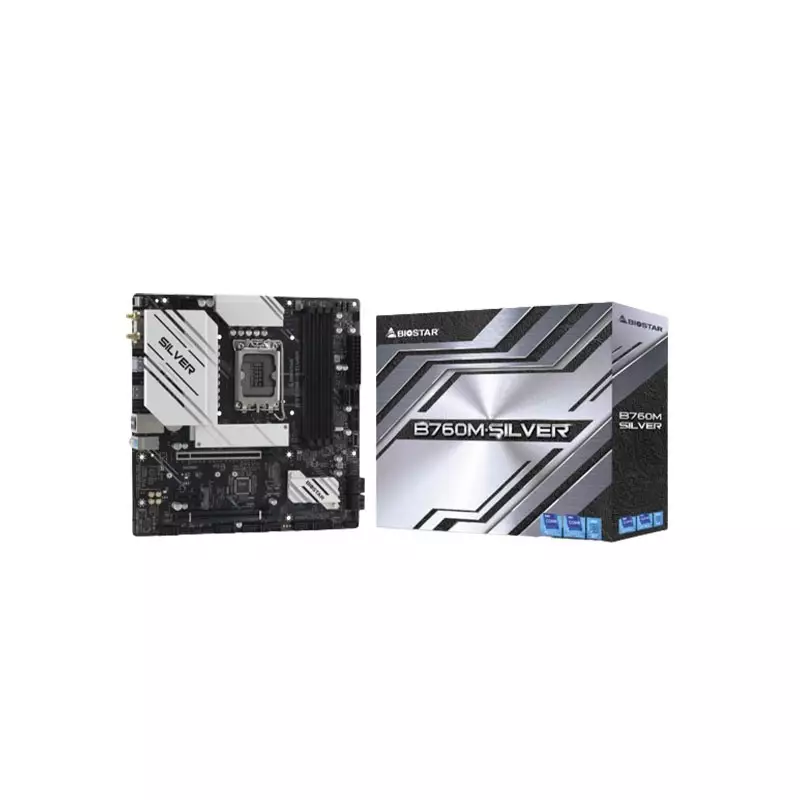
Biostar B760M-SILVER DDR5 14th Gen mATX Motherboard
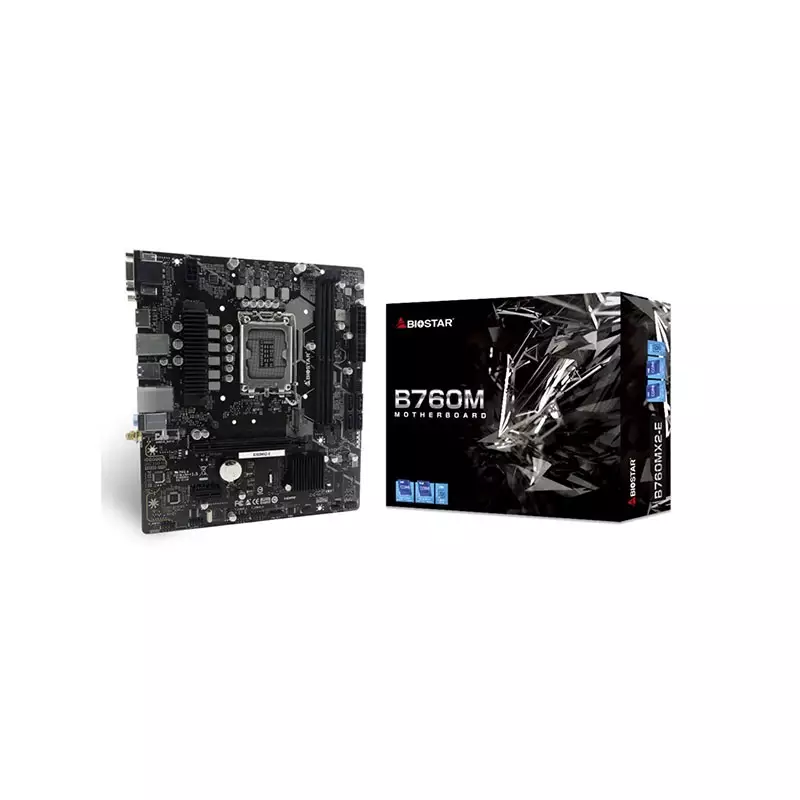
BIOSTAR B760MX2-E DDR5 12th/13th mATX Gaming Motherboard
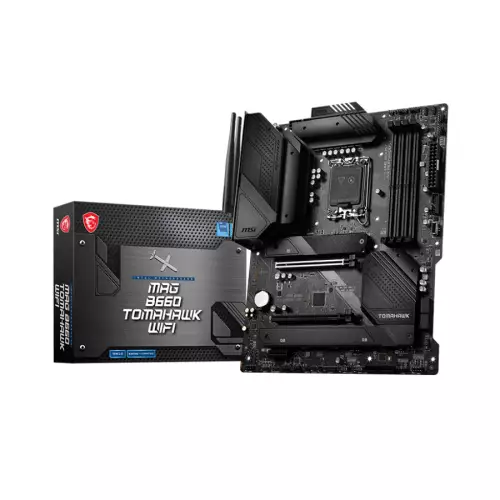
MSI MAG B660 TOMAHAWK WIFI DDR5 ATX INTEL 12TH GEN MOTHERBOARD
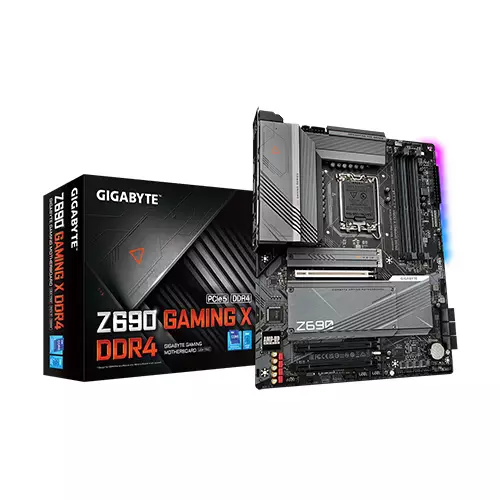
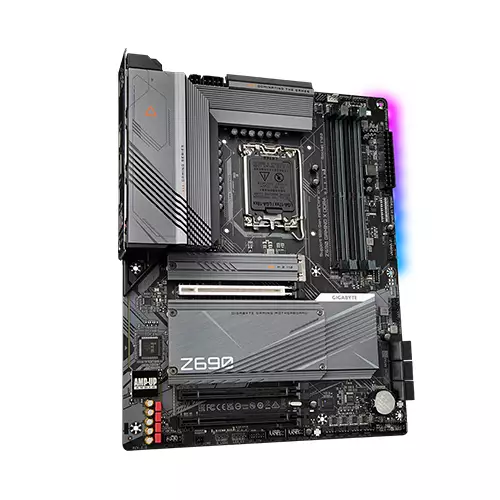
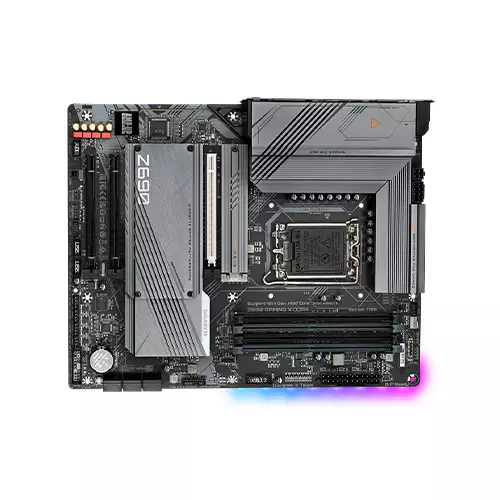
GIGABYTE Z690 GAMING X DDR4 ATX 12TH GEN INTEL MOTHERBOARD
- Intel Z690 Express Chipset
- 12th Generation Intel Motherboard
- Dual channel memory
- ATX Form Factor
Product Pricing
EMI Start From*
SPECIFICATIONS
Processor
L3 cache varies with CPU
Mainboard
Use of licensed AMI UEFI BIOS
PnP 1.0a, DMI 2.7, WfM 2.0, SM BIOS 2.7, ACPI 5.0
Memory
5000(O.C.)/4933(O.C.)/4800(O.C.)/ 4700(O.C.)/ 4600(O.C.)/ 4500(O.C.)/ 4400(O.C.)/ 4300(O.C.)/4266(O.C.) / 4133(O.C.) / 4000(O.C.) / 3866(O.C.) / 3800(O.C.) / 3733(O.C.) /
3666(O.C.) / 3600(O.C.) / 3466(O.C.) / 3400(O.C.) / 3333(O.C.) / 3300(O.C.) / 3200 / 3000 / 2933 / 2800 / 2666 / 2400 / 2133 MHz memory modules
4 x DDR DIMM sockets supporting up to 128 GB (32 GB single DIMM capacity) of system memory
Dual channel memory architecture
Support for ECC Un-buffered DIMM 1Rx8/2Rx8 memory modules (operate in non-ECC mode)
Support for non-ECC Un-buffered DIMM 1Rx8/2Rx8/1Rx16 memory modules
Support for Extreme Memory Profile (XMP) memory modules
Storage
2 x M.2 connector (Socket 3, M key, type 2260/2280/22110 PCIe 4.0 x4/x2 SSD support) (M2P_SB, M2Q_SB)
1 x M.2 connector (Socket 3, M key, type 2260/2280/22110 SATA and PCIe 4.0 x4/x2 SSD support) (M2M_SB)
6 x SATA 6Gb/s connectors
Graphics
1 x HDMI port, supporting a maximum resolution of 4096x2160@60 Hz
* Support for HDMI 2.1 version and HDCP 2.3.
** Support native HDMI 2.1 TMDS compatible ports.
1 x DisplayPort, supporting a maximum resolution of 4096x2304@60 Hz
* Support for DisplayPort 1.2 version and HDCP 2.3
Networking & Connectivity
Audio & Microphone
* The back panel line out jack supports DSD audio.
High Definition Audio
2-channel analog output
Support for S/PDIF Out
7.1-channel digital signals
* Actual output of digital signals may vary depending on the playback content and software used, and an external DAC is required.
Ports
* For optimum performance, if only one PCI Express graphics card is to be installed, be sure to install it in the PCIEX16 slot.
(The PCIEX16 slot conforms to PCI Express 5.0 standard.)
2 x PCI Express x16 slots, running at x4 (PCIEX4_1, PCIEX4_2)
(The PCIEX4 slots conform to PCI Express 3.0 standard.)
1 x 8-pin ATX 12V power connector
1 x 4-pin ATX 12V power connector
1 x CPU fan header
1 x water cooling CPU fan header
3 x system fan headers
1 x system fan/water cooling pump header
2 x addressable LED strip headers
2 x RGB LED strip headers
4 x M.2 Socket 3 connectors
6 x SATA 6Gb/s connectors
1 x front panel header
1 x front panel audio header
1 x USB Type-C® header, with USB 3.2 Gen 2 support
1 x USB 3.2 Gen 1 header
2 x USB 2.0/1.1 headers
2 x Thunderbolt™ add-in card connectors
1 x Trusted Platform Module header (For the GC-TPM2.0 SPI/GC-TPM2.0 SPI 2.0 module only)
1 x reset button
1 x reset jumper
1 x Q-Flash Plus button
1 x Clear CMOS jumper
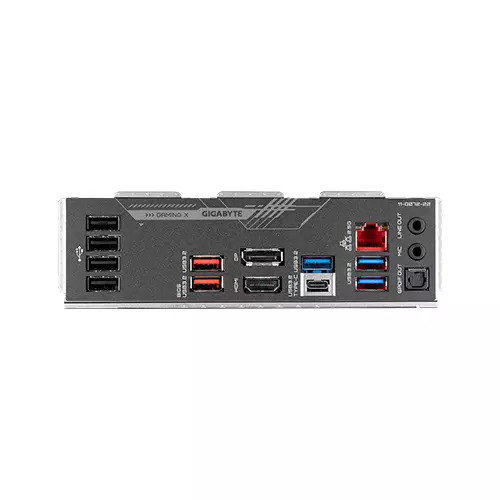
2 x USB 3.2 Gen 2 Type-A ports (red)
3 x USB 3.2 Gen 1 ports
4 x USB 2.0/1.1 ports
1 x HDMI port
1 x DisplayPort
1 x RJ-45 port
1 x optical S/PDIF Out connector
2 x audio jacks
1 x USB Type-C® port on the back panel, with USB 3.2 Gen 2x2 support
1 x USB Type-C® port with USB 3.2 Gen 2 support, available through the internal USB header
2 x USB 3.2 Gen 2 Type-A ports (red) on the back panel
5 x USB 3.2 Gen 1 ports (3 ports on the back panel, 2 ports available through the internal USB header)
Chipset+2 USB 2.0 Hubs:
8 x USB 2.0/1.1 ports (4 ports on the back panel, 4 ports available through the internal USB headers)
Physical Specification
Warranty Information
DESCRIPTION
Gigabyte Z690 GAMING X DDR4 Intel Motherboard
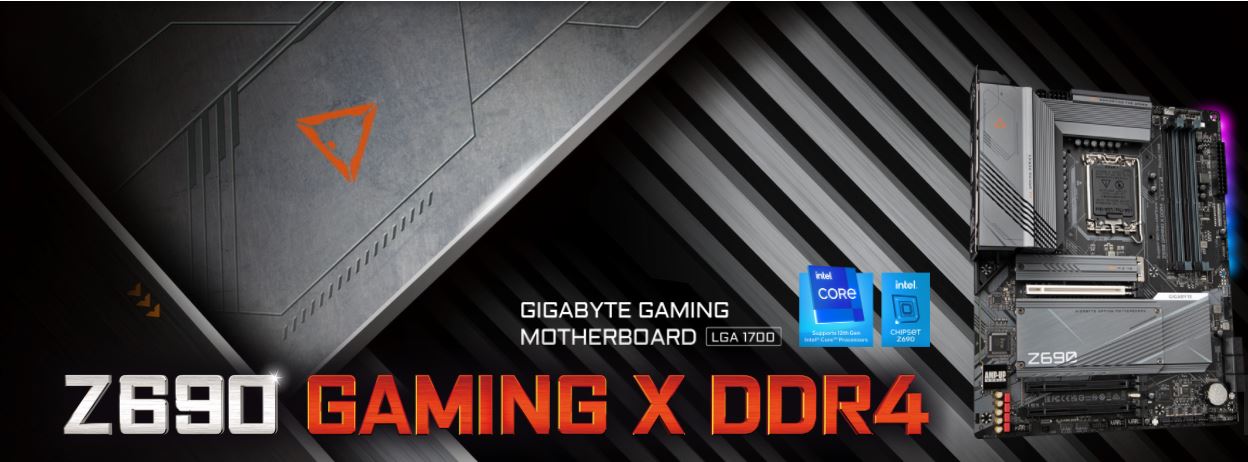
Accelerate your PC's power with the Z690 Gigabyte gaming motherboards. The next era of gaming platforms continues with the most robust power delivery and dominant thermal design, glorified with the complete memory overclocking technology to crown your PC with the best performance. With technology moving so fast, GIGABYTE still keep up with the latest trends and provide customers with advanced features and the latest technology. GIGABYTE Z690 Series motherboards come with upgraded power solutions, the latest storage standards and outstanding connectivity to enable optimized performance for gaming.
SPEEDS LIKE NO OTHER
GIGABYTE Z690 Motherboards are ready to work with the upcoming PCIe 5.0 devices which are expected to experience double bandwidth than the current PCIe 4.0 devices. To reach the high speed and maintain good signal integrity, GIGABYTE R&D uses the low impedance PCB to provide the maximum performance.
IMPRESSIVE MEMORY PERFORMANCE
GIGABYTE is offering a tested and proven platform that ensures proper compatibility with profiles up to 5333MHz and beyond. All users need to do to attain this performance boost is to ensure that their memory module is XMP capable and that the XMP function is activated and enabled on their GIGABYTE motherboard.
FOR EVERY CONNECTION
GIGABYTE Z690 Series Motherboards let you experience ultimate connection flexibility and blazing data-transfer speed with next generation network and storage connectivity.
2X FASTER THAN EVER
Adoption of 2.5G LAN provide up to 2.5 GbE network connectivity, with at least 2X faster transfer speeds compared to general 1GbE networking, perfectly designed for gamers with ultimate online gaming experience.
HI-RES AUDIO
Hi-Res Audio certified, meaning that the product is capable of reproducing frequencies up to 40kHz or above which ensures user with the best audio quality at all times.
REALTEK HIGH-END HD AUDIO CODEC
- Supports audio format up to 32-bit/384KHz and output SNR up to Rear/Front 120dB 110dB.
- Automatically detects impedance of audio device, preventing low volume and distortion.
- Stream voice with up to 110dB(A) SNR via microphone.
IMPRESSIVE PERSONALIZATION
GIGABYTE motherboards bundle several useful and intuitive software to help users to control every aspect of motherboard and provide customizable lighting effect with outstanding aesthetics to fit your unique personality.
Q-FLASH PLUS
With GIGABYTE Q-Flash Plus, you don’t need to install the CPU, memory and graphics card nor enter the BIOS menu to flash the BIOS. Just download and save a new BIOS file (rename to gigabyte.bin) on the USB flash drive, then press the dedicated Q-Flash Plus button and you’re good to go!
REVIEWS
Login to write a review.
No reviews yet
Be the first to share your thoughts about this product.
What is the GIGABYTE Z690 GAMING X DDR4 ATX 12TH GEN INTEL MOTHERBOARD Price in Bangladesh 2026 ?
Related Products
MSI PRO B760M-E DDR5 14TH GEN Motherboard
ASROCK Z690 PRO RS ATX 12TH GEN INTEL MOTHERBOARD
MSI PRO Z790-A MAX WIFI DDR5 12th/13th/14th GEN MOTHERBOARD
ASROCK Z690 PHANTOM GAMING 4 DDR5 ATX 12TH GEN INTEL MOTHERBOARD
Biostar B760M-SILVER DDR5 14th Gen mATX Motherboard
BIOSTAR B760MX2-E DDR5 12th/13th mATX Gaming Motherboard