
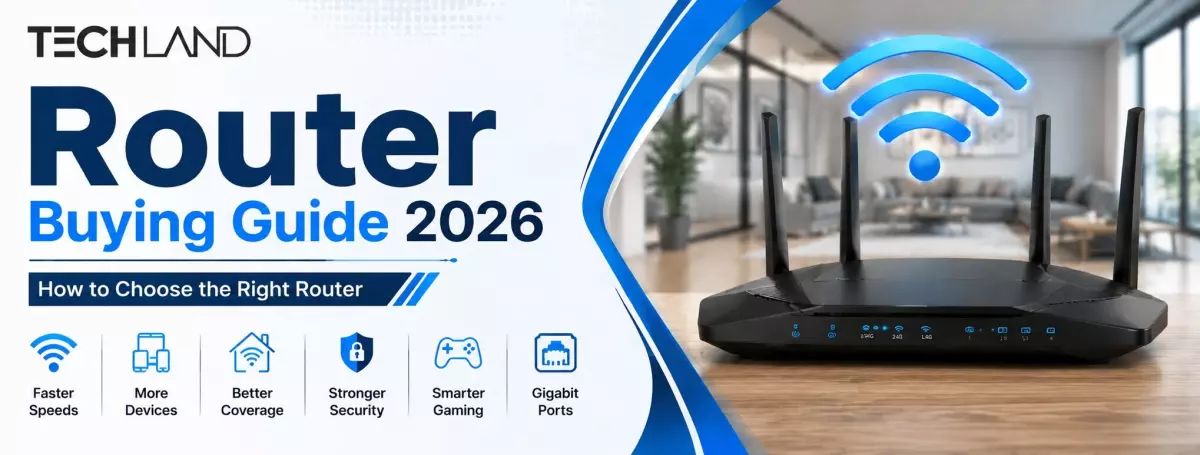
Router Buying Guide 2026
Choosing a router isn’t just choosing the device with the highest Wi-Fi speed on the box anymore. Internet plans are getting faster, homes have more connected devices, and activities such as gaming, 4K streaming, video calls, smart home control and remote employment all place different demands on a network. The best router for you will depend on your internet connection, the size of your home, how many devices you have and how you use the internet.
In this Router Buying Guide 2026, we’ll cover the main points to consider before buying a router, including Wi-Fi standards, frequency bands, coverage, speed, ports, security features, and mesh networking. If you need a router for a small apartment, family home, gaming setup, or office, understanding these factors can help you pick a suitable model without overspending.
What Is a Router and What Does It Do?
A router is a network device that forwards data traffic between your local devices and the Internet. It obtains the internet connection from your ISP and provides it to smartphones, laptops, desktop PC, smart TVs, gaming consoles, cameras and other connected devices.
Modern Wi-Fi routers do more than just give you wireless internet. Depending on the model, they may include support for multiple Wi-Fi bands, advanced security, parental controls, guest networks, traffic management and high-speed Ethernet connections.
A cheap dual-band router may be enough for a basic home connection. Larger homes or those with many connected devices may need a more capable router or a mesh Wi-Fi system.
What to Consider Before Buying a Router
Internet Speed and Router Performance
Your internet package is one of the first things you should consider when selecting a router. If you have a broadband or fiber connection that’s fast enough, your router should be able to support the speed your ISP provides.
For example, you may not be able to get the best performance from your package by purchasing an entry-level router for a very high-speed internet connection. At the same time, it may not make very much sense to spend a lot of money on a high-end router if you have a relatively slow connection.
Don’t just look at the advertised maximum Wi-Fi speed; look at the router’s wireless throughput and Ethernet port speeds.
Wi-Fi Standards: Wi-Fi 5, Wi-Fi 6, Wi-Fi 6E and Wi-Fi 7
The technology behind Wi-Fi has evolved over the years, with each new generation delivering enhancements to speed, efficiency, capacity, and device management.
Wi-Fi 5 (802.11ac) still works fine for many everyday connections. Wi-Fi 6 enhances performance in crowded networks and is ideal for situations with numerous simultaneous devices. Wi-Fi 6E is simply an extension of Wi-Fi 6 that adds support for the 6GHz band on compatible devices. Wi-Fi 7 is a new generation of Wi-Fi that aims to deliver higher throughput, lower latency and improved performance on compatible devices.
For most users, Wi-Fi 6 strikes a good balance between performance, features, and cost. If you’ve been building a newer network for a few years, you might want to consider Wi-Fi 7 if your internet connection and devices can support it.
2.4GHz vs 5GHz vs 6GHz
If you’re shopping for a router, it’s helpful to know about Wi-Fi frequency bands. The 2.4GHz band generally provides better range, and penetrates walls better, but is more susceptible to interference and tends to be slower.
5GHz is usually faster than 2.4GHz and is perfect for HD streaming, gaming and transferring large files. Its range, however, is typically less than that of 2.4GHz.
The 6GHz band adds additional wireless spectrum and potentially cleaner connections in the right environment, supported by compatible Wi-Fi 6E and Wi-Fi 7 hardware. Its benefits are best realized when both the router and the devices it connects support the technology.
Dual-band routers are still a good option for a lot of homes. A tri-band model might be more appropriate in the case of many devices or when wireless traffic is especially heavy.
Router Coverage and Wi-Fi Range
Coverage that is advertised by a router does not always translate to the same real-world experience. Walls, floors, furniture, interference, building materials and neighboring Wi-Fi networks can affect Wi-Fi performance.
If you have a smaller apartment, one router might work fine, but if you have a larger house with multiple floors, you may need a more powerful router or additional access points.
If you have some rooms where the Wi-Fi signals are always weak, then buying a router with a higher advertised speed might not solve the problem. In such cases, a mesh Wi-Fi system can provide better coverage by deploying several nodes throughout the property.
Number of Connected Devices
Consider how many devices regularly connect to your network. In a modern home, it is possible to have smartphones, laptops, tablets, smart TVs, gaming consoles, security cameras, smart speakers, printers and other connected devices all operating at the same time.
If you have a router made for a small number of devices, it might not do so well when the network is busy. If your home has a lot of people in it, you might prefer a router that uses technology like MU-MIMO or OFDMA to handle multiple connections more efficiently.
WAN and LAN Ports
But don’t forget about wired connectivity, although wireless performance is important.
The WAN port connects the router to your internet source . LAN ports allow wired devices like desktop computers , gaming consoles , smart TVs and network storage devices to connect directly to the router .
If you have a fast internet package or transfer large files over a local network, look for a router with Gigabit Ethernet or faster multi-gigabit ports.
Which Wi-Fi Router Should You Choose in 2026?
No one router is perfect for everybody. The best choice depends on your internet connection and how you use it.
For simple home use like web browsing, social media, video calls and streaming, a good dual-band Wi-Fi router may be enough. If you have many devices connected in your household, a Wi-Fi 6 router can also make your network more efficient.
Latency, wired Ethernet connectivity, Quality of Service (QoS), and stable wireless performance, not just the maximum advertised speed, matter to gamers.
If you have a large home or one with many floors, coverage should be your main concern. It can be more practical to use a mesh Wi-Fi solution than to try to use a single, extremely powerful router.
If you want the latest in wireless technology, you might want to consider Wi-Fi 7 routers, especially if you already have smartphones, laptops or other devices that are compatible.
Important Router Features to Look For
MU-MIMO and OFDMA
MU-MIMO allows a compatible router to communicate with multiple devices more efficiently, while OFDMA helps to split wireless channels into smaller parts so multiple devices can efficiently share network resources.
The more connected devices there are, the more useful these technologies become.
Beamforming
Beamforming allows the router to point wireless signals directly at devices it is connected to, rather than broadcasting them out in every direction. In the right environment, this can improve wireless reliability and performance.
QoS
QoS stands for Quality of Service and allows for certain types of traffic or devices to be given a higher priority. This can be handy when a few folks are sharing the same connection for gaming, streaming, downloads, and video calls.
WPA3 Security
Another key consideration is wireless security. WPA3 is a new Wi-Fi security standard that offers better protection than older security protocols.
Your modern router should also support features like guest networks, firmware updates, and basic network management controls.
Router or Mesh Wi-Fi: Which One Is Better?
For a small or medium-sized home, a traditional router is often the easiest option. They’re easy to install and usually cheaper.
Mesh Wi-Fi uses multiple interconnected units to provide wireless coverage based on the highest advertised speed over a larger area. Rather than needing a router for every room, mesh nodes communicate with each other to form a larger network.
Mesh networking might be a better solution if poor coverage, not slow internet speed, is your main issue. However, if you have a small home and good signal coverage, you may be fine with a standard router.
Common Router Buying Mistakes to Avoid
The most common mistake is to pick a router by the highest speed advertised. Performance will depend on the connected device, distance, interference, internet package and network conditions.
Another error is purchasing an expensive router without verifying whether your devices are compatible with its features. If your devices can only connect to older Wi-Fi standards, you won’t be able to take full advantage of a Wi-Fi 7 router.
Another problem that is ignored is coverage. A high-speed router cannot automatically remove dead zones caused by thick walls and many floors.
It is also worth checking the Ethernet ports, security features, firmware support and warranty of the router before buying.
Frequently Asked Questions About Buying a Router
Which router is best for home use?
A dual-band Wi-Fi 6 router is a good choice for most homes because it offers reliable speed, better handling of multiple devices, and good overall value.
Is Wi-Fi 6 worth buying in 2026?
Yes, Wi-Fi 6 is still worth buying in 2026. It provides faster and more efficient connections, especially when several devices are connected at the same time.
Do I need a dual-band or tri-band router?
A dual-band router is enough for most homes. Choose a tri-band router if you have many connected devices, heavy network usage, or need better performance for gaming and streaming.
How do I choose a router for a large house?
For a large house, Wi-Fi coverage should be your main priority. If a single router cannot cover every room properly, consider a mesh Wi-Fi system or additional access points.
What router speed do I need?
Choose a router that supports at least the speed of your internet package. For example, if you use a 500 Mbps connection, choose a router with enough wireless and Ethernet capacity to handle that speed comfortably.
Discussion
0Leave a Comment
No comments yet
Be the first to share your thoughts
