
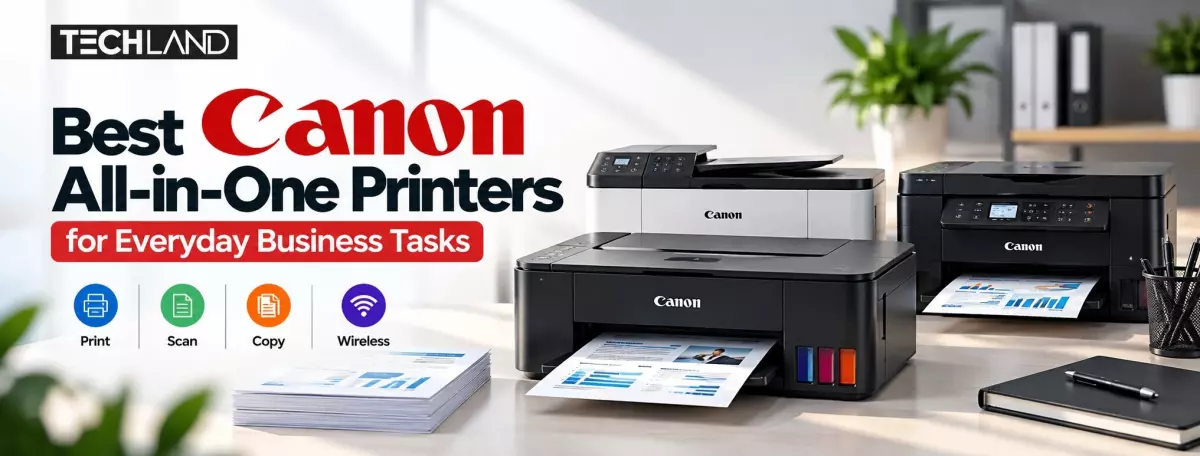
Best Canon All-in-One Printers for Business Tasks
Small business owners often print invoices, scan documents, copy paperwork, and prepare reports. Having the right printer can make these tasks easier and help employees manage their daily workload. Canon offers several multifunction printers designed for home offices, small businesses, and professional workspaces.
When choosing the best Canon all-in-one printer, businesses should consider print quality, ink costs, connectivity, printing speed, and monthly page volume. The right choice depends on how the printer will be used and which features are most important to the business.
Why Choose a Canon All-in-One Printer for Business
An all-in-one printer combines several functions in one device. Depending on the model, it can print, scan, and copy documents without requiring separate machines. This setup saves desk space and makes everyday office tasks more convenient.
For example, a small retail shop may need to print invoices and copy business documents, while a home-based company might regularly scan contracts and print reports. A multifunction printer can handle these tasks from a single workspace.
Canon offers both cartridge-based inkjet printers and refillable ink tank models. Cartridge printers may suit users with occasional printing needs, while ink tank printers can be more economical for businesses that print frequently. Before deciding, compare the upfront cost with ongoing ink expenses.
Best Canon All-in-One Printers for Everyday Business Tasks
Different Canon Printer models serve different purposes. The following options illustrate what businesses should consider when comparing multifunction printers. Confirm current specifications, local availability, and warranty details before purchasing.
1. Canon PIXMA G2010 for Regular Document Printing
The Canon PIXMA G2010 is a multifunction ink tank printer that prints, scans, and copies. It suits small offices, retail shops, and home-based businesses that regularly handle documents.
Its refillable ink tank system is useful for users who want to manage printing costs over time. However, the G2010 relies on a USB connection rather than built-in Wi-Fi, so it suits a workstation where the printer stays connected to one computer.
2. Canon PIXMA G3010 for Wireless Printing
The Canon PIXMA G3010 offers printing, scanning, and copying alongside wireless connectivity. This can make it more convenient for small teams that want to print from compatible computers or mobile devices without connecting a cable each time.
Its refillable ink tank design also suits businesses with regular printing needs. Before buying, check device compatibility and confirm which wireless printing features your computers and phones support.
3. Canon PIXMA E410 for Basic Office Tasks
The Canon PIXMA E410 is a cartridge-based multifunction printer designed for everyday printing, scanning, and copying. It's a practical option for a home office or small business that doesn't print large volumes every day.
Its main advantage is straightforward functionality for routine paperwork. Businesses should compare replacement cartridge prices and expected page volume before choosing this model, especially if they print frequently as part of daily operations.
4. Canon PIXMA G670 for Photo-Focused Businesses
The Canon PIXMA G670 is a six-colour ink tank photo printer with scanning and copying functions. Its photo-oriented printing system suits creative businesses, photographers, and users who produce detailed colour images. It also suits businesses that mainly need standard invoices and black-and-white reports. Those users may find a standard, document-focused printer more appropriate.
What Features Should a Business Look For
Before choosing a Canon all-in-one printer, consider the work it needs to handle. A printer used for occasional invoices has different requirements than one used all day in a busy office.
Printing Volume and Running Costs
Estimate how many pages your business prints each month. Refillable ink tank printers can offer a lower cost per page when used regularly, although the actual cost depends on ink consumption, document coverage, and maintenance. Cartridge printers may be sufficient if you print infrequently.
Scanning and Copying
Scanning helps you store digital copies of receipts, contracts, and customer documents. Copying helps when you need to quickly duplicate paper documents. Check whether the model supports the scanning quality and document sizes your business requires.
Connectivity and Compatibility
A USB connection may be enough for a printer used by one computer. Wi-Fi can be more convenient when several compatible devices need access to the same printer. Always check operating system support and the manufacturer's instructions before buying.
Print Quality and Paper Handling
Text-heavy businesses should prioritise clear text and reliable paper feeding. Businesses producing brochures, photographs, or colourful marketing materials may need stronger colour-printing capabilities. Also check supported paper sizes and media types.
Warranty and Consumables
Availability of ink, replacement parts, and after-sales support can affect the long-term ownership experience. Before purchasing, confirm the warranty terms and the cost of compatible supplies from a reliable local retailer.
Ink Tank vs Cartridge Printers for Small Businesses
Ink tank and cartridge printers can both handle everyday business tasks, but their running costs differ. Ink tank printers use refillable reservoirs and are often worth considering for businesses that print frequently. Their initial purchase price may be higher, but the cost per page can be lower under regular use.
Cartridge printers can be more affordable to purchase and may work well for occasional printing. However, businesses that print large quantities should carefully compare the cost of cartridge replacements. There is no single best option for every business. The right choice depends on printing frequency, budget, document type, and expected maintenance.
Where to Find Canon Printers in Bangladesh
Businesses in Bangladesh can compare printer models by reviewing features, connectivity, warranty, and running costs before buying. Check current stock and pricing, as availability can change. Explore available options for Canon printers at Techland BD. Comparing the listed models can help you identify a printer that fits your office requirements and budget. Confirm the latest price, specifications, and availability with the retailer before ordering.
Are Canon ink tank printers good for business use?
Canon ink tank printers can be cost-effective for businesses that print regularly because refillable ink systems can reduce the cost per page compared with many cartridge-based models.
What is the difference between a Canon ink tank printer and a cartridge printer?
An ink tank printer uses refillable ink reservoirs, while a cartridge printer uses replaceable ink cartridges. Ink tank models often suit frequent printing, whereas cartridge models can work well for occasional use.
Can Canon all-in-one printers scan and copy documents?
Yes. Canon all-in-one printers typically print, scan, and copy. However, features vary by model, so check the specifications before purchasing.
Discussion
0Leave a Comment
No comments yet
Be the first to share your thoughts
