Related Products
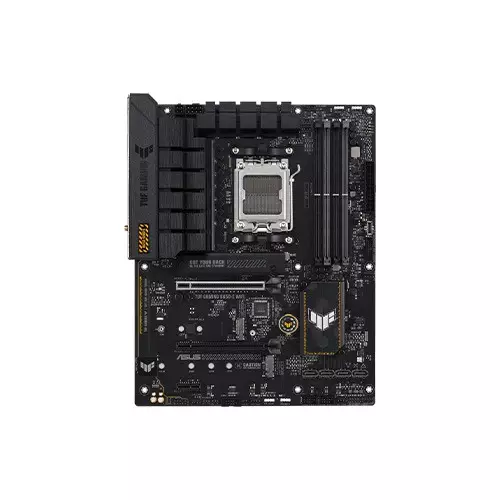
Asus TUF GAMING B650-E WIFI DDR5 AM5 ATX Motherboard
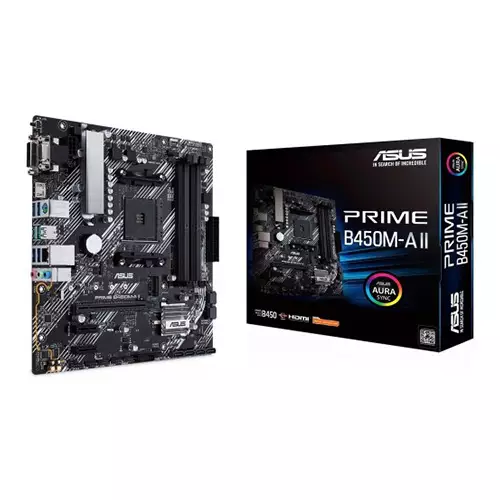
Asus Prime B450M-A II AM4 Micro-ATX AMD Motherboard
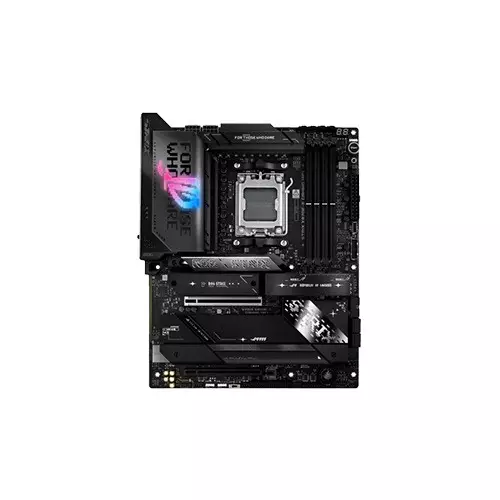
ASUS ROG STRIX X870E-E Gaming Wifi DDR5 AMD AM5 ATX Motherboard
Asus PRIME B550M-K ARGB AMD DDR4 AM4 micro-ATX Motherboard
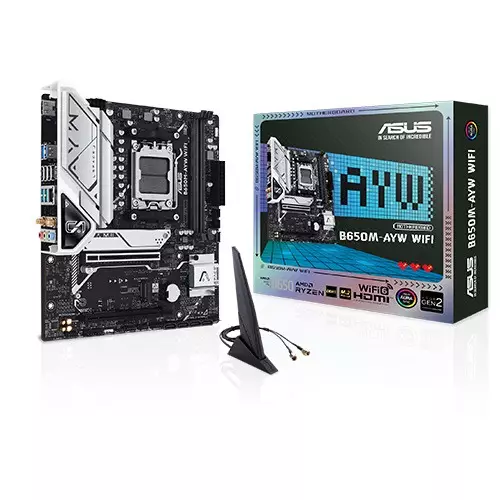
ASUS B650M-AYW WIFI AMD Ryzen AM5 DDR5 Micro-ATX Motherboard
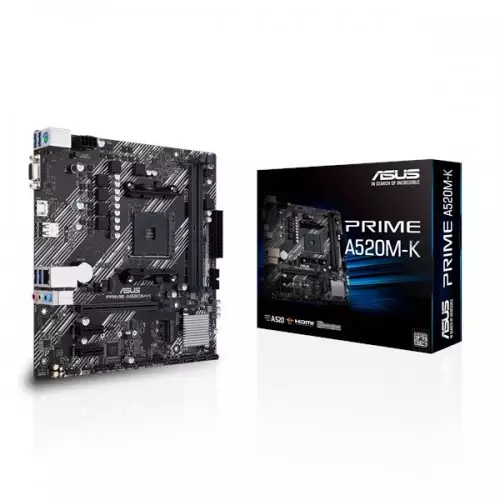
Asus Prime A520M-K AM4 Micro-ATX AMD Motherboard
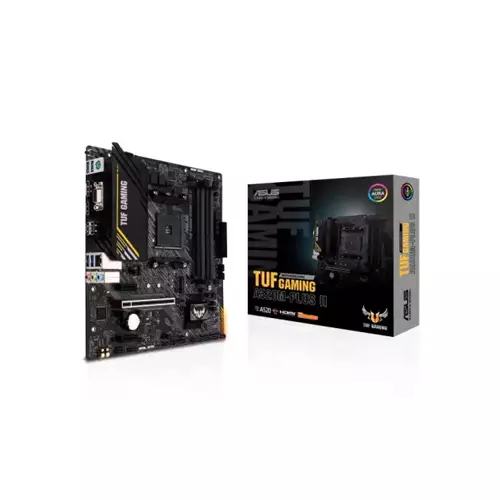
ASUS TUF GAMING A520M-PLUS II AM4 MICRO-ATX AMD MOTHERBOARD
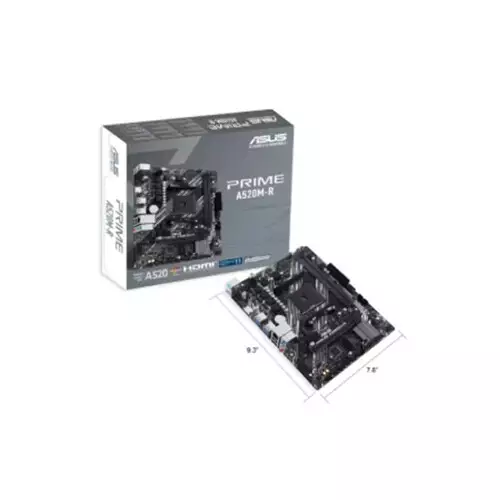
Asus PRIME A520M-R AM4 micro ATX Motherboard
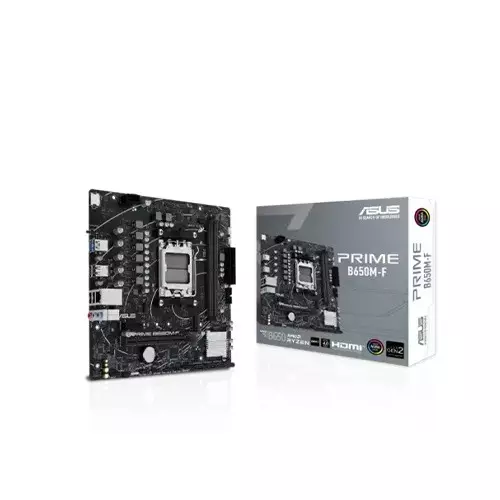
Asus PRIME B650M-F DDR5 AM5 mATX Motherboard
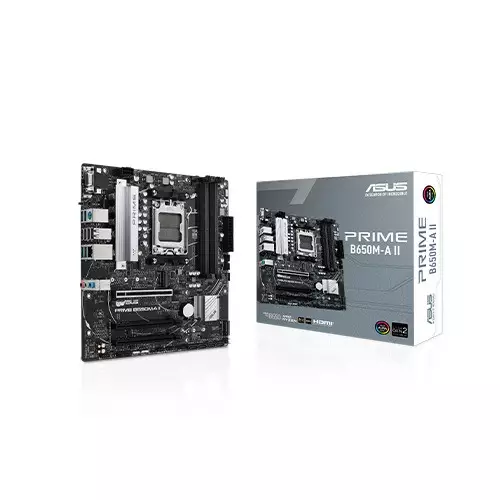
Asus PRIME B650M-A II DDR5 AM5 mATX Motherboard
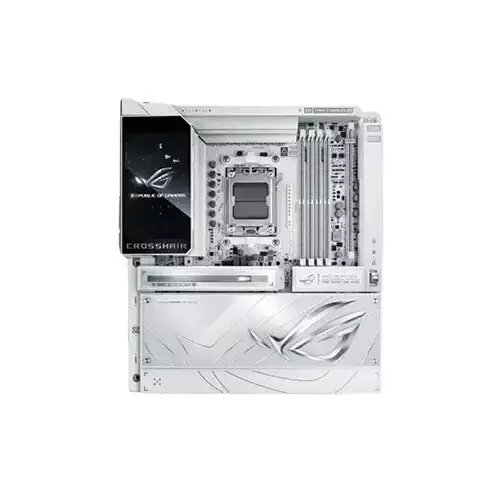
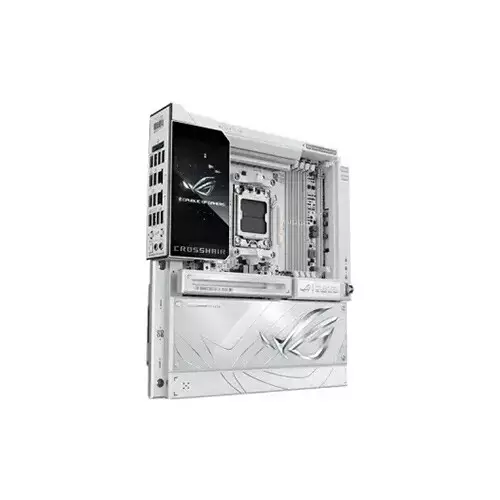
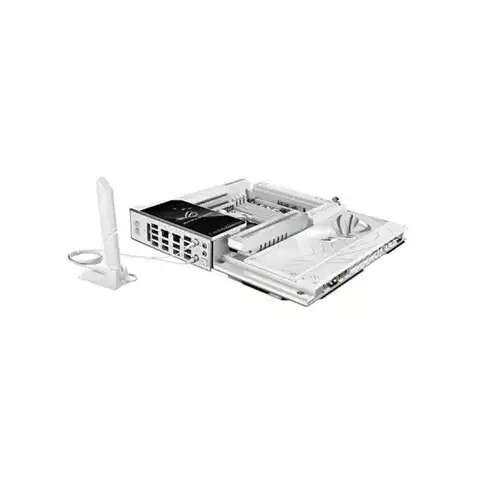
ASUS ROG CROSSHAIR X870E GLACIAL Ryzen AM5 E-ATX Gaming Motherboard
- Memory Size - 256GB
- Memory type - DDR5
- Chipset - AMD X870E
- Form Factor - E-ATX
Product Pricing
EMI Start From*
SPECIFICATIONS
Processor
AMD Socket AM5 for AMD Ryzen 9000 & 8000 & 7000 Series Desktop Processors
AMD X870E
Mainboard
2 x 512 Mb Flash ROM, UEFI AMI BIOS
Memory
4 x DIMM slots, max. 256GB, DDR5
Supports up to
8600+MT/s(OC)**/8200+MT/s(OC)
with Ryzen 9000 Series Processors,
9600+MT/s(OC)**/9200+MT/s(OC)
with Ryzen 8000 Series Processors,
8000+MT/s(OC)**/8000+MT/s(OC)
with Ryzen 7000 Series Processors,
ECC and Non-ECC, Un-buffered DIMM
Dual Channel Memory Architecture
Supports AMD Extended Profiles
for Overclocking (EXPO)
Supports DIMM Fit and DIMM Fit Pro
ASUS Enhanced Memory Profile (AEMP)
NitroPath DRAM Technology
Supported memory types, data rate (speed),
and number of DRAM modules vary
depending on the CPU and memory configuration.
For more information, please refer tothe
CPU/Memory Support list under the Support tab of the product information site or visit https://www.asus.com/support/download-center/.
Adjustments will be made based on the
specifications of mass-produced memory products available on the market.
Non-ECC, un-buffered DDR5 memory
supports the On-Die ECC function.
Max Manual Overclocking: Achievable with
advanced BIOS configuration and potentially specialized hardware. Passed AIDA64 memory benchmark at this frequency, verifying read/write bandwidth. Results may vary according to system components.
XMP/EXPO/AEMP Profiles: Rated memory module speeds require setting the BIOS performance profile.
Storage
AMD RAIDXpert2 Technology
Ryzen 9000 & 8000 & 7000 Series Processors: RAID 0/1/5/10
Supports up to 7 x M.2 slots and 4 x SATA
6Gb/s ports
AMD Ryzen 9000 & 7000 Series Desktop
Processors
M.2_1 slot (Key M), type
2242/2260/2280/22110
(supports PCIe 5.0 x4 mode)
M.2_2 slot (Key M), type
2242/2260/2280 (supports PCIe 5.0 x4 mode)
Hyper M.2_1 slot (Key M) via ROG Hyper M.2 card, type 2230/2242/2260/2280/22110 (supports PCIe 5.0 x4 mode)
Hyper M.2_2 slot (Key M) via ROG Hyper M.2 card, type 2230/2242/2260/2280/22110 (supports PCIe 5.0 x4 mode)
AMD Ryzen 8700 & 8600 & 8400 Series Desktop Processors
M.2_1 slot (Key M), type 2242/2260/2280 (supports PCIe 4.0 x4 mode)
M.2_2 slot (Key M), type 2242/2260/2280 (supports PCIe 4.0 x4 mode)
AMD Ryzen 8500 & 8300 Series Desktop Processors
M.2_1 slot (Key M), type 2242/2260/2280 (supports PCIe 4.0 x4 mode)
M.2_2 slot (Key M), type 2242/2260/2280 (Not supported)
AMD X870E Chipset
M.2_3 slot (Key M), type 2242/2260/2280 (supports PCIe 4.0 x4 mode)
DIMM.2_1 slot (Key M) via ROG Q-DIMM.2, type 2230/2242/2260/2280/22110 (supports PCIe 4.0 x4 mode)
DIMM.2_2 slot (Key M) via ROG Q-DIMM.2, type 2230/2242/2260/2280/22110 (supports PCIe 4.0 x2 mode)
2 x SATA 6Gb/s ports
ASMedia ASM1162 Controller
2 x SATA 6Gb/s ports
Specifications vary by CPU types.
USB 40Gbps Type-C ports on the back panel and M.2_2 slot share PCIe 5.0 x4 bandwidth. Both run at PCIe 5.0 x2 when a device is installed in the M2_2 slot. You can switch M2_2 to PCIe 5.0 x4 in the BIOS, but this will disable the USB 40Gbps Type-C ports.
Graphics
2 x USB4 (40Gbps) ports support USB Type-C display outputs
Graphics specifications may vary between CPU types. Please refer to AMD CPU specifications.
Supports max. 4K@60Hz as specified in DisplayPort 1.4a
The display function of the Type-C port depends on the resolution supported by your processor or graphics card. For more details, please refer to the product manual.
Networking & Connectivity
2 x Realtek 10Gb Ethernet
ASUS LANGuard
Wi-Fi 7 (MediaTek MT7927)
2x2 Wi-Fi 7 (802.11be)
Supports 2.4/5/6GHz frequency band
Supports Wi-Fi 7 320MHz bandwidth
Bluetooth v5.4 (support LE Audio)
Audio & Microphone
ROG SupremeFX 7.1 Surround
Sound High Definition Audio CODEC ALC4082**
- Impedance sense for front and
rear headphone outputs
- Supports: Jack-detection,
Multi-streaming, Front Panel MIC Jack-retasking
- High quality 120 dB SNR stereo playback output and 110 dB SNR recording input
- Supports up to 32-bit/384 kHz
playback on the front panel
Audio Features
- SupremeFX Shielding Technology
- ESS ES9219 QUAD DAC
- LED-illuminated audio jacks
- Rear optical S/PDIF out port- Premium audio capacitors
A chassis with an HD audio module in
the front panel is required to support
7.1 Surround Sound audio output.
Ports
AMD Ryzen 9000 & 7000 Series Desktop Processors
2 x PCIe 5.0 x16 slots with PCIe Q-Release Switch (supports x16 or x8/x8 or x8/x4/x4 modes)
AMD Ryzen 8700 & 8600 & 8400 Series Desktop Processors
2 x PCIe 4.0 x16 slots with PCIe Q-Release Switch (only supports PCIEx16(G5)_1 & total
bandwidth for x8, PCIEx16(G5)_2
will run at PCIe 3.0 x4)
AMD Ryzen 8500 & 8300 Series Desktop Processors
2 x PCIe 4.0 x16 slots with PCIe Q-Release Switch (only supports PCIEx16(G5)_1 & total
bandwidth for x4, PCIEx16(G5)_2 will
run at PCIe 3.0 x4)
Please check the PCIe bifurcation table
on the support site (https://www.asus.com/support/FAQ/1037507/).
Specifications vary by CPU types.
When PCIEX16_1 runs at PCIe 5.0 x16,
PCIEX16_2 will run at PCIe 3.0 x4.
The bandwidth can be altered in the BIOS.
Fan and Cooling related
1 x 4-pin CPU Fan header
1 x 4-pin CPU OPT Fan header
2 x 4-pin Chassis Fan headers
2 x 4-pin Radiator Fan headers
2 x W_PUMP+ headers
1 x AIO Q-Connector
1 x Extra Flow Fan header
Power related
1 x 24-pin Main Power connector
2 x 8-pin +12V CPU Power connector
1 x 8-pin PCIe Power connector
Storage related
3 x M.2 slots (Key M)
1 x DIMM.2 slot supports 2 x M.2 slots (Key M)
4 x SATA 6Gb/s ports
USB
2 x USB 20Gbps connector
(supports USB Type-C)
2 x USB 5Gbps headers
support 4 additional USB 5Gbps ports
3 x USB 2.0 headers support 6
additional USB 2.0 ports
Miscellaneous
1 x 6-pin ARGB Gen 2 header to
support 2 x ARGB Gen 2 headers
2 x Addressable Gen 2 header
1 x Alteration PCIe mode switch
2 x BCLK button
1 x BIOS Switch
1 x FlexKey button
1 x Front Panel Audio header (F_AUDIO)
1 x LN2 Mode jumper
12 x ProbeIt Measurement Points
1 x ReTry button
1 x RSVD header
1 x Safe Boot button
1 x Start button
1 x 10⁻¹ pin System Panel header
1 x Thermal Sensor header
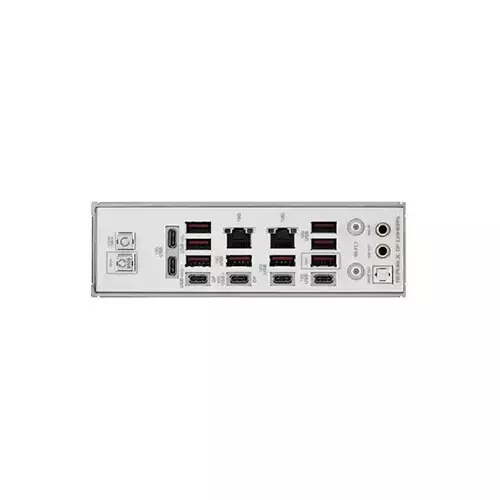
2 x USB4 (40Gbps) ports (2 x USB Type-C)
12 x USB 10Gbps ports
(8 x Type-A + 4 x USB Type-C)
1 x Wi-Fi Module2 x Realtek
10Gb Ethernet ports
2 x LED-illuminated audio
jacks1 x Optical S/PDIF out port
1 x BIOS FlashBack button
1 x Clear CMOS button
Rear USB (Total 14 ports)
2 x USB4 (40Gbps) ports (2 x USB Type-C)
12 x USB 10Gbps ports
(8 x Type-A + 4 x USB Type-C)
Front USB (Total 12 ports)
1 x USB 20Gbps connector
(supports USB Type-C with up to 60W PD/QC4+)
1 x USB 20Gbps connector (supports USB Type-C)
2 x USB 5Gbps headers support 4 additional USB 5Gbps ports
3 x USB 2.0 headers support 6 additional USB 2.0 ports
USB Type-C power delivery output: max. 5V/3A
USB Type-C power delivery output: 5/9/15/20V max. 3A, PPS:3.3–21V max. 3A
Software
Windows 11
ROG Exclusive Software
- ROG CPU-Z
- Dolby Atmos
- LCD Display
- Internet Security (1-year full version)
ASUS Exclusive Software
Armoury Crate
- Aura Creator
- Aura Sync
- Fan Xpert 4 (with AI Cooling II)
- GameFirst
- WiFi Q-Antenna
- MLO Wizard
ASUS DriverHub
- ASUS MB Manage
- ASUS AI Advisor
- AIDA64 Extreme (1 year full version)
- HWiNFO
- Turbo Vcore
- ASUS GlideX
- USB Wattage Watcher
WinRAR (40 Days Free Trial)
Adobe Creative Cloud (Free Trial)
UEFI BIOS
Integrated WiFi Driver Support
AI Overclocking Guide
AI Cache Boost
ASUS EZ DIY
- ASUS CrashFree BIOS 3
- ASUS EZ Flash 3
- ASUS UEFI BIOS EZ Mode
- ASUS MyHotkey
FlexKey
Special Features
Extreme OC Kit
- FlexKey button
- LN2 Mode
- ProbeIt
- ReTry button
- Safe boot button
- Start button
Extreme Engine Digi+
- 10K Black Metallic Capacitors
- MicroFine Alloy Choke
ASUS Q-Design
- M.2 Q-Latch
- M.2 Q-Release
- M.2 Q-Slide
- PCIe Q-Release Switch
(with PCIe SafeSlot)
- Q-Antenna
- Q-Code
- Q-Connector
- Q-Dashboard
- Q-LED (CPU [red], DRAM
[yellow], VGA [white],
Boot Device [yellow green])
- Q-DIMM.2
ASUS Thermal Solution
- M.2 heatsink backplate
- M.2 heatsink
- Metal backplate
- VRM heatsink design
- 3D VC M.2 Heatsink
- ROG Memory Q-Fan
ASUS EZ DIY
- Backplate
- BIOS FlashBack button
- Clear CMOS button
- CPU Socket lever protector
- ProCool II
- Pre-mounted I/O shield
- SafeSlot
- SafeDIMM
Aura Sync
- Addressable Gen 2 headers
Dual BIOS
Full Color 5" LCD Display
Front Panel USB 20Gbps with Quick Charge 4+ Support
- Support: up to 60W fast charging and USB Wattage Watcher
Output: 5/9/15/20V max. 3A, PPS:3.3–21V max. 3A
Compatible with PD3.0 and PPS
Others
Cables 1 x 1-to-4 ARGB splitter cable 1 x 1-to-2 ARGB splitter cable 2 x 1-to-3 fan splitter cable 2 x ROG weave SATA 6G cable packages ROG Hyper M.2 Card with Heatsink 1 x ROG Hyper M.2 with heatsink 1 x M.2 pad package for ROG Q-DIMM.2 2 x Thermal pad for ROG Hyper M.2 Card ROG Q-DIMM.2 with Heatsink 1 x ROG DIMM.2 with heatsink 1 x M.2 pad package for ROG Q-DIMM.2 2 x Thermal pad for ROG Q-DIMM.2 Additional Cooling Kit
1 x Thermal pad for M.2 22110
1 x ROG Memory Q-Fan
Miscellaneous
1 x ASUS WiFi Q-Antenna
1 x Q-connector
1 x ROG logo plate sticker
1 x ROG stickers
1 x ROG VIP card
1 x M.2 Q-Slide package
7 x M.2 backplate rubber packages
1 x ROG Bottle Opener
Documentation
1 x Quick start guide
Physical Specification
E-ATX Form Factor
12 inch x 10.9 inch (30.5 cm x 27.7 cm)
Warranty Information
3 Years
DESCRIPTION
ASUS ROG CROSSHAIR X870E GLACIAL Ryzen AM5 E-ATX Gaming Motherboard in Bangladesh
The audio system uses ROG SupremeFX 7.1 Surround Sound with high SNR and an ESS ES9219 QUAD DAC for immersive sound. Cooling is efficient with multiple fan headers, radiator connectors, and advanced VRM heatsinks. PCIe 5.0 x16 slots with Q-Release support multi-GPUs or expansion cards. The board includes dual BIOS, a full-color 5" LCD, and extensive ASUS DIY features like SafeSlot, SafeDIMM, Q-LED, and Q-DIMM. Aura Sync and addressable Gen 2 headers allow full RGB customization. Quick-access buttons include FlexKey, Safe Boot, ReTry, and LN2 Mode for extreme overclocking.
Buy the ASUS ROG CROSSHAIR X870E GLACIAL Ryzen AM5 E-ATX Gaming Motherboard in Bangladesh from Techland BD.
Which CPUs are compatible with this motherboard?
How much RAM can I install?
Does it support PCIe 5.0 storage?
REVIEWS
Login to write a review.
No reviews yet
Be the first to share your thoughts about this product.
What is the ASUS ROG CROSSHAIR X870E GLACIAL Ryzen AM5 E-ATX Gaming Motherboard Price in Bangladesh 2026 ?
Related Products
Asus TUF GAMING B650-E WIFI DDR5 AM5 ATX Motherboard
Asus Prime B450M-A II AM4 Micro-ATX AMD Motherboard
ASUS ROG STRIX X870E-E Gaming Wifi DDR5 AMD AM5 ATX Motherboard
Asus PRIME B550M-K ARGB AMD DDR4 AM4 micro-ATX Motherboard
ASUS B650M-AYW WIFI AMD Ryzen AM5 DDR5 Micro-ATX Motherboard
Asus Prime A520M-K AM4 Micro-ATX AMD Motherboard
ASUS TUF GAMING A520M-PLUS II AM4 MICRO-ATX AMD MOTHERBOARD
Asus PRIME A520M-R AM4 micro ATX Motherboard
Asus PRIME B650M-F DDR5 AM5 mATX Motherboard