Related Products
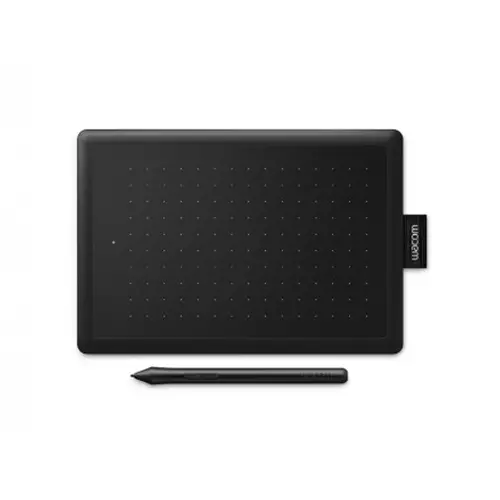
Wacom One By CTL-472 Small Graphics Tablet
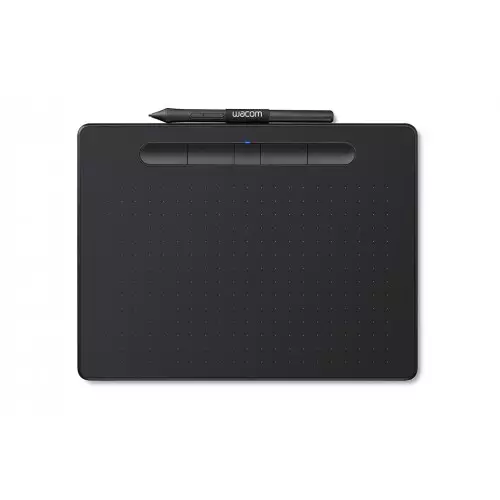
Wacom CTL-4100WL/P0-CX Bluetooth Intuos Creative Pen Tablet
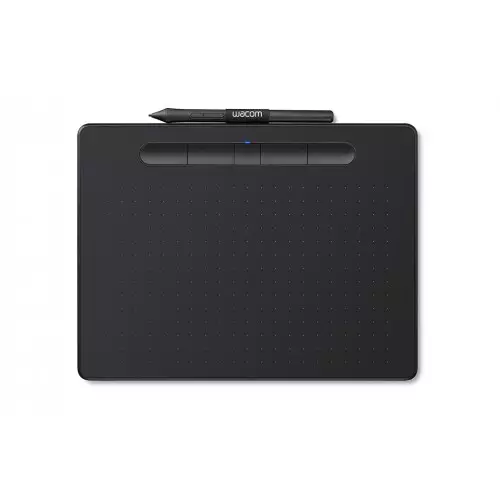
Wacom CTL-4100 Intuos Small Graphic Tablet
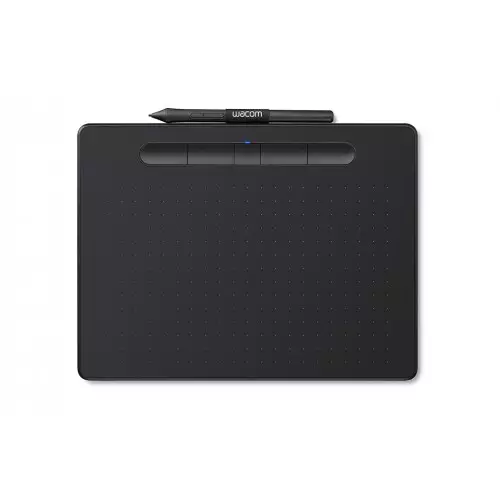
Wacom CTL-6100WL/K0-CX Intuos Bluetooth Graphics Tablet With Wi-Fi
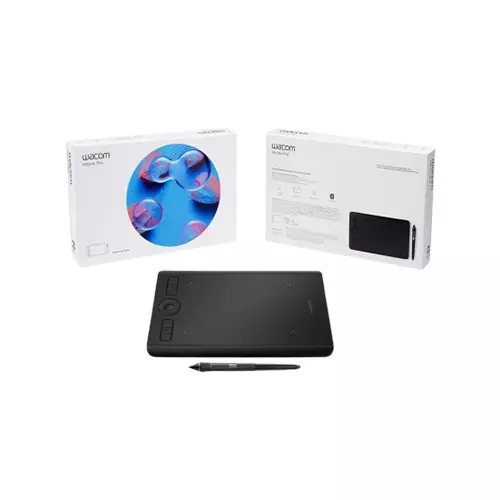
WACOM PTH-460/K0-CX INTUOS PRO S GRAPHICS TABLET
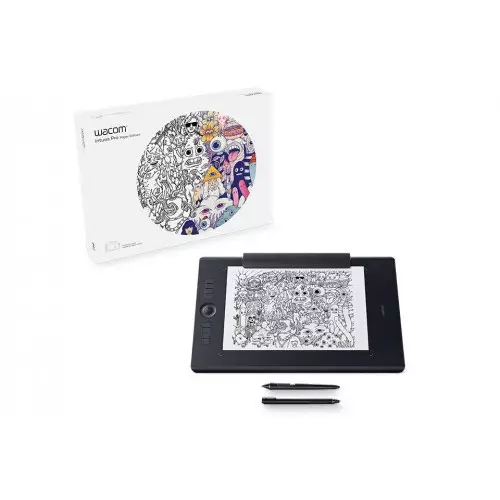
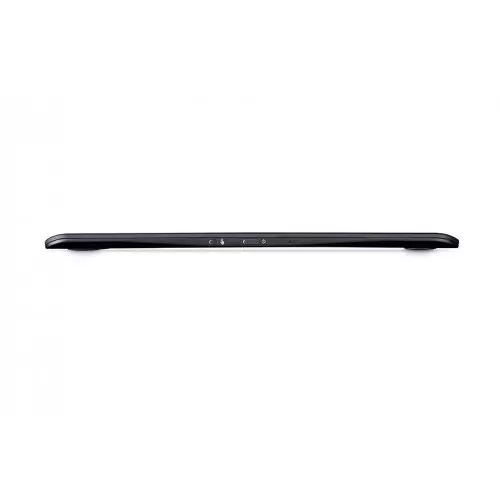
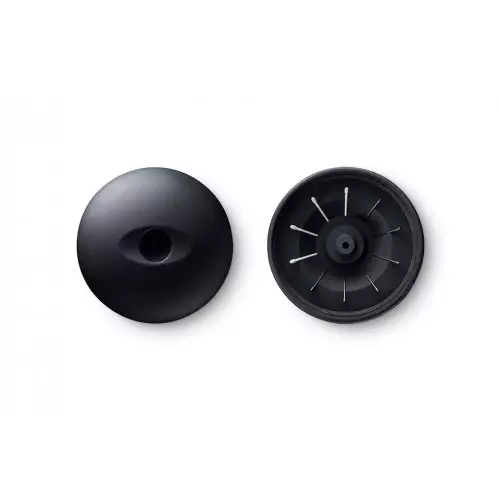
Wacom PTH-660/K1-CX Intuos Pro Medium Paper Edition Pen Graphics Tablet
- Active Area : 224 x 148 mm
- Resolution: 5080 lpi
- Pressure Levels: 8192
SPECIFICATIONS
Others
Multi-Touch: Yes
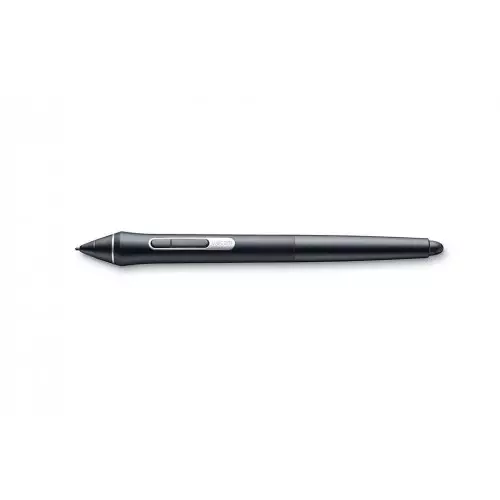
Stylus: Wacom Pro Pen 2 Finetip Pen (for paper sketching)
Stylus Type: Pressure-sensitive, cordless, battery-free
Tilt Recognition: ± 60 levels
Switches: 2 side switches on pen, Touch on/off switch on tablet
Technology: Patented electromagnetic resonance method
Resolution: 5080 LPI
Paper Size (for paper sketching): A5/Half Letter for Medium table
Physical Specification
Active Area Medium: 224 x 148 mm / 8.7 x 5.8 in
DESCRIPTION
Wacom PTH-660 Intuos Pro Medium Paper Edition Pen Graphics Tablet
Wacom PTH-660/K1-CX Intuos Pro Paper Edition Medium Graphics Tablet. For artists and designers who want a revolutionary way to capture editable versions of their paper sketches, Wacom Intuos Pro Paper offers paper to digital workflow with more natural creative control than ever before. The Intuos Pro Paper Edition combines the very latest Wacom technologies with the drawing paper of your choice to offer a new – but familiar – way of working. Enjoy the feel of drawing with the Finetip Pen on paper while Wacom Intuos Pro Paper Edition captures every stroke, ready for further work in your favorite software. Or connect Wacom Intuos Pro Paper Edition to your computer and work directly into any application you choose with the Wacom Pro Pen 2. The new Wacom Pro Pen 2 is designed to quickly become a natural extension of your hand. Its exceptional sensitivity and responsiveness give you the control you need to take your work to the next level. Wacom Pro Pen 2’s side switches put shortcuts and controls literally at your fingertips. Wacom Intuos Pro Paper Edition comes in both medium and large sizes. Each has a smaller, more compact footprint than previous models.
Premium pen technology
Wacom Pro Pen 2 has been engineered with a focus on achieving excellence, pushing limits, and honing the finest details to offer the unique Wacom experience that our customers love.
Built for professionals
Designed with the input of our customers, Wacom Intuos Pro is built from premium materials and has been rigorously tested to meet professionals’ needs.
The creatives’ choice
With proven excellence and longevity, Wacom pen tablets have long been recognized by creative professionals as the benchmark in quality.
Tailored for your needs
Choose from a variety of pens and different Texture Sheets* to personalize the way you work. Plus, get easy shortcuts with customizable ExpressKeys™, Touch Ring, and pen side switches.
REVIEWS
Login to write a review.
Overall Rating
You can never go wrong with wacom. This is the second wacom I've bought and used for nearly one years and it works just as perfectly well as when I bought it. The customization and sensitivity is unrivaled. Although a bit higher in price wacom continues to be the industry standard for digital illustration. The only thing you will have to replace regularly is the pen tip nibs and ink for the pen. I recommended this tablet to anyone who is serious about their digital art.
04 January, 2023
Purchased for a family member who is taking 3D art classes. Despite the availability of a good carry case, the large size is unequaled in it's ability to provide a larger work space without having to digitally drag the drawing over to continue working on an specific area. The Wacom Intuos Pro Paper (Large) has the ability to switch from the digital pen to a actual pen when using a physical piece of paper on top of the sketch pad (*it can hold a 8.5x11 sheet of paper using included top clip to hold the paper in place. Digital Pen (pro pen 2) does not require batteries and can detect over 8k levels of sensitivity and translate it to the drawing as thicker lines (or whatever you program it to be), and it does not take long to get used to using it when drawing.
04 January, 2023
Works very well only downside is that this version's nubs get worn fairly easy
04 January, 2023
You can use all kinds of paper on it. Even your sketchbook, as long as you don't put too many pages inbetween it.
04 January, 2023
What is the Wacom PTH-660/K1-CX Intuos Pro Medium Paper Edition Pen Graphics Tablet Price in Bangladesh 2026 ?
Related Products
Wacom One By CTL-472 Small Graphics Tablet
Wacom CTL-4100WL/P0-CX Bluetooth Intuos Creative Pen Tablet
Wacom CTL-4100 Intuos Small Graphic Tablet
Wacom CTL-6100WL/K0-CX Intuos Bluetooth Graphics Tablet With Wi-Fi