
TP-Link Router Price in Bangladesh
TP-Link Routers are designed to provide reliable wireless connectivity for homes, offices, gaming, and other networking needs. Different models support various Wi-Fi standards, wireless speeds, coverage areas, antennas, Ethernet ports, and networking features. At Techland BD, you can compare available TP-Link Routers by Wi-Fi technology, speed, coverage, connectivity, and other specifications to choose the right router for your network.
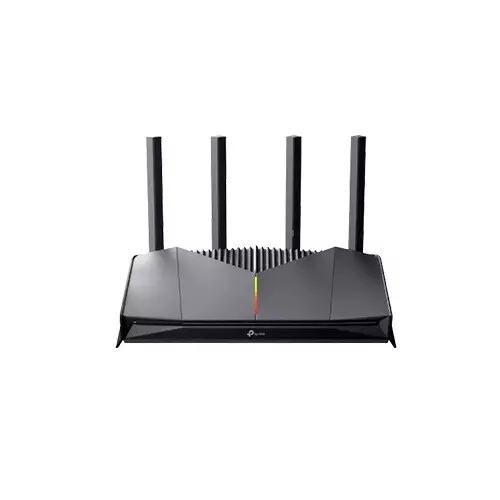
TP-Link Archer GE230 Wi-Fi 7 BE3600 Dual-Band Gigabit Gaming Router
- 4 Antennas
- 5GHz: 2882 Mbps / 2.4GHz: 688 Mbps
- EasyMesh & HomeShield
- 2.5G WAN, 2.5G LAN, 3× 1G LAN
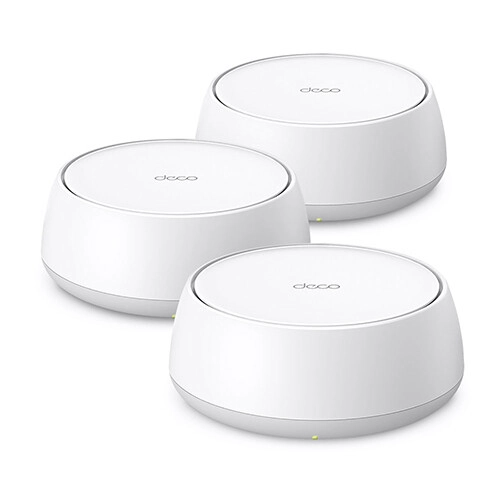
TP-Link Deco BE22 BE3600 Whole Home Mesh WiFi 7 Router (3-pack)
- Antenna: 4× High-Performance Antennas
- Network Standard: Wi-Fi 7
- Data Rate: 5 GHz: 2882 Mbps | 2.4 GHz: 688 Mbps
- Ports: 2 × 1.0 Gbps
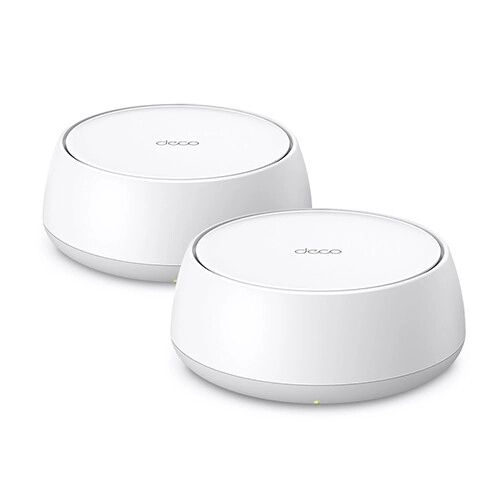
TP-Link Deco BE22 BE3600 Whole Home Mesh WiFi 7 Router (2-pack)
- Antenna: 4× High-Performance Antennas
- Network Standard: Wi-Fi 7
- Data Rate: 5 GHz: 2882 Mbps | 2.4 GHz: 688 Mbps
- Ports: 2 × 1.0 Gbps
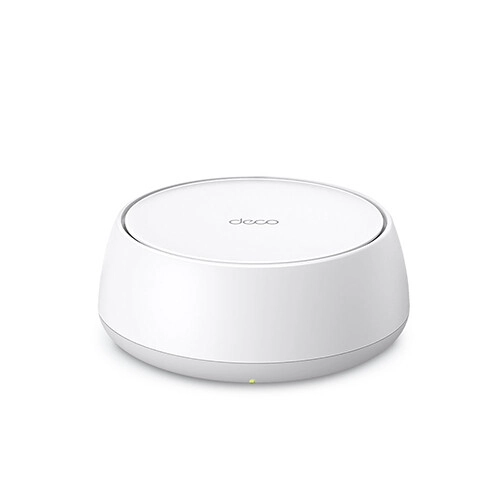
TP-Link Deco BE22 BE3600 Whole Home Mesh WiFi 7 Router
- Antenna: 4× High-Performance Antennas
- Network Standard: Wi-Fi 7
- Data Rate: 5 GHz: 2882 Mbps | 2.4 GHz: 688 Mbps
- Ports: 2 × 1.0 Gbps
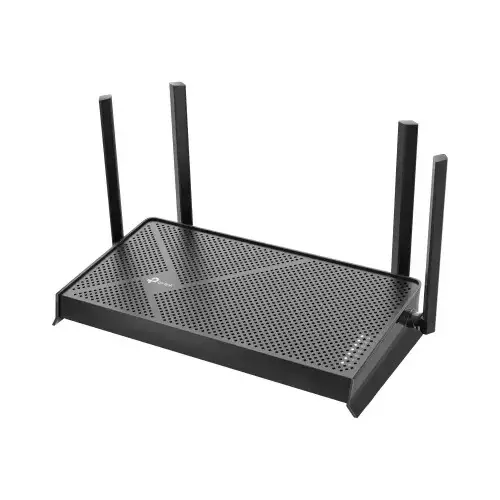
TP-Link Archer BE230 BE3600 Dual-Band WiFi 7 Router
- Antennas: 4× external antennas
- Frequency: Dual Band (5Ghz & 2.4Ghz)
- WiFi Speeds: 5 GHz: 2882Mbps, 2.4GHz: 688Mbps
- Ports: 1× 2.5 Gbps WAN, 1× 2.5 Gbps LAN, 3× 1 Gbps LAN
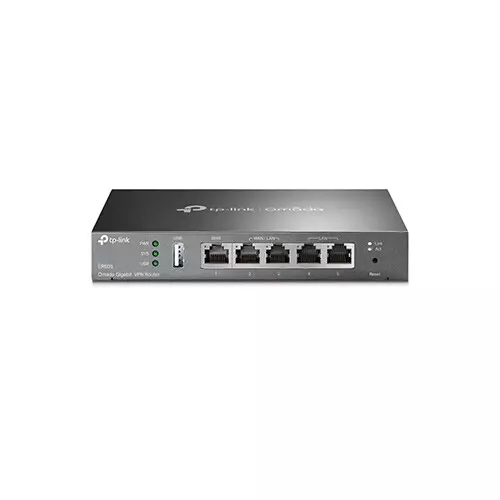
TP-Link ER605 V2.20 Omada Gigabit VPN Router
- Fan Quantity - Fanless
- Button - Reset Button
- Flash - 128 MB NAND
- DRAM - 56 MB DDR
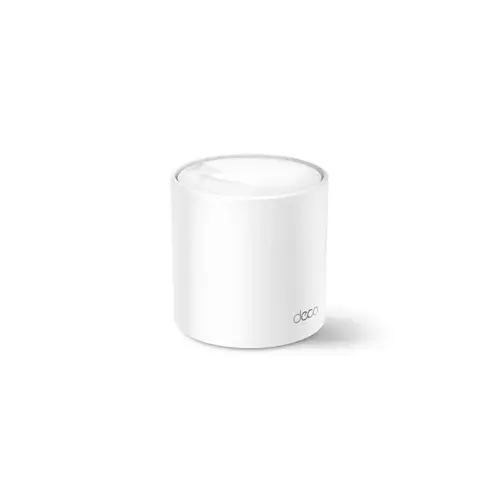
TP-Link Deco X20 AX1800 Whole Home Mesh Wi-Fi 6 Router - (1 Pack)
- Wi-Fi 6 speeds up to 1,800 Mbps
- Qualcomm 1 GHz Quad-core CPU
- 1 Reset button on the underside
- 4 internal antennas per Deco unit
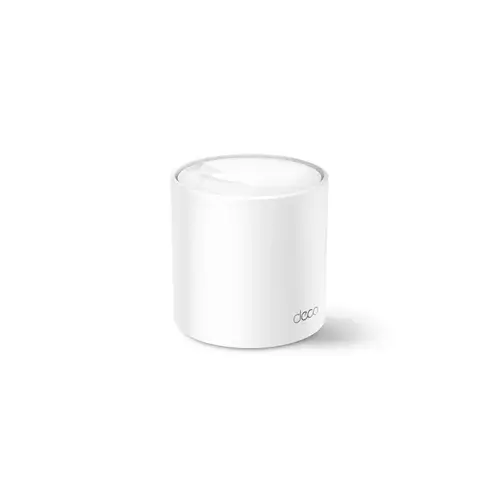
Tp-Link DECO X60 AX5400 Whole Home Mesh Wi-Fi 6 System - 1-PACK
- AX5400 5 GHz: 4804 Mbps
- 2× Gigabit Ports
- Protocols IPv4 IPv6
- Port Forwarding UPnP
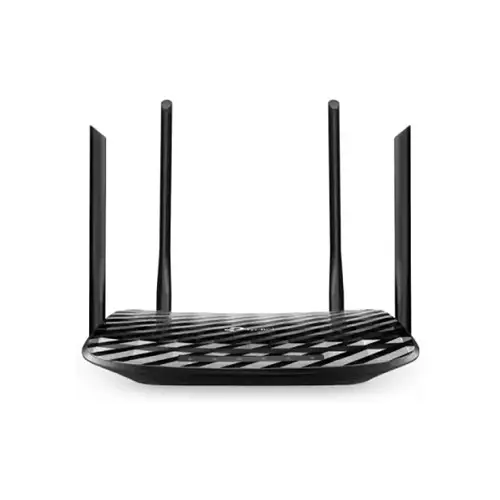
TP-Link Archer C50 AC1200 Ethernet Dual-Band Wi-Fi Router (Black)
- Router Type - Wireless & Ethernet
- Wi-Fi Generation - Wi-Fi 5
- Wi-Fi Coverage - 1501-2500 Sq. ft
- Antenna - 4 x External Antennas
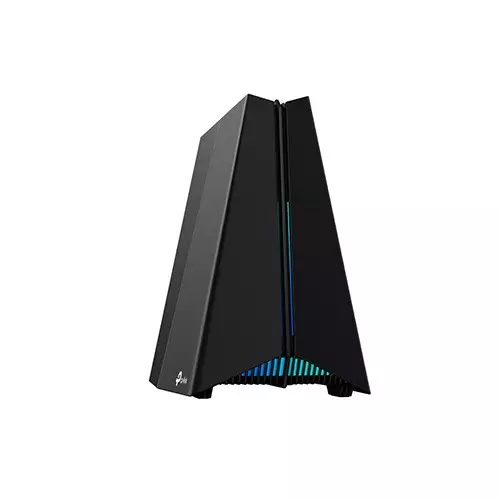
TP-Link Archer GXE75 AXE5400 Tri-Band Wi-Fi 6E Gaming Router
- 6 GHz: 2402 Mbps, 5 GHz: 2402 Mbps, 2.4 GHz: 574 Mbps
- Supports EasyMesh, 4K-QAM Function
- 1× 2.5Gbps WAN/LAN, 1× 1Gbps WAN/LAN, 3× Gigabit LAN Ports
- Works with Alexa and Google Assistant
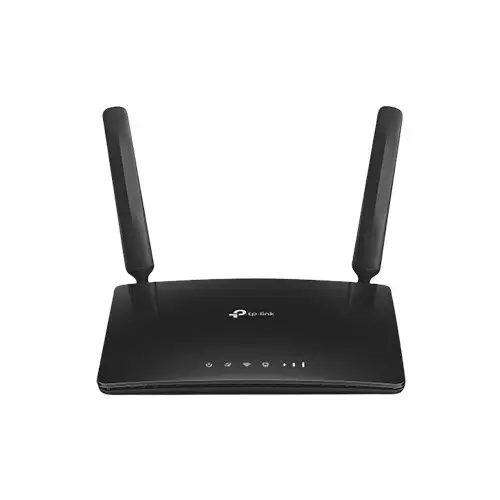
TP-Link Archer MR200 AC750 2 ANTENNA Wireless Dual Band 4G LTE Router
- Speed: Up to 300Mbps
- Frequency: 2.4GHz and 5GHz
- Interface: 1 x WAN & 3 x LAN ports
- Wireless Standards: IEEE 802.11
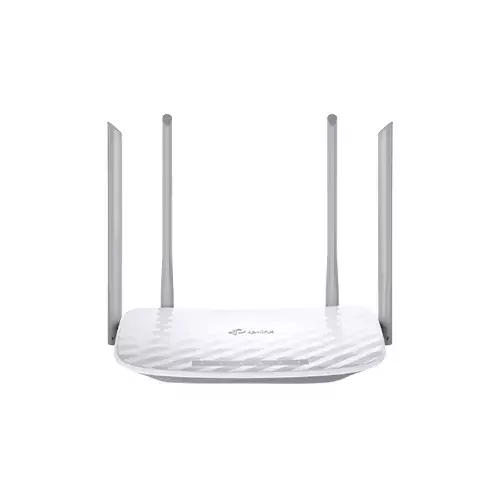
TP-Link Archer C50 AC1200 Ethernet Dual-Band Wi-Fi Router
- Router Type - Wireless & Ethernet
- Wi-Fi Generation - Wi-Fi 5
- Wi-Fi Coverage (Approximate) - 1501-2500 Sq. ft
- Antenna (Type & Qty) - 4 x External Antennas
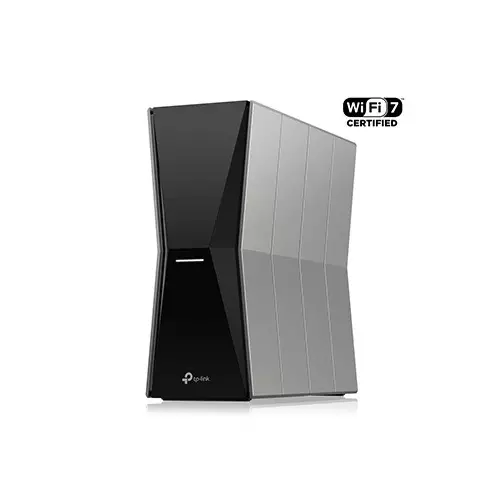
TP-Link Archer BE805 BE19000 Tri-Band Wi-Fi 7 Router
- Blazing-Fast 9.2 Gbps Tri-Band WiFi 7
- Ethernet Ports: 1× 2.5 Gbps WAN, 4× 2.5 Gbps LAN
- Antenna: 6× Optimally Positioned Antennas
- 2×2 MU-MIMO, Beamforming
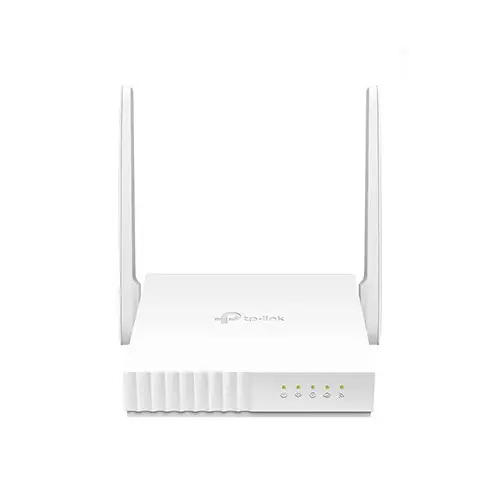
TP-Link XN020-G3 300Mbps Wireless N Gigabit GPON Router
- Antenna Type: External , 2 x 2 5dBi for 2.4GHz
- Interface: 1SC/APC Port, 1x 10/100/1000Mbps LAN Port
- Data Rate: 300Mbps at 2.4GHz
- Downstream/Upstream: Up to 2.488Gbps/1.244Gbps
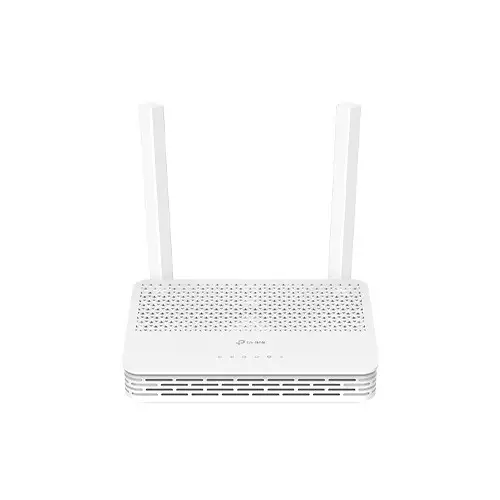
TP-Link XC220-G3 AC1200 Dual Band Wireless XPON Router
- Wireless Frequency: 2.4 GHz and 5 GHz
- Interface: 2x 10/100/1000 Mbps LAN, 1x PON Port
- Downstream Speeds: 2.488 Gbps (GPON), 1.25 Gbps (EPON)
- Upstream Speeds: 1.244 Gbps (GPON), 1.25 Gbps (EPON)
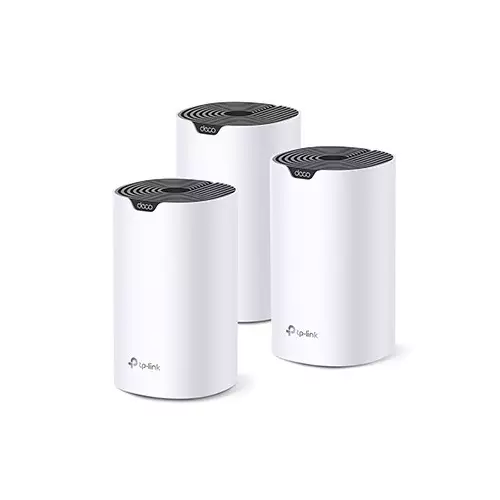
TP-Link Deco S7 AC1900 3-Pack 1900Mbps Gigabit Dual Band Wi-Fi 5 Home Mesh Router
- Antenna: 3× Antennas (Internal)
- Button: Reset Button
- Frequency: Dual Band (2.4GHz & 5GHz)
- Interface: 3× Gigabit Ports
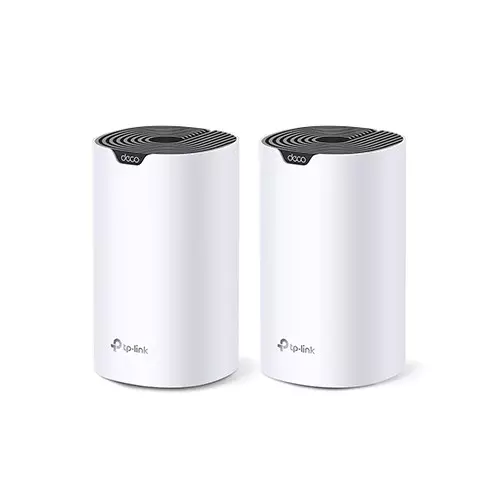
TP-Link Deco S7 AC1900 2-Pack 1900Mbps Gigabit Dual Band Wi-Fi 5 Home Mesh Router
- Antenna: 3× Antennas (Internal)
- Button: Reset Button
- Frequency: Dual Band (2.4GHz & 5GHz)
- Interface: 3× Gigabit Ports
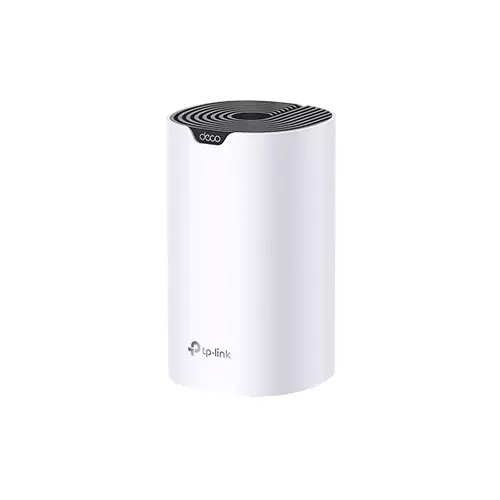
TP-Link Deco S7 AC1900 1900Mbps Gigabit Dual Band Wi-Fi 5 Home Mesh Router
- Antenna: 3× Antennas (Internal)
- Button: Reset Button
- Frequency: Dual Band (2.4GHz & 5GHz)
- Interface: 3× Gigabit Ports
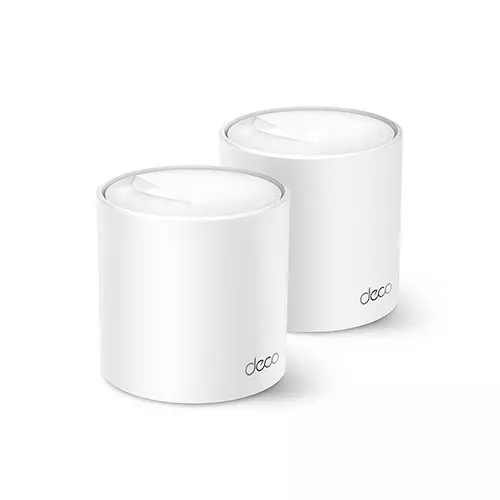
TP-Link Deco X50 AX3000 3000Mbps Gigabit Dual-Band Wi-Fi 6 Mesh Router (2-Pack)
- Antenna: 2× Antennas (Internal)
- Button: Reset Button
- Frequency: Dual Band (2.4GHz & 5GHz)
- Interface: 3× Gigabit Ports
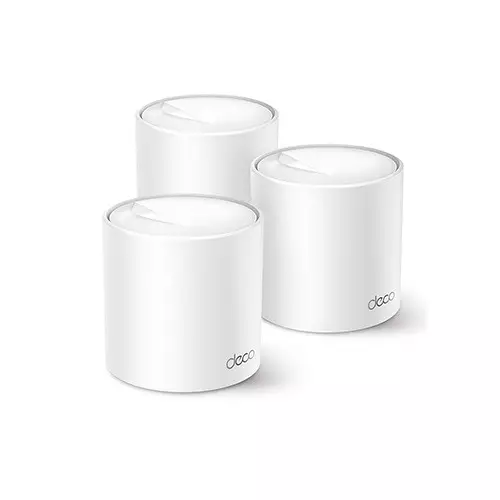
TP-Link Deco X50 AX3000 3000Mbps Gigabit Dual-Band Wi-Fi 6 Mesh Router (3-Pack)
- Antenna: 2× Antennas (Internal)
- Button: Reset Button
- Frequency: Dual Band (2.4GHz & 5GHz)
- Interface: 3× Gigabit Ports
Showing 20 out of 103 products
TP-Link Routers for Home and Office Networking
TP-Link Routers are designed to provide wireless connectivity for homes, offices, and different networking environments. They can connect smartphones, laptops, desktops, smart TVs, gaming devices, and other compatible equipment to a network. Different TP-Link models offer different wireless standards, speeds, coverage, and connectivity options.
Choosing the Right TP-Link Router
The right router depends on your internet connection, number of connected devices, coverage requirements, and usage type. A basic model can be suitable for everyday browsing and smaller spaces. Users with many connected devices, higher internet speeds, or demanding applications may need a more capable router.
Wi-Fi Standard and Wireless Speed
Wi-Fi technology is an important factor when choosing a TP-Link Router. Different models support different Wi-Fi standards and wireless speeds. Check the supported Wi-Fi technology and maximum wireless speed to find a router that matches your internet package and connected devices.
Coverage and Antenna Design
Router coverage depends on factors such as wireless technology, antenna design, placement, building structure, and connected devices. TP-Link Routers are available with different antenna configurations and wireless capabilities. For larger homes or offices, consider the required coverage and whether additional networking equipment may be needed.
Ethernet Ports and Wired Connections
TP-Link Routers can also provide wired network connectivity through Ethernet ports. Wired connections can be useful for desktop computers, gaming consoles, smart TVs, access points, and other devices that require a stable connection. Check the number and speed of the available Ethernet ports before choosing a router.
TP-Link Routers for Gaming and Streaming
Gaming and high-quality video streaming can require stable network performance. When choosing a TP-Link Gaming Router or a higher-performance model, consider wireless speed, device capacity, latency-related features, Ethernet connectivity, and network management options. The right choice depends on your internet connection and gaming setup.
TP-Link Router for Multiple Devices
Modern homes and offices can have many connected devices, including smartphones, laptops, smart TVs, cameras, printers, and smart home products. If you regularly connect multiple devices, consider a router with suitable wireless capacity, coverage, and network management features.
Buy TP-Link Router from Techland BD
Techland BD offers TP-Link Routers for different home, office, gaming, and networking requirements. You can compare available models by Wi-Fi standard, wireless speed, coverage, antenna configuration, Ethernet ports, and other specifications. Check the product details carefully to choose a router that matches your network requirements.
TP-Link Router Price List in Bangladesh 2026
Frequently Asked Questions
Which TP-Link Router is suitable for home use?
The suitable model depends on your internet speed, home size, number of devices, and required Wi-Fi performance. Check the router's wireless standard, coverage, and device capacity before buying.
What should I check before buying a TP-Link Router?
Check Wi-Fi standard, wireless speed, coverage, antenna configuration, Ethernet ports, supported features, and compatibility with your internet connection.
Can a TP-Link Router be used for gaming?
Yes. TP-Link offers router models suitable for gaming and demanding network use. Look for suitable wireless performance, Ethernet connectivity, device capacity, and gaming-related features.
How many devices can connect to a TP-Link Router?
The practical number depends on the router model, wireless capacity, network traffic, and type of connected devices. Check the model specifications for its supported capacity.
Can I use a TP-Link Router with a fiber internet connection?
Yes, a TP-Link Router can be used with many fiber internet setups, but the exact connection method depends on the ISP equipment and router model. Check the available WAN port and network requirements before purchasing.
