
D-link Network price in Bangladesh
Buy D-link Network price in BD | Techland BD begins at BDT 700৳ and can go up to BDT 18,500৳ depending on the brand and specifications With a variety of 24 items available at TechLand, where 9 items are in stock now & 23 items offer you the best discount price in BD. Find the perfect Dlink Network Switch for your requirements. Search for Dlink Network Switch, Dlink Network Switch Price, Dlink Network Switch Price In BD, Dlink Switch Price In Bangladesh, D-link Network best price, review D-link Network. to learn more about our products and services.
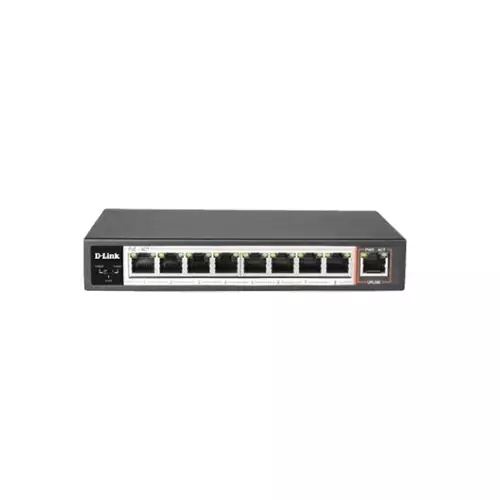
D-LINK DES-F1009P-E 100MBPS 8 PORT POE SWITCH
- 8 x 10/100Mbps Fast Ethernet Ports
- 1 x 10/100Mbps Uplink Port
- Power-over-Ethernet (120W)
- Flow control for protection against data loss
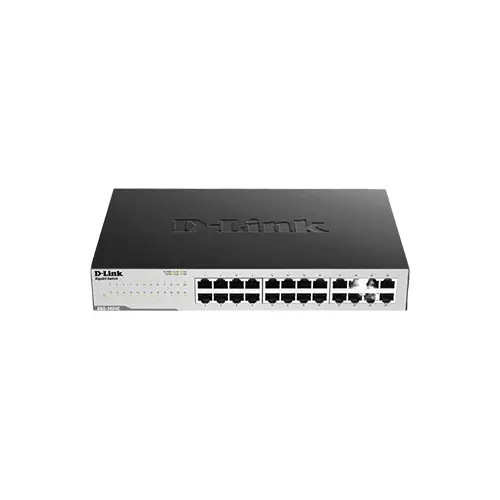
D-LINK DGS-1024C 24-PORT GIGABIT UNMANAGED SWITCH
- 24 Gigabit LAN ports for high-speed wired connections
- Plug-and-play installation for convenience
- Auto-negotation on all ports
- Full wire-speed data transmission
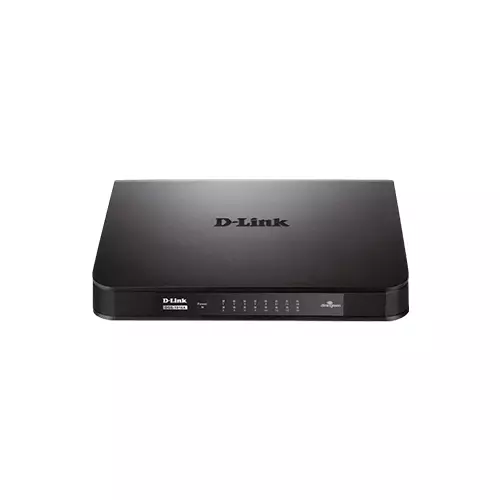
D-LINK DGS-1016A 16-PORT GIGABIT UNMANAGED DESKTOP SWITCH
- Model: D-LINK DGS-1016A
- Gigabit Ethernet Speed
- Revolutionary Design
- Eco-Friendly
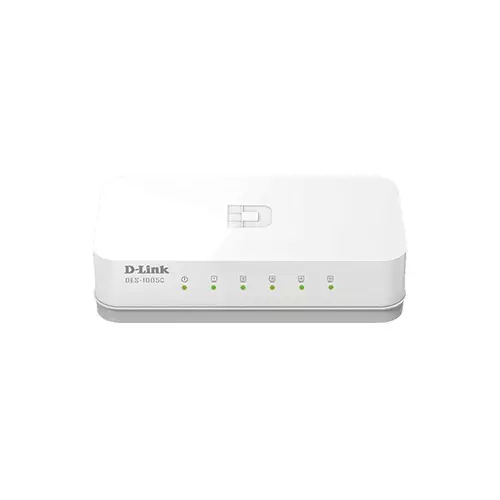
DLINK DES-1005C 5 PORT 10/100M UNMANAGED DESKTOP SWITCH
- Model: D-Link DES-1005 C 5 Port
- Speed: 10/100Mbps
- Interface: Five 10/100 Mbps LAN
- Dimensions: 87 x 47.85 x 21.7mm
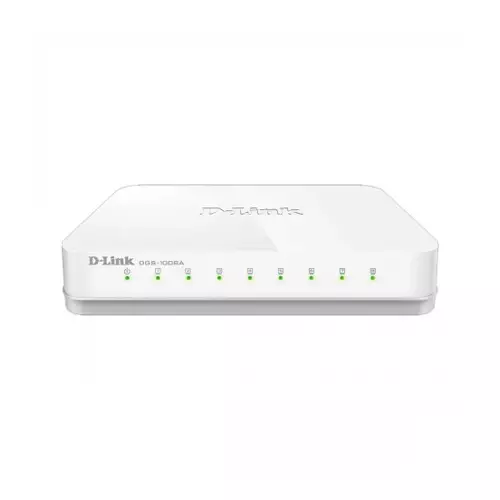
D-Link DGS-1008A 8-Port Gigabit Easy Desktop Switch
- Fanless design
- Compact design
- Innovative Green energy
- 8 high-speed Gigabit ports
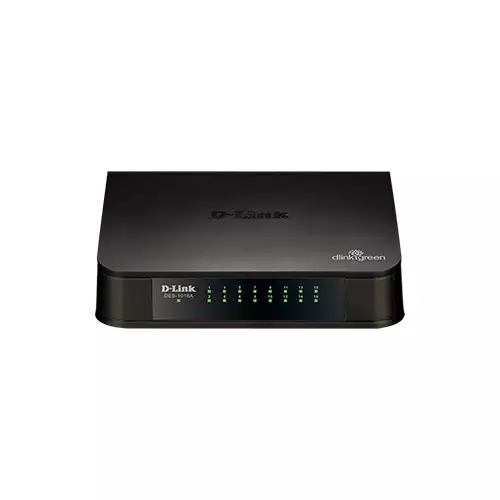
D-Link DES-1016A 16-port 10/100M Unmanaged Desktop Switch
- Features:
- Interface: 16 10/100 Mbps LAN
- Dimensions: 155.7 × 122 × 41 mm
- MAC Add: 8K entries per device
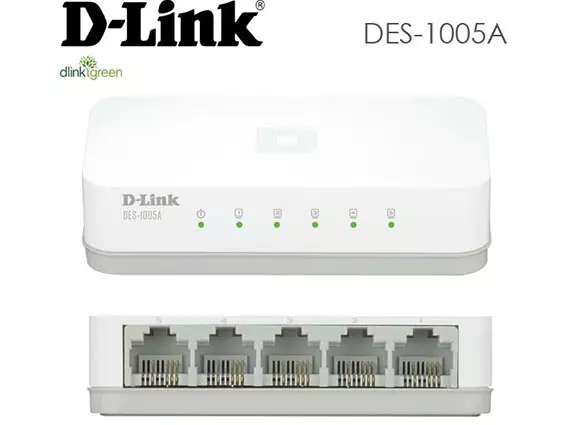
D-Link DES-1005A 5-Port 10/100 Switch
- High-speed networking
- IEEE 802.3x flow control store-
- Plug-and-play installation
- Auto MDI/MDIX crossover for all ports
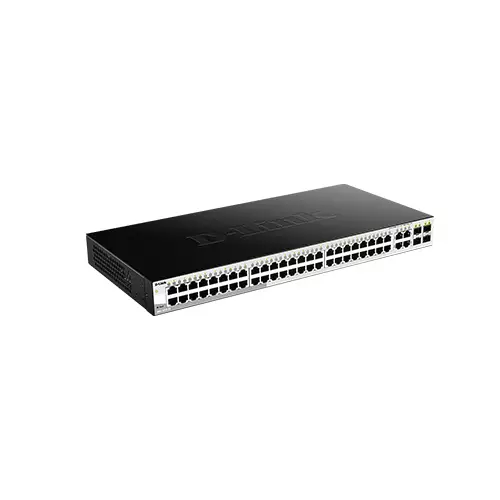
D-Link DGS-1210-52 48-port Gigabit Switch with 4 SFP Ports
- Features:
- 4 x Gigabit GbE/SFP combo ports
- 48 x 10/100/1000BASE-T ports
- Advanced L2 switching & security features
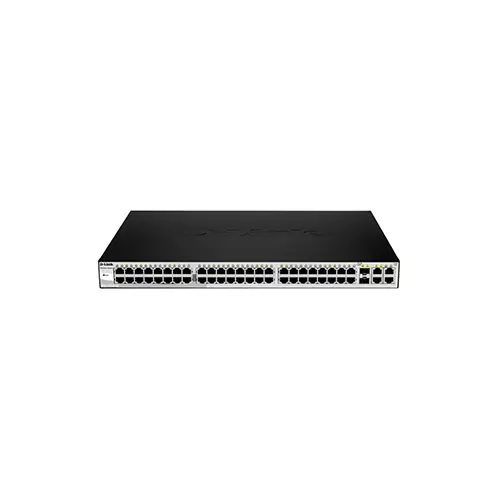
D-Link DES-1210-52 48-Port Gigabit Smart Managed Switch
- Features:
- Switching Capacity: 17.6 GbpsForwarding Rate: 13.1 Mpps
- Power (Per Device)
- 802.1Q tagged VLAN
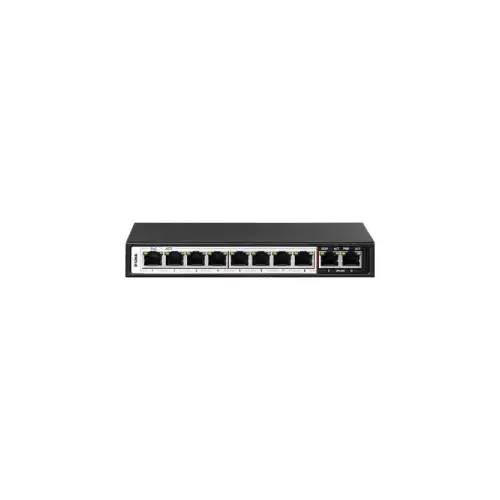
D-link DES-F1010P-E 10 Port Unmanaged PoE Switch
- Form Factor: Desktop
- Type: Network Switch
- Manageability: Unmanaged
- PoE: Yes
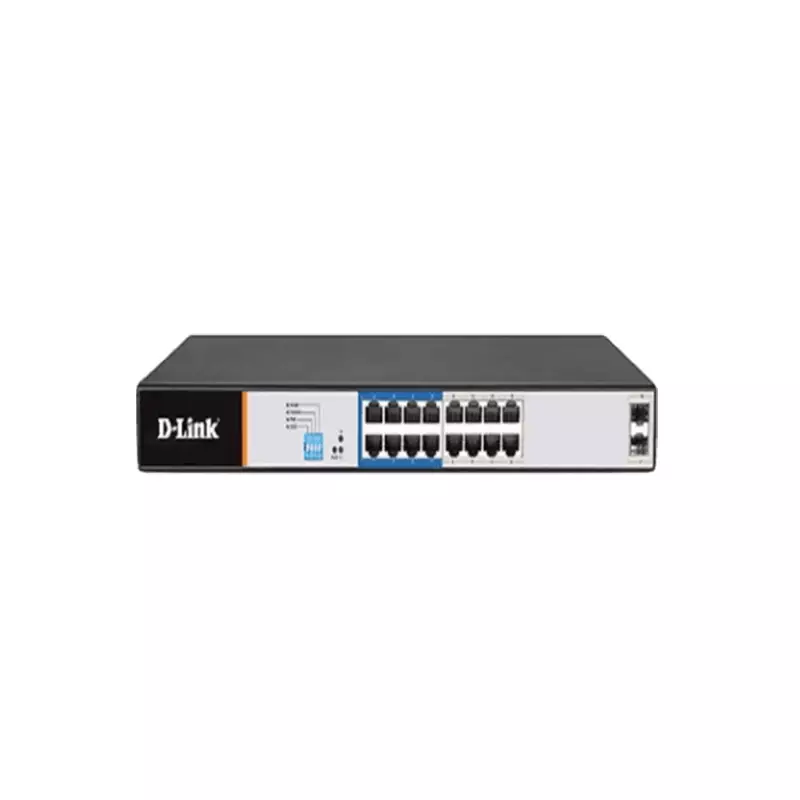
D-LINK DGS-F1018P-E 18 PORT UNMANAGED POE SWITCH
- PoE - Yes
- Type - Network Switch
- Form Factor - Desktop
- Manageability - Unmanaged
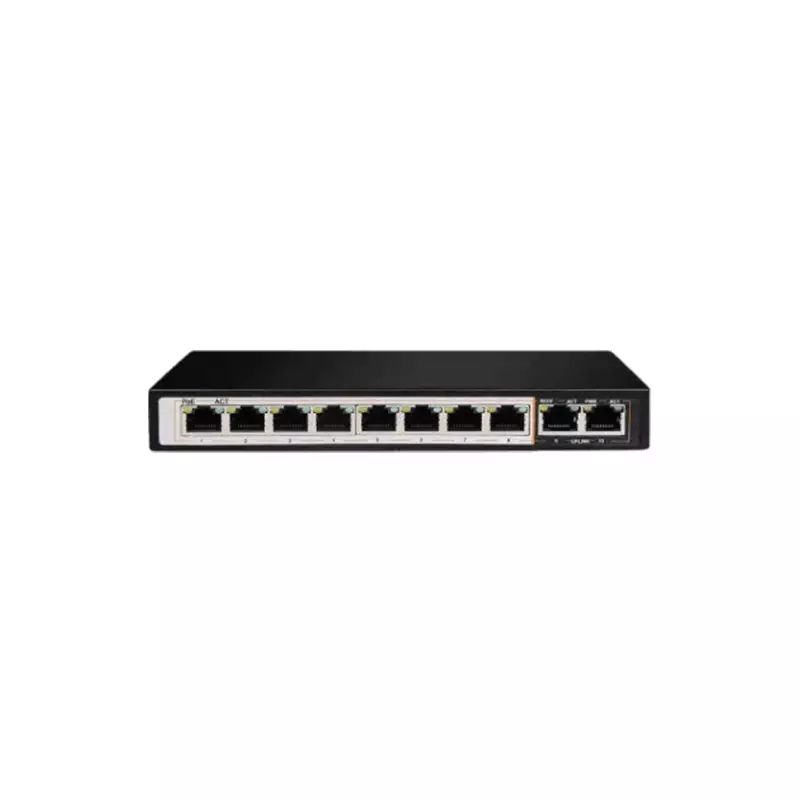
D-LINK DGS-F1010P-E 10 PORT UNMANAGED POE SWITCH
- PoE - Yes
- Type - Network Switch
- Form Factor - Desktop
- Manageability - Unmanaged
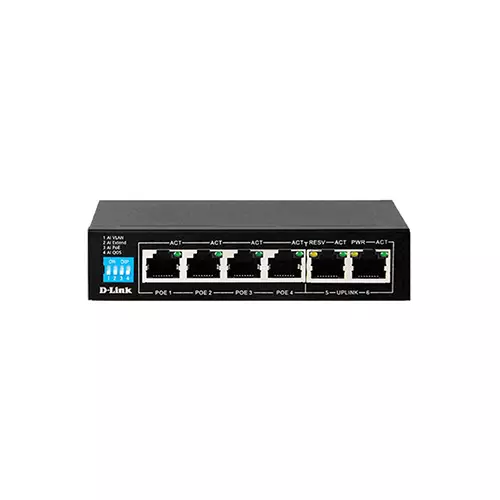
D-LINK DES-F1006P-E 6 PORT UNMANAGED POE SWITCH
- PoE - Yes
- Type - Network Switch
- Form Factor - Desktop
- Manageability - Unmanaged
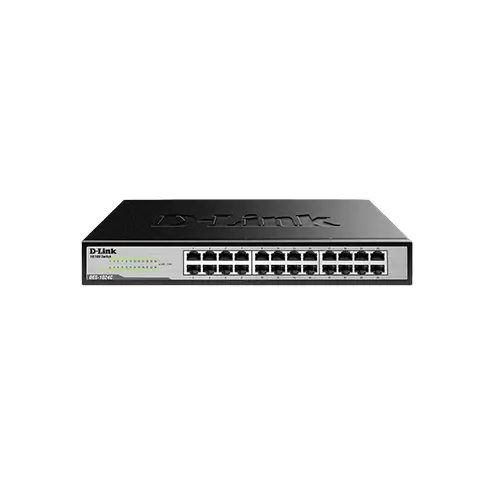
D-LINK DES-1024C 24-PORT 10/100 MBPS UNMANAGED SWITCH
- Connect up to 24 devices with Fast Ethernet connectivity.
- Compact design for placement virtually anywhere.
- Plug and play technology for simple setup.
- Fanless design provides silent operation.
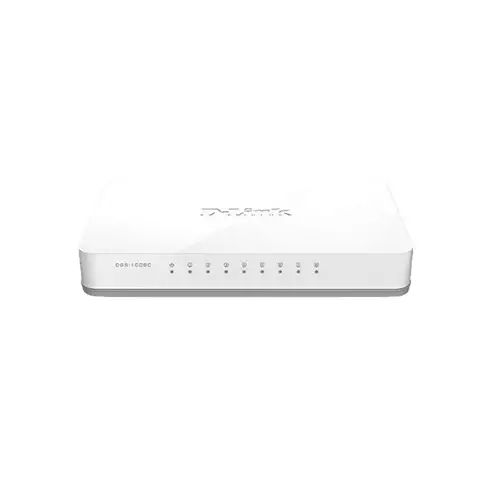
D-LINK DGS-1008C GIGABIT 8 PORT UNMANAGED SWITCH
- Number of Total Port – 8 Port
- Interface – 8 10/100/1000 Mbps LAN ports
- Transmission Method – Store-and-forward
- Switching Capacity – 16 Gbps
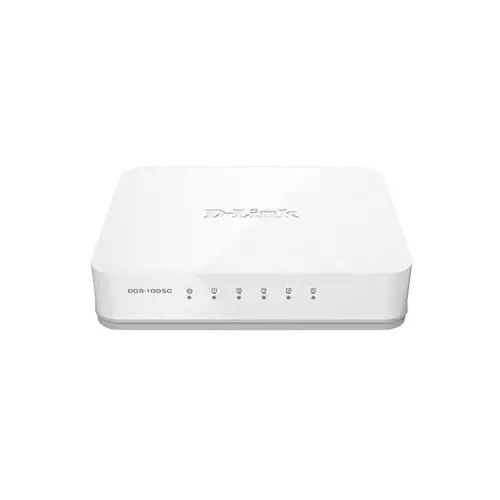
DLINK DGS-1005C 5 PORT 10/100/1000 MBPS UNMANAGED SWITCH
- Model: D-Link DGS-1005 C 5 Port
- Speed: 10/100Mbps
- Auto MDI/MDIX Crossover
- Energy-Efficient Design
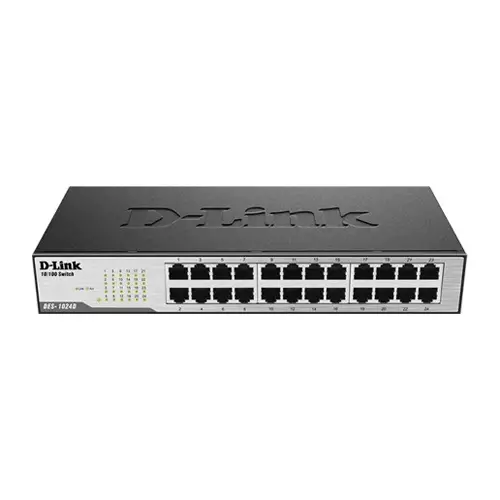
D-Link DES-1024D 24-Ports Fast Ethernet Unmanaged Rack Mount Switch
- RoHS compliant
- Plug-and-play
- Full/half-duplex for Ethernet/Fast Ethernet speeds
- IEEE 802.3x Flow Control
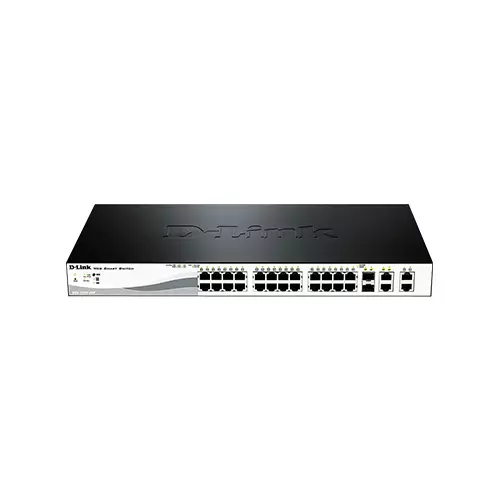
D-Link DES-1210-28P 24 Port 10/100 POE Smart Switch
- Features:
- 2x Gigabit BASE-T / SFP Ethernet Ports
- 24x Fast Power-over-Ethernet Ports
- 2x Gigabit BASE-T Ethernet Ports
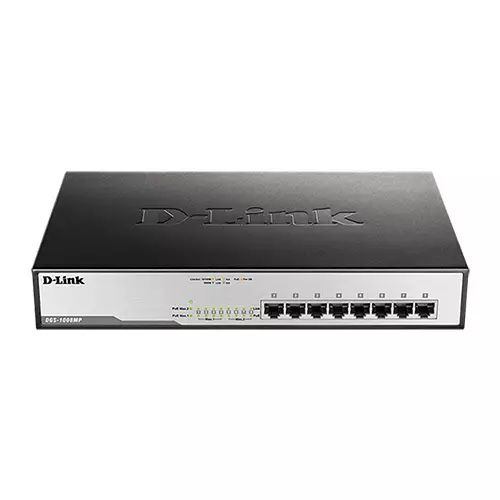
D-link DGS-1008MP 8 port Desktop Switch
- Features
- 16Gbps Switching Capacity
- Connect More PoE Devices
- PoE + Support with High Power Budget
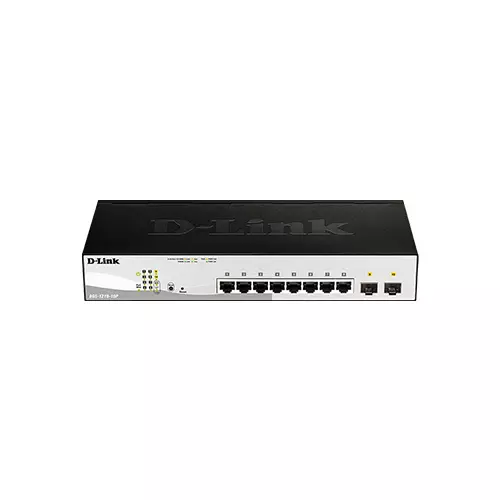
D-Link DGS-1210-10P 08 Port Gigabit Smart Switch With 02 Port SFP
- Features:
- 8 x 10/100/1000BASE-T PoE ports
- 2 x Gigabit SFP ports
- Advanced L2 switching and security features
Showing 20 out of 23 products
D-Link Network Price in BD 2026
D-Link has been a familiar name in networking for years. It is known for routers, Network switches, and access points that keep homes and offices connected. The brand covers a wide range of devices. Whether you need a simple router for home use or networking gear for a growing office, D-Link has a product for that job. This page covers what makes D-Link networking devices worth buying and how to pick the right one.
Why Choose D-Link
D-Link networking devices focus on stable, dependable connections. Many models perform well for everyday browsing, streaming, and work-from-home use, without needing constant troubleshooting. This reliability comes from years of experience building networking hardware for both home and business use.
Setup tends to stay simple across most D-Link devices. Many routers and access points come with guided setup through a mobile app or web interface. You do not need deep technical knowledge to get connected. This makes D-Link a strong pick for home users who want a working network without a steep learning curve.
Build quality holds up well across the range too. Many devices use durable housing designed to handle constant use, since networking gear often stays powered on around the clock. Ports and antennas are usually well placed, making cable management and signal coverage easier to manage in daily use.
LED status lights on most devices help with quick troubleshooting. A glance at the lights tells you whether a connection is active or having trouble, saving time compared to checking every cable and setting manually.
D-Link Network Device Types
D-Link covers a broad range of device types, so it helps to know which one fits your setup.
Routers
These manage your internet connection and distribute it to connected devices. They suit home users and small offices that need a stable base for their entire network.
Switches
These expand the number of wired connections available on your network. They suit setups where you need to connect more devices than your router alone can support.
Access Points
These extend Wi-Fi coverage to areas a single router cannot reach well. They suit larger homes or offices where signal strength drops in certain rooms.
Network Cameras
These connect to your network for remote monitoring and security. They suit homes and small businesses that want an extra layer of security without a complex setup.
Think about your main need before picking a type. A home user with weak Wi-Fi in one room benefits most from an access point. Someone setting up a new home network from scratch should start with a router first.
Before You Buy
Start by identifying the actual problem you want to solve. A weak signal in part of your home calls for a different device than simply needing more wired ports. Matching the device to your needs prevents buying gear you will not fully use. Taking a few minutes to think this through before buying saves time and money later.
Check the speed rating next, since faster models handle heavier use like streaming and gaming better. If you plan to connect many devices, look at port count on switches. Also check how many simultaneous connections a router can handle. Also check coverage range if you are buying a router or access point, since larger spaces need stronger signal output.
Compatibility is worth a look too, especially if you already own networking gear from another brand. Some D-Link devices work best in a full D-Link setup, though most also work fine alongside other brands. Warranty coverage is also worth checking, since networking gear tends to run for years once installed.
Placement also affects performance more than people expect. Keeping a router or access point away from thick walls and metal objects helps maintain a stronger, more consistent signal throughout your space.
D-Link vs Other Networking Brands
Bangladesh's networking market includes several established brands, so it is worth knowing where D-Link stands. Against many budget brands, D-Link offers a broader product range and a longer track record in the networking space. This history gives buyers more confidence, especially for setups where a stable connection matters daily.
On price, D-Link generally sits in a comfortable middle range, above the cheapest no-name options but below premium enterprise-focused brands. For most home users and small offices, this middle position offers a fair balance of reliability, features, and cost. You avoid overspending on features you may never use.
Why Buy From TechLand BD
TechLand BD sources its D-Link products through proper channels, so you get genuine units with full manufacturer support. Every listing includes accurate specs, covering speed rating, port count, and coverage range where applicable. We deliver carefully across Bangladesh, since networking gear needs proper packaging to survive transit safely.
Support does not stop after the sale. If you run into any setup issues, the team is easy to reach. They work to help you sort it out quickly. Payment is flexible, with both online and cash-on-delivery options. Buying your D-Link networking device through TechLand BD means genuine stock, clear details, and support you can count on.
Product pages list every key spec clearly, so you can compare models before deciding which one fits your setup. If you are unsure whether you need a router, switch, or access point, reaching out before ordering can help you avoid picking the wrong device.
D-link Network Price List in BD 2026
FAQ
Do I need a router and an access point, or just one?
A router alone works for most small homes. An access point helps extend coverage in larger spaces or areas with weak signal strength.
Can D-Link devices work alongside other networking brands?
Most D-Link routers, switches, and access points work fine alongside other brands. A full D-Link setup can offer smoother integration in some cases, however.
Does TechLand BD offer warranty on D-Link products?
Yes. Genuine units bought through TechLand BD come with manufacturer warranty coverage, and full details are listed on each product page.
