
Monitor stand Price in Bangladesh
Monitor stand Price in Bangladesh 2026 begins at BDT 2,000৳ and can go up to BDT 9,500৳ depending on the brand and specifications With a variety of 37 items available at TechLand, where 22 items are in stock now & 35 items offer you the best discount price in BD. Find the perfect Monitor Holder Monitor and Displays for your requirements. Search for Monitor Holder Price in Bangladesh, monitor price in Bangladesh, best monitor in Bangladesh, monitor holder price in bd, monitor wall stand price in bd, monitor wall mount price in bd, computer monitor Bangladesh price, monitor stand price in Bangladesh to learn more about our products and services.
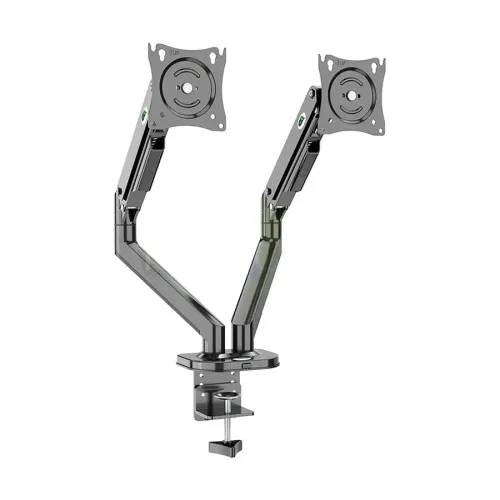
Kaloc DS200-2 Adjustable Dual Arm Monitor Mount Stand
- Monitor Size: 17–32 Inch
- Load Capacity: Up to 18kg
- Adjustment: 360° Swivel, ±35° Tilt
- VESA Support: 75×75mm & 100×100mm
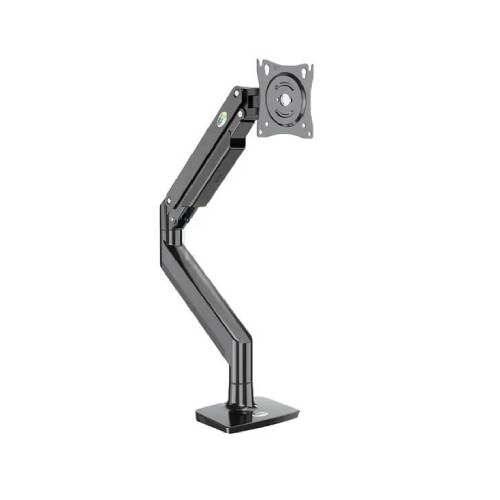
Kaloc KLC-DS160 22-40 Inch Single Monitor Arm
- Screen Size: 22–40 Inch
- Load Capacity: Up to 15kg
- VESA Support: 75×75mm / 100×100mm
- Material: Durable SPCC Steel
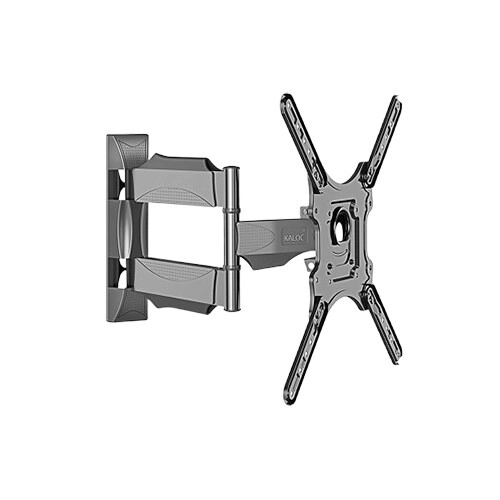
Kaloc KLC-X4 32-65 Inch Wall Mount Stand For TV
- Motion: Full Motion Viewing
- Build: Heavy Duty Steel
- Fit: Universal VESA Support
- Adjust: Tilt & Swivel Design
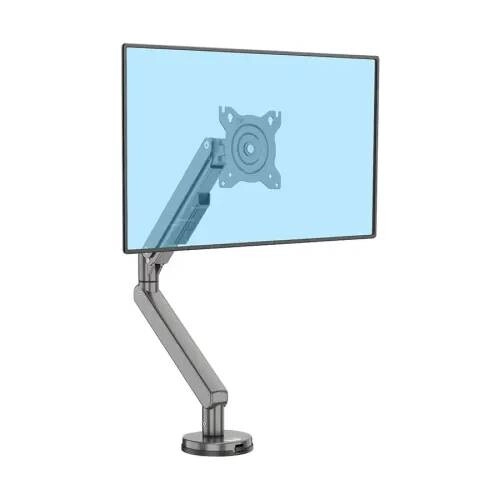
Kaloc DS120 Adjustable Single Monitor Arm
- Monitor Size: 17"–32"
- Load Capacity: Up to 9kg
- Adjustment: 360° Swivel, -45° Tilt
- VESA: 75×75mm / 100×100mm
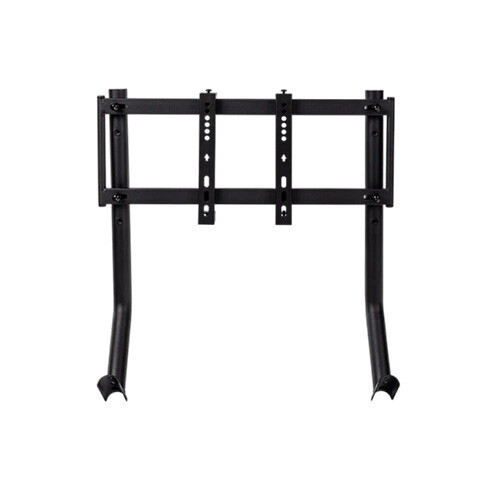
Thermaltake GR300 Monitor Mount
- 32”–50” support, 35kg load
- Steel frame, black finish
- GR300 cockpit ready
- Cable management included
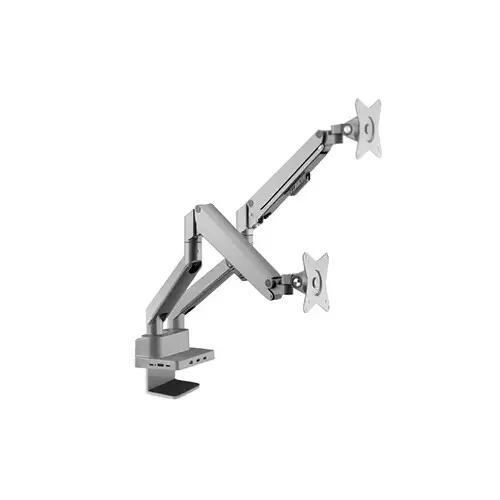
Lenovo Services AM220 Double Monitor Arm (Gray)
- Tilt - ±45°
- Swivel - ±90°
- Pivot - Rotate: 180°
- Vesa Wall Mount - 75x75mm
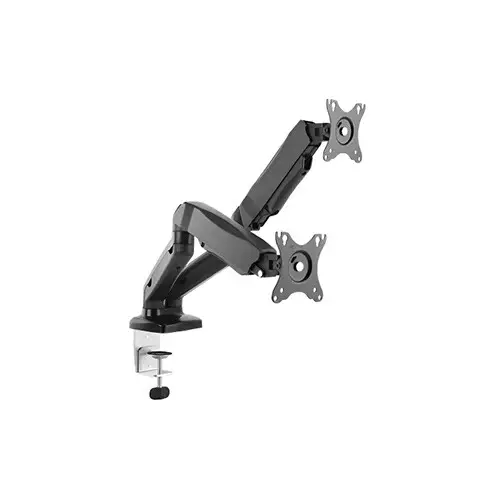
Lenovo Services AM210 Double Monitor Arm (Black)
- Tilt - ±45°
- Swivel - ±90°
- Pivot - Rotate: 180°
- Wall Mount - 75x75mm,100x100mm
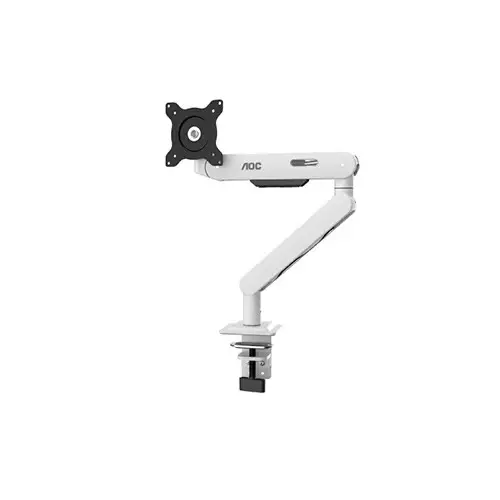
AOC AM406W Single Monitor Arm (White)
- Screen Size - 17"-40"
- Tilt -15°~+ 90°
- Load Capacity - 4-12 kg
- Vesa Mount - 75 X 75mm
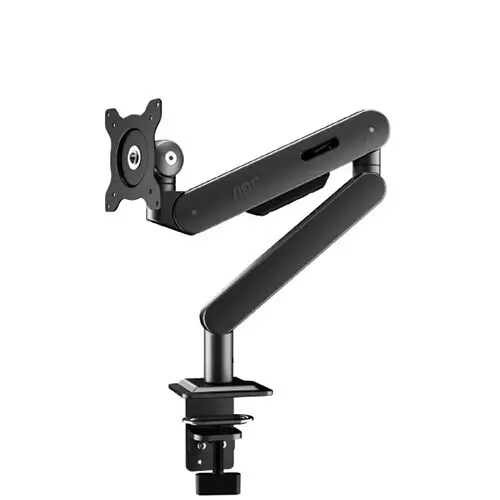
AOC AM402G Single Monitor Arm
- Vesa Wall Mount:75x75mm,100x100mm
- Installation: Grommet/Clamp
- Supported Screen Size: 17-34 inch
- Build Material: Steel, Aluminum, Plastic
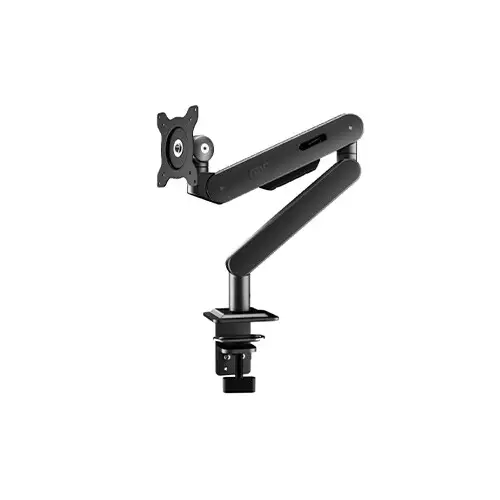
AOC AM406G Monitor Arm (Black)
- Fit screen size - 17"-40"
- Tilt range -15°~+ 90°
- Screen rotation - 360°
- Swivel -90°~+90°
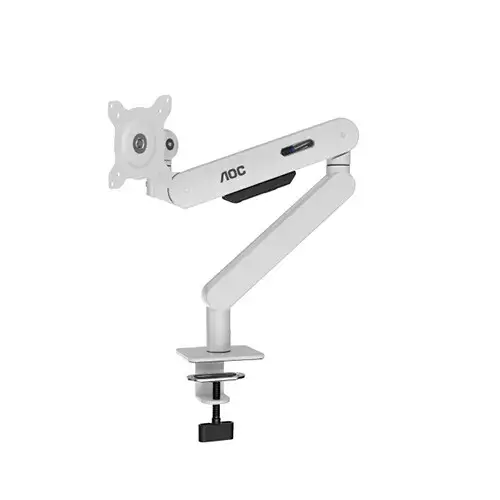
AOC AM400W Single Monitor Arm
- Installation: Grommet/Clamp
- Supported Screen Size: 17-34 inch
- Load Capacity: 2-9 kg
- Vesa Mount: 75 X 75mm, 100 X 100mm
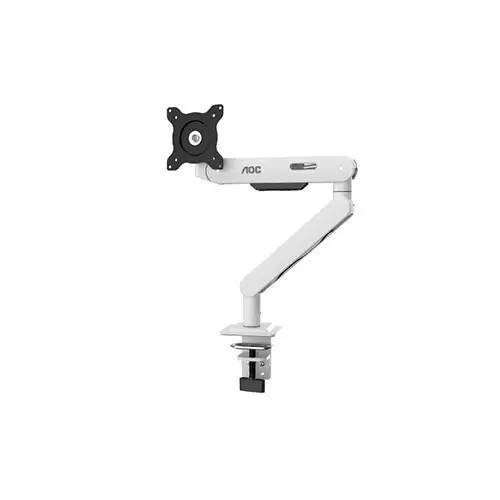
AOC AM402W Single Monitor Arm White
- Tilt -15°~+ 90°
- Swivel -90°~+90°
- Pivot - Rotate: 360°
- Installation - Grommet/Clamp
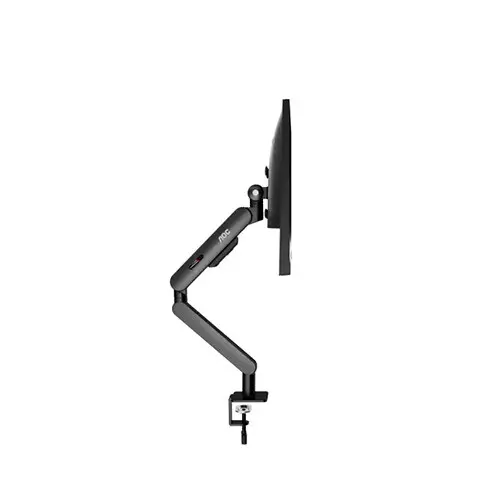
AOC AM400B Single Monitor Arm
- Supported Screen Size: 17- 34 inch
- Installation: Grommet/Clamp
- Load Capacity: 2-9 kg
- Vesa Mount: 75 X 75mm, 100 X 100mm
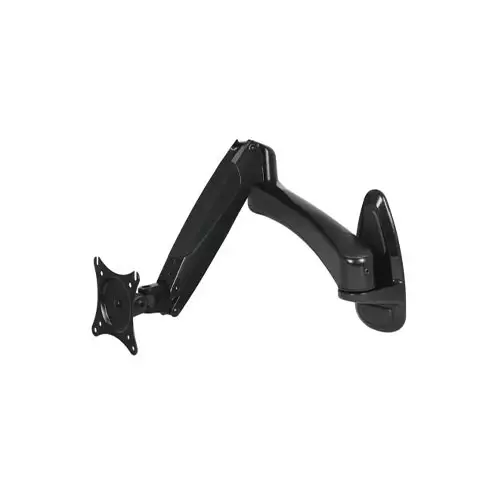
Arctic W1-3D 43-49 inch Single Arm Monitor Wall Mount
- Monitor Vesa: 75 X 75mm, 100 X 100mm
- Material: Aluminum Alloy ADC12
- Loading Capacity: 8 kg/ 17.6 lbs
- Supported Screen Size: ≤ 43/≤ 49 inches
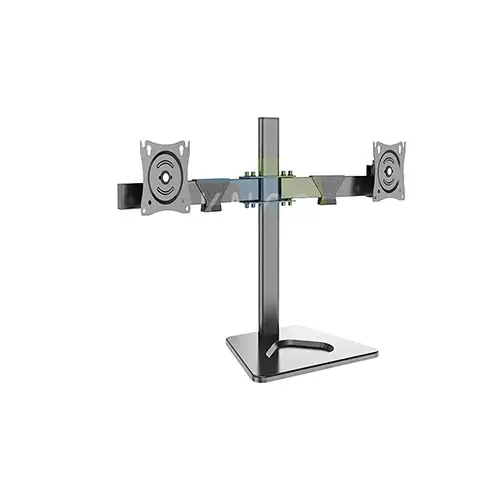
Kaloc KLC-DZ220-T 17-32 inch LCD/LED Monitor Dual Arm Desk Mount Stand
- Fits - 17 - 32 Inch
- Loading Capacity - 18 Kg
- Tilt Adjustment - 70 Degree
- Rotation Adjustment - Unmentioned
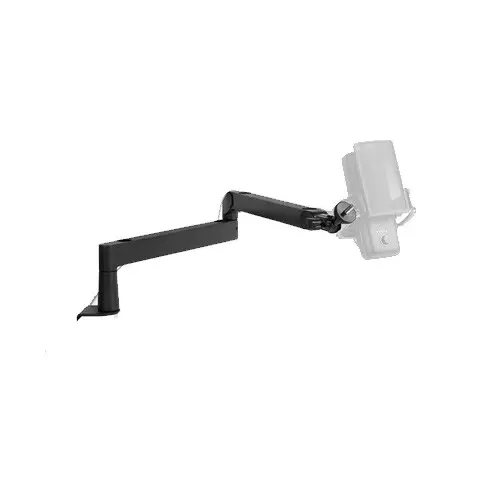
Elgato Wave Mic Arm LP
- Boom Arm Type Articulated
- Adjustment Type Screw-Knob
- Boom Angle Adjustable
- Base Type Table Clamp
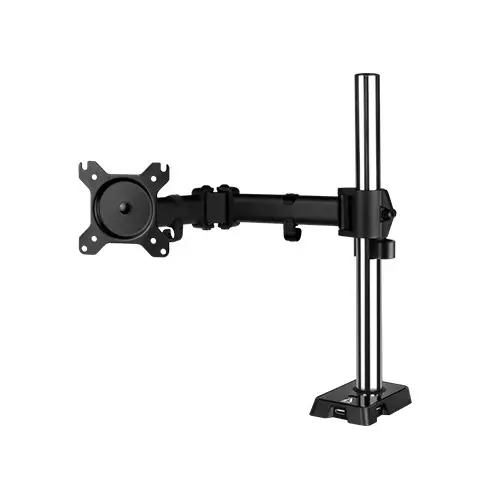
Arctic Z1 Gen 3 Desk Mount Monitor Arm with USB Hub
- 16:9 Monitor Size: Up to 34″
- Ultrawide Monitor Size: Up to 38″
- Loading Capacity: 15kg
- Monitor Vesa: 75 X 75mm, 100 X 100mm
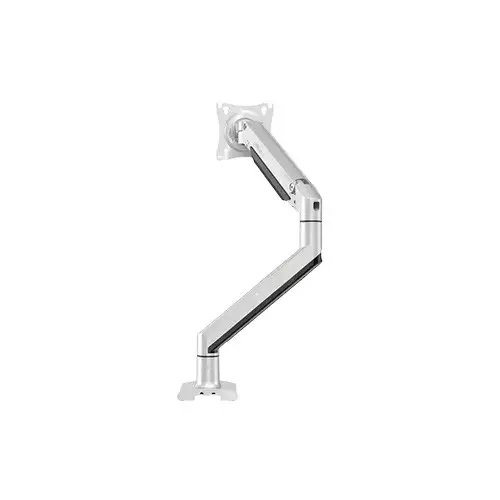
Kaloc KLC-DS150 17-35 Inch Single Monitor Arm
- Loading Capacity - 10 Kg
- Vesa - 75 x 75mm, 100 x 100mm
- Up and Down - 216mm to 495mm
- Tilt - (-60 to +60 degrees)
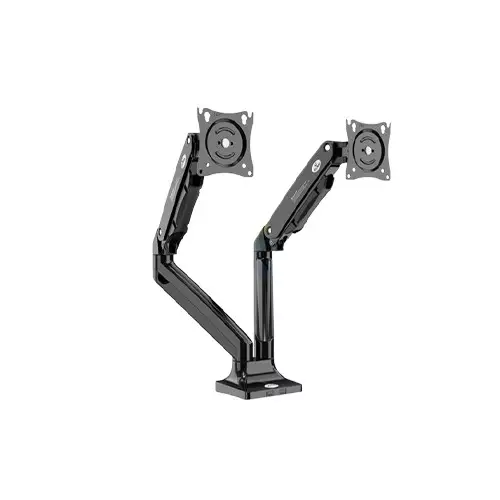
ZENO M10D/B 17-32 Inch Double Arm Gas-Strut Desktop Monitor Stand
- VESA: 75x75/100x100mm
- Fits: 17"-32"
- Tilt: ±50°
- Load Capacity: 3-10kg
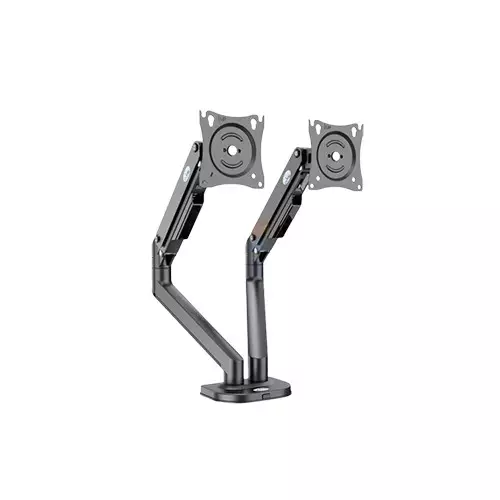
ZENO M8D/B 17-32 Inch Double Arm Gas-Strut Desktop Monitor Stand
- VESA: 75x75/100x100mm
- Fits: 17"-32"
- Tilt: ±70°
- Load Capacity: 2-9kg
Showing 20 out of 49 products
Monitor stand price in Bangladesh
Monitor stands or monitor arms are essential accessories for modern desk setups. The price of a monitor stand in Bangladesh usually depends on build quality, adjustability, monitor capacity, and mounting mechanism. Entry‑level stands are suitable for single monitor setups, while advanced gas‑spring arms support dual or even triple monitors for professional workstations and gaming environments. Mention that many brands such as Fantech, North Bayou, and Deepcool manufacture high‑quality monitor arms with ergonomic features and strong metal frames.
Most Popular and Latest Monitor Holder in BD
What is a Monitor Stand or Monitor Arm?
Monitor stands are desk‑mounted accessories designed to hold computer monitors at the correct height and viewing angle. Unlike traditional monitor bases, adjustable monitor arms allow users to move the screen vertically, horizontally, and rotate it for a more ergonomic workspace.hese accessories are commonly used by office professionals, programmers, designers, gamers, and content creators who spend long hours in front of a computer screen.
Monitor Stand Buying Guide
Monitor Size Compatibility
Before purchasing a monitor stand, users should check the supported monitor size. Most stands support monitors between 17‑inch and 32‑inch screens.
VESA Mount Compatibility
VESA mounting standards determine whether a monitor can be attached to a stand. The most common standards are 75×75 mm and 100×100 mm mounting holes.
Weight Capacity
Each monitor arm supports a specific weight limit. Entry‑level stands support lighter monitors, while heavy‑duty arms can hold larger monitors or dual display setups.
Adjustability Features
Modern monitor stands include adjustable tilt, swivel rotation, and height movement. Some models also support 360‑degree rotation for portrait and landscape orientation.
Build Quality and Materials
High‑quality monitor arms are usually built with steel or aluminum frames for better durability and stability. Cable management systems are also included in many models to keep desks organized.
Benefits of Using a Monitor Stand
A monitor stand improves workspace ergonomics by positioning the monitor at eye level. This helps reduce neck strain, shoulder pain, and poor posture caused by low monitor placement. Monitor arms also free up desk space by lifting the monitor above the desk surface. This creates more room for keyboards, laptops, and other accessories. For professionals who spend long hours working on a computer, using a monitor stand can significantly improve comfort and productivity.
Monitor Stand for Gaming Setup
Gaming setups often include large high‑refresh‑rate monitors. A monitor arm allows gamers to position the display at the ideal viewing angle for immersive gameplay. Multi‑monitor gaming setups are also common among streamers and competitive gamers. Dual monitor stands make it easier to manage gameplay on one screen while monitoring chat or streaming software on another.
FAQ About Monitor Stands
What is the monitor stand price in Bangladesh?
Monitor stand prices in Bangladesh vary depending on the brand, build quality, and number of monitors supported.
What is a monitor stand used for?
A monitor stand is used to hold and position a computer monitor at an ergonomic height for better viewing comfort.
Can a monitor stand support dual monitors?
Yes, dual monitor stands are specifically designed to hold two monitors on a single mount.
What is VESA compatibility in monitor stands?
VESA compatibility refers to the mounting hole pattern on a monitor that allows it to be attached to a monitor stand or wall mount.
Are monitor arms good for ergonomics?
Yes, monitor arms help position the screen at eye level, reducing neck and back strain during long working hours.
