
Apple Mac Mini Price in Bangladesh
Apple Mac Mini Price in Bangladesh varies based on the Apple Silicon chip, unified memory, SSD storage, and configuration. Mac mini is a compact desktop computer for users who need a small workspace footprint without giving up desktop-class performance. At Techland BD, you can compare available Mac mini models by processor, memory, storage, display support, connectivity, and other specifications to choose a configuration that matches your workload.
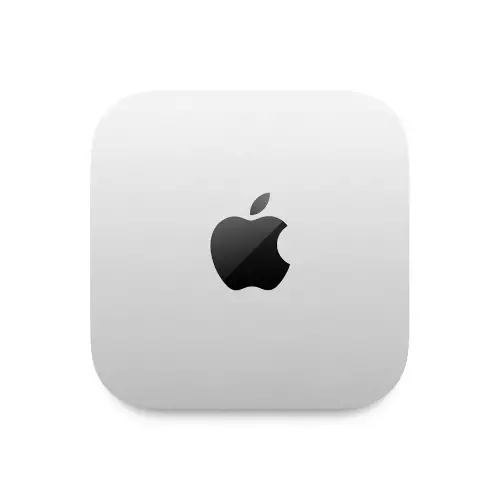
Apple Mac mini M4 16GB RAM 256GB SSD
- Apple M4 Chip 10-C CPU
- 16GB RAM | 256GB SSD
- 10-C GPU | 16-C NPU
- Wi-Fi 6E | BT v5.3
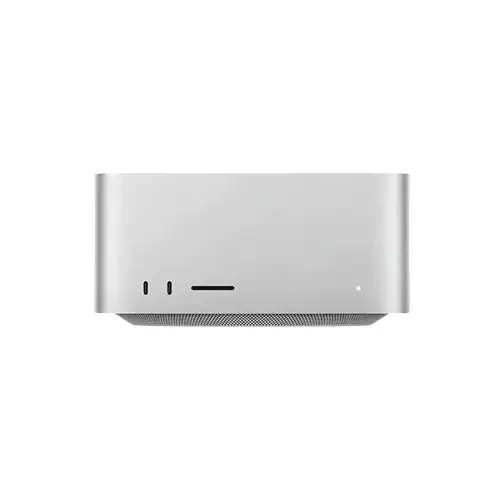
Apple Mac Studio M2 Max chip 12-core CPU 30-core GPU 32GB RAM 512GB SSD Brand PC
- Model: Mac Studio M2 Max chip
- RAM: 32GB unified,
- Storage: 512GB SSD
- Wi-Fi : 6E (802.11ax), Bluetooth 5.3
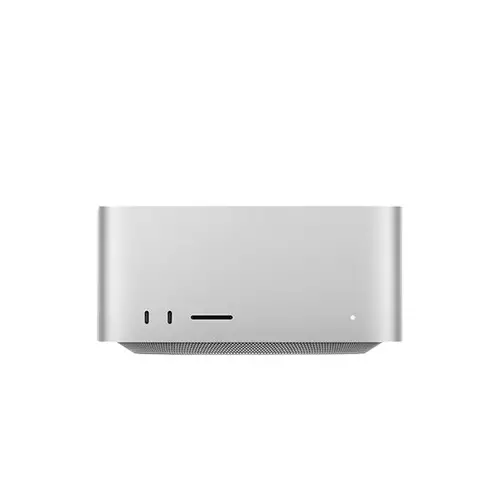
Apple Mac Studio M2 Ultra chip 24-core CPU 60-core GPU 64GB RAM 1TB SSD Brand PC
- Storage: 1TB
- RAM: 64GB
- Chip Performance : 24C CPU 60C GPU
- OS: macOS
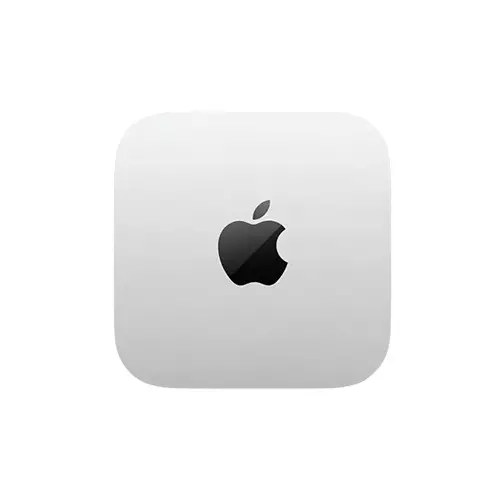
Apple Mac Mini M4 Pro chip GPU 24GB RAM 512GB SSD 12-core CPU 16-Core AIO Mac Mini PC
- Storage - RAM: 24GB , 512GB SSD
- Processor - Apple M4 Pro chip
- Graphics Card - 16-core GPU
- Operating System - macOS
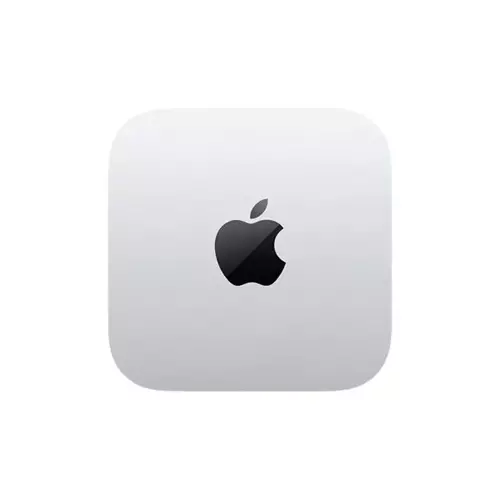
Apple Mac Mini (M4,2024) 24GB RAM,512GB SSD AIO Mac Mini PC
- 10-core CPU,10-core GPU
- 24GB unified memory
- 512GB SSD
- Apple M4 chip

Apple Mac mini M4 chip 16GB RAM 512GB SSD mini PC
- Apple M4 chip
- 10-core CPU
- 4 performance cores
- 6 efficiency cores
Showing 6 out of 6 products
Apple Mac Mini for Compact Desktop Computing
Apple Mac mini is a compact desktop computer designed for users who want capable performance in a small workspace. It can fit well in home offices, professional desks, programming setups, creative workstations, and everyday computing environments. The compact form factor also makes it easier to build a clean and minimal desktop setup.
Choosing the Right Mac Mini Configuration
The right Mac mini configuration depends on what you plan to do with it. For browsing, office applications, study, programming, and general productivity, a standard configuration may be enough. Users working with heavier creative applications, larger projects, or demanding multitasking may need a higher-performance chip with more unified memory and storage.
This makes it important to compare the configuration rather than choosing a model based only on the product name.
Mac Mini M4 and M4 Pro
Mac mini models with Apple Silicon provide different levels of performance depending on the chip and configuration. Current Techland BD listings include Mac mini M4 configurations as well as an M4 Pro configuration, so users can compare performance requirements before choosing a model.
If your workload mainly involves office work, browsing, coding, and everyday applications, an M4 configuration may be suitable. More demanding professional workloads can require the additional performance available from a higher-tier configuration.
Memory and SSD Storage
Unified memory affects how comfortably a Mac mini can handle multitasking and demanding applications. SSD storage determines how much space you have for applications, documents, project files, photos, and videos. Current Techland BD listings include configurations such as 16GB/256GB, 16GB/512GB, and 24GB/512GB, giving buyers different options based on their requirements.
Before buying, think about the applications you use and the amount of data you normally keep on your desktop. Choosing the right memory and storage configuration at the beginning is especially important because you should not assume you can upgrade everything later.
Connectivity and Display Support
Connectivity is another important part of choosing a Mac mini. Depending on the model, you may need Thunderbolt or USB-C connections, HDMI, Ethernet, Wi-Fi, and Bluetooth for your existing devices and accessories. Display support should also be checked if you plan to use multiple monitors.
If you are building a complete desktop setup, you can naturally link Monitor here so users can compare displays that can be paired with their Mac mini.
Mac Mini for Work, Programming and Creative Tasks
Mac mini can be used for office applications, programming, web development, content creation, photo and video work, and everyday productivity. The best configuration depends on the software you use and how demanding your workload is.
For example, a developer working with multiple applications and virtual environments may have different memory requirements from someone mainly using web browsers and office applications. Matching the hardware configuration to the actual workload can help avoid paying for performance you do not need.
Check Software and Accessories Before Buying
Before purchasing a Mac mini, check whether the software you use supports macOS and whether your existing peripherals are compatible. You should also consider the monitor, keyboard, mouse, storage devices, network connection, and other accessories needed for your complete setup.
If you need to complete the setup, Keyboard and Mouse are natural internal-link opportunities here.
Buy Apple Mac Mini from Techland BD
Techland BD provides Apple Mac mini configurations for users looking for a compact desktop computer. You can compare available models based on chip, unified memory, SSD storage, connectivity, and other specifications before choosing a configuration.
Before ordering, check the individual product page for the latest availability, specifications, warranty information, and included items. This is particularly useful when comparing different Mac mini configurations with similar names but different memory or storage options.
Apple Mac Mini Price List in Bangladesh 2026
Frequently Asked Questions
What is Apple Mac Mini?
Apple Mac mini is a compact desktop computer that runs macOS and uses Apple Silicon in current-generation models. It is designed for users who want desktop computing performance in a small form factor.
Which Mac Mini configuration should I choose?
Choose based on your workload, not just the model name. Consider the processor, unified memory, SSD storage, applications you use, and whether you need additional performance for professional workloads.
Is Mac Mini M4 suitable for office work and programming?
An M4 Mac mini can be suitable for many office, programming, browsing, and general productivity workloads. The required memory and storage depend on the applications and multitasking requirements.
Do I need more RAM or more storage for Mac Mini?
It depends on your usage. More memory is useful for heavier multitasking and demanding applications, while more SSD storage is useful when you keep large applications, projects, media files, and other data locally.
Can Mac Mini connect to multiple displays?
Display support depends on the specific Mac mini configuration. Check the individual model's specifications for supported display count, resolution, and connection options before buying.
