
Logitech WebCam Price in Bangladesh
Logitech WebCam Price in Bangladesh 2026| TechLand BD begins at BDT 3,000৳ and can go up to BDT 23,800৳ depending on the brand and specifications With a variety of 16 items available at TechLand, where 11 items are in stock now & 16 items offer you the best discount price in BD. Find the perfect Logitech WebCam for your requirements. Search for Logitech webcam price in bd, Logitech best webcam in Bangladesh, Logitech official webcam in bd, Logitech webcam review in bd, Logitech C270 webcam price in bd, Logitech c170, Logitech bcc950, Logitech c930e, Logitech c525, Logitech c270 to learn more about our products and services.
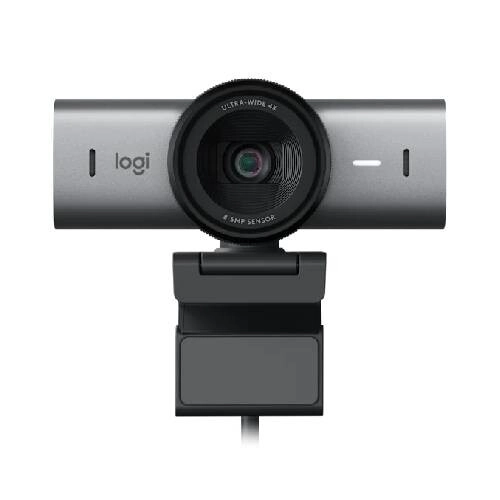
Logitech MX Brio 705 Business Webcam
- 4K UHD 30fps, 8.5MP Sony STARVIS Sensor
- 90°/78°/65° FOV, Autofocus & 4x Zoom
- RightLight 5 HDR, Glass Lens & Dual Mics
- Privacy Shutter, 1/4"-20 Mount, Windows/Mac/Chrome
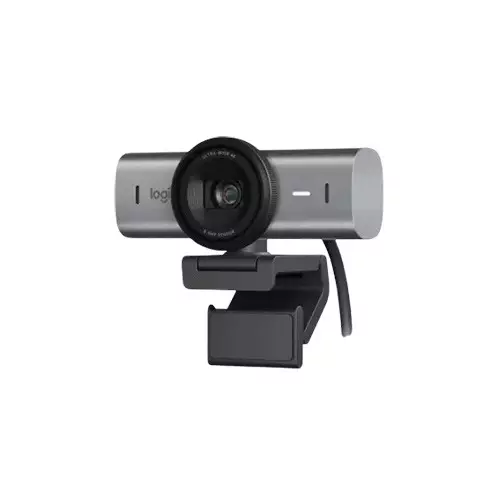
Logitech MX Brio 4K Webcam (960-001723 )
- Cable Length: 1.5m
- Interface type: USB3.0
- sensor: 8.5MP Sony STARVIS
- Hardware zoom: 4x digital zoom
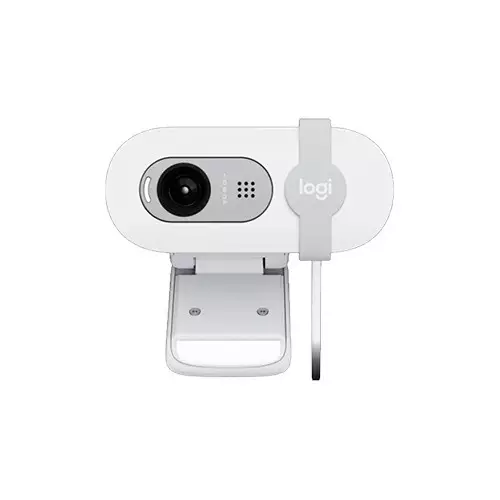
Logitech BRIO 100 FHD Webcam (Off-White)
- Interface(s) - USB
- Sensor Resolution (MP) - 2MP
- Frame Rate - 30FPS
- Plug & Play Operation - Yes
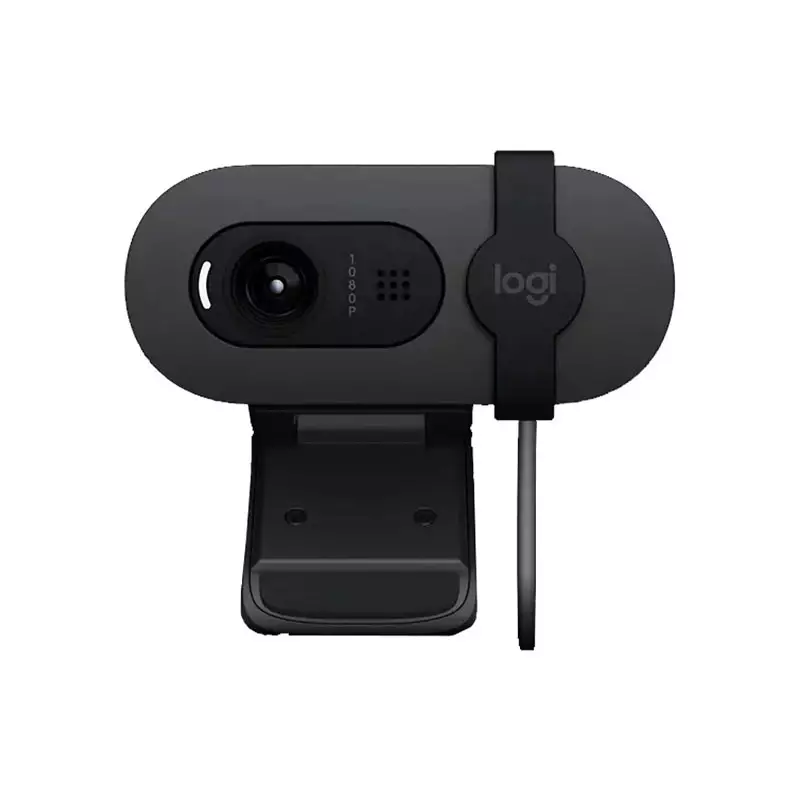
LOGITECH BRIO 100 2MP FULL HD WEBCAM
- Camera megapixel: 2MP
- Focus type: Fixed focus
- Lens type: Custom 4 element plastic lens with anti-reflective coating
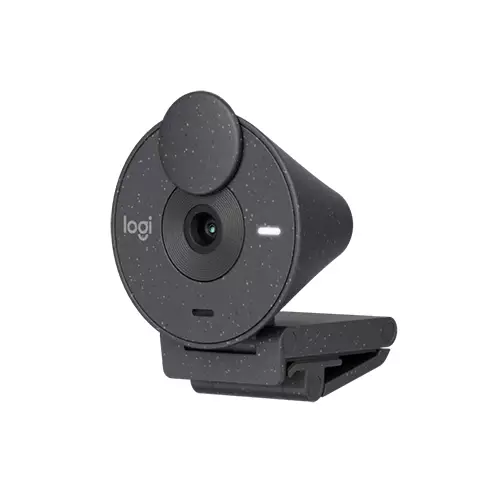
LOGITECH BRIO 300 FHD WEBCAM
- Camera megapixel: 2MP
- Diagonal field of view (dFoV): 70°
- Hardware zoom: 1x Digital zoom
- Focus type: fixed focus
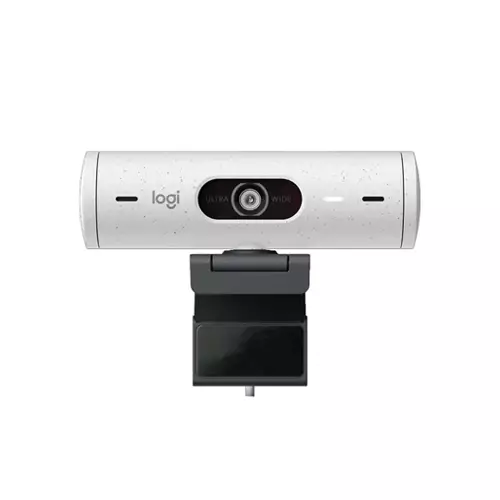
LOGITECH BRIO 500 FULL HD 1080P 4MP AUTO-FRAMING WEBCAM
- Up to Full HD 1080p Resolution at 30 fps
- Auto Focus, Glass Lens
- USB Type-C Connection
- Dual Noise-Reducing Mics
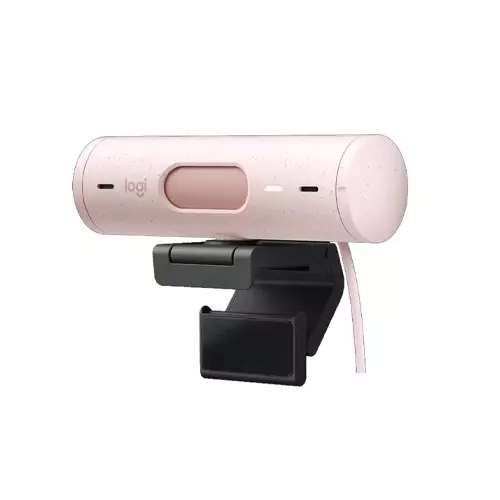
LOGITECH BRIO 500 FULL HD 1080P 4MP AUTO-FRAMING WEBCAM
- Up to Full HD 1080p Resolution at 30 fps
- Auto Focus, Glass Lens
- USB Type-C Connection
- Dual Noise-Reducing Mics
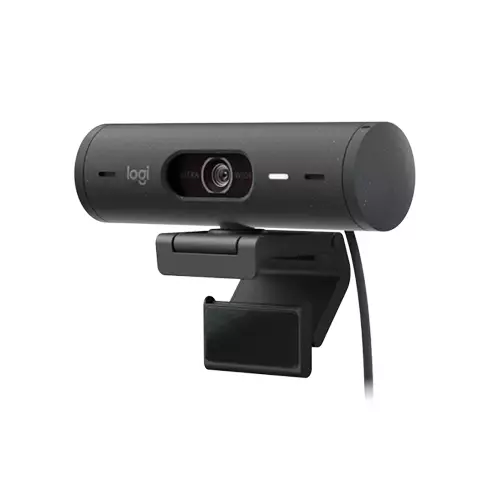
LOGITECH BRIO 500 FULL HD 1080P 4MP AUTO-FRAMING WEBCAM
- Up to Full HD 1080p Resolution at 30 fps
- Auto Focus, Glass Lens
- USB Type-C Connection
- Dual Noise-Reducing Mics
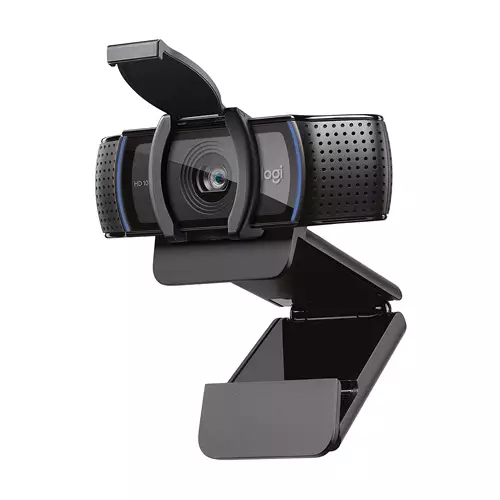
Logitech C920e 1080p Business Webcam (960-001360 )
- Up to Full HD 1080p Resolution
- 30 fps Frame rate
- 78° Diagonal Field of View
- Auto Focus, Glass Lens
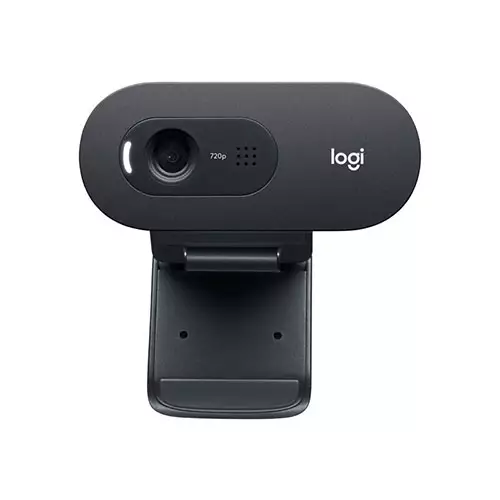
Logitech C505 720p Long-Range Mic HD Webcam
- Resolution: 720p
- Focus type: Fixed
- Mic range: Up to 9 ft
- Diagonal field of view : 60°
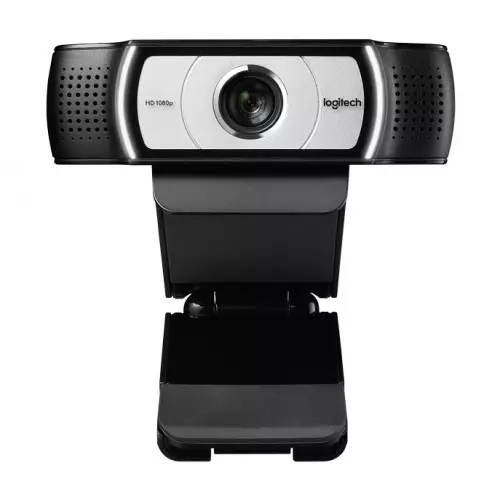
Logitech C930E 1080P HD Video Webcam (960-000976 )
- Main Features: Video Resolution Full HD 1080p video calling (up to 1920 x 1080 pixels;720p HD video calli...
- Others: External privacy shutter2 Omni-directional micsRightlight 2 Technology for clarity in var...
- Physical Specification: CAMERA (Dimension) : 1.14 in (29 mm) x 3.7 in (94 mm) x .95 in (24 mm)CAMERA WITH CLIP (Di
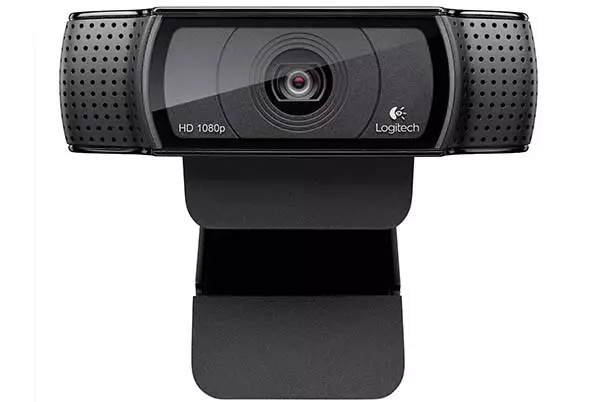
Logitech HD PRO C920 1080p Full HD Webcam
- Full HD, five-element glass lens
- High-DEF Video Chat
- Full HD 1080p Recordings
- Natural Stereo Audio
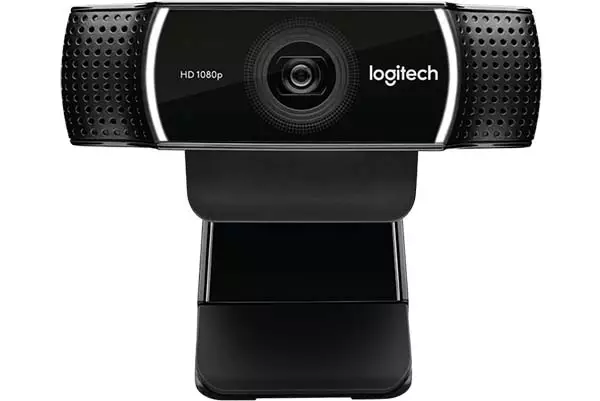
Logitech C922 Pro 1080p Stream Webcam
- Camera mega pixel: 3
- Focus type: Autofocus
- Lens type: Glass
- Built-in mic: Stereo
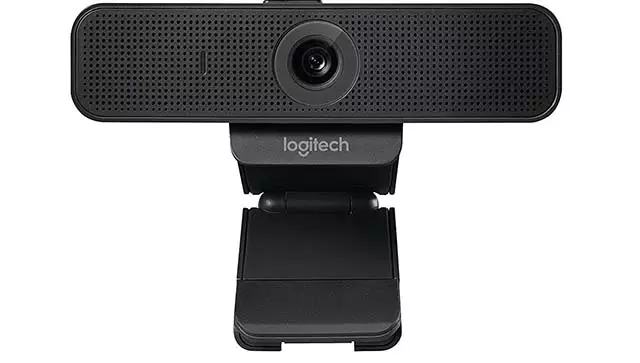
Logitech C925E Webcam with HD 1080p Camera and Built-In Stereo Microphones (960-001075 )
- Business-grade HD video: Full 1080p HD video, autofocus and advanced light correction for razor-sharp, clear video...
- Easy-to-use: Plug-and-play USB connection to Windows PC or Mac
- UVC H.264 encoding: Frees up system bandwidth and delivers a smoother video stream by putting video processing...
- 78-degree field of view: See more in true widescreen without having to re-position the camera
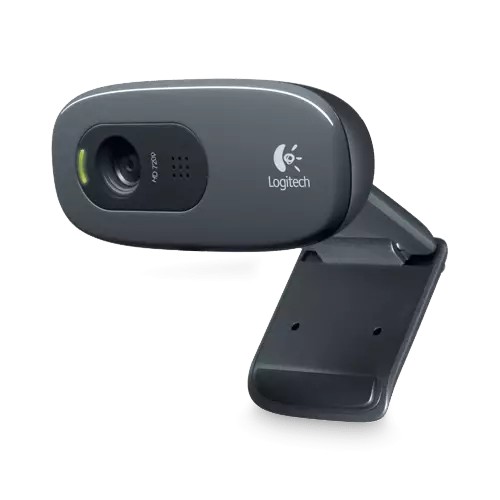
Logitech C270 HD Webcam
- Sensor type- CMOS
- Interface- USB 2.0
- Microphone- Yes
- Image Res- 640x480
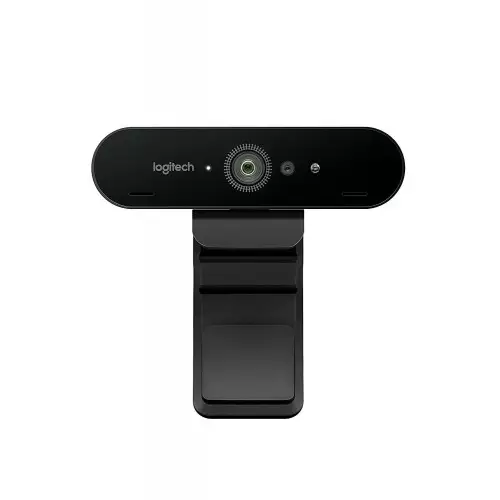
Logitech BRIO ULTRA HD PRO 4K Webcam
- 4K Ultra HD Resolution
- Frame Rates up to 90 fps
- Up to 90° Diagonal Field of View
- Auto Focus, Glass Lens
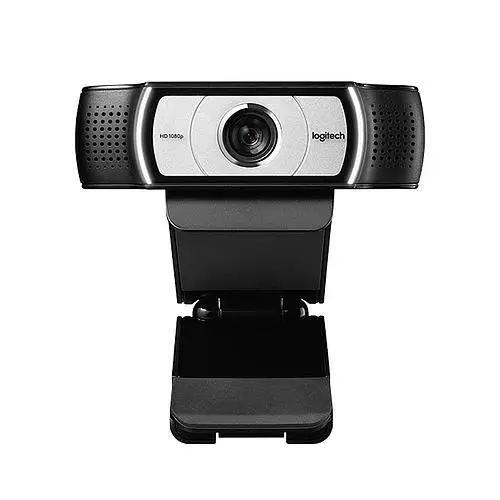
Logitech C930C 1080P HD Video Webcam
- Main Features: Video Resolution Full HD 1080p video calling (up to
- Others: H.264 video compression90° field of viewExternal privacy
- Physical Specification: CAMERA (Dimension) Height x Width x Depth: 29
Showing 17 out of 17 products
Latest Logitech Webcams at Affordable Prices in Bangladesh
A good webcam can make video calls, online classes, meetings, streaming, and remote work much easier. Logitech WebCam models are designed for users who want a simple way to improve video communication from a computer or laptop.
Different models can offer different resolutions, lens designs, microphones, mounting options, and connection features. If you are checking Logitech webcam price in Bangladesh, comparing these features can help you find a model that matches your needs and budget. For office meetings, online learning, content creation, or regular video calls, it is worth checking the available specifications before choosing a webcam.
Clear Video for Calls and Online Meetings
Video quality is one of the first things to look for when selecting a webcam. A good resolution makes your image clearer and easier to see for others in meetings or calls.
It is contingent upon your needs, which is the right choice. Someone using a webcam for office meetings may have different needs than a content creator or streamer. The lighting also affects the final image. Even with a good webcam, the results may differ depending on the room, background, and available light.
Full HD and Higher Resolution Options
Different webcams support different video resolutions. Depending on the model, you may find options designed for standard HD, Full HD, or higher-resolution video.
Higher resolution can provide more detail, but it is not the only factor that affects video quality. Lens quality, lighting, image processing, and frame rate can also influence the final result.
Before buying, check the actual resolution supported by the specific model rather than assuming every Logitech webcam provides the same level of video quality.
Autofocus for More Flexible Use
Autofocus is useful if you move closer to or further away from the camera during a call or recording session. It can also help to keep the subject in focus without always having to manually adjust.
This can be particularly useful when making presentations, demos, teaching online, or content creation. But not all the models have the same focusing system. Look at the specs of each product to see if it has autofocus or not.
Built-In Microphone for Clear Communication
A webcam is a common tool for video and voice communication. A built-in microphone can help to make setup easier as you may not need a separate microphone for basic calls. The microphone performance may vary between models. Some webcams have extra microphone features to help make capturing voice clearer.
If you find yourself in online meetings or classes on a regular basis, consider the quality of your microphone as well as the video resolution. However, if you are looking to do professional streaming or studio recording, you might want to use a dedicated microphone depending on your needs.
Webcam for Work From Home and Remote Meetings
Remote work has made video communication part of many people's daily routine. A webcam can provide a more convenient setup for meetings, interviews, presentations, and team communication.
For regular office use, you do not necessarily need the most advanced camera. A model with suitable video quality, a clear microphone, and simple connectivity may be enough. Your lighting and camera position also matter. Placing the webcam at eye level and facing a suitable light source can help create a more natural video setup.
Webcam for Online Classes and Learning
Students and teachers can use webcams for online classes, presentations, tutorials, and virtual discussions. A reliable camera can make it easier for others to see the speaker clearly. A built-in microphone can also simplify the setup for basic online lessons. For education, ease of use is often more important than having every advanced camera feature.
Webcam for Streaming and Content Creation
Content creators often need more control over their video setup. Resolution, frame rate, autofocus, field of view, and image quality can become more important when recording or streaming regularly.
The right webcam also depends on the rest of your setup. Lighting, microphone, background, and computer performance can all affect the final result. If you are building a streaming setup, compare the webcam's confirmed specifications with the requirements of your streaming software and platform.
Why Buy from TechLand BD?
TechLand BD offers a range of computer and technology products for customers in Bangladesh. Shoppers can compare available webcams, review product specifications, check current pricing, and select a model that matches their requirements. Product availability, warranty coverage, and service terms can vary by product, so reviewing the current listing before ordering is recommended.
Latest Logitech Webcams Prices
Frequently Asked Questions
What is a Logitech WebCam used for?
A webcam can be used for video calls, online meetings, classes, interviews, streaming, content creation, and other computer-based video communication.
How much does a Logitech WebCam cost in Bangladesh?
The price varies depending on the model, resolution, features, and availability. Check the current product listing for the latest price.
Which resolution is suitable for video calls?
The right resolution depends on your needs. HD may be enough for basic calls, while Full HD or higher can be useful for users who want more detail.
Do Logitech webcams have built-in microphones?
Many webcam models include built-in microphones, but the microphone setup can differ between models. Check the specifications of the specific webcam before buying.
Can I use a Logitech webcam with a laptop?
Compatible webcams can be used with supported laptops. Check the connection type and operating system requirements before purchasing.
Is autofocus important in a webcam?
Autofocus can be useful if you move during meetings, presentations, or recordings. It helps the camera adjust focus automatically on supported models.
