
A4TECH WebCam Price in Bangladesh
A4TECH WebCam Price in Bangladesh-TechLand BD begins at BDT 2,350৳ and can go up to BDT 15,000৳ depending on the brand and specifications With a variety of 8 items available at TechLand, where 5 items are in stock now & 8 items offer you the best discount price in BD. Find the perfect A4 TECH WebCam for your requirements. Search for A4 TECH WebCam, A4TECH WebCam Price in Bangladesh, A4TECH WebCam in bd, A4TECH WebCam overview,A4TECH WebCam review, A4TECH WebCam spec to learn more about our products and services.
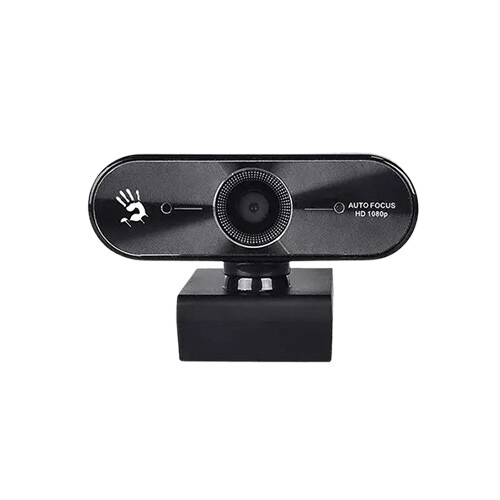
A4TECH Bloody GK30 Auto Focus Full HD Gaming Webcam
- Video: Full HD 1080p, Auto Focus, 75° Wide Lens
- Audio: Built-in Noise-Cancel Mic
- Setup: Driver-Free Plug & Play (UVC)
- Mount: 360° Rotation + Tripod Support
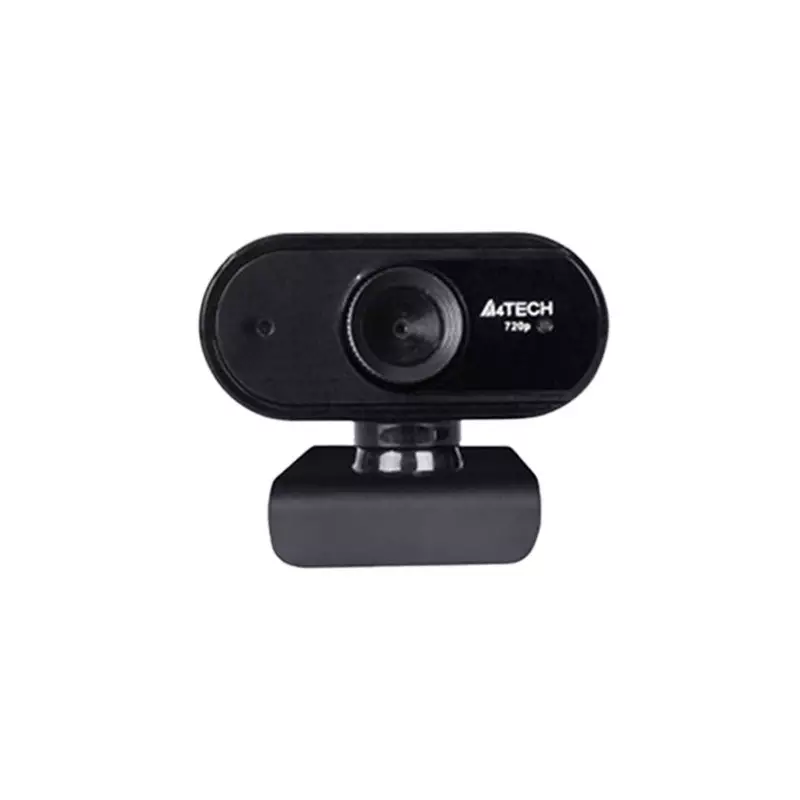
A4TECH PK-825P 720p HD Webcam
- Lens Type: HD Glass Lens
- Resolution: HD 720P, 1280*720
- Frame Rate: 30fps
- Built-in Mic.: Single Digital Mic.
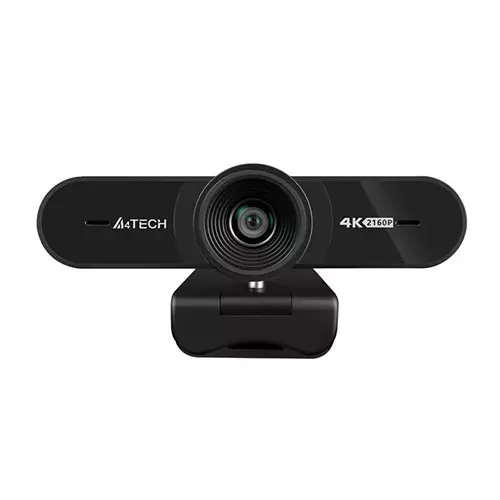
A4TECH PK-1000HA UHD 4K Pro AF Webcam
- Lens: UHD Glass
- Focus: Auto Focus
- Focus Range: 10cm and Beyond
- View Angle: 95°
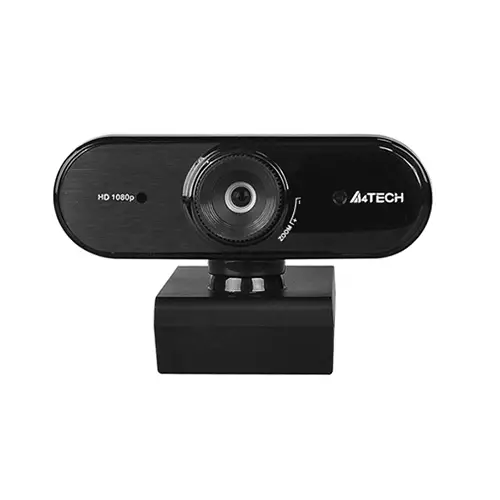
A4TECH PK-935HL FHD 1080P MF Webcam
- Focus Type: Manual Focus
- Focus Range: 10cm and Beyond
- Built-in Mic.: Single Digital Mic.
- Output Format: MJPEG
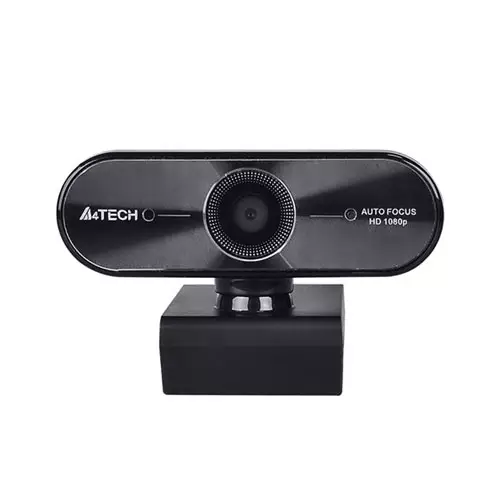
A4 Tech PK-940HA Full HD Webcam
- Superior Low-light Performance
- 1080p Full-HD Sensor
- Intelligent Multisampling
- High-fidelity Microphone
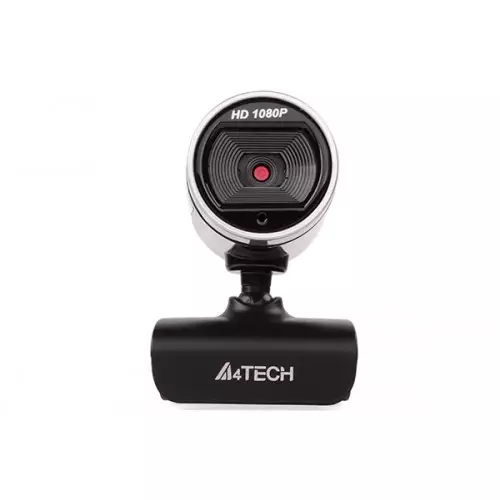
A4 Tech Pk-910H 1080p Full-HD Webcam
- Focus Type: Fixed Focus
- Focus Range: 60cm and Beyond
- Built-in Mic.: Single Digital Mic.
- Frame Rate: 30fps
Showing 6 out of 6 products
Latest A4TECH Webcams at Affordable Prices in Bangladesh
The A4TECH webcams are a useful addition to a laptop or desktop for video calls, online meetings, classes, and everyday communication. The dedicated webcam also makes for a more flexible setup than the camera built into a laptop.
Different models can have different resolutions, microphones, focus systems, connection types and designs. You can compare these features while checking A4TECH Webcam Price in Bangladesh to select a model that suits your budget and requirements. Whether you need it for work, study, family calls, or content creation, a good webcam is a must, and it can be easier to find a fitting model by reviewing the options available.
Clear Video for Everyday Communication
Video quality is one of the main things to consider when buying a webcam. A suitable camera can make your image clearer during online meetings, classes, interviews, and video calls. The required resolution depends on your use. Basic communication may not require the same level of detail as streaming or content creation.
Lighting also plays an important role. The same webcam can look different depending on room lighting and camera placement, so a good setup is important alongside the camera itself.
HD and Full HD Webcam Options
Webcams are available with different video resolutions, and A4TECH models can vary in their supported video quality. HD can be suitable for everyday calls and online classes, while Full HD can provide more detail for users who want a sharper image.
Resolution is not the only factor that affects video quality. Lens quality, lighting, frame rate, and image processing can also influence the final result. Always check the confirmed specifications of the exact model before deciding.
Built-In Microphone for Easy Calls
A built-in microphone can make a webcam more convenient for everyday communication. You can use the camera for video calls without necessarily needing a separate microphone. Microphone performance can vary between models, so users who frequently attend meetings or online classes should check the available microphone specifications.
For casual calls, a built-in microphone may be enough. Content creators and professional users may prefer a dedicated microphone for more control over recorded or streamed audio.
Autofocus and Camera Focus
Autofocus can be useful when you move closer to or farther from the camera. It allows the camera to adjust focus automatically on models that support the feature. This can be helpful for presentations, demonstrations, online teaching, and content creation. However, autofocus is not available on every webcam. Check the individual product specifications instead of assuming that every model includes it.
Simple USB Connectivity
Many computer webcams use USB connections for power and data transfer. This can make setup straightforward on compatible desktops and laptops.
Before purchasing, check the connector type and compatibility information for the specific model. Also make sure your computer has a suitable port or the required adapter. A simple connection can be especially useful for users who want a webcam that is easy to install and use without a complicated setup.
Webcam for Work From Home
Video meetings are now common for many remote workers. A dedicated webcam can make your desk setup more flexible for meetings, interviews, presentations, and team discussions.
You do not always need an advanced camera for office work. A model with suitable video quality, a usable microphone, and easy connectivity may be enough for regular meetings. Camera position also matters. Keeping the webcam near eye level and placing it in a well-lit area can help create a more comfortable video setup.
Webcam for Online Classes
Students and teachers can use webcams for virtual classes, presentations, tutorials, and group discussions. A suitable camera makes it easier for others to see the speaker during a class. A built-in microphone can also keep the setup simple. For online learning, reliability and ease of use can be more useful than advanced features that may not be necessary for regular classes.
Webcam for Streaming and Content Creation
A webcam can also be part of a basic streaming or content-creation setup. In this case, video quality becomes more important because viewers will see the camera output directly. Resolution, frame rate, autofocus, field of view, and lighting can all affect the final result.
Your microphone is also important. Even when the camera provides a built-in microphone, some creators may prefer a separate audio solution for better control. Before choosing a model, compare its confirmed specifications with the requirements of your recording or streaming setup.
Why Buy from TechLand BD?
TechLand BD offers computer and technology products for customers in Bangladesh, including webcams and related accessories. Shoppers can review available products, compare specifications, check current pricing, and select an option based on their needs. Product availability, warranty coverage, and service terms can vary by product, so checking the current product listing before ordering is recommended.
Best A4TECH Webcam Price List
What is an A4TECH Webcam used for?
It can be used for video calls, online meetings, classes, interviews, streaming, content creation, and other computer-based communication.
How much does an A4TECH WebCam cost in Bangladesh?
The price depends on the model, video resolution, features, and availability. Check the current product listing for the latest price.
Can I use an A4TECH webcam with a laptop?
Compatible models can be used with supported laptops. Check the webcam's connection type and operating system requirements before buying.
Do A4TECH webcams have built-in microphones?
Many webcams include built-in microphones, but the microphone configuration can vary between models. Check the specifications of the particular product.
Which webcam resolution is suitable for online meetings?
HD can be suitable for basic meetings and classes, while Full HD may be preferable when you want a sharper image. Your requirements should determine the choice.
Is autofocus necessary for a webcam?
Autofocus can be useful when you move around or change your distance from the camera. It is particularly helpful for presentations and content creation.
Are A4TECH webcams suitable for online classes?
A suitable webcam can work well for online classes, virtual presentations, and video discussions. Choose a model based on the required video and audio quality.
What should I consider before buying an A4TECH WebCam?
Check video resolution, frame rate, microphone, autofocus, field of view, USB connectivity, compatibility, mounting options, and your intended use.
