
Logitech Combo Price in Bangladesh
Logitech Combo Price in Bangladesh varies depending on the keyboard and mouse type, connectivity, layout, design, and other features. Logitech keyboard and mouse combos provide a convenient way to set up a desktop or laptop workspace with matching input devices. At Techland BD, you can compare available Logitech Combo sets by wired or wireless connectivity, keyboard layout, mouse design, compatibility, and other specifications to find the right combination for your setup.
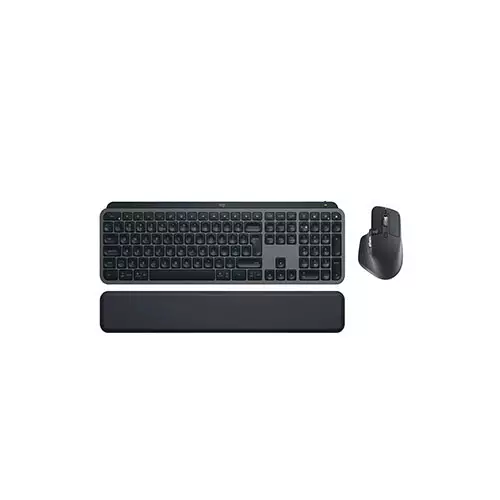
Logitech MX Keys S Wireless Graphite Keyboard & Mouse Combo With Palmrest
- Type - Wireless Keyboard & Mouse Combo
- Interface - Bluetooth & USB Dongle
- Mechanical (Key) - No
- Switch Type - Membrane Switch
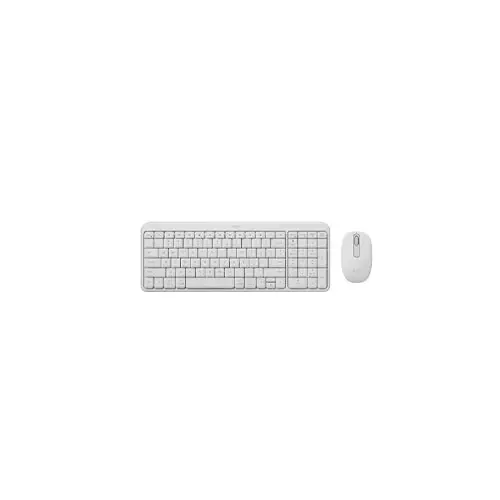
Logitech MK250 Wireless Keyboard Mouse Combo Off White
- Connectivity: Wireless Connection
- Scroll wheel: 2D, mechanical
- Mouse Sensor: Smooth Optical Tracking
- Number of buttons: 3
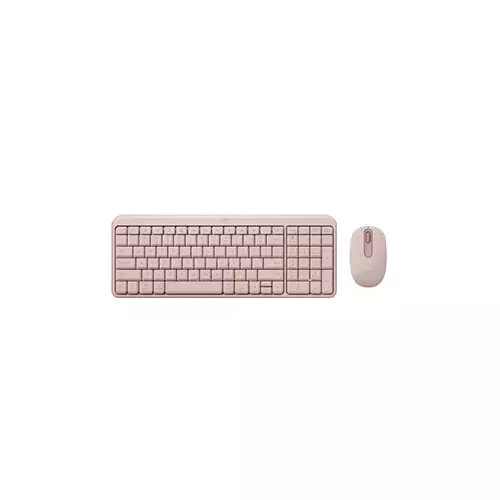
Logitech MK250 Wireless Keyboard Mouse Combo
- Connectivity: Wireless Connection
- Scroll wheel: 2D, mechanical
- Mouse Sensor: Smooth Optical Tracking
- Number of buttons: 3
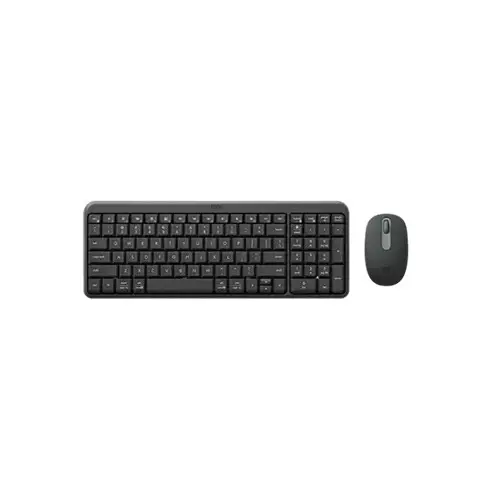
Logitech MK250 2D Wireless Keyboard & Mouse Combo
- Number of Buttons - 3
- Sensor - Smooth Optical Tracking
- Resolution - 1,000 DPI
- Tracking Method - Optical
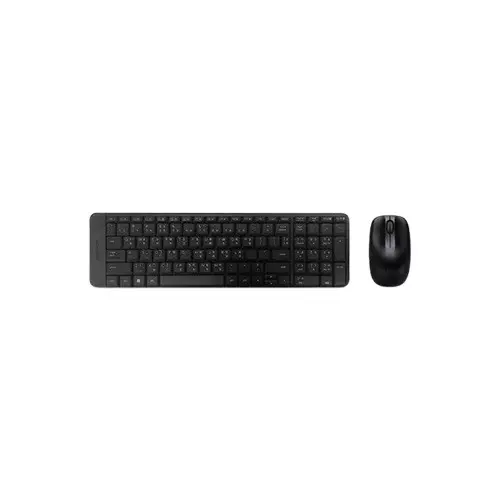
Logitech MK220 Wireless Keyboard Mouse Combo With Bangla Front
- Connectivity: Wireless Connection
- Keyboard Key Life: Up to 5 million keystrokes
- Keyboard Key Type: Deep-profile Key, Spill-resistant
- Mouse Sensor: Smooth Optical Tracking
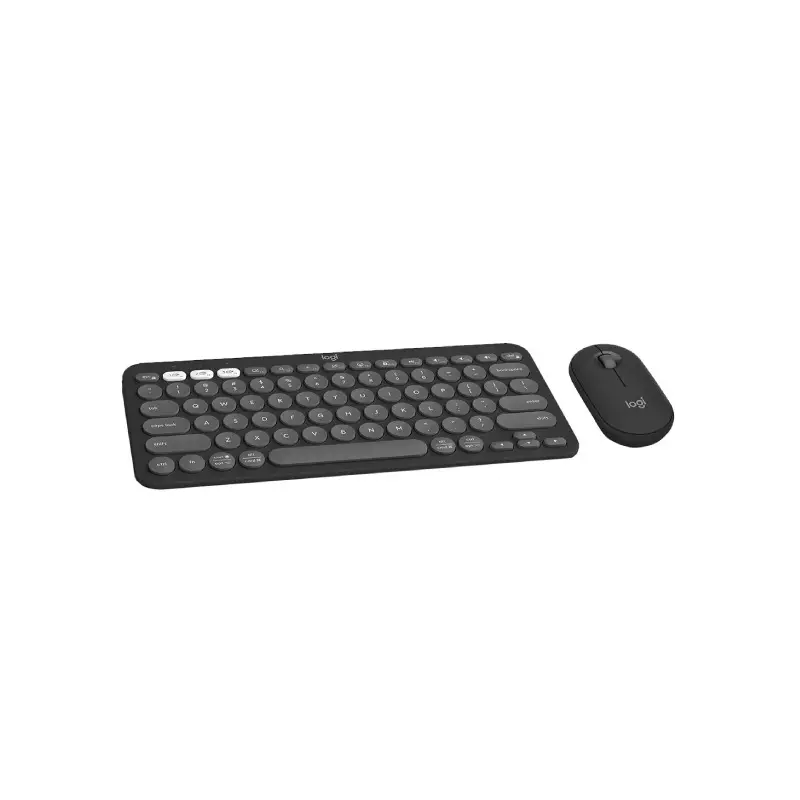
LOGITECH PEBBLE 2 CORDLESS MOUSE & KEYBOARD COMBO
- Sustainable Materials
- Portable
- Easy & Convenient
- Quiet typing
Showing 6 out of 6 products
Logitech Keyboard and Mouse Combo
A Logitech Combo combines a keyboard and mouse in one convenient package. It can be a practical choice for users setting up a desktop, replacing an old keyboard and mouse, or creating a clean workspace with matching peripherals. Different Logitech Combo models offer different designs, connectivity options, layouts, and features.
Choosing the Right Logitech Combo
The right Logitech Combo depends on how and where you plan to use it. For office work and everyday computing, comfort and reliable connectivity may be more important. If you frequently move between devices or want a cleaner desk setup, a wireless combo can be more convenient. Check the keyboard layout, mouse shape, connection type, and device compatibility before choosing a model.
Wireless and Wired Logitech Combos
Logitech offers keyboard and mouse combinations with different connection options depending on the model. Wireless combos can help reduce cable clutter and provide more flexibility around the desk, while wired options can be useful for users who prefer a direct connection. Check the connection method and receiver or cable requirements of the specific combo before buying.
Keyboard Layout and Comfort
The keyboard is an important part of a combo because it affects typing comfort during long work sessions. Consider the layout, key design, size, and overall keyboard shape based on your everyday use. A compact design can save desk space, while a full-size keyboard can provide a more familiar layout with a dedicated number pad.
Mouse Design and Everyday Use
The mouse should also match your working style. Consider its shape, size, button layout, tracking performance, and connectivity. For regular office work and browsing, a comfortable ergonomic shape can be useful, especially if you spend several hours using the mouse each day.
Logitech Combo for Work and Home
A Logitech Combo can work well for office tasks, study, browsing, remote work, and everyday computing. A matching keyboard and mouse can also make it easier to replace both devices at once. If you are building a complete computer setup, you can naturally explore Keyboard or Mouse categories when you need a different type of peripheral.
Check Compatibility Before Buying
Before buying a Logitech Combo, check whether it supports your computer or other intended device. Also confirm the connection type, operating system compatibility, keyboard layout, and included accessories. For wireless models, check the receiver or Bluetooth requirements so the combo works with your existing setup.
Buy Logitech Combo from Techland BD
Techland BD offers Logitech Combo options for different desktop and laptop setups. You can compare available models based on keyboard layout, mouse design, connectivity, compatibility, and other specifications before choosing a combo.
Before ordering, check the individual product page for the latest specifications, availability, warranty information, and included items.
Logitech Keyboard and Mouse Combo Price List in Bangladesh 2026
Frequently Asked Questions
What is a Logitech Combo?
A Logitech Combo is a keyboard and mouse set designed to provide two essential computer input devices in one package.
Is a Logitech Combo good for office work?
A suitable Logitech Combo can be useful for office work, study, browsing, and everyday computing. The ideal model depends on your preferred keyboard layout, mouse design, and connectivity.
Should I choose a wireless or wired Logitech Combo?
Wireless models can reduce cable clutter and offer more flexibility, while wired models provide a direct connection. Choose based on your workspace and how you normally use your computer.
What should I check before buying a Logitech Combo?
Check the keyboard layout, mouse design, connection type, device compatibility, operating system support, and included accessories before buying.
Can a Logitech Combo be used with a laptop?
Yes, a compatible Logitech Combo can be used with a laptop. Check the connection method and compatibility of the specific model before purchasing.
