
Dell Work-Station Price in BD | Techland BD
Dell Work-Station Price in BD | Techland BD begins at BDT 0৳ and can go up to BDT 0৳ depending on the brand and specifications With a variety of 7 items available at TechLand, where 0 items are in stock now & 0 items offer you the best discount price in BD. Find the perfect Dell Work-Station for your requirements. Search for Dell workstation price in Bangladesh, Latest Dell workstation price in BD, Buy Dell workstation in Bangladesh, Best Dell workstation price in BD, Dell Precision workstation price in Bangladesh, Affordable Dell workstation in BD, Dell desktop worksta to learn more about our products and services.
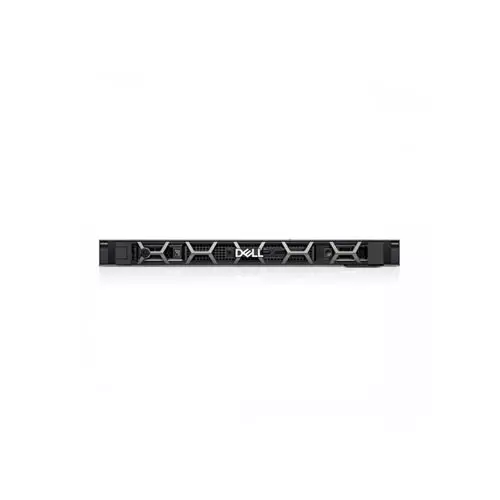
Dell Precision R3930 Rack Workstation
- CPU: Xeon E-2226G
- Board: 3930 Rack
- RAM: 16GB DDR4
- Storage: 2TB HDD
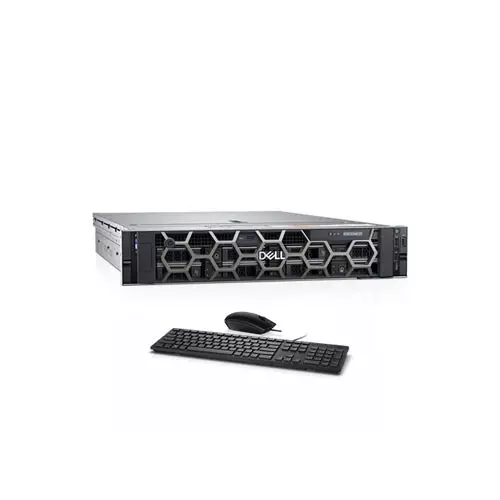
Dell Precision 7920 Rack Workstation
- CPU: Dual Xeon Silver 4214R
- Board: Precision 7920 Rack
- RAM: 96GB ECC
- Storage: 256GB SSD, 8TB HDD
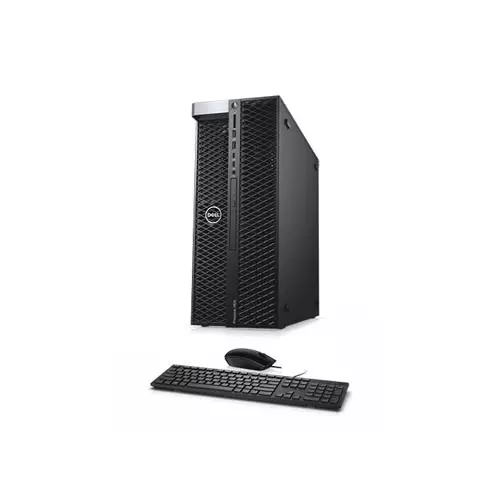
Dell Precision 7920 Tower Workstation
- CPU: Dual Xeon Silver 4214R
- Board: Precision 7920
- RAM: 64GB ECC
- Storage: 256GB SSD, 8TB HDD
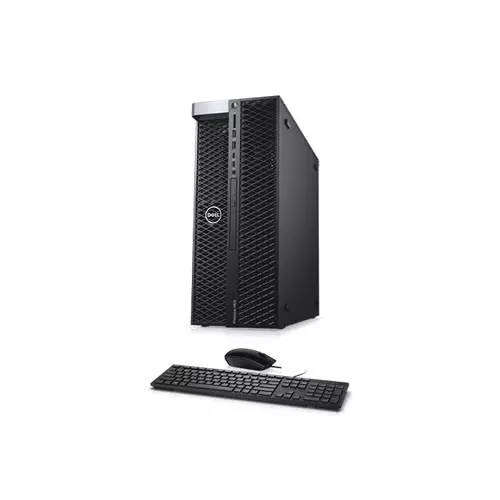
Dell Precision 7820 Tower Workstation
- CPU: Xeon Gold 6250
- Board: Precision 7820
- RAM: 32GB ECC
- Storage: 256GB SSD, 4TB HDD
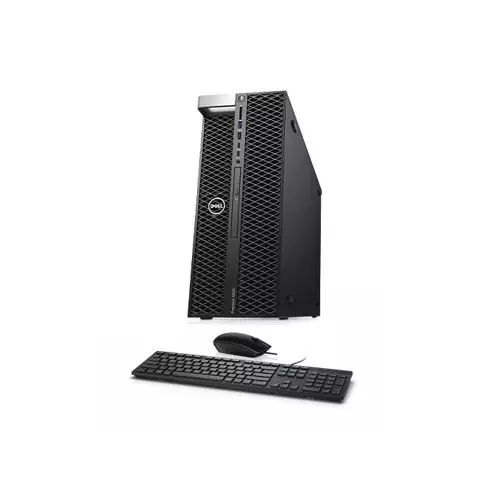
Dell Precision 5820 Tower Workstation
- CPU: Intel Xeon W-2235
- Motherboard: Precision 5820
- RAM: 16GB DDR4 ECC
- Storage: 256GB SSD + 2TB HDD
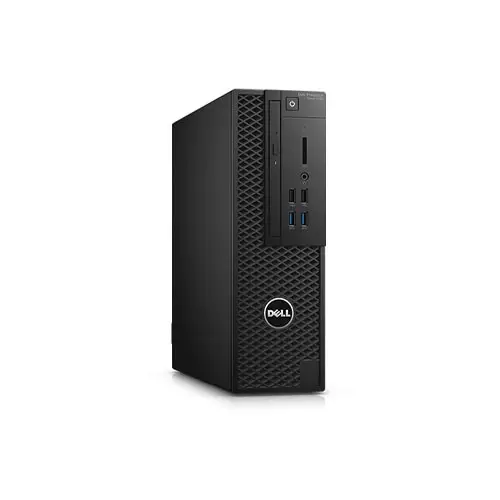
Dell Precision 3420 Workstation
- CPU: Xeon E3-1240 v5
- MB: Dell SFF 3420
- RAM: 8GB DDR4
- HDD: 1TB SATA
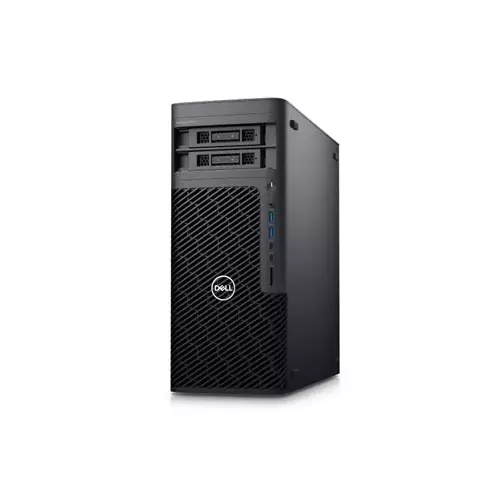
Dell Precision 5860 Tower Workstation
- CPU: Intel Xeon w3-2423
- MB: Intel PCH W790
- RAM: 16GB DDR5 ECC
- SSD: 512GB NVMe
Showing 7 out of 7 products
Dell Workstation at the best Price in BD
Dell workstation price in Bangladesh depends on the Precision series, processor tier, graphics card, and memory. Generally, entry-level Precision tower units start from around ৳1.2–1.5 lakh. High-end dual-processor models with professional graphics cards can cross ৳10 lakh; however, since these machines are built for engineering and heavy computing work, not everyday browsing. TechLand BD stocks genuine Dell Precision workstations with a full manufacturer's warranty. So this page walks through what to expect, what drives the cost, and how to pick the right model.
Workstation Differences
A workstation isn't just a faster desktop. Unlike a regular office PC, it's built around ISV-certified hardware. This means software such as AutoCAD, SolidWorks, and Adobe Premiere is tested to run on it without crashing under heavy load. Dell's Precision line uses Xeon or workstation-grade Core processors, plus ECC memory that catches data errors before they cause a crash. It also uses professional-grade graphics cards, such as the NVIDIA RTX A-series.
A gaming PC might look similar on paper. However, it isn't built or certified for the same sustained, error-sensitive workload. That certification is exactly what engineering firms and studios pay for.
Choosing the Right Server Form Factor
Most Dell Precision workstations in Bangladesh come as tower units. This is because they offer the most room for upgrades and extra graphics cards. Models such as the Precision 3660 and 5860 fall into this category and suit a single-desk setup with space underneath.
Small form factor (SFF) models, on the other hand, trade some upgrade room for a smaller footprint. These work well when desk space is tight, though they can't always fit larger professional GPUs.
Rack workstations, such as the Precision 7920 Rack, are less common. Still, they're useful when a business wants to keep the hardware in a server room and access it remotely, rather than running a full tower under someone's desk. This setup also suits shared rendering work, since several people can use the same machine.
Choose the Right Dell Workstation
Start with the software you'll actually run, since that decides almost everything else. CAD tools such as SolidWorks or AutoCAD lean heavily on single-core speed and a certified GPU. Video editing in Premiere or DaVinci Resolve, meanwhile, benefits more from higher core counts and fast storage. Because of this, two workstations at a similar price can perform very differently depending on the workload.
Memory matters more here than on a typical office PC. If you're running large CAD assemblies, 32GB is usually the practical minimum. It's also worth checking whether the model supports ECC memory, especially if data accuracy is important to your work. Storage should lean toward SSD or NVMe, since project files load and save noticeably faster than on a hard drive.
Finally, check ISV certification for your specific software before buying, rather than assuming any workstation will do. A machine certified for SolidWorks isn't automatically the best fit for After Effects or machine learning work. So matching the certification to your actual tools avoids performance surprises later.
Factors That Affect the Price
Processor
Entry-level Precision models use Intel Core or entry-level Xeon processors. Higher tiers move to Xeon W-series chips with more cores. Dual-processor configurations, found in models like the Precision 7920, cost significantly more, but they suit rendering work that scales well across many cores.
Graphics Card
This is often the single biggest price factor. Entry configurations may ship with a basic GPU, while higher-end units include NVIDIA RTX A-series cards built for CAD and AI work. Since these professional cards cost far more than consumer GPUs, they drive a large share of the price difference between models.
Memory and Storage
ECC RAM costs more than standard memory, but it catches data corruption before it causes problems in long simulation runs. Similarly, NVMe storage costs more than SATA SSDs, though it loads large files considerably faster.
Certification and Support
ISV-certified configurations and Dell's ProSupport tiers add to the price. Even so, they matter most for businesses that can't afford downtime during a critical deadline.
Popular Dell Workstation Use Cases in Bangladesh
- Architecture and civil engineering firms: Running AutoCAD and Revit reliably depends on certified drivers and enough RAM for large models.
- Media and video production: Editing and colour grading benefit from high core counts and fast NVMe storage.
- Product design and manufacturing: SolidWorks and similar CAD tools need a certified GPU to avoid rendering glitches.
- Data science and AI research: A strong GPU handles model training far better than a standard desktop can.
Why Buy Dell Workstations from TechLand BD
TechLand BD imports genuine Dell Precision workstations through proper channels. As a result, every unit ships with a valid manufacturer's warranty rather than a shortened grey-market one. Our team also looks at the software you plan to run before recommending a configuration, rather than pushing whichever model has the biggest spec sheet. We deliver across Bangladesh too, and we provide after-sales support if a unit needs servicing.
Browse the current Dell Precision lineup below, or contact our sales team to help match a configuration to your workload.
FAQ
What's the difference between a Dell workstation and a regular desktop PC?
A workstation uses ISV-certified hardware, ECC memory, and professional graphics cards. So it holds up better under sustained, error-sensitive workloads than a standard office PC.
Do I need an Xeon processor for a Dell workstation?
Not always. Entry-level Precision models run fine on Core-series processors for lighter CAD work. However, Xeon makes more sense once you're running heavy simulations or rendering.
Where can I buy a genuine Dell Precision workstation in Bangladesh?
TechLand BD sells authentic Dell Precision workstations with a full manufacturer's warranty. So order online, or visit our showroom to see the available models.
How do I order a Dell workstation from TechLand BD?
Browse the models on this page, or call our sales team if you need help matching a configuration. We deliver nationwide and also support corporate purchases on quotation.
