
IP Camera Price in Bangladesh
IP camera price in Bangladesh 2026 start from BDT 1,700, depending on brand, model, and features. Shop genuine Hikvision, Dahua, EZVIZ, TP-Link & more at the best price from Techland BD, with an official warranty and nationwide delivery.
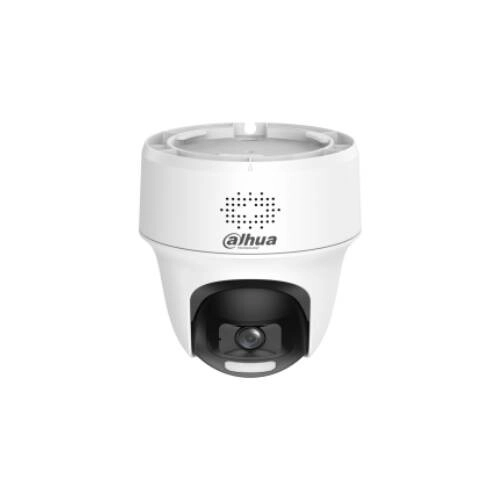
Dahua HAC-PT1200H1-IL-T 2MP Smart Indoor PT Camera
- Video: 1080p HD
- Dual Light: IR + LED, 25m
- PT & Audio: Pan-Tilt, Two-Way Talk
- Features: 3DNR, DWDR, Super Adapt
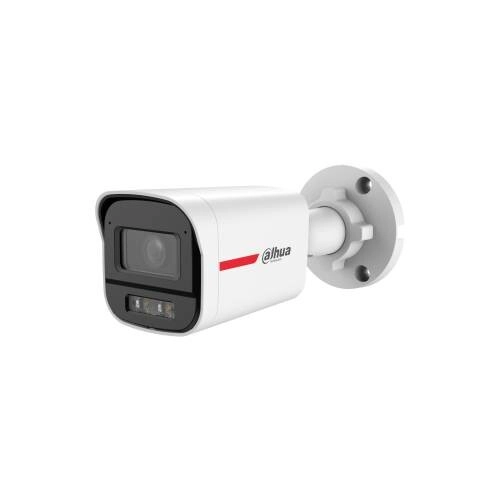
Dahua HAC-HFW1219X-A-PRO 2MP Lite HDCVI Bullet IP Camera
- Video: 2MP 1080p @ 30fps, 24/7 Color Imaging
- Night Vision: Smart Light+, Up to 50m
- Lens: 3.6mm Fixed, 2.8mm Optional
- Features: AI-ISP, DWDR, 3D NR, IP67, Built-in Mic
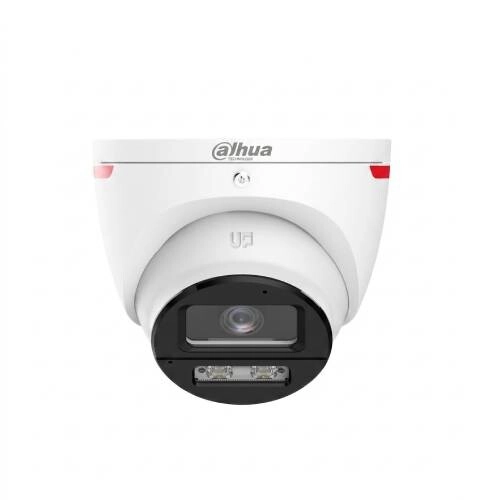
Dahua HAC-HDW1219SL-A-PRO 2MP Eyeball IP Camera
- Video: 2MP 1080p @ 30fps, AI-ISP
- Lens: 3.6mm Fixed Lens, 2.8mm Optional
- Night Vision: Smart Light+, Up to 30m
- Features: DWDR, 3D NR, IP67, 12V DC
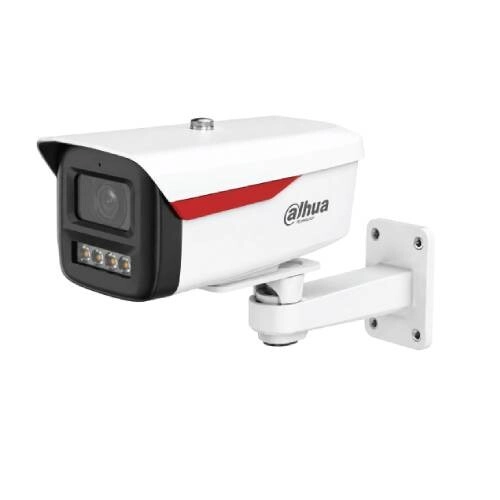
Dahua DH-IPC-HFW1439M1-A-B-PRO 4MP Bullet IP Camera
- 4MP: 2560 × 1440 @ 30fps
- Lens: 3.6/6mm F1.0, WizColor Lite
- Night Vision: 50m Warm Light, 120dB WDR
- Features: SMD Plus, Mic, PoE, IP67
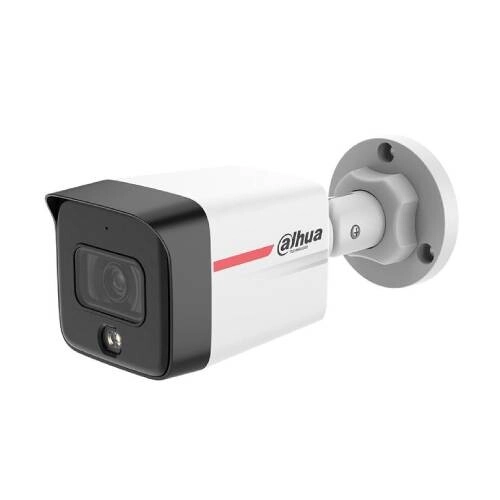
Dahua IPC-HFW1439TC1-A-PRO 4MP Bullet Entry Network Camera
- 4MP: 2560 × 1440 @ 30fps
- Night Vision: Warm Light up to 30m
- AI Detection: Human & Vehicle Detection
- Features: WDR, Built-in Mic, PoE, IP67
Dahua DH-IPC-HDW1439T1-A-PRO 4MP WizColor Network Camera
- 4MP: 2560 × 1440 @ 30fps
- Night Vision: Warm Light 30m
- Smart Detection: Human & Vehicle
- Protection: PoE, Built-in Mic, IP67
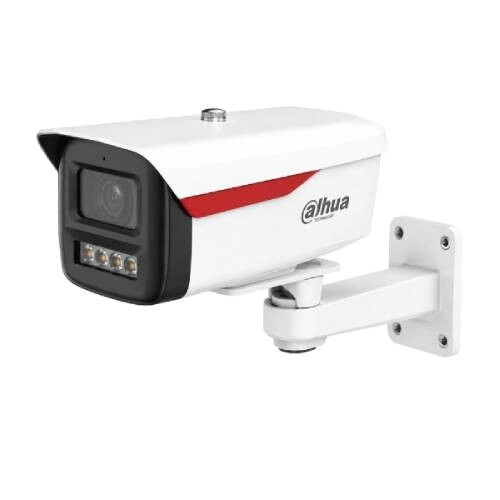
Dahua DH-IPC-HFW1239M1-A-B-PRO 2MP Bullet IP Camera
- Resolution: 2MP Full HD, 1920 × 1080 @ 25/30fps
- Night Vision: Warm Light up to 50m
- Smart Detection: Human & Vehicle Detection
- Protection: IP67, Built-in Mic & PoE Support
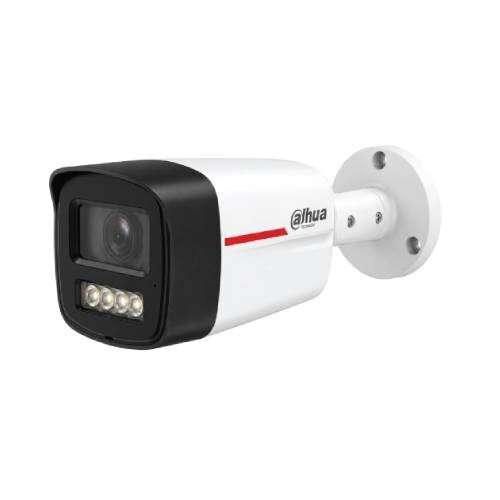
Dahua IPC-HFW1239TC1-A-PRO 2MP Bullet IP Camera
- 2MP FHD: Up to 30fps
- WizColor AI-ISP: 2.8/3.6mm F1.0 Lens
- Night Vision: Up to 30m Warm Light + Dual Mic
- Smart Security: SMD Plus, PoE & IP67
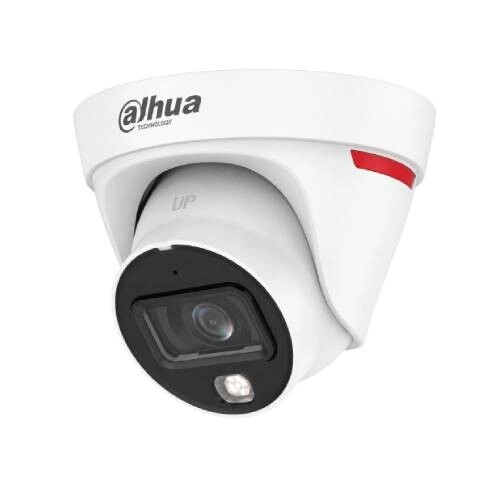
Dahua DH-IPC-HDW1239T1-A-PRO 2MP Eyeball IP Camera
- 2MP Full HD: Up to 30fps
- WizColor AI-ISP: 2.8/3.6mm F1.0 Lens
- Night Vision: Up to 30m Warm Light + Mic
- Smart Security: SMD Plus, PoE & IP67
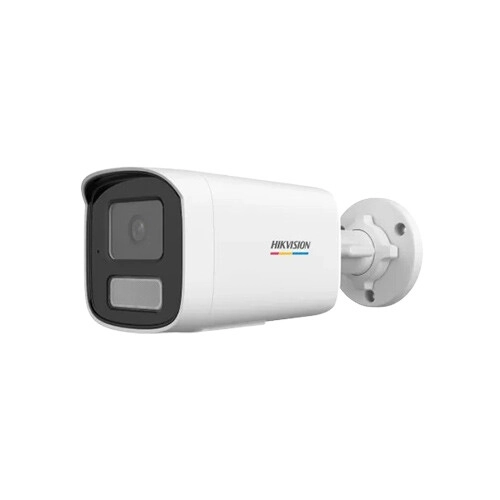
Hikvision DS-2CD1T67G2H-LIU 6MP ColorVu Fixed Bullet Network IP Camera
- Sensor: 1/2.4" CMOS, 6MP ColorVu
- Light & Store: Smart Hybrid, 512GB Max
- Detect: Human, Vehicle, Built-in Mic
- Build: IP67, Fixed Bullet, Network IP
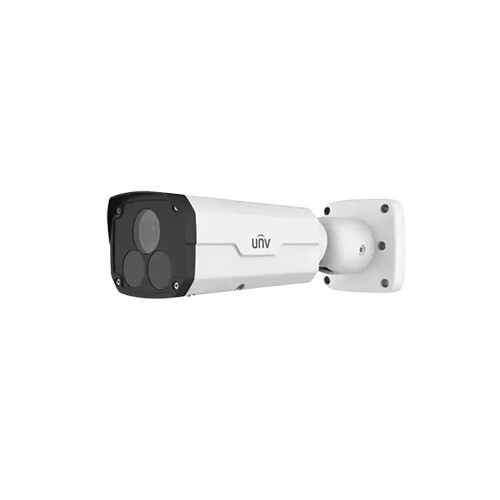
Uniview IPC2222SR5-UPF40-B Fixed Bullet 2MP Network Camera
- Sensor: 1/2.9" Progressive CMOS
- Resolution: 2MP 1080P @ 25/30fps
- Lens & IR: 4mm Lens, 50m IR Range
- Features: PoE, DWDR, 3D DNR, Smart Detection
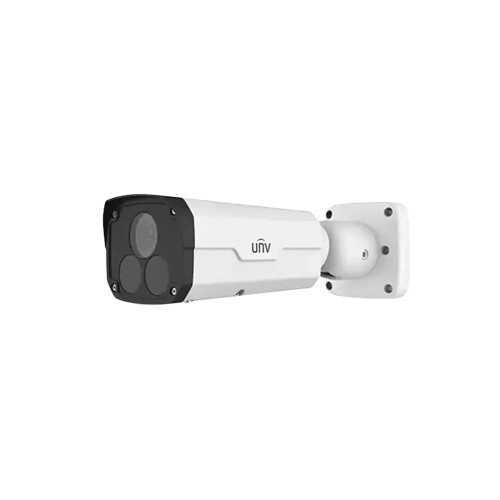
Uniview IPC2222ER5-DUPF40-C Fixed Bullet 2MP Network Camera
- Sensor: 2MP 1/2.8" CMOS, Full HD
- Lens: 4.0mm F1.2, 50m IR
- Video: 30fps, WDR, 3D DNR
- Features: PoE, Smart Detect, IP67
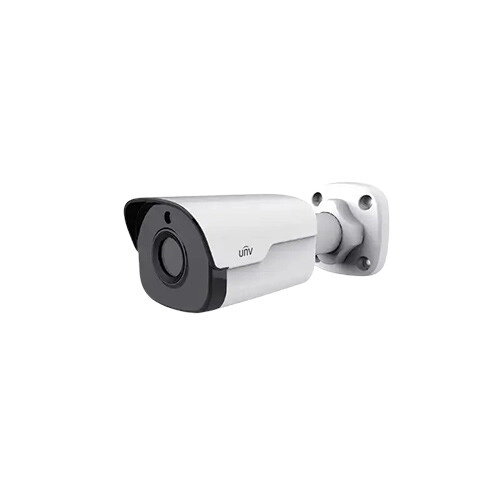
Uniview IPC2124SR3-ADPF40M-F IR Mini Bullet 4MP IP Camera
- Sensor: 4MP 1/3" CMOS, 1440P
- Lens: 4.0mm F2.0, 30m IR
- Video: 30fps, 3D DNR
- Features: PoE, Smart Detect, Built in Mic
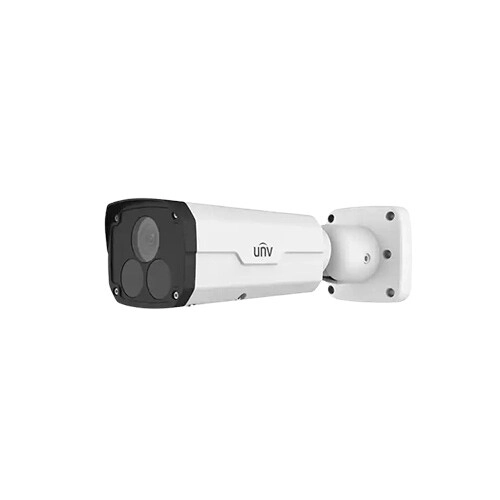
Uniview IPC2222EBR5-HDUPF40 IR Bullet 2MP IP Camera
- Sensor: 2MP 1/2.8" CMOS, Full HD
- Lens: 4.0mm F1.6, 50m Smart IR
- Video: 25/30fps, WDR, 2D/3D DNR
- Features: PoE, Smart Detect, IK10, IP67
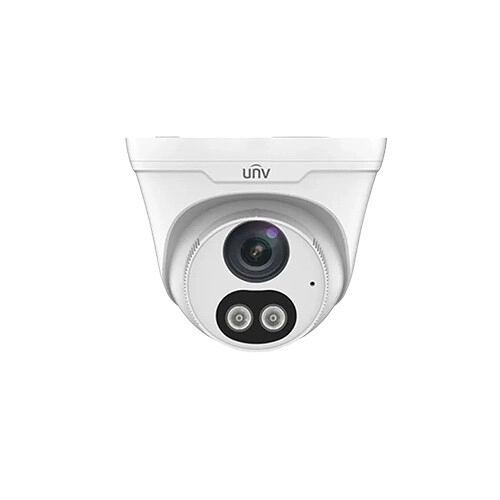
Uniview IPC3614LE-ADF28KC-WL IR Fixed Eyeball Dome 4MP IP Camera
- Sensor: 4MP, 1/3" CMOS
- Audio: Built-in Mic & Speaker
- Lens: 2.8mm F1.6
- Night Vision: Smart IR, 30m
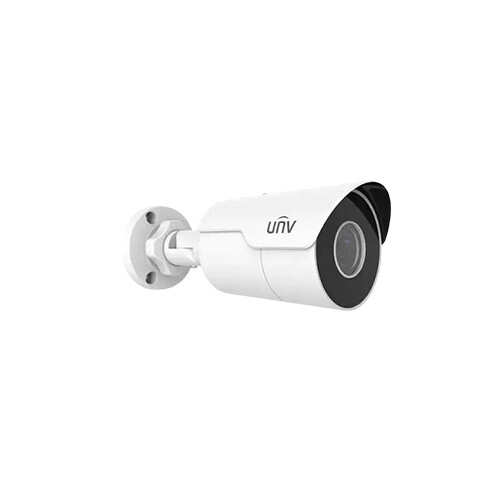
Uniview IPC2124LR5-DUPF40M-F EasyStar Mini Fixed Bullet 4MP IP Camera
- Sensor: 1/3" Progressive CMOS
- Resolution: 4MP (2688×1520) 25/20fps
- Lens: 4mm F1.6, IR 50m
- Features: PoE, WDR, 3D DNR, Smart Detection, Mic, IP67
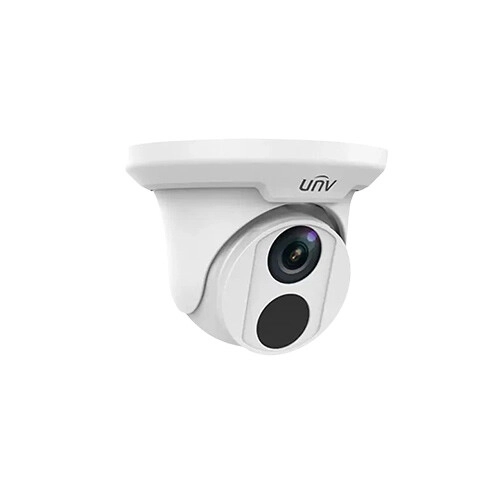
Uniview IPC3614LR3-PF28 Fixed Dome 4MP Network Camera
- Sensor: 1/3" Progressive CMOS
- Resolution: 4MP (1920×1080) 25/30fps
- Lens: 2.8mm F2.0, IR 30m
- Features: PoE, DWDR, 3D DNR, Smart Detection, IP67
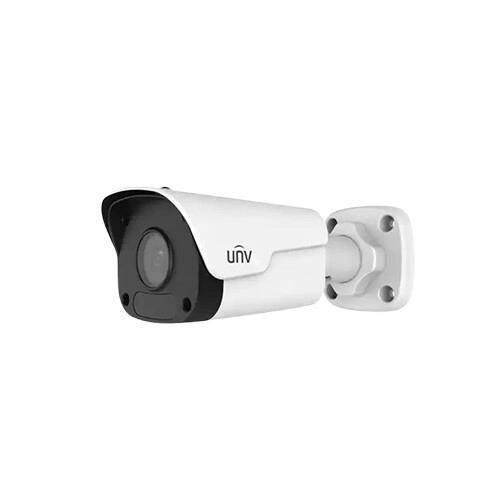
Uniview IPC2123LR3-PF40M-F Mini Fixed Bullet 3MP IP Camera
- Sensor: 1/2.7 Inch CMOS, 3MP
- Resolution: 1920×1080 at 25/30fps
- Lens: 4mm, F2.0, 30m IR
- Features: PoE, 3D DNR, IP67
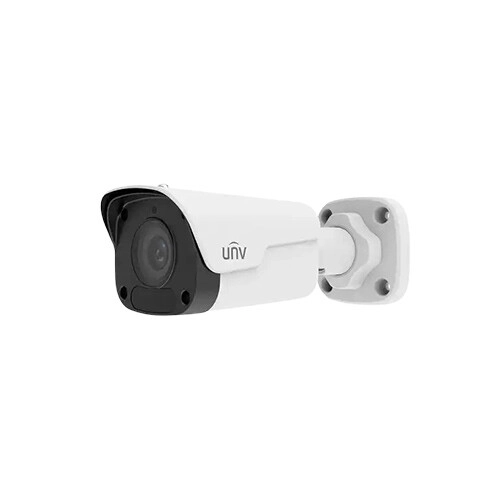
Uniview IPC2122LB-ADF40KM-G HD WDR Fixed IR Bullet 2MP IP Camera
- Sensor: 1/2.7" CMOS, Progressive Scan
- Resolution: 2MP 1080P @ 25/30fps
- Lens: 2.8mm F2.0, 30m IR
- Features: PoE, DWDR, 3D DNR, Smart Detect, Mic, IP67
Uniview IPC3612ER3-PF40-B 2MP IR Dome IP Camera
- 2MP Full HD progressive CMOS sensor
- 4.0mm fixed lens for focused coverage
- Smart IR night vision up to 30 meters
- Built-in microphone for audio recording
Showing 20 out of 187 products
IP Camera Price in Bangladesh 2026 – Latest Models & Prices
IP cameras are a reliable option for home, office, shop, and commercial monitoring. IP camera is a digital video camera that is capable of sending and receiving data over a computer network and is designed for remote surveillance and monitoring. Depending on the model, users can also get features such as high-resolution video, night vision, motion detection, built-in audio, and smart detection.
A network-based surveillance camera can be part of a larger security system, unlike a basic camera that only records video locally. An NVR can be connected to multiple cameras, allowing a single device to monitor different areas of a property. Some models offer remote access via a mobile application once you establish the required network configuration.
Benefits of IP Cameras
Modern IP cameras integrate smart features, digital video, and network connectivity into a single surveillance device. They can be used for home monitoring or integrated into a larger security system depending on the model.
Remote Viewing
One advantage of an IP camera is that you can view live footage remotely. Once the camera is linked to a suitable network and set up with its supported software or app, users can view the camera from a connected phone, computer, or other compatible device.
This can be useful when checking in on a home, office, shop, or business when you are not there. Remote access enables you to monitor what is happening at the monitored location when you need to, without relying on a local monitor.
Digital Video Processing
IP cameras use digital video recording and send the footage over a network. It lets you work with network equipment like an NVR and lets you build a multi-camera surveillance setup.
Digital processing also gives manufacturers more flexibility to add features such as image enhancement, smart detection, video compression, and high-resolution recording. When making a choice of camera, one must look at its specifications and the equipment it will work with.
Memory Card Support
Some IP cameras have a slot for a microSD card, which means recordings can be saved directly on the camera. This is useful for small installations or for recording locally.
Storage support is different for each model. Some cameras also support event-based recording, which can save storage space by recording when a movement or other selected event is detected.
Power over Ethernet
Power over Ethernet (PoE) enables compatible IP cameras to receive power and network data through an Ethernet cable. This can be helpful with installation as you may not need a separate power cable for each camera. PoE is especially useful in offices, shops, warehouses, and multi-camera setups.
Mobile App and Smart Monitoring
Many IP camera manufacturers provide applications that allow users to view live video, review recorded footage, receive notifications, and manage camera settings.
Depending on the model, smart features can include motion detection, human detection, audio detection, or other event-driven alerts. These features can make it easier to keep track of things on a day-to-day basis, as users do not need to watch the live feed continuously.
Multi-Camera Expansion
A network surveillance system can be expanded by adding additional compatible cameras. For example, one camera can be used to cover an entrance, another one to monitor an indoor area, and further cameras can be used for parking spaces or other critical locations.
This makes IP cameras suitable for small properties as well as larger commercial installations. Before expanding a system, ensure the NVR, network equipment, storage, and bandwidth can support the additional cameras.
Types and Features of IP Cameras
IP cameras are available in several designs, and each one can be better suited to a particular installation. The camera you choose for a room, shop counter, entrance, or outdoor area may have different requirements.
Techland BD's IP camera collection includes dome, bullet, eyeball, and pan-tilt options, along with different megapixel and resolution choices.
Camera Types for Different Locations
A WiFi IP camera has a small round body and is mainly used for indoor monitoring. Suitable for offices, shops, corridors, reception areas, and rooms where a neat installation is required.
A bullet IP camera has a longer body and is used for entrances, gates, parking areas and outdoor surveillance. If you go with an outdoor model, make sure it’s weather-protected and has specs like a lens and night vision.
An eyeball IP camera has a flexible mounting design that allows you to easily change the viewing direction during installation. Depending on the model, it can be used for a wide range of indoor and outdoor applications.
A PTZ IP camera features pan, tilt and zoom functions. PTZ cameras can be remotely moved and zoomed, unlike fixed-direction cameras. It is useful for large areas where active control and wider coverage are important.
Techland BD has various camera types listed under various brands, like TP-Link IP camera, Tenda IP cameras, etc. The camera types are fixed bullet, dome, eyeball, and other network camera designs.
Picture Quality & Resolution
Resolution is one of the first specs you'll want to check out when comparing IP cameras. Common options include 2MP, 3MP, 4MP, 6MP, and higher-resolution cameras.
A 2MP camera can offer Full HD footage and might be sufficient for basic monitoring. A 4MP or 6MP camera can give you more image detail and might be better for larger areas or where identifying details is more important.
Night Vision and Low-Light Monitoring
A camera you use for security should be able to provide useful footage after dark. Many IP cameras use infrared illumination to capture video in low-light conditions.
Some of the newer models make use of dual-light or full-color technologies to improve nighttime image quality. Techland BD, for instance, is currently listing Uniview IP camera ColorHunter cameras and Dahua IP camera Smart Dual Light models.
Two-Way Talk
Some IP cameras come with a built-in microphone and speaker for two-way communication. With a compatible app, users can listen to the monitored area and speak through the camera.
This can be useful for home entrances, shops, offices, reception areas, or other locations where communication is helpful. If audio is important, check the product specifications for microphone, speaker, and two-way talk support before buying.
Motion and Smart Detection
An IP camera can detect movement within its area of responsibility. The camera and software can be configured to trigger a recording on an event or to send a notification to the user’s connected device.
Some of the newer network cameras also have smart detection capabilities that can identify specific types of activity. These functions can help reduce unnecessary alerts and make it easier to find important events in recorded footage.
Smart detection can be an important factor in IP camera comparison for users who want more than continuous video recording.
How to Choose the Right IP Camera
The best IP camera depends on where you want to install it and what you want to do with it. A 2MP or 3MP camera can provide enough detail for a small indoor space. If you are looking to use it for an entrance, shop, or outdoor location, then you might want to go with a bullet or weather-resistant camera that has the right night vision.
Consider whether you need PoE, Wi-Fi connectivity, two-way audio, memory card recording, motion detection, smart detection, or color night vision. Sticking to the features you need can help you stay within your budget.
Buy IP Cameras From Techland BD
Techland BD offers a large selection of IP cameras in Bangladesh from brands such as Hikvision, Dahua, Uniview, EZVIZ, Jovision, TP-Link, Srihome, Tenda, Imou, and more. Today’s lineup includes different types, resolutions, and features of cameras for residential and commercial surveillance.
Whether you’re looking for a cheap 2MP camera for simple surveillance, a 4MP or 6MP camera for more detailed footage or an advanced PTZ camera for more extensive coverage, you’ll be able to compare the available specs before you buy. For those who want to get a bigger surveillance setup, check out the Security Surveillance category for products and equipment as well.
Before you buy, check the resolution, lens, night vision, storage options, connectivity, smart features, and the IP camera price in BD to find a model that matches your actual needs. Check the latest collection for current prices and available models. Visit the Techland BD IP Camera category.
IP Camera Price List in Bangladesh 2026
FAQ
Which IP camera is best for home use in Bangladesh?
For home security, a 2MP or 4MP IP camera with night vision, motion detection, and remote viewing is usually a good choice. Dome and eyeball cameras are suitable for indoor areas, while weather-resistant bullet cameras can be used outdoors.
Can I view an IP camera from my mobile phone?
Yes, most modern IP cameras support mobile applications for remote monitoring. After connecting and configuring the camera properly, you can use the supported app to view live footage, check recordings, and receive security alerts from your phone.
Do IP cameras need an NVR to record video?
Not necessarily. Some IP cameras support microSD card storage or cloud-based recording so that they can work without an NVR. However, an NVR is useful when you want to record and manage footage from multiple IP cameras in one centralised system.
What is the difference between a WiFi IP camera and a PoE IP camera?
WiFi IP cameras connect wirelessly to your network and are easy to install in homes. PoE IP cameras use an Ethernet cable for both power and data, providing a more stable connection that is ideal for offices, shops, and larger surveillance systems.
