Related Products
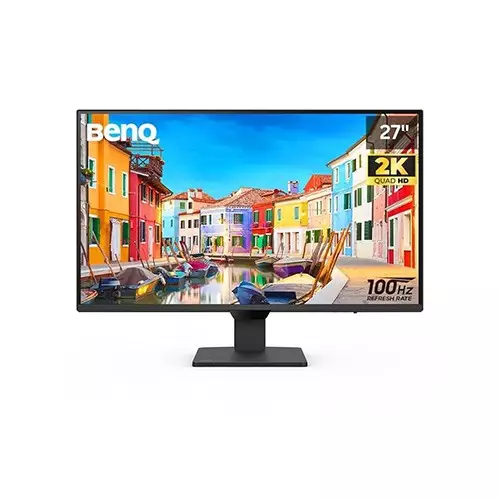
BenQ GW2790Q 27 inch Eye Care IPS 100 Hz QHD Monitor

Benq GW2291 21.5 inch 100Hz FHD IPS Eye-Care Monitor
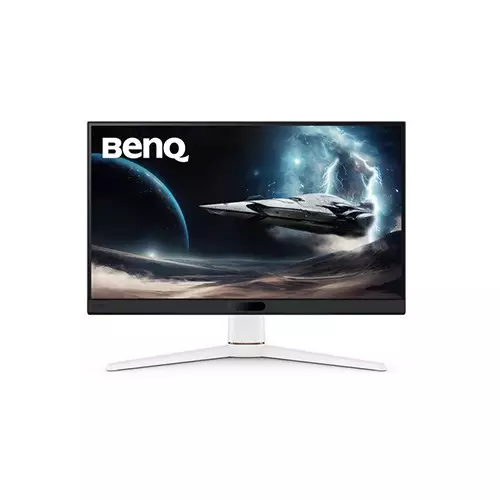
BenQ MOBIUZ EX251 25 Inch 220Hz IPS Gaming Monitor
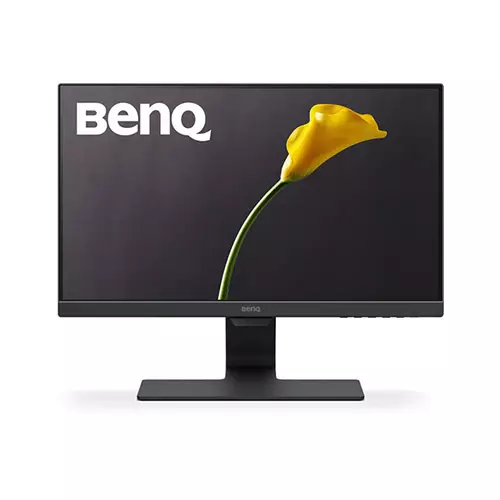
BenQ GW2283 21.5 Inch Eye-Care Stylish IPS Monitor
BenQ PD2706QN 27 Inch 100Hz HDR10 QHD IPS Monitor
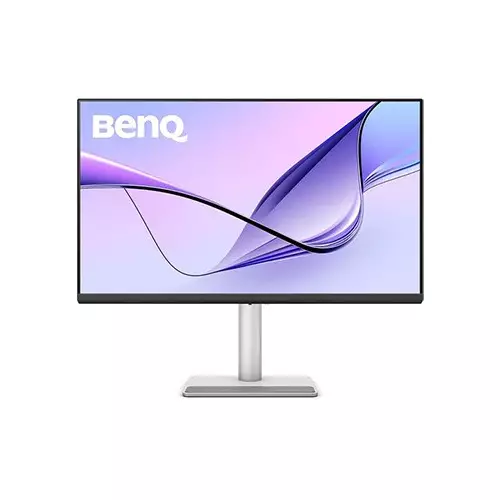
BenQ MA320U 32 Inch 4K UHD IPS 60Hz Professional Monitor for MacBook
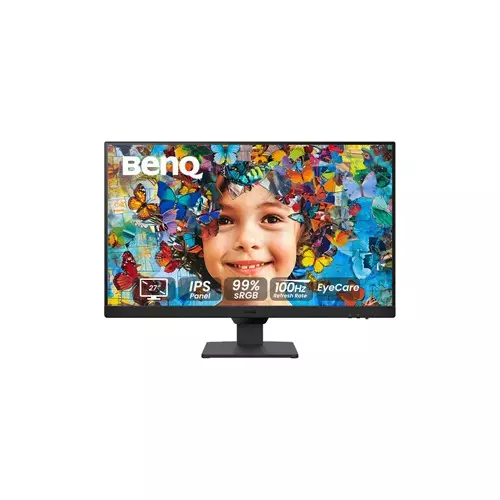
BenQ GW2790 27-inch IPS Panel 100Hz Full HD Monitor
BenQ EW2790U 27 Inch 60Hz 4K UHD IPS Professional Monitor
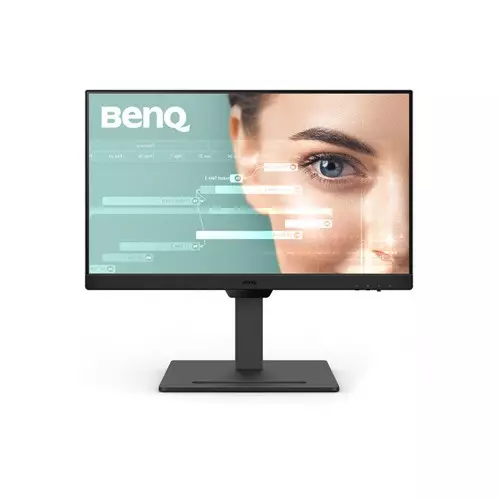
BenQ GW2490T 23.8-Inch 100Hz IPS LCD Monitor
BenQ MA270U 27 Inch 4K UHD IPS 60Hz Professional Monitor for MacBook
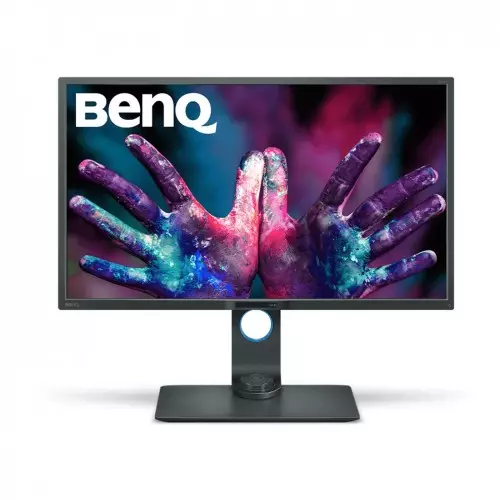
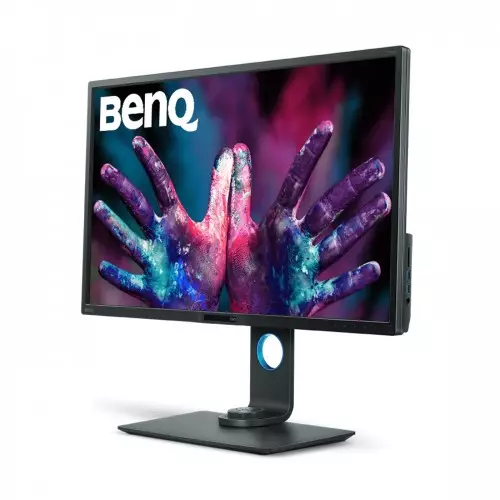
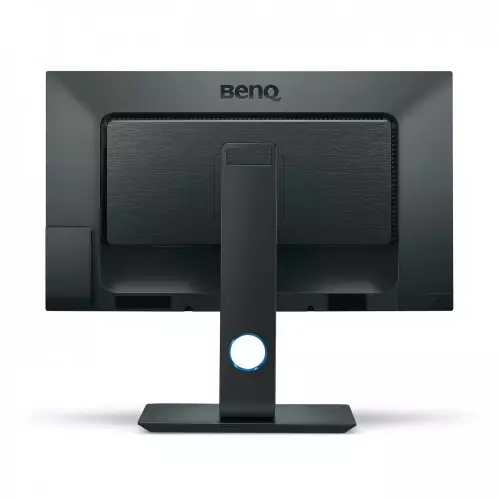
BenQ PD3200U 32 Inch UHD 4K sRGB IPS Monitor
- I/O Port: HDMI: HDMI (v2.0) x2; DisplayPort: DisplayPort (v1.2) x1; MiniDisplayPort (ver. 1.2) x1; USB Por...
- Screen Size: 32 inch
- Display Type: IPS
- Resolução: 3840x2160
Product Pricing
EMI Start From*
SPECIFICATIONS
Display
DCR (Dynamic Contrast Ratio) (typ.): 20M:1
Color Gamut: 100% sRGB/Rec. 709
Color Bit : 10bits
Audio & Microphone
Headphone Jack: Yes
Audio Line In : Yes
Battery And Power
Power Consumption (based on Energy Star): 44W
Power Consumption (stand by mode): 0.5W
Power Consumption (sleep mode): 0.5W
Voltage Rating: 100 - 240V
Power Supply: Built-in
Ports
Display Port DisplayPort (v1.2) x1
MiniDisplayPort (ver1.2)x1
USB Port(s): USB 3.0 Hub: USB Downstream x 4
USB 3.0 Hub: USB Upstream x 1
Audio Jack: Headphone Jack : Yes
Physical Specification
Dimensions (HxWxD mm):
H: 640.2 x 740.3 x 213.4
L: 490.2 x 740.3 x 213.4
CTN Dimensions (HxWxD mm): 840 x 187 x 690
Net Weight (kg): 12.5kg
Gross Weight (kg): 15.8kg
Warranty Information
DESCRIPTION
BenQ PD3200U Monitor Overview
The BenQ PD3200U Monitor Monitor from BenQ. This 4K monitor supports 100% of the Rec. 709 and sRGB color spaces, as well as supports Darkroom, CAD/CAM, and Animation display modes. A built-in KVM switch makes it easy to control two different computers from this single display using a single mouse and keyboard. Additionally, the PD3200U features DualView mode to display content in different viewing modes, such as sRGB and CAD/CAM alongside one another. Switching between viewing modes has also been simplified, thanks to the included Hotkey Puck, equipped with programmable buttons to quickly adjust the displays settings. The PD3200U features a 3840 x 2160 at 60 Hz native resolution, along with a 1000:1 contrast ratio that provides a clear and dynamic picture. Additionally, users benefit from a 4 ms (GtG) response time and 10-bit support for up to 1.07 billion colors, resulting in reduced ghosting and a greatly expanded color palette when working in applications where color accuracy is critical. Setup and configuration is simple thanks to DisplayPort 1.2, Mini DisplayPort 1.2, and HDMI 1.4 inputs. With four USB 3.0 Type-A ports it's simple to connect peripherals such as a mouse and keyboard directly to the monitor, while the built-in 3.5mm headphone jack, 3.5mm audio input, and dual 5W speakers help provide a complete multimedia experience.
4K UHD Monitor
BenQ PD3200U 4K ultra HD resolution offers enhanced clarity of fine details and textures for an optimal viewing and visual-intensive work experience.
10-Bit, 100% sRGB, and Rec.709
Work confidently in the sRGB and Rec.709 color space from a wide viewing angle. All Designer monitors in the PD series are Technicolor Color Certified, ensuring consistent and accurate colors for an impressive color performance.
Darkroom Mode
Darkroom Mode adjusts the brightness and contrast of images giving clarity and sharpness to details, creating the optimal setting for work in darker post-processing environments.
CAD/CAM Mode
CAD/CAM Mode offers contrast on lines and shapes of technical illustrations, bringing out the smallest details to view.
Animation Mode
Control and perfect every movement with our innovative Animation Mode. Lighten image areas with Animation Mode to better visualize the details hiding in dark shadows.
Keyboard Video Mouse (KVM) Switch
The KVM Switch function allows users to display and control the contents from two different PC systems on one screen using just one set of keyboard and mouse to save space and boost work efficiency.
DualView
Improve your work flow and enhance productivity by switching on DualView to showcase designs in two modes (e.g. sRGB and CAD/CAM) side-by-side without the need for two screens.
Hotkey Puck
Switch between CAD/CAM, Animation and Low Blue Light Modes with a simple click of a button on the Hotkey Puck. Customize the buttons to map other modes or OSD settings such as brightness and contrast.
Ergonomics
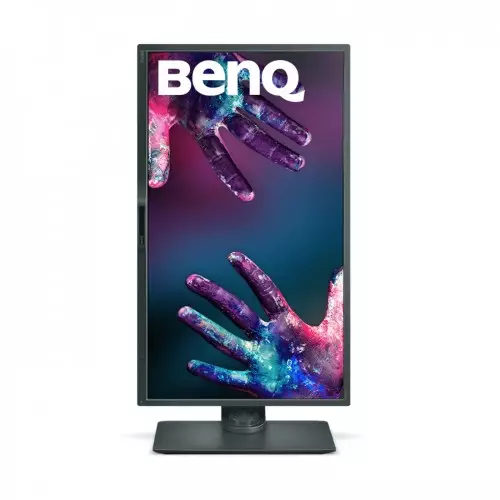
Customize your workstation for the perfect user environment with an extensive range of height, tilt, pivot, stroke and swivel monitor adjustments. When using the display in a vertical orientation, the monitor's smart screen orientation detector will auto-pivot screen contents so you can enjoy viewing pictures in its full context.
Flicker-Free
Stable feedback technology prevents the harmful effects of flickering from tiring or damaging the eyes. Hours of working in front of your monitor can now be achieved without feeling fatigued or sore in the eyes.
Low Blue Light
BenQ's Low Blue Light Technology is designed to filter out harmful blue light, effectively diminishing eye fatigue and irritation.
[product_table id="34" limit="10" type="filter" filter_category="6111"]
REVIEWS
Login to write a review.
Overall Rating
Lighten image areas with Animation Mode to better visualize the details hiding in dark shadows.what a monitor
20 May, 2021
4K ultra HD resolution offers enhanced clarity of fine details and textures for an optimal viewing and visual-intensive work experience.
20 May, 2021
When using the display in a vertical orientation, the monitor's smart screen orientation detector will auto-pivot screen contents so you can enjoy viewing pictures in its full context.
13 May, 2021
Best 4k monitors, I really like this Benq monitor
14 April, 2021
4k monitor is one of the best in this price range
11 March, 2021
What is the BenQ PD3200U 32 Inch UHD 4K sRGB IPS Monitor Price in Bangladesh 2026 ?
Related Products
BenQ GW2790Q 27 inch Eye Care IPS 100 Hz QHD Monitor
Benq GW2291 21.5 inch 100Hz FHD IPS Eye-Care Monitor
BenQ MOBIUZ EX251 25 Inch 220Hz IPS Gaming Monitor
BenQ GW2283 21.5 Inch Eye-Care Stylish IPS Monitor
BenQ PD2706QN 27 Inch 100Hz HDR10 QHD IPS Monitor
BenQ MA320U 32 Inch 4K UHD IPS 60Hz Professional Monitor for MacBook
BenQ GW2790 27-inch IPS Panel 100Hz Full HD Monitor
BenQ EW2790U 27 Inch 60Hz 4K UHD IPS Professional Monitor
BenQ GW2490T 23.8-Inch 100Hz IPS LCD Monitor