Related Products
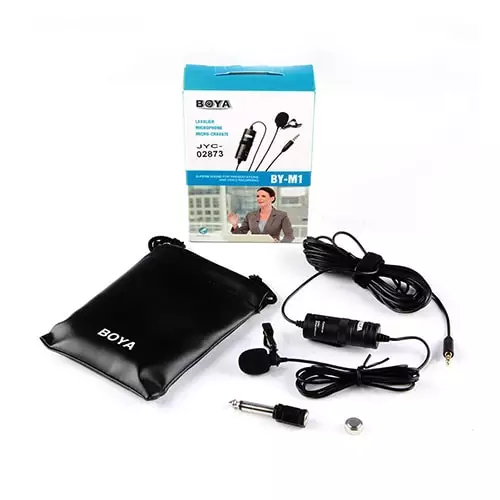
Boya BY-M1 Omni Directional Lavalier Microphone
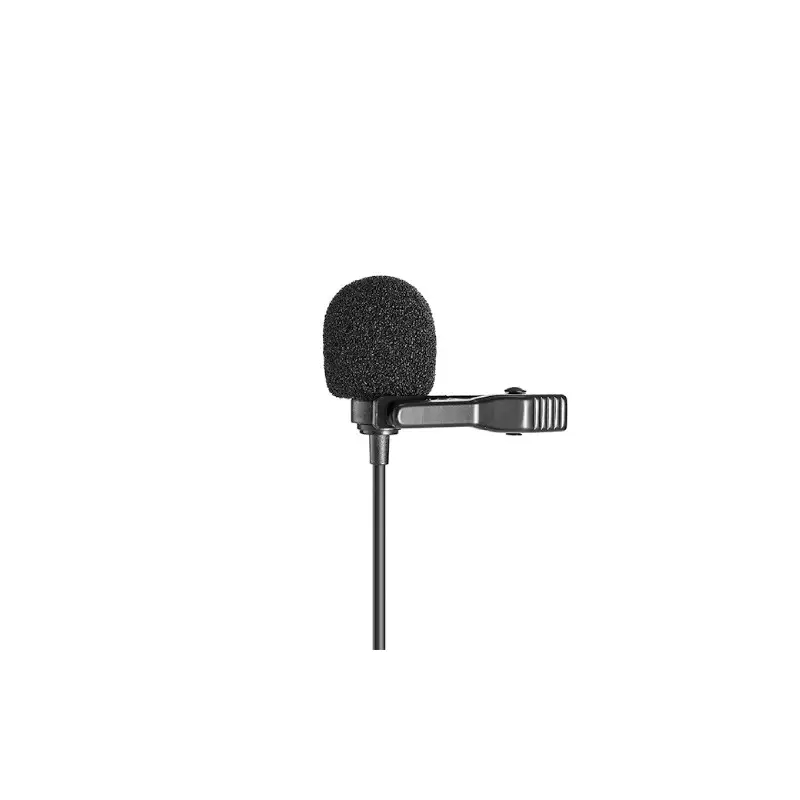
Boya BY-M1 Pro II 3.5mm Lavalier Wired Microphone
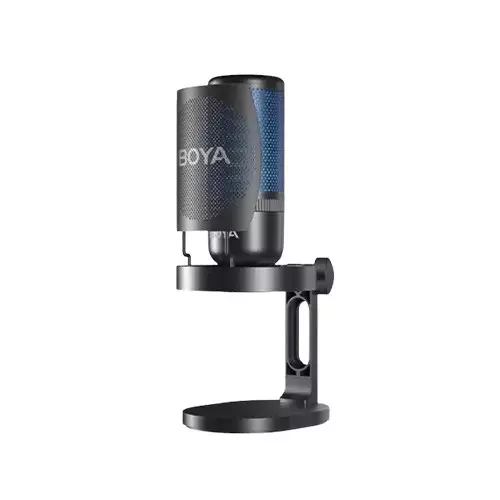
BOYA K3 Super-cardioid Desktop Condenser Microphone
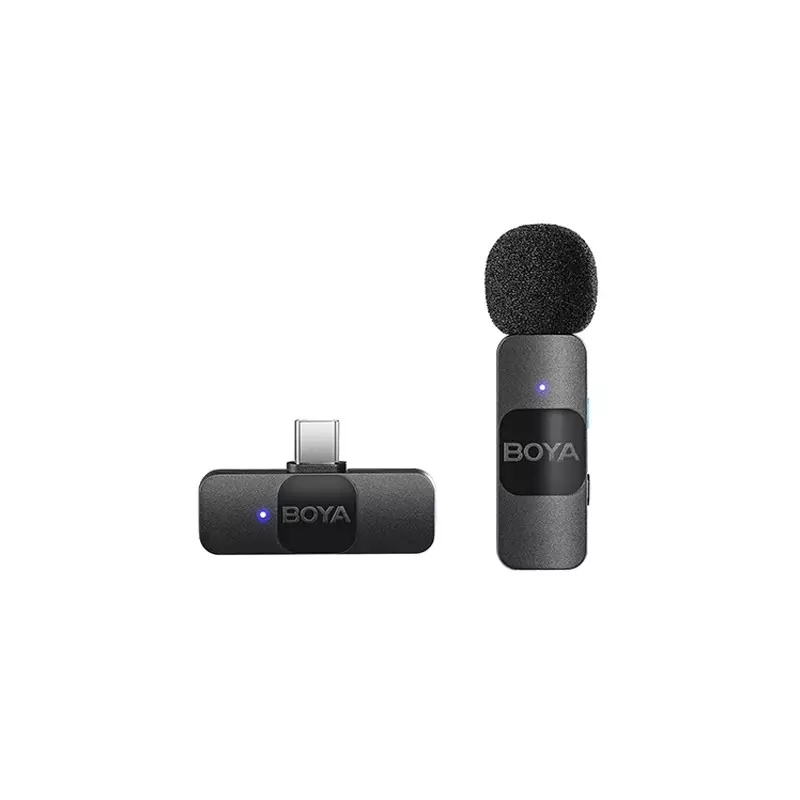
BOYA BY-V10 ULTRA COMPACT 2.4GHZ WIRELESS MICROPHONE SYSTEM
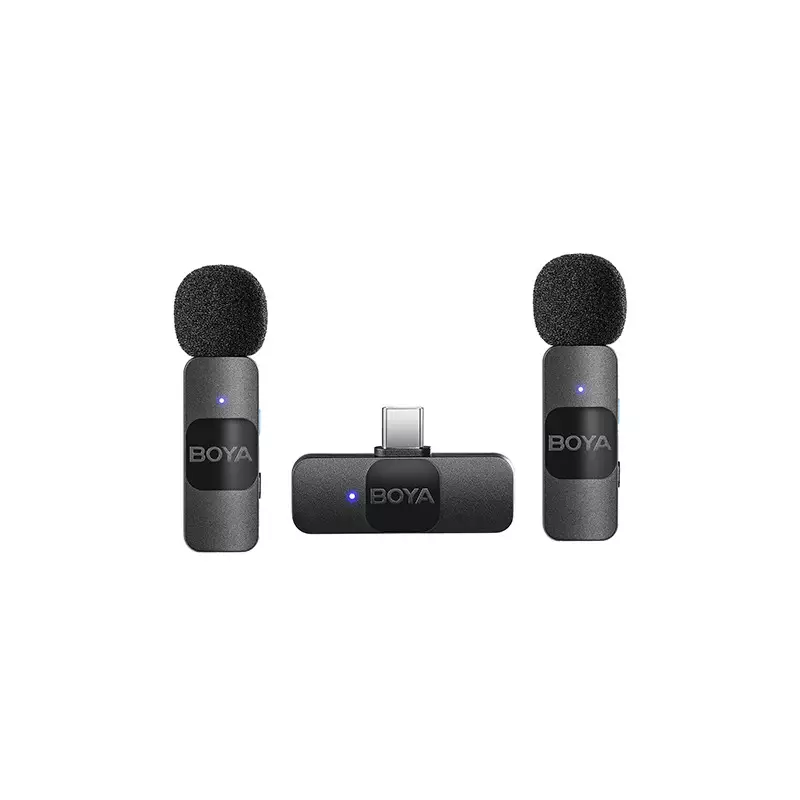
BOYA BY-V20 ULTRA COMPACT 2.4GHZ WIRELESS MICROPHONE SYSTEM
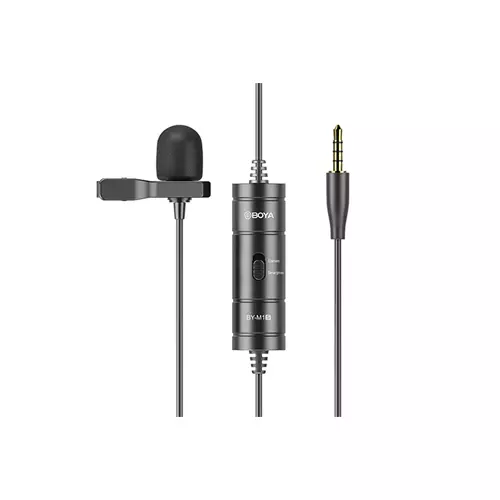
Boya BY-M1S Universal Lavalier Microphone
BOYA Mini 2-02 AI Noise Cancellation Super Mini Wireless Microphone
BOYA Mini-17 Ultra-Compact Wireless Microphone for Type-C Devices
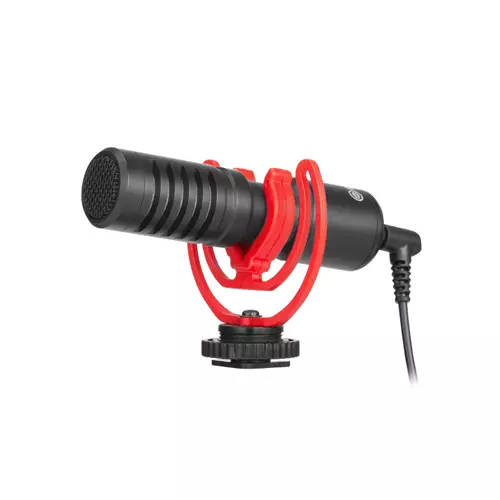
BOYA BY-MM1+ Ultracompact Camera-Mount Shotgun Microphone
Boya Magic-03 AI-Powered Transformable Wireless Microphone
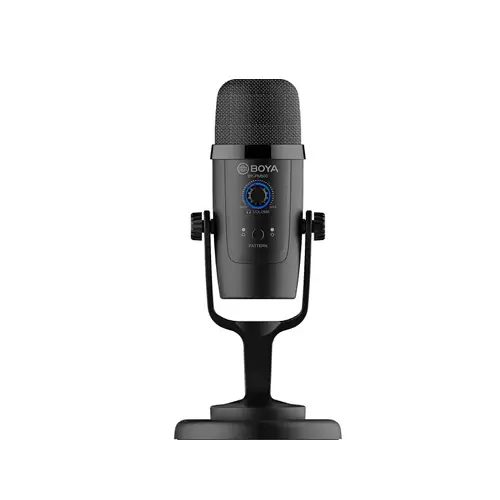
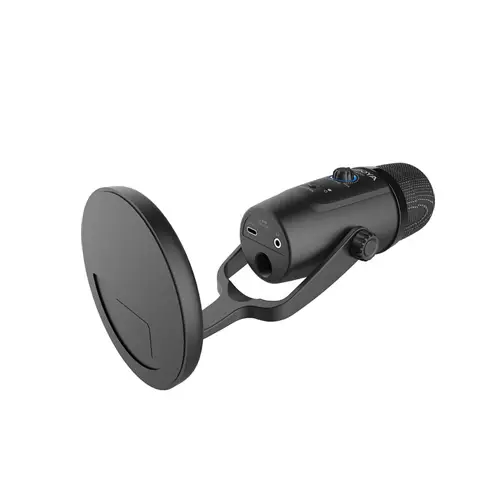
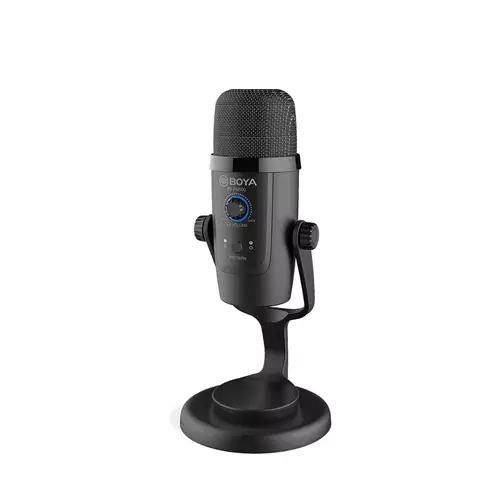
BOYA BY-PM500 USB Microphone
- Smooth and wide-spectrum response
- 2 selectable polar patterns
- 24 Bit/48 kHz resolution
- Latency-free monitoring
Product Pricing
EMI Start From*
DESCRIPTION
| BOYA BY-PM500 Microphone Specification |
| Microphone |
|
| Performance |
|
| Connectivity |
|
| Digital Audio |
|
| Power |
|
| Physical |
|
| 1-Year Warranty |
BOYA BY-PM500 Microphone in Bangladesh
Record your podcast, create online content, and even capture your instruments straight to computers or mobile devices with the BOYA BY-PM500, an economical USB microphone that gives quality alongside versatility. Because of the mic's plug-and-play compatibility with Mac, Windows, iOS, and Android devices, you'll start recording both simply and easily.
The BOYA BY-PM500 Microphone offers useful features, like easy controls, and provides you with multiple polar patterns to suit a spread of recording needs. With cables and a desktop stand included, you'll get set up right out of the box.
Fits Your Needs
BOYA BY-PM500 Microphone For live streaming, vlogging, gaming, and recording podcasts and music
Works together with your Devices
The BOYA BY-PM500 Microphone is compatible with Mac and Windows computers also as most USB Type-C mobile devices.
Multiple Polar Patterns for Multiple Uses
Two selectable polar patterns are available. BOYA BY-PM500 Microphone Choose Cardioid to tamp room tone, focusing the mic on your vocals. Or choose Omnidirectional to capture sound from all directions, which is great for musical instruments.
Built-In Headphone Jack
BOYA BY-PM500 Microphone You can achieve latency-free monitoring via the three .5mm headphone jack. Just plug your headphones in and you're able to listen.
High-Quality Audio Capture
The BOYA BY-PM500 Microphone records audio at 24-bit / 48 kHz, supplying you with the printed standard for a way many samples it can record during a second, and providing a high degree of dynamic range. BOYA BY-PM500 Microphone A non-techy translation: this microphone goes is compatible for selecting up the nuances of your voice.
Easy-to-Use Controls
The mic offers adjustable mic gain, headphone volume, and mute on/off via one control, with a corresponding multicolor indicator. Red means mute is on. Purple means you're knob controls the mic gain. Blue means the knob now controls your headphone volume. Isn't that simple?
Related Video:
REVIEWS
Login to write a review.
No reviews yet
Be the first to share your thoughts about this product.
What is the BOYA BY-PM500 USB Microphone Price in Bangladesh 2026 ?
Related Products
Boya BY-M1 Omni Directional Lavalier Microphone
Boya BY-M1 Pro II 3.5mm Lavalier Wired Microphone
BOYA K3 Super-cardioid Desktop Condenser Microphone
BOYA BY-V10 ULTRA COMPACT 2.4GHZ WIRELESS MICROPHONE SYSTEM
BOYA BY-V20 ULTRA COMPACT 2.4GHZ WIRELESS MICROPHONE SYSTEM
Boya BY-M1S Universal Lavalier Microphone
BOYA Mini 2-02 AI Noise Cancellation Super Mini Wireless Microphone
BOYA Mini-17 Ultra-Compact Wireless Microphone for Type-C Devices
BOYA BY-MM1+ Ultracompact Camera-Mount Shotgun Microphone